AI agent for game designers
Playtest Feedback Synthesis Agent
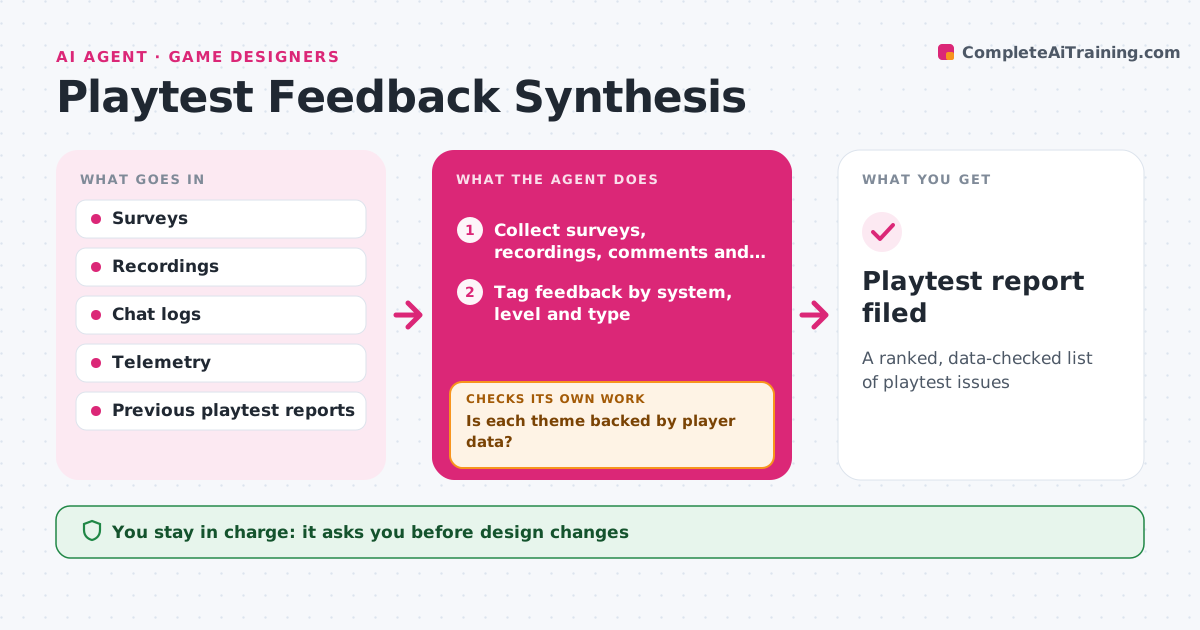
A ranked, data-checked list of playtest issues
What it does
After a playtest, teams drown in surveys, recordings and chat comments, and the loudest opinions often win. This agent combines survey answers, session recordings, chat comments and telemetry such as deaths, quit points and time per level. It tags each piece of feedback by system, level and type: bug, confusion, difficulty or fun. It then tests each theme against the data. For example, 'level 3 is too hard' is checked against real death and quit rates. When the data does not back a theme, it looks for supporting recordings or marks it as opinion. It ranks issues by how many players they affect and how severe they are, and compares them with earlier playtests to see whether fixes worked. The designer decides what to change. Edge case: feedback from players far outside the target audience is shown in a separate section.
How it works
Follow the arrows from top to bottom. The orange dashed arrow is the loop: when a check fails, the agent goes back and tries again.
Read the steps as a list
- Playtest ends
- Collect surveys, recordings, comments and telemetry
- Tag feedback by system, level and type
- Compare themes with telemetry
- Is each theme backed by player data?If not: mark as opinion or look for supporting recordings. Back to step 3.
- Rank issues and compare with earlier playtests
- Designer decides changesThe agent waits here for your OK.
- Playtest report filed
How it decides
It ranks issues supported by both comments and telemetry above opinion-only themes.
- Data-backed issues rank first
- Non-target players shown separately
- Fixed issues that return are flagged
Make it yours
Every agent is a starting point. You choose these settings for your own situation.
- Tags
- Target audience definition
- Report format
- Comparison window
What keeps you in control
It always asks you first
- Design changes
Hard limits
- Never shares player identities
- Never changes game builds
It stops when
- Done: report filed
- Stop: telemetry missing
Set it up
We guide you through the set-up, step by step
Members get the full set-up guide for this agent. No technical skills needed: you copy, paste and upload.
- One set of instructions to paste into your AI, with the clicks for ChatGPT, Claude, Microsoft 365 Copilot, Gemini and Grok
- The agent then walks you through connecting your own data, one source at a time
- A downloadable copy with the flow chart, the rules and the full guide