AI agent for economists
Policy Impact Evaluation Agent
A tested estimate of a policy's effect with robustness checks
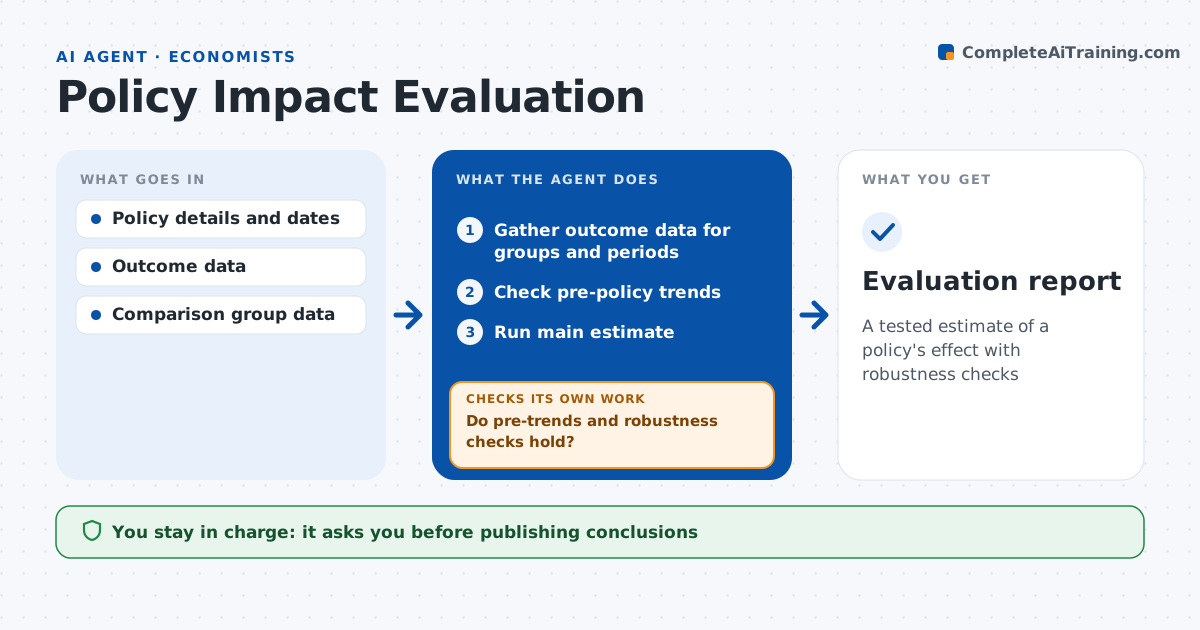
What it does
Policy evaluations are often rushed and use comparison groups that were never really comparable. When a policy change needs evaluating, this agent sets up and runs the analysis. It gathers outcome data before and after the change for affected and comparison groups. It checks whether the groups followed similar trends before the policy. It runs the main estimate with the method the economist chose, such as difference-in-differences, then runs robustness checks with other comparison groups and time windows. If the pre-trend check fails or results swing widely, it tests other comparison groups and explains why. It drafts a findings summary with clear limits. The economist decides on conclusions. Edge case: another policy started at the same time, so the agent flags confounding in the summary.
How it works
Follow the arrows from top to bottom. The orange dashed arrow is the loop: when a check fails, the agent goes back and tries again.
Read the steps as a list
- Evaluation requested
- Gather outcome data for groups and periods
- Check pre-policy trends
- Run main estimate
- Run robustness checks
- Do pre-trends and robustness checks hold?If not: try other comparison groups or windows and rerun. Back to step 3.
- Economist decides conclusionsThe agent waits here for your OK.
- Evaluation report
How it decides
It accepts an estimate only if pre-trends are similar and results hold across robustness checks.
- Pre-trend difference significant: change comparison group
- Effect changes sign across checks: report as not robust
- Other policy at same time: flag confounding
Make it yours
Every agent is a starting point. You choose these settings for your own situation.
- Methods allowed
- Robustness checks
- Significance level
- Report template
What keeps you in control
It always asks you first
- Publishing conclusions
Hard limits
- Never claims causality the checks do not support
- Never publishes
It stops when
- Done: report approved
- Stop: no valid comparison group
Set it up
We guide you through the set-up, step by step
Members get the full set-up guide for this agent. No technical skills needed: you copy, paste and upload.
- One set of instructions to paste into your AI, with the clicks for ChatGPT, Claude, Microsoft 365 Copilot, Gemini and Grok
- The agent then walks you through connecting your own data, one source at a time
- A downloadable copy with the flow chart, the rules and the full guide