AI agent for portfolio managers
Portfolio Concentration Stress Agent
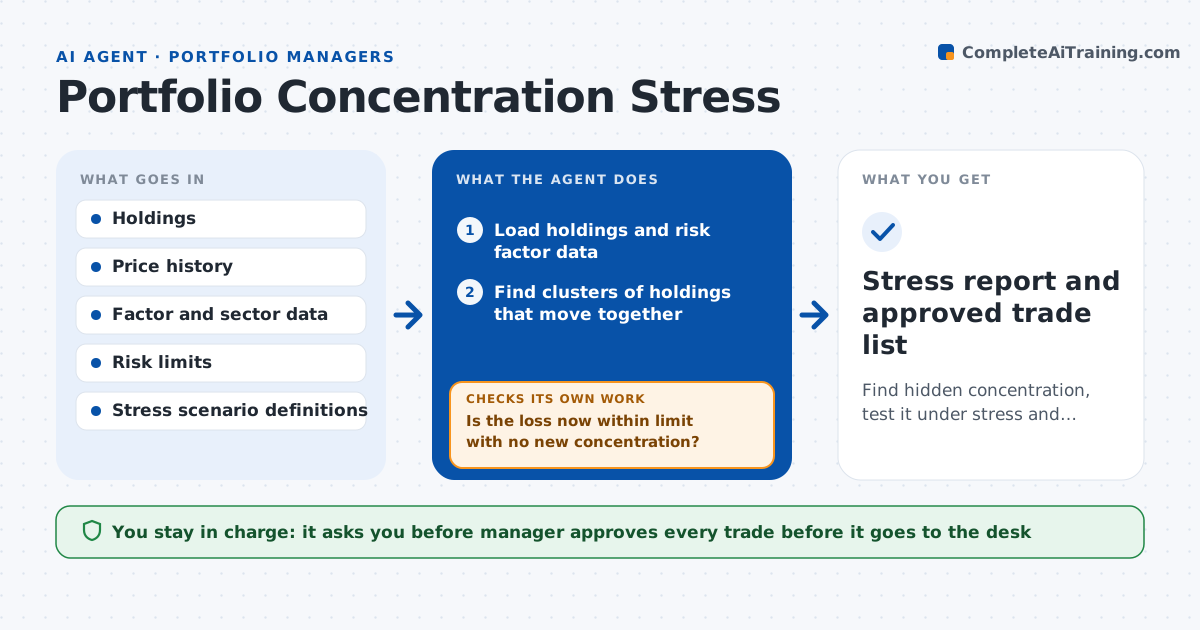
Find hidden concentration, test it under stress and propose trims that actually reduce it.
What it does
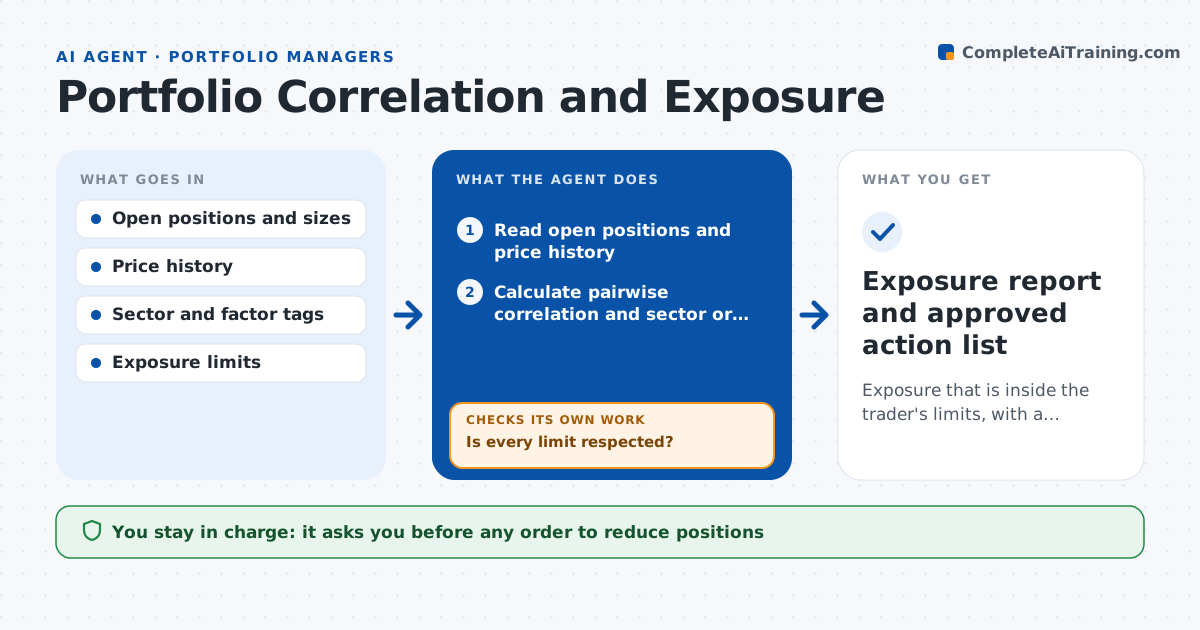
A portfolio can hold twenty different names that all drop together when rates jump or one sector stumbles. This agent reads holdings and finds hidden correlation by factor and sector, such as several stocks that share an exposure to rates or a single supplier. It runs stress cases, such as a rate shock, an oil drop or a credit spread widening, and shows the loss. It proposes trims or swaps that reduce the concentration, then reruns the stress to confirm the risk fell and that no new concentration appeared. If the risk did not fall enough, it tries a larger trim or a different holding. The manager approves any trade before it goes to the desk.
How it works
Follow the arrows from top to bottom. The orange dashed arrow is the loop: when a check fails, the agent goes back and tries again.
Read the steps as a list
- Weekly run or large market move
- Load holdings and risk factor data
- Find clusters of holdings that move together
- Run the stress scenarios on the portfolio
- Flag scenarios where the loss exceeds the limit
- Propose trims or swaps to reduce the concentration
- Rerun the stress with the proposed trades
- Is the loss now within limit with no new concentration?If not: increase the trim or choose a different holding, then rerun. Back to step 6.
- Estimate trading costs and tax effect
- Manager approves any trade before it goes to the deskThe agent waits here for your OK.
- Stress report and approved trade list
How it decides
It compares stress losses with risk limits and proposes the smallest trim that brings the loss within limit without creating a new concentration.
- Flag a cluster when correlation is above 0.7 over 1 year
- Treat a stress loss above 5 percent of NAV as a breach
- Prefer trims of the most liquid names first
- Reject trades that create a position above the single name limit
Make it yours
Every agent is a starting point. You choose these settings for your own situation.
- Stress scenarios
- Loss limit (default 5 percent of NAV)
- Correlation cutoff (default 0.7)
- Position limits
What keeps you in control
It always asks you first
- Manager approves every trade before it goes to the desk
Hard limits
- Never places trades
- Shows model limits and data dates in every report
It stops when
- Done: stress losses within limits or manager has accepted the breach
- Stop: price data missing for key holdings
Set it up
We guide you through the set-up, step by step
Members get the full set-up guide for this agent. No technical skills needed: you copy, paste and upload.
- One set of instructions to paste into your AI, with the clicks for ChatGPT, Claude, Microsoft 365 Copilot, Gemini and Grok
- The agent then walks you through connecting your own data, one source at a time
- A downloadable copy with the flow chart, the rules and the full guide