AI agent for technical writers
Procedure Walkthrough Validation Agent
Confirm that a written procedure works start to finish on a clean system
What it does
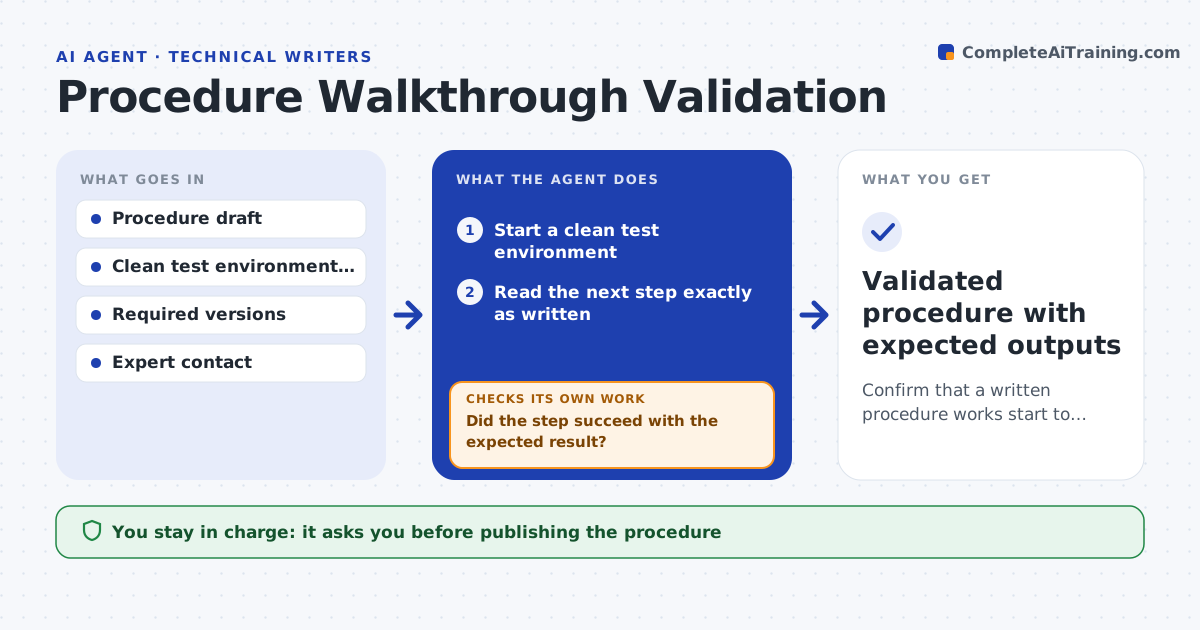
A procedure that works for the engineer who wrote the notes often fails for a new reader, because a step was assumed or skipped. This agent follows a draft procedure literally in a clean test environment, such as a fresh virtual machine. It runs each command or action in order and records the result. When a step fails, it checks whether an earlier step was missing, a version is wrong, or the text is ambiguous, then drafts a fix and starts again from a clean state. It records expected output for each step so readers can confirm progress. It asks the subject matter expert when it cannot tell why a step fails. The writer approves the final procedure. Edge case: steps needing a real license key are marked for manual testing, not skipped silently.
How it works
Follow the arrows from top to bottom. The orange dashed arrow is the loop: when a check fails, the agent goes back and tries again.
Read the steps as a list
- Draft procedure ready for validation
- Start a clean test environment
- Read the next step exactly as written
- Run the step and record output
- Did the step succeed with the expected result?If not: diagnose the cause, draft a fix and restart from a clean environment. Back to step 3.
- Write the expected output for the reader
- Have all steps run end to end without failure?If not: repeat the walkthrough from the start with the fixed draft. Back to step 2.
- Writer and expert approve the validated procedureThe agent waits here for your OK.
- Validated procedure with expected outputs
How it decides
It treats the draft as the only source of truth and fails any step that needs knowledge not written in it.
- Restart from a clean environment after every fix
- Ask the expert after two failed fixes on the same step
- Mark steps needing licenses or hardware as manual-test
- Record version numbers of every tool used
Make it yours
Every agent is a starting point. You choose these settings for your own situation.
- Test environment image (default latest supported OS)
- Failed fixes before asking the expert (default 2)
- Output detail level (default one expected line per step)
- Who approves (default writer plus expert)
What keeps you in control
It always asks you first
- Publishing the procedure
Hard limits
- Runs only in isolated test environments
- Never uses production credentials
It stops when
- Done: full run passes
- Stop: environment image missing a required base system
Set it up
We guide you through the set-up, step by step
Members get the full set-up guide for this agent. No technical skills needed: you copy, paste and upload.
- One set of instructions to paste into your AI, with the clicks for ChatGPT, Claude, Microsoft 365 Copilot, Gemini and Grok
- The agent then walks you through connecting your own data, one source at a time
- A downloadable copy with the flow chart, the rules and the full guide