
Learning path
Learning AI as a Salesforce Administrator
A learning path for Salesforce administrators who want to use AI at work. It covers setup, connecting your assistant, prompts for admin tasks, and video courses with certifications.
Your path
Everything in the Salesforce Administrator AI kit, in the order that makes sense. Members tick off each step and see their progress.
Set up your AI
We guide you through each click.
Let skills do your everyday tasks
Connect your apps and pick your AI apps
Hand whole tasks to AI agents
Build your own tools
Keep growing
Everything for salesforce administrators
All the courses, certifications, AI tools, MCP servers and apps for salesforce administrators, most relevant first. Open any list to see more.
Take the prompt courses
A short framework course to learn how to ask, then 9 lessons with ready-to-use prompts for salesforce administrators.
Start with this framework: how to talk to AI
ICIO and CIDI reusable prompt templates help you classify and extract Salesforce case data and automate user access reviews repeatedly.
Then your prompt course for salesforce administrators- 1Learning New Salesforce Features3 prompts
- 2Formulas And Validation Rules3 prompts
- 3Designing Automation With Flow3 prompts
- 4Reports And Dashboards2 prompts
- 5Data Imports And Cleanup3 prompts
- 6Troubleshooting User Problems3 prompts
- 7Security And Access Setup2 prompts
- 8Documenting And Testing Changes3 prompts
- 9Working With Users And Stakeholders2 prompts
Watch the video courses or add them to your Favorites for later
72 video courses our AI picked for salesforce administrators, most useful first. Save the ones you want to watch later with the heart.
Favorites are saved to your account: sign in or get your AI kit first.
Show all 72 video courses
Get certified, or add certifications to your Favorites
Every course ends in an exam and a certificate you can add to LinkedIn. Save the certifications you are aiming for with the heart.
Favorites are saved to your account: sign in or get your AI kit first.
More certifications for salesforce administratorsShow all 24 certifications
Try the AI tools for salesforce administrators
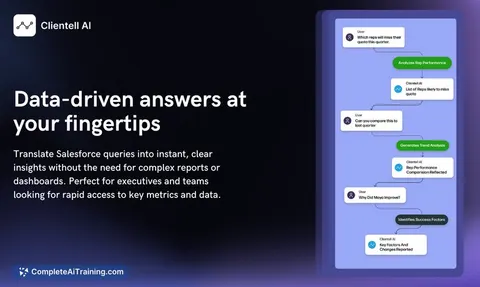
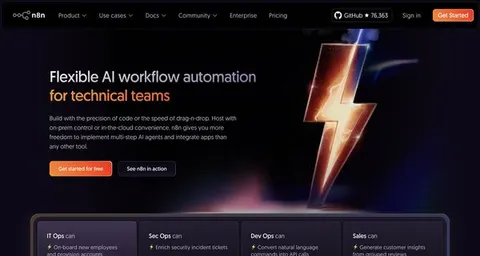
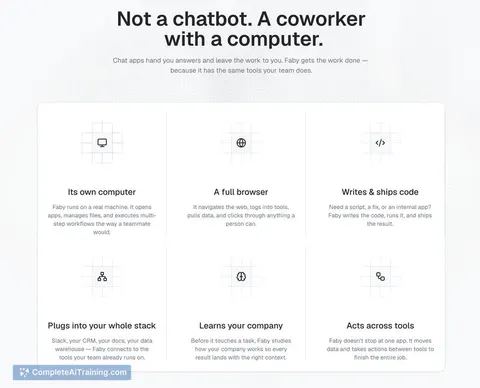
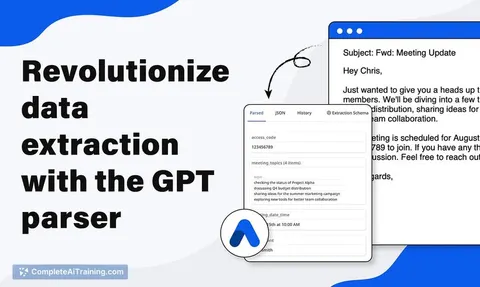
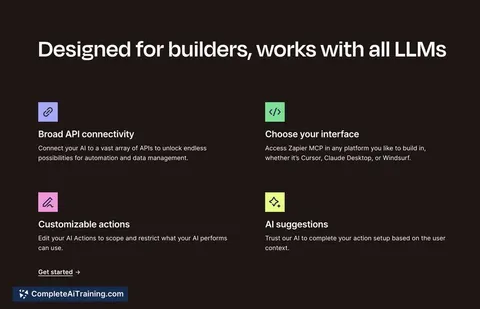
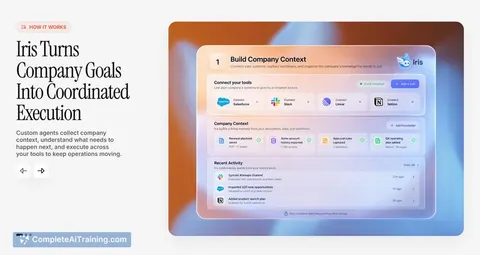
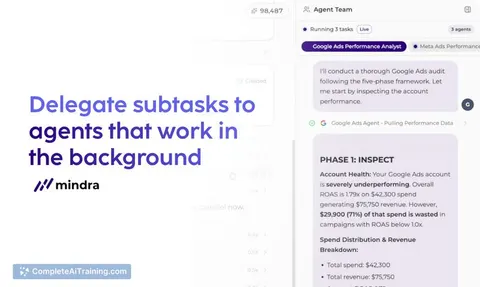
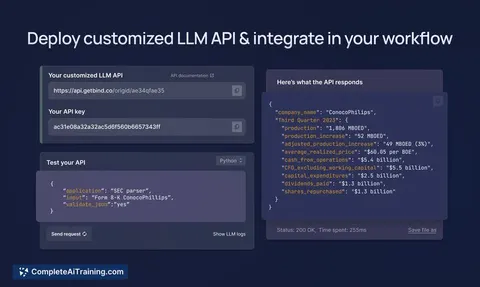
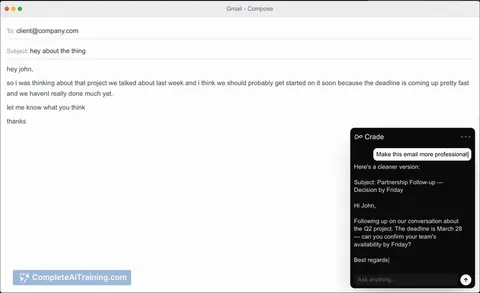
10 AI tools our AI matched to the work of salesforce administrators, best fit first. Each review shows what it does, its alternatives and the jobs it suits.
Favorites are saved to your account: sign in or get your AI kit first.
Show all 10 AI tools








































































About this learning path
6 topicsAI Skills for Salesforce Administrators, Step by Step
Salesforce work keeps growing. Requests arrive faster than release notes, and every change needs care. AI can help you draft, check, and explain your work without replacing your judgment.
This path starts with simple setup questions, then shows you how to connect an AI assistant and use prompts built for Salesforce admin tasks. You also get video courses chosen for this job and the certifications that come with them.
Why AI matters now
Salesforce changes often. Release notes, user requests, and data issues arrive together, and you are the person who keeps the org steady. AI can help you sort the noise and draft a clear next step without taking over your judgment.
It also changes what managers expect. Admins who can explain a change, test it, and communicate it well are more valuable than admins who only click through setup.
What the path includes
You start with setup questions so you know what to prepare and what to avoid. Then you connect your AI assistant and learn skills for the job inside your AI, such as giving context, checking answers, and keeping data safe.
The middle of the path is this prompt course, built around real Salesforce admin tasks. At the end, you choose video courses picked for Salesforce administrators, along with the certifications that come with those courses.
How the path saves time
You stop starting from a blank page. A prompt can turn a vague request into a short plan, a formula draft, or a list of places to look. You still test everything, but you spend less time guessing.
The time savings add up in small moments: writing a validation rule, preparing an import, explaining a Flow, or answering a user. Those moments are where admin work usually gets stuck.
How it protects your career
AI does not replace the admin who understands the business. It replaces some of the drafting and searching that eats your day. When you use it well, you become the person who can take a messy request and return a clear, tested change.
This path also teaches you to check AI output, protect private data, and document your work. Those habits make you safer to trust with bigger parts of the org.
How to start
Pick one task you do this week, such as a report request or a user issue. Try one prompt from the course and keep the result in your own words. Do not paste real customer data into an AI tool.
Then move through the lessons in order. Each one builds on the last, and you can bring your own examples as you go.
Frequently asked questions
Do I need to know AI already?
No. The path starts with setup questions and simple habits. If you can write a clear email, you can learn to write a useful prompt.Which AI tool should I use?
ChatGPT, Claude, and Gemini can all help with admin tasks. Use the one your company allows, and keep the same safety rules for all of them.Will AI replace Salesforce administrators?
AI can draft and explain, but it cannot own your org or make judgment calls for you. Admins who use it well become faster and more useful to their teams.How do I keep Salesforce data safe?
Never paste real customer data, credentials, or production secrets into an AI tool. Use fake examples or remove names and numbers, and follow your company's rules.