AI agent for data entry specialists
Product Catalog Attribute Entry Agent
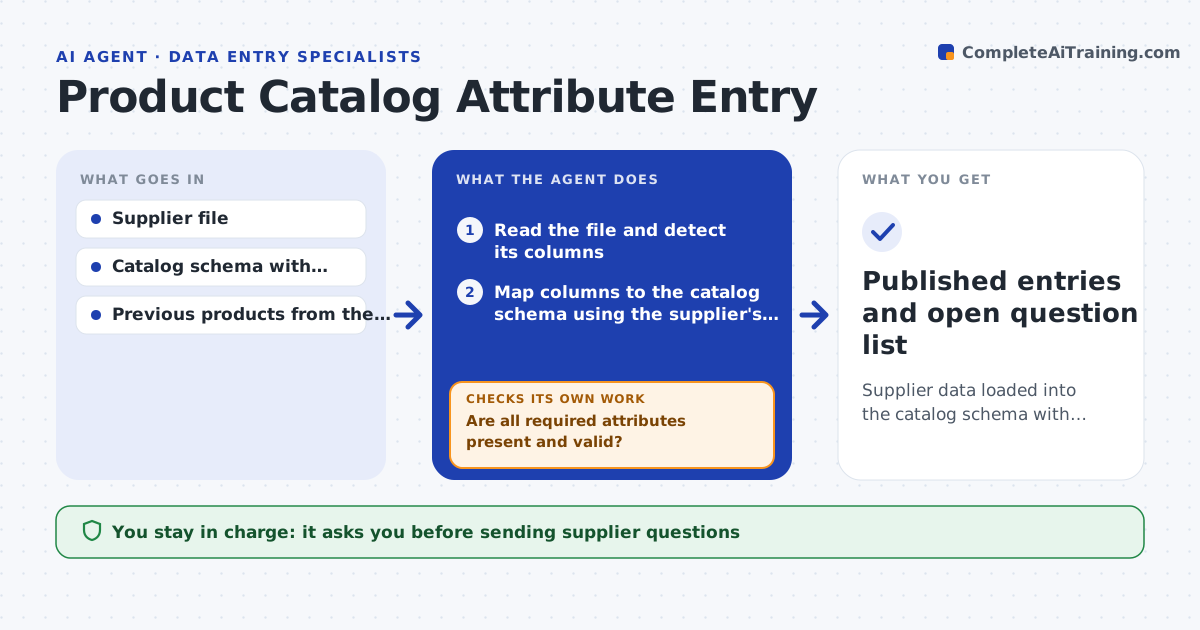
Supplier data loaded into the catalog schema with complete, validated attributes and open questions for the gaps
What it does
Every supplier sends product data in its own layout, and the catalog needs a fixed set of fields. This agent reads each supplier file and maps its columns to the catalog schema. It checks sizes, weights and other units against allowed ranges and converts them, so inches and centimeters do not mix. It checks which required attributes are blank and drafts questions to the supplier for each gap, naming the product and the attribute. After corrections arrive, it validates again and lists anything still wrong. The specialist reviews the mapping and approves publishing the entries. Edge case: a weight of 250 for a product that is normally 2.5 kg is flagged as a likely unit slip and not published.
How it works
Follow the arrows from top to bottom. The orange dashed arrow is the loop: when a check fails, the agent goes back and tries again.
Read the steps as a list
- Supplier file arrives
- Read the file and detect its columns
- Map columns to the catalog schema using the supplier's past mapping
- Convert units and check values against allowed ranges
- Are all required attributes present and valid?If not: list the gaps and draft supplier questions, then recheck after the reply. Back to step 3.
- Draft questions to the supplier for missing or doubtful values
- Specialist approves the questionsThe agent waits here for your OK.
- Load the corrected data into a draft catalog
- Do the draft entries pass validation?If not: return the failing rows with the reason. Back to step 4.
- Specialist approves publishingThe agent waits here for your OK.
- Published entries and open question list
How it decides
A product is ready only when all required attributes pass type, unit and range checks. The supplier's previous files guide column mapping.
- Flag values more than 3 times the category median as possible unit errors
- Require the full set of mandatory attributes before publishing
- Reuse the supplier's saved mapping when column names match
- Hold products with no image or title
Make it yours
Every agent is a starting point. You choose these settings for your own situation.
- Required attributes by category
- Units and conversions
- Outlier threshold (default 3 times median)
- Supplier mapping templates
What keeps you in control
It always asks you first
- Sending supplier questions
- Publishing entries to the live catalog
Hard limits
- Never publishes without approval
- Never fills in an attribute the supplier did not supply
It stops when
- Done: all rows are published or have open questions
- Stop: the file format cannot be read
Set it up
We guide you through the set-up, step by step
Members get the full set-up guide for this agent. No technical skills needed: you copy, paste and upload.
- One set of instructions to paste into your AI, with the clicks for ChatGPT, Claude, Microsoft 365 Copilot, Gemini and Grok
- The agent then walks you through connecting your own data, one source at a time
- A downloadable copy with the flow chart, the rules and the full guide