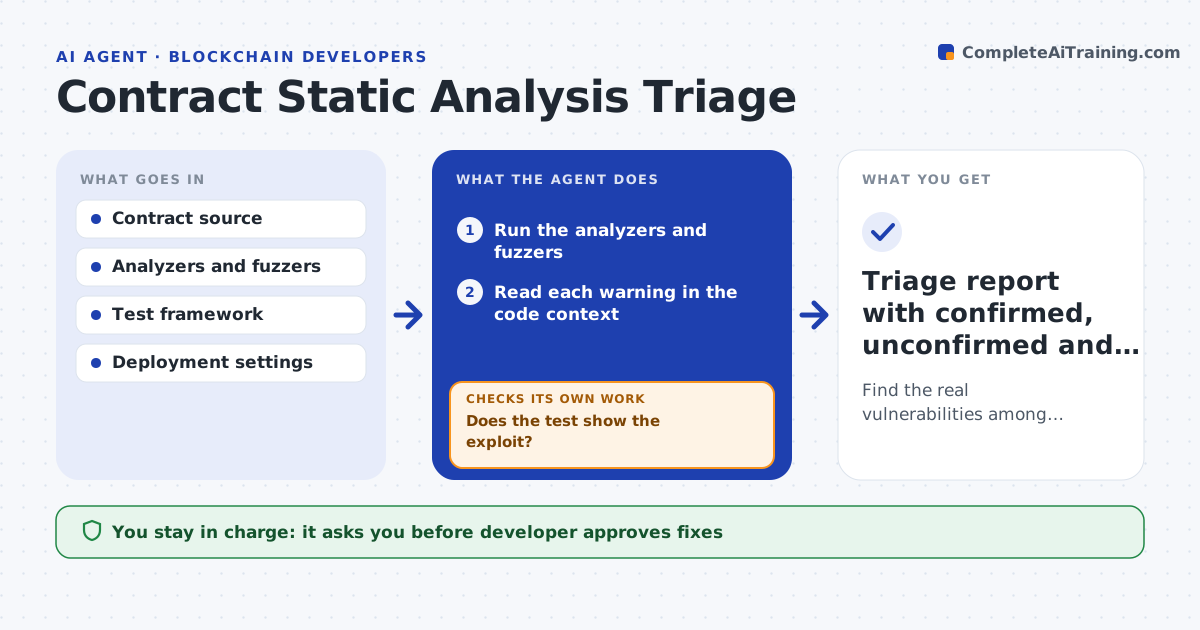
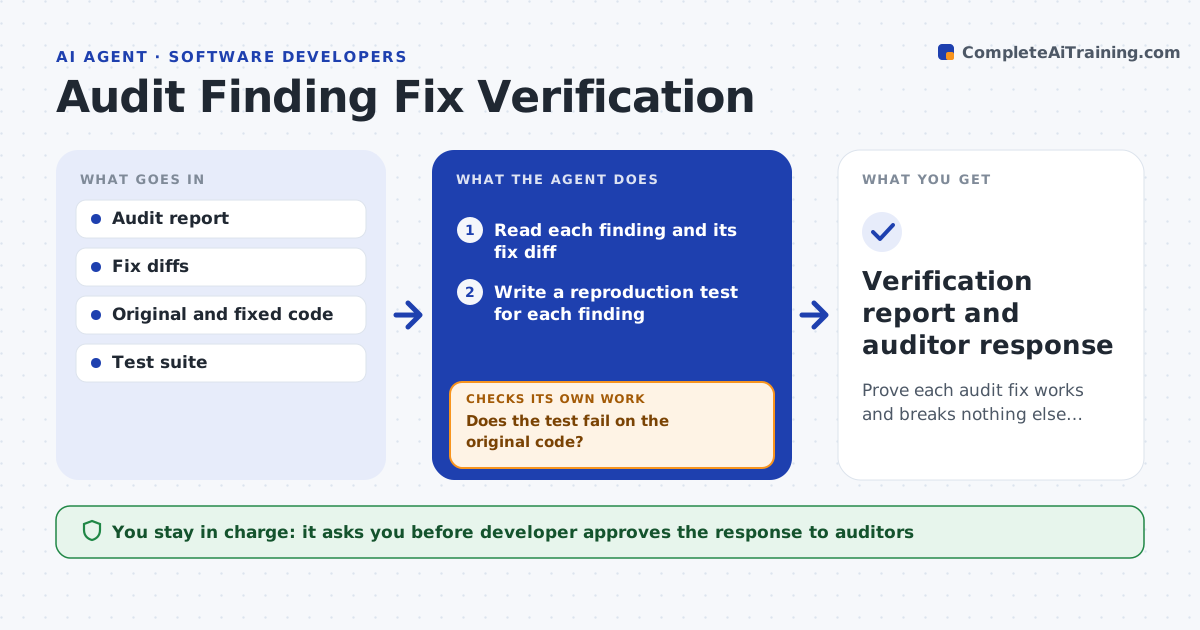
AI agent for blockchain developers
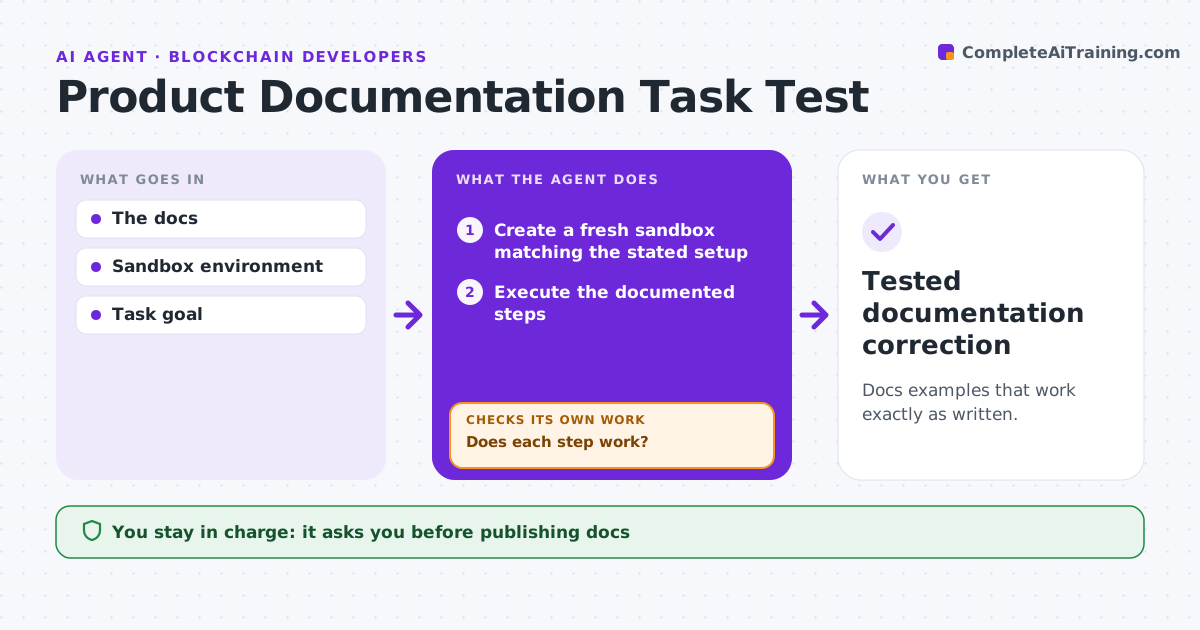
Product Documentation Task Test Agent
Docs examples that work exactly as written.
What it does
Documentation examples break quietly when a product version changes, and readers find out the hard way. This agent runs every documented step exactly as written in a clean sandbox that matches the stated setup. When a step fails, it reads the actual error, checks the supported versions, drafts a fix, and runs the whole example again from the start, because one fix can expose the next problem. If a workaround would need extra permissions or an unsupported dependency, it does not hide it; it turns it into a stated prerequisite or limitation. The docs team approves every change before publishing. Edge case: a step that only works because a previous run left files behind counts as a failure, so every rerun starts from a fresh sandbox.
How it works
Follow the arrows from top to bottom. The orange dashed arrow is the loop: when a check fails, the agent goes back and tries again.
Read the steps as a list
- Docs or version change
- Create a fresh sandbox matching the stated setup
- Execute the documented steps
- Does each step work?If not: draft a fix from the error and supported versions. Back to step 3.
- Rerun the complete example in a fresh sandbox
- Does the full example pass without extra permissions?If not: turn the workaround into a stated prerequisite or limitation. Back to step 2.
- Docs team approves publishingThe agent waits here for your OK.
- Tested documentation correction
How it decides
It fixes from observed errors and reruns end to end.
- Use only supported versions and documented dependencies.
- Every rerun starts from a clean sandbox.
- Workarounds needing extra permissions become stated prerequisites, not hidden steps.
- After the maximum attempts, stop and hand the page to a writer.
Make it yours
Every agent is a starting point. You choose these settings for your own situation.
- Which docs pages to test (default: all pages tagged with the changed version)
- Sandbox image and supported versions to test against
- Maximum fix and rerun attempts before escalating (default 3)
- Who approves publishing (default: docs team lead)
- Whether to test on a schedule as well as on version changes (default: weekly)
What keeps you in control
It always asks you first
- Publishing docs
- Unsupported dependencies
Hard limits
- Sandbox only.
It stops when
- Done: example works.
Set it up
We guide you through the set-up, step by step
Members get the full set-up guide for this agent. No technical skills needed: you copy, paste and upload.
- One set of instructions to paste into your AI, with the clicks for ChatGPT, Claude, Microsoft 365 Copilot, Gemini and Grok
- The agent then walks you through connecting your own data, one source at a time
- A downloadable copy with the flow chart, the rules and the full guide