AI agent for software developers
Audit Finding Fix Verification Agent
Prove each audit fix works and breaks nothing else, with evidence for the auditors
What it does
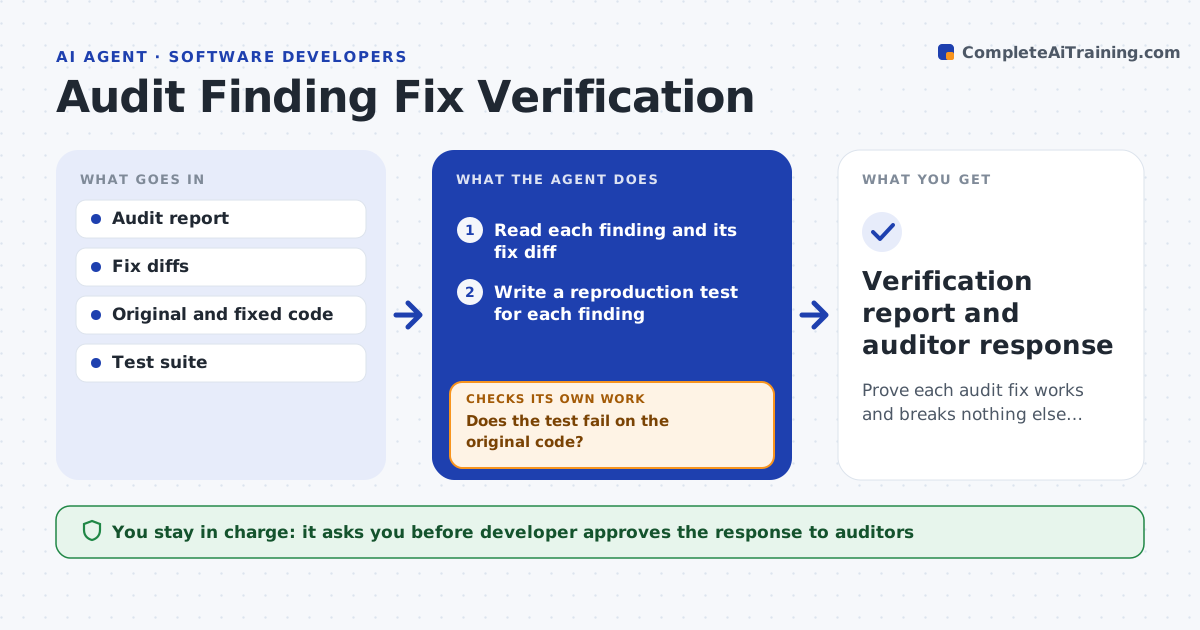
After an audit, the team patches 15 findings in a week, and some patches do not fix the issue or break something else. For each finding, this agent reads the original report and the fix diff. It writes a test that reproduces the finding and confirms that the test fails on the old code. Then it runs the same test on the fixed code and checks that it passes. It runs the full regression suite and compares gas, size and behavior with the previous version. If a fix fails, it returns it to the developer with the test as proof. When all pass, it drafts the response to the auditors, listing each finding and its evidence. The developer approves the response. Edge case: a fix removes the test's entry point, so the agent checks for a different route to the same bug.
How it works
Follow the arrows from top to bottom. The orange dashed arrow is the loop: when a check fails, the agent goes back and tries again.
Read the steps as a list
- Fixes pushed for audit findings
- Read each finding and its fix diff
- Write a reproduction test for each finding
- Run the test on the original code
- Does the test fail on the original code?If not: rewrite the test to reproduce the finding as described. Back to step 3.
- Run the test on the fixed code
- Does it pass on the fixed code?If not: return the fix to the developer with the failing test. Back to step 3.
- Run the regression suite and compare gas and behavior
- Draft the finding-by-finding response with evidence
- Developer approves the response to the auditorsThe agent waits here for your OK.
- Verification report and auditor response
How it decides
It accepts a fix only when its reproduction test fails before and passes after, and the regression suite shows no unexplained changes.
- Require a failing-before and passing-after test for each finding
- Flag any gas increase over 5% or change in storage layout
- Try alternative routes to the same bug when the fix removes an entry point
- Return any fix that changes unrelated behavior
Make it yours
Every agent is a starting point. You choose these settings for your own situation.
- Gas change limit (default 5%)
- Test framework
- Response format for auditors
- Findings in scope
- Who reviews interface changes
What keeps you in control
It always asks you first
- Developer approves the response to auditors
- Security lead approves a fix that changes an interface
Hard limits
- Never mark a finding fixed without a test result
- Never deploy anything to a live network
It stops when
- Done: every finding has a verified fix and evidence
- Stop: a finding cannot be reproduced and needs the auditor
Set it up
We guide you through the set-up, step by step
Members get the full set-up guide for this agent. No technical skills needed: you copy, paste and upload.
- One set of instructions to paste into your AI, with the clicks for ChatGPT, Claude, Microsoft 365 Copilot, Gemini and Grok
- The agent then walks you through connecting your own data, one source at a time
- A downloadable copy with the flow chart, the rules and the full guide