AI agent for filmmakers
Production Schedule Stripboard Agent
A workable shooting schedule that adapts quickly to changes
What it does
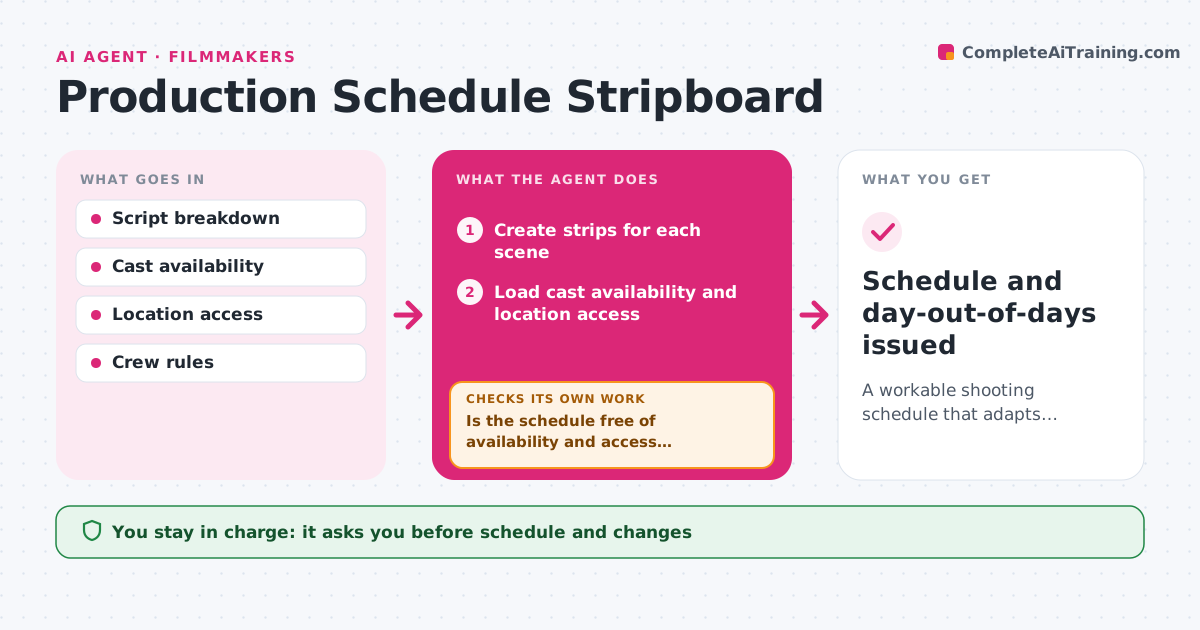
A shooting schedule is a puzzle of cast, locations and rules, and one change can break several days. From the script breakdown, this agent creates strips for each scene with cast, location, day or night, page count, props and special needs. It builds a schedule grouped by location and cast to cut moves and days. Then it checks the schedule against cast availability, location access, turnaround rules and daily page targets. Conflicts trigger re-ordering and a new check. When something changes, like a lost location, it reworks the affected days and shows the knock-on effects. The filmmaker approves the schedule and every change. Edge case: scenes with children follow the stricter hours rules for minors.
How it works
Follow the arrows from top to bottom. The orange dashed arrow is the loop: when a check fails, the agent goes back and tries again.
Read the steps as a list
- Breakdown ready or change reported
- Create strips for each scene
- Load cast availability and location access
- Group scenes by location and cast
- Is the schedule free of availability and access conflicts?If not: re-order the affected blocks and check again. Back to step 4.
- Do turnaround, minor hours and page targets hold?If not: move scenes to restore rest and page limits. Back to step 4.
- Show knock-on effects of any change
- Filmmaker approves the scheduleThe agent waits here for your OK.
- Schedule and day-out-of-days issued
How it decides
It groups scenes by location and cast, then reorders to meet availability and daily limits.
- Minimize company moves
- Children's scenes follow stricter hours
- Night shoots need turnaround before day shoots
Make it yours
Every agent is a starting point. You choose these settings for your own situation.
- Daily page target
- Turnaround rules
- Grouping priority
- Report format
What keeps you in control
It always asks you first
- Schedule and changes
Hard limits
- Never notifies cast or crew
- Never books locations
It stops when
- Done: schedule locked
- Stop: script still changing
Set it up
We guide you through the set-up, step by step
Members get the full set-up guide for this agent. No technical skills needed: you copy, paste and upload.
- One set of instructions to paste into your AI, with the clicks for ChatGPT, Claude, Microsoft 365 Copilot, Gemini and Grok
- The agent then walks you through connecting your own data, one source at a time
- A downloadable copy with the flow chart, the rules and the full guide