AI agent for chief compliance officers
Regulatory Change Impact Agent
Every relevant rule change mapped to affected policies and owners
What it does
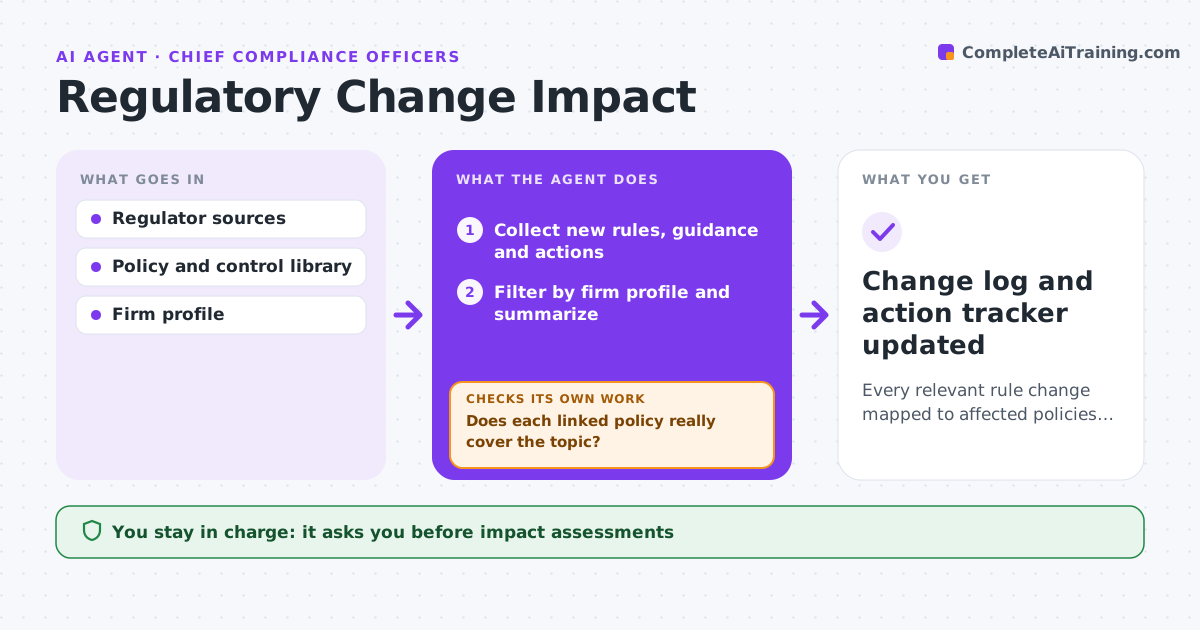
Compliance teams struggle to keep up with new rules, guidance and enforcement actions, and missed changes become audit findings. Each week this agent scans regulator websites, official journals and enforcement actions for the firm's areas. It filters out items that do not apply to the firm's profile and summarizes the rest in plain language with effective dates. For each relevant change it searches the policy and control library for what is affected. It checks each link by confirming the policy really covers the topic, and searches again when a match is weak. A change with no matching policy becomes a new gap. It drafts the gap assessment with action items and deadlines. The compliance officer approves the assessment and assigns owners. Edge case: a rule applies only above an asset size, so the agent checks the firm's size first.
How it works
Follow the arrows from top to bottom. The orange dashed arrow is the loop: when a check fails, the agent goes back and tries again.
Read the steps as a list
- Weekly regulatory scan
- Collect new rules, guidance and actions
- Filter by firm profile and summarize
- Search policies and controls for affected items
- Does each linked policy really cover the topic?If not: search again with other terms or mark as a new gap. Back to step 4.
- Draft gap assessment and actions
- Compliance officer approves and assigns ownersThe agent waits here for your OK.
- Change log and action tracker updated
How it decides
It filters by jurisdiction, business line and size, then matches change topics to policies and controls.
- Effective within 90 days: high priority
- Applies only above size threshold: check firm size
- No matching policy: new gap
Make it yours
Every agent is a starting point. You choose these settings for your own situation.
- Sources and jurisdictions
- Firm profile filters
- Priority rules
- Tracker format
What keeps you in control
It always asks you first
- Impact assessments
- Assigning owners and deadlines
Hard limits
- Never gives legal opinions
- Never changes policies
It stops when
- Done: log updated
- Stop: source unreachable
Set it up
We guide you through the set-up, step by step
Members get the full set-up guide for this agent. No technical skills needed: you copy, paste and upload.
- One set of instructions to paste into your AI, with the clicks for ChatGPT, Claude, Microsoft 365 Copilot, Gemini and Grok
- The agent then walks you through connecting your own data, one source at a time
- A downloadable copy with the flow chart, the rules and the full guide