AI agent for accountants
Reinsurance Recoverable Check Agent
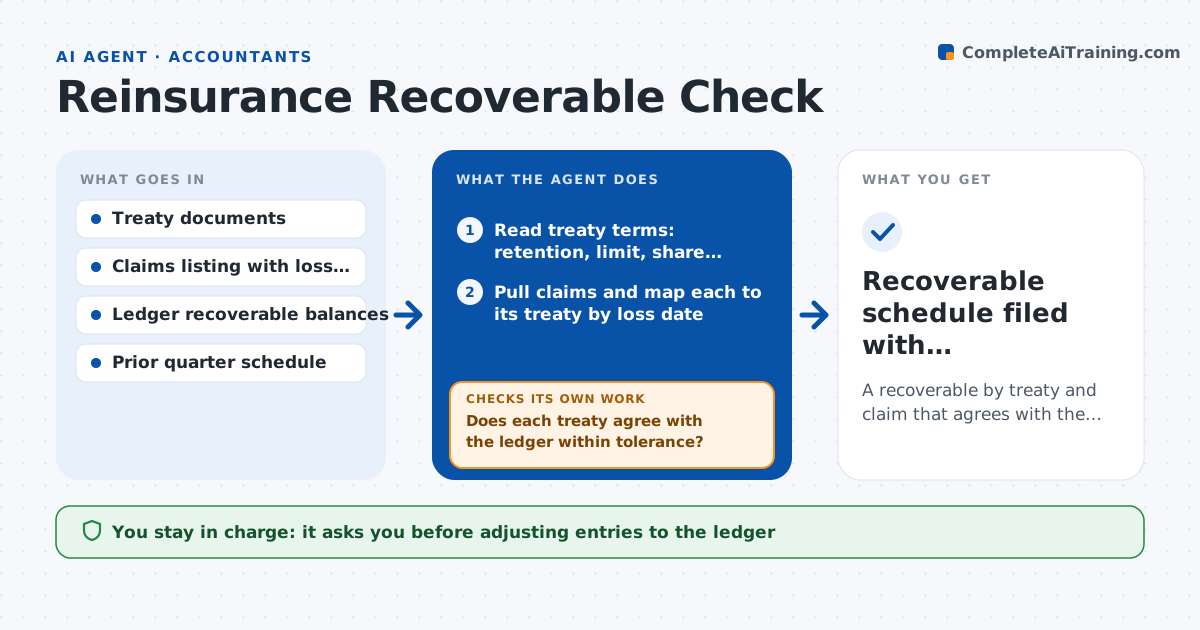
A recoverable by treaty and claim that agrees with the ledger or has a documented reason it does not
What it does
Each quarter the reinsurance team works out how much of the paid and reserved claims the reinsurers owe. Treaties differ: quota shares, excess of loss, aggregate limits, reinstatements. Applying them by hand across hundreds of claims causes errors that surface at audit. This agent reads each treaty, pairs it with the claims it covers, applies retentions and limits, and computes the recoverable for every claim and in total. It then compares the result with the ledger. For each difference it investigates the cause, such as a wrong treaty year, a missing reinstatement premium or a claim assigned to the wrong layer, corrects its own calculation or flags the ledger entry, and recomputes. The actuary approves any adjusting entry. Edge case: a claim spanning two treaty years is split by loss date, and the agent shows the split.
How it works
Follow the arrows from top to bottom. The orange dashed arrow is the loop: when a check fails, the agent goes back and tries again.
Read the steps as a list
- Quarter closes and claims are final
- Read treaty terms: retention, limit, share, reinstatement
- Pull claims and map each to its treaty by loss date
- Apply retentions and limits claim by claim
- Total the recoverable by treaty and reinsurer
- Compare totals with the ledger balances
- Does each treaty agree with the ledger within tolerance?If not: find the cause, such as wrong year, layer or missed reinstatement, correct the mapping and recompute. Back to step 3.
- Draft explanations and proposed adjusting entries
- Do the proposed entries bring the ledger to the recomputed figure?If not: recheck the calculation order and rerun the totals before proposing again. Back to step 4.
- Actuary approves adjusting entriesThe agent waits here for your OK.
- Recoverable schedule filed with reconciliation notes
How it decides
It matches each claim to the treaty in force on the loss date, applies terms in the treaty order, and treats a difference above a set tolerance as an item to investigate before anything is booked.
- Investigate any treaty difference above $5,000 or 0.5%
- Assign a claim by loss date, not report date
- Split a claim across treaty years when the loss spans them
- Flag any recoverable from a reinsurer past its payment terms
Make it yours
Every agent is a starting point. You choose these settings for your own situation.
- Difference tolerance (default $5,000 or 0.5%)
- Treaties to include
- Quarter or month schedule
- Format of the schedule (default spreadsheet)
What keeps you in control
It always asks you first
- Adjusting entries to the ledger
- Final recoverable schedule
Hard limits
- Never posts to the ledger itself
- Never changes treaty terms, only reads them
- Shows its working for every claim
It stops when
- Done: all treaties agree or differences are documented
- Stop: a treaty document is missing or unreadable
Set it up
We guide you through the set-up, step by step
Members get the full set-up guide for this agent. No technical skills needed: you copy, paste and upload.
- One set of instructions to paste into your AI, with the clicks for ChatGPT, Claude, Microsoft 365 Copilot, Gemini and Grok
- The agent then walks you through connecting your own data, one source at a time
- A downloadable copy with the flow chart, the rules and the full guide