
AI agent for media relations specialists
Release Fact Check and Approval Routing Agent
Get a release approved with every fact checked and each approver seeing only what they need to decide.
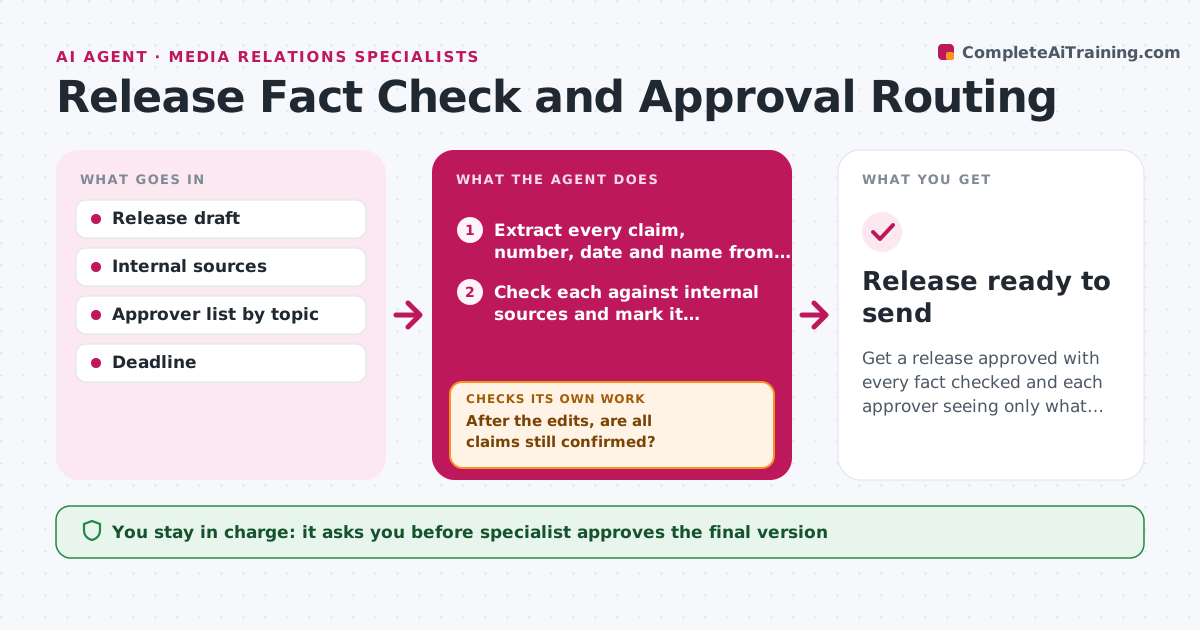
What it does
A press release sits in email for three days while legal, finance and the product lead each ask for changes, and a wrong number is found on the last round. The agent reads the draft and extracts every claim, number, date and name. It checks each against internal sources such as financial reports, product documents and the HR directory, and marks what is confirmed or contradicted. It then routes the sections to the right approvers, so legal sees the forward-looking statements and finance sees the figures, instead of everyone seeing everything. It tracks each person's response and due time, nudges those who are late, and reconciles conflicting edits into one version. After every edit it rechecks the facts. Edge case: two approvers give opposite edits to the same line. The agent shows both to the specialist. The specialist approves the final version.
How it works
Follow the arrows from top to bottom. The orange dashed arrow is the loop: when a check fails, the agent goes back and tries again.
Read the steps as a list
- Draft is ready for review
- Extract every claim, number, date and name from the draft
- Check each against internal sources and mark it confirmed, contradicted or unsourced
- Fix contradicted claims and ask owners about unsourced ones
- Route each section to the right approver with a due time
- Track responses and nudge late approvers
- Merge approver edits into one version
- After the edits, are all claims still confirmed?If not: re-check the changed claims and send the version back to the approver. Back to step 3.
- Have all approvers signed off on the same version?If not: send the latest version to the approvers still open. Back to step 5.
- Specialist approves the final versionThe agent waits here for your OK.
- Release ready to send
How it decides
Each claim is confirmed only with an internal source. Sections go to approvers by topic, and the release is ready when all approvals are in and facts still match.
- Route financial figures to finance and forward-looking text to legal
- Nudge any approver 4 hours before the due time
- Show conflicting edits to the specialist instead of choosing
- Re-check facts after every edit
Make it yours
Every agent is a starting point. You choose these settings for your own situation.
- Approver list per topic
- Response time (default 24 hours)
- Sources used for facts
- Nudge timing
- Approval tool
What keeps you in control
It always asks you first
- Specialist approves the final version
- Specialist decides between conflicting edits
Hard limits
- Never send the release to the press
- Do not change approved wording without a new approval
It stops when
- Done: all approvals in and release approved
- Stop: an approver rejects a key claim, return to the specialist
Set it up
We guide you through the set-up, step by step
Members get the full set-up guide for this agent. No technical skills needed: you copy, paste and upload.
- One set of instructions to paste into your AI, with the clicks for ChatGPT, Claude, Microsoft 365 Copilot, Gemini and Grok
- The agent then walks you through connecting your own data, one source at a time
- A downloadable copy with the flow chart, the rules and the full guide



