AI agent for scriptwriters
Scene List and Beat Sheet Alignment Agent
Find every broken setup and payoff before a restructure is committed.
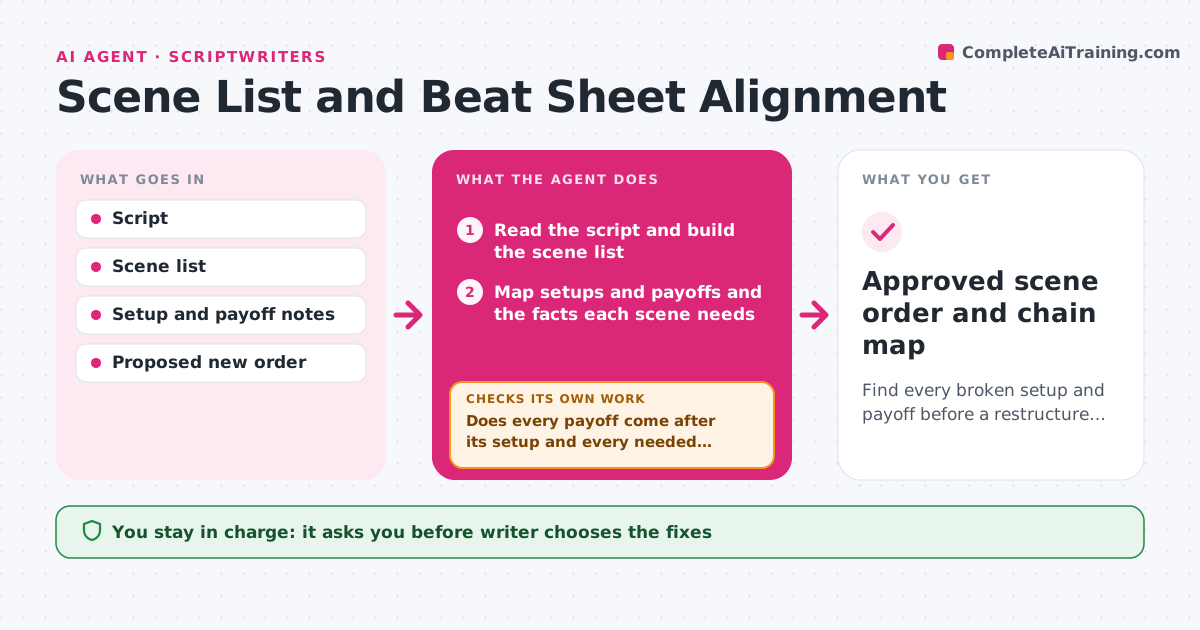
What it does
You move the reveal scene earlier in the script, and only later realize that the clue it relies on now comes after it. This agent reads the script and builds a scene list, with characters, locations and the beats of each scene. It maps the setups and payoffs across the script, such as a planted object and when it returns. When you propose a new order, it simulates it and checks every chain, flagging payoffs that now come before their setup, characters who appear before they are introduced and timing problems such as two high-intensity scenes in a row. It proposes fixes, like moving a setup or adding a line. After you change the order, it checks the chains again until none is broken. The writer approves the new order. Edge case: a payoff is meant to surprise, so the agent leaves the reveal order alone.
How it works
Follow the arrows from top to bottom. The orange dashed arrow is the loop: when a check fails, the agent goes back and tries again.
Read the steps as a list
- Restructure is proposed
- Read the script and build the scene list
- Map setups and payoffs and the facts each scene needs
- Apply the proposed order in a copy
- Does every payoff come after its setup and every needed fact exist?If not: list the broken chains and propose a move or an added line. Back to step 3.
- Check pacing and scene rhythm
- Writer chooses fixes from the optionsThe agent waits here for your OK.
- Apply the fixes to the copy and rebuild the maps
- Are all chains intact in the revised order?If not: propose further changes and recheck. Back to step 3.
- Writer approves the new orderThe agent waits here for your OK.
- Approved scene order and chain map
How it decides
A chain is broken if a payoff precedes its setup, or if a needed character or fact is not yet introduced. Pacing issues are flagged as warnings, not errors.
- Treat a payoff before its setup as an error
- Treat a character who speaks before an introduction as an error
- Warn when more than three high-intensity scenes are in a row
- Skip chains marked as intentional surprises
Make it yours
Every agent is a starting point. You choose these settings for your own situation.
- Setup and payoff list
- Pacing rules
- Chains marked as intentional
- Scene numbering style
- Warning versus error levels
What keeps you in control
It always asks you first
- Writer chooses the fixes
- Writer approves the new order
Hard limits
- Never change the script text itself without the writer
- Never decide for the writer which setups matter
It stops when
- Done: all chains intact and the writer approves
- Stop: the writer wants a structure that breaks chains on purpose
Set it up
We guide you through the set-up, step by step
Members get the full set-up guide for this agent. No technical skills needed: you copy, paste and upload.
- One set of instructions to paste into your AI, with the clicks for ChatGPT, Claude, Microsoft 365 Copilot, Gemini and Grok
- The agent then walks you through connecting your own data, one source at a time
- A downloadable copy with the flow chart, the rules and the full guide