
Learning path
Learning AI as a Filmmaker
Learn how AI can help you plan, pitch, and produce films without losing your creative voice. This path blends setup, prompt practice, and video courses made for filmmakers.
Your path
Everything in the Filmmaker AI kit, in the order that makes sense. Members tick off each step and see their progress.
Set up your AI
We guide you through each click.
Let skills do your everyday tasks
Connect your apps and pick your AI apps
Hand whole tasks to AI agents
Build your own tools
Keep growing
Everything for filmmakers
All the courses, certifications, AI tools, MCP servers and apps for filmmakers, most relevant first. Open any list to see more.
Take the prompt courses
A short framework course to learn how to ask, then 9 lessons with ready-to-use prompts for filmmakers.
Start with this framework: how to talk to AI
RISEN fits filmmaking because it structures multi-step deliverables like a script breakdown, shooting schedule, and edit plan.
Then your prompt course for filmmakers- 1Concept and Story Basics3 prompts
- 2Script Drafting and Revision3 prompts
- 3Pre-Production Planning3 prompts
- 4Visual Planning and Storyboards2 prompts
- 5Casting and Auditions3 prompts
- 6On-Set Directing and Troubleshooting3 prompts
- 7Post-Production and Editing3 prompts
- 8Production Budget and Admin2 prompts
- 9Pitching and Distribution2 prompts
Watch the video courses or add them to your Favorites for later
91 video courses our AI picked for filmmakers, most useful first. Save the ones you want to watch later with the heart.
Favorites are saved to your account: sign in or get your AI kit first.
Show all 91 video courses
Get certified, or add certifications to your Favorites
Every course ends in an exam and a certificate you can add to LinkedIn. Save the certifications you are aiming for with the heart.
Favorites are saved to your account: sign in or get your AI kit first.
More certifications for filmmakersShow all 24 certifications
Try the AI tools for filmmakers
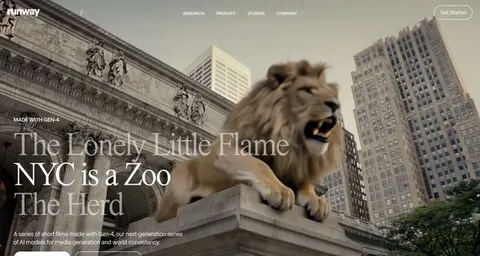
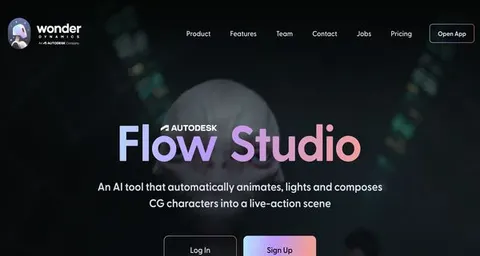
24 AI tools our AI matched to the work of filmmakers, best fit first. Each review shows what it does, its alternatives and the jobs it suits.
Favorites are saved to your account: sign in or get your AI kit first.
Show all 24 AI tools
Connect your AI to the apps filmmakers use
MCP servers let ChatGPT, Claude or Copilot look things up and get work done in other apps, like your email, calendar or bookkeeping software. These 12 fit the work of filmmakers best, well-known apps first.
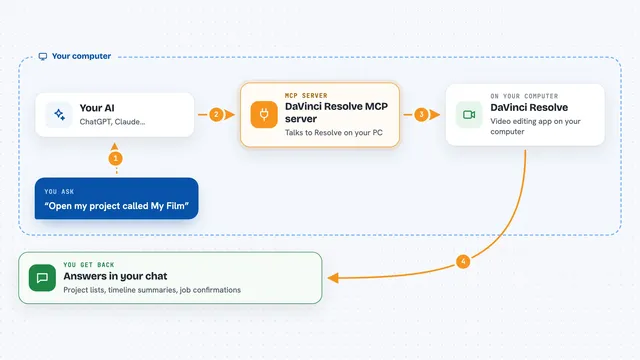
DaVinci Resolve MCP server
by samuelgurskyLet your AI assistant open projects, build timelines, set up renders and check your media inside DaVinci Resolve.

Scout MCP server for Premiere Pro
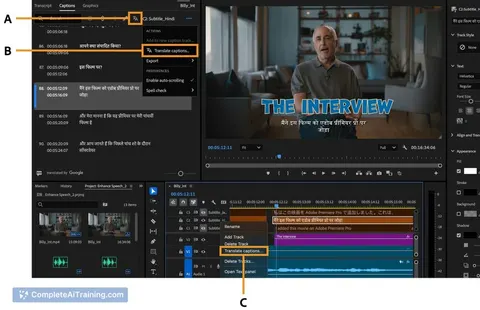
by tro2789Lets your AI search the Premiere transcript, place markers, cut clips, and manage your project timeline for you.

Final Cut Pro MCP server
by DareDev256Let your AI read, check and edit your Final Cut Pro timelines from a simple XML export.
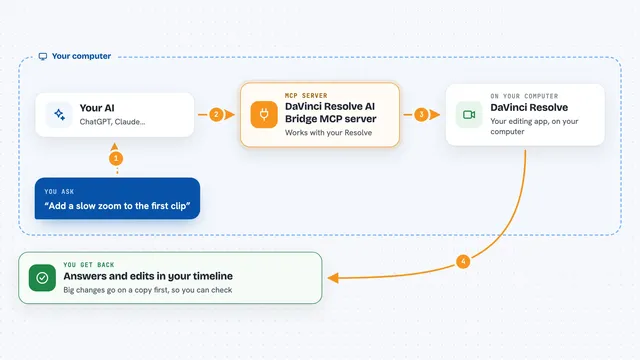
DaVinci Resolve AI Bridge MCP server
by flamexnrealLet your AI assistant inspect and edit the timeline open in DaVinci Resolve, on a duplicate first.

Fast Video Cataloger MCP server
by freloLet your AI search, view and tag your local video library, with transcripts, scene thumbnails and keywords.
Productivity Official
WeftCut MCP server
by WeftCutLet your AI trim, split, caption and export video right inside the WeftCut desktop editor.
Video editing OfficialShow all 12 MCP servers

Kinocut MCP server
by KyaniteLabsLets your AI trim, caption, resize, and quality-check videos on your own computer.

OpenRouter Multimodal MCP server
by stabganLets your AI read and create text, images, audio and video through OpenRouter models.

Video Editing MCP server
by burningionLet your AI find moments inside your videos and turn them into ready-to-watch edits.
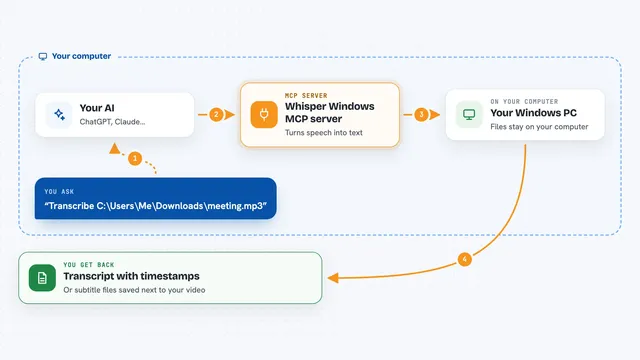
Whisper Windows MCP server
by eviscerationsTurn audio and video files into text on your own Windows PC, right from your AI chat.

Gaudio audio AI MCP server
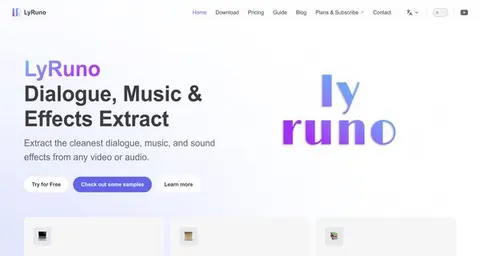
by gaudiolab-jpLet your AI split songs into vocals, drums, bass and more, or line up lyrics with timestamps.

rippr MCP server
by mrslbtPull the transcript of any YouTube video into your AI chat as clean text, timestamps, or a saved file.
Build your own AI apps for filmmakers
Apps you build yourself with your own AI, no coding needed and no monthly fee. Our AI picked the 12 that fit the work of filmmakers.
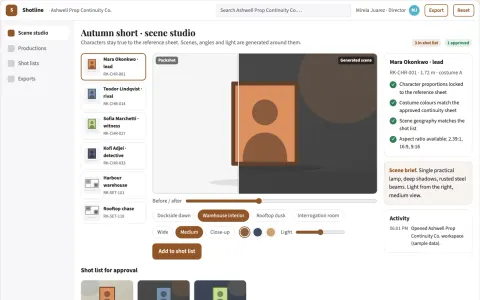
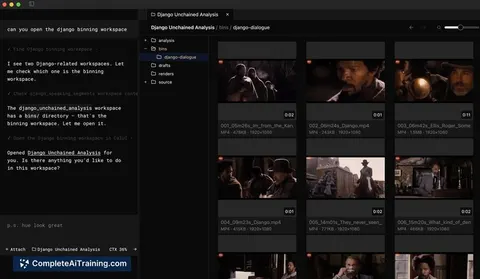
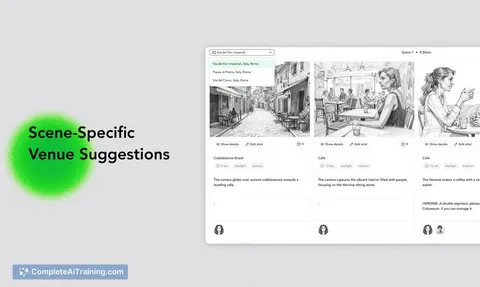
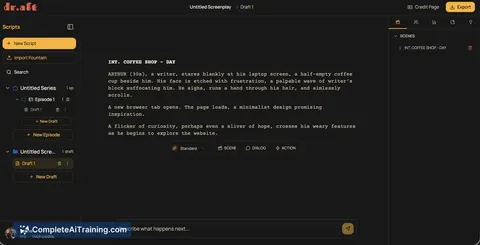
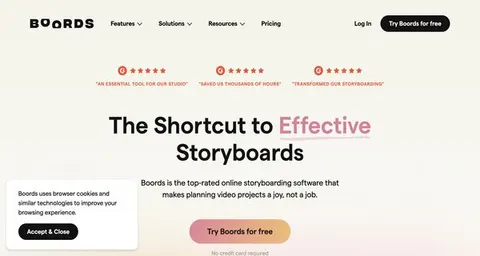
Storyboard planning and review workspace
Reduce planning handoffs while keeping the director's intent.
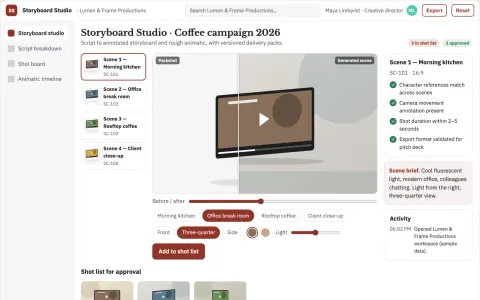
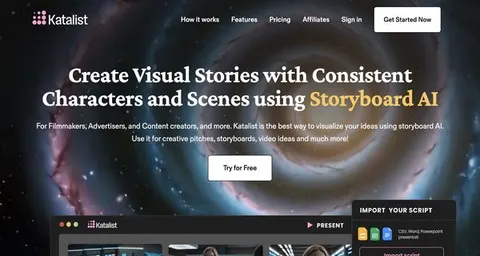
Storyboard subscription
Visual continuity and production annotations across successive script revisions.
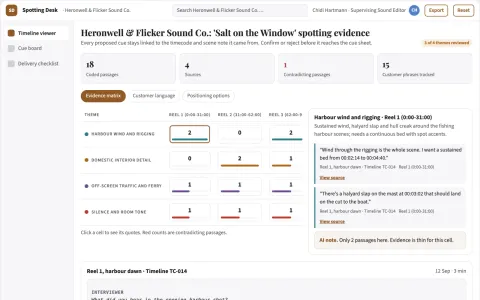
Sound-effects spotting desk
A timecoded sound plan before expensive sound production.
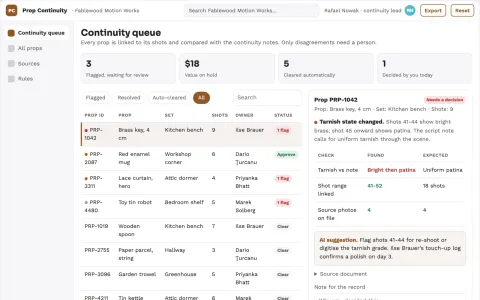
Stop-motion prop continuity board
Frame-specific prop provenance.
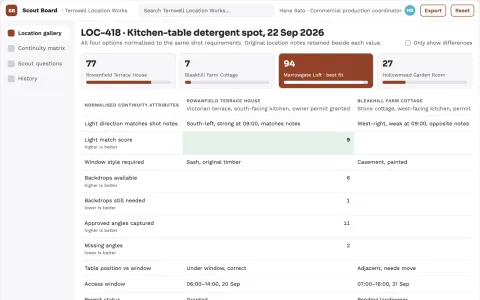
Location scout visual continuity board
Compare locations against visual continuity rather than attractive photos alone.
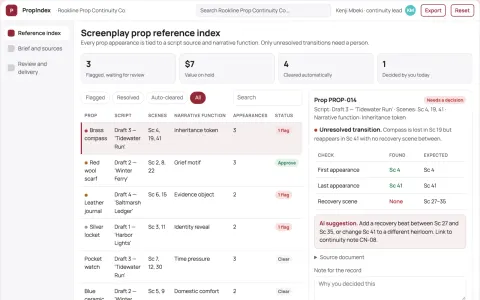
Screenplay prop reference index
Object continuity tied to narrative context.
Show all 12 apps
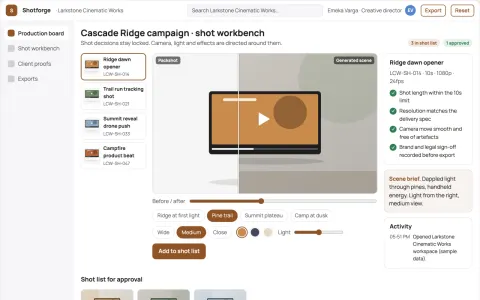
Cinematic AI video production and review workbench
Reduce tool sprawl and review cycles while keeping creative control.
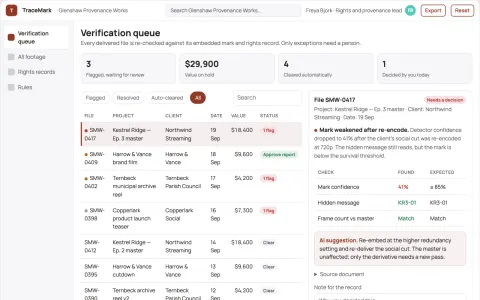
Invisible video watermark provenance workbench
Reduce ownership disputes and manual verification time while keeping footage usable.
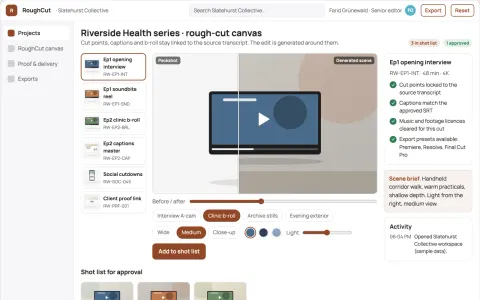
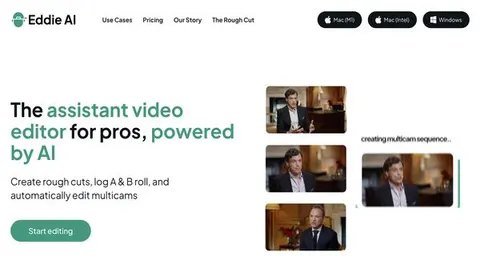
Interview footage rough-cut production workbench
Reduce manual assembly time while keeping editorial control of the cut.
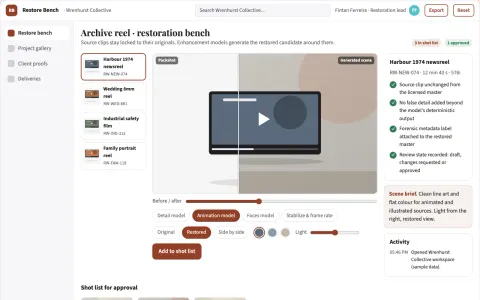
Managed video restoration and upscaling workbench
Improve the quality of existing video footage in one owned workflow.
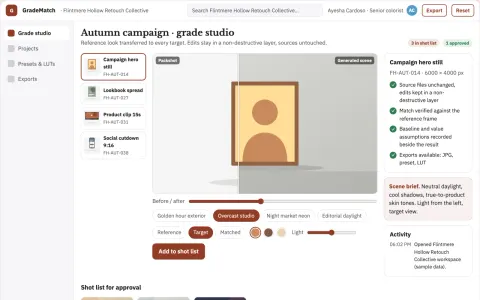
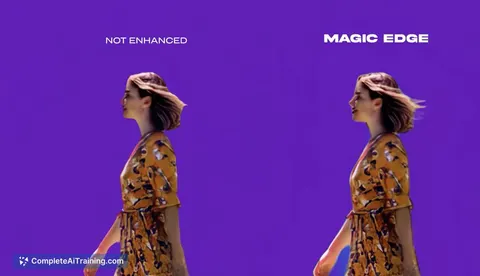
Reference-driven color transfer and grade export studio
Reduce manual grading time while keeping a consistent look across images and video.
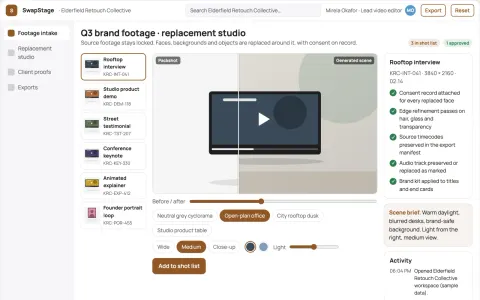
Video face and background replacement studio
Reduce tool switching and manual masking while keeping source footage and consent records under the client's control.





































































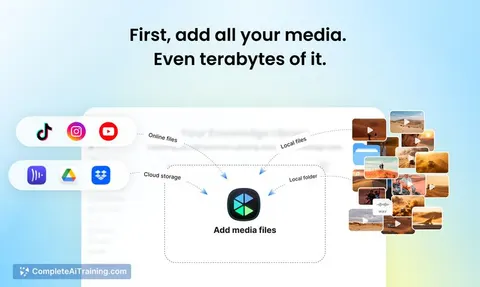
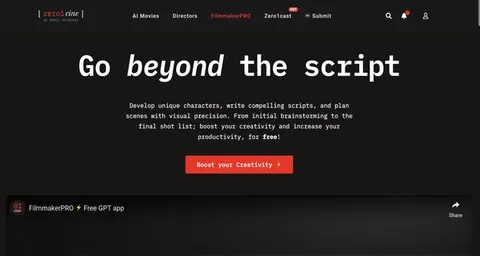
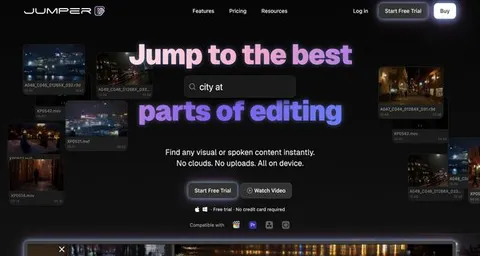
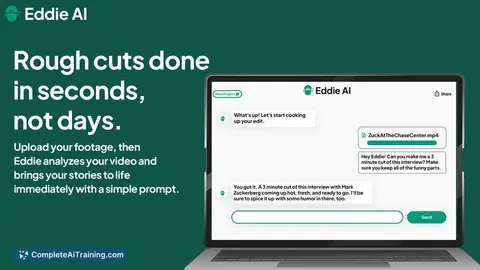
About this learning path
6 topicsAI skills for filmmakers who tell stories
Film work asks you to hold many threads: story, crew, budget, schedule, and the feeling of a scene. AI can help with the paperwork and planning so you keep more attention for the creative choices only you can make.
This path starts with simple setup steps, then shows you how to connect your AI tools and use prompts built for filmmaking tasks. You also get video courses chosen for the job and the certifications that come with them.
Why AI matters now
Film teams are being asked to do more with tighter schedules. AI can draft call sheets, summarize audition notes, or suggest shot ideas, which gives you a faster first pass on everyday tasks.
Your taste, leadership, and ability to work with people still carry the film. AI is a helper for the parts that slow you down.
What the path includes
First, you answer a few setup questions so the path fits your kind of film work. Then you connect your AI tool and learn skills for the job inside it, such as planning a shoot or preparing a pitch.
The center of the path is a prompt course written for filmmakers. Around it, we add video courses picked for the job and the certifications of those courses.
How it saves you time
You can turn a rough scene idea into a logline, build a shot list from a script page, or prepare a call sheet without starting from a blank page. AI gives you a draft you can edit.
That time back can go into rehearsals, location scouting, or simply resting before a long shoot day.
How it protects your career
Filmmaking is built on trust, credit, and clear agreements. The path shows you how to keep sensitive scripts, cast details, and budget numbers private, and how to use AI as a tool rather than a replacement for your voice.
You stay in charge of the final cut and the relationships that make the work possible.
How to start
Begin with the setup questions and connect one AI tool you already use, like ChatGPT, Claude, or Gemini. Then take the prompt course in order and try one prompt on a real project this week.
Pick a video course when you want to go deeper into a filmmaking skill. Small steps add up.
Frequently asked questions
Do I need technical skills?
No. The path assumes you are comfortable with everyday tools and your own film workflow. You learn by doing simple prompts and adjusting them to your projects.Will AI replace filmmakers?
AI can help with drafts and organization, but it cannot lead a set, direct actors, or carry a creative vision. The path treats it as a practical assistant for the work around the story.Can I keep my script and cast details private?
Yes. You will learn habits for protecting sensitive material, like removing names and budget numbers before using an AI tool. Always follow your own agreements and your tool's privacy settings.How long does the path take?
You can move at your own pace, trying one lesson at a time. Most people start with setup and the prompt course, then add video courses when a project needs them.