
Learning path
Learning AI as a Civil Servant
This path helps civil servants use AI for policy steps, public replies, applications, records, and reports. It includes setup questions, connecting your AI, job skills, this prompt course, and video courses with certifications.
Your path
Everything in the Civil Servant AI kit, in the order that makes sense. Members tick off each step and see their progress.
Set up your AI
We guide you through each click.
Let skills do your everyday tasks
Connect your apps and pick your AI apps
Hand whole tasks to AI agents
Build your own tools
Keep growing
Everything for civil servants
All the courses, certifications, AI tools, MCP servers and apps for civil servants, most relevant first. Open any list to see more.
Take the prompt courses
A short framework course to learn how to ask, then 9 lessons with ready-to-use prompts for civil servants.
Start with this framework: how to talk to AI
This framework helps you draft policy briefs, like a minister's memo on budget cuts, by ordering situation, complication, question, and answer.
Then your prompt course for civil servants- 1Policy Implementation Basics3 prompts
- 2Public Inquiry Replies3 prompts
- 3Application Processing Support3 prompts
- 4Official Records And Notes5 prompts
- 5Compliance Reporting Essentials3 prompts
- 6Interagency Coordination3 prompts
- 7Budget And Funding2 prompts
- 8Public Service Planning2 prompts
- 9Advanced Policy Analysis2 prompts
Watch the video courses or add them to your Favorites for later
104 video courses our AI picked for civil servants, most useful first. Save the ones you want to watch later with the heart.
Favorites are saved to your account: sign in or get your AI kit first.
Show all 104 video courses
Get certified, or add certifications to your Favorites
Every course ends in an exam and a certificate you can add to LinkedIn. Save the certifications you are aiming for with the heart.
Favorites are saved to your account: sign in or get your AI kit first.
More certifications for civil servantsShow all 24 certifications
Try the AI tools for civil servants
24 AI tools our AI matched to the work of civil servants, best fit first. Each review shows what it does, its alternatives and the jobs it suits.
Favorites are saved to your account: sign in or get your AI kit first.
Show all 24 AI tools
Connect your AI to the apps civil servants use
MCP servers let ChatGPT, Claude or Copilot look things up and get work done in other apps, like your email, calendar or bookkeeping software. These 12 fit the work of civil servants best, well-known apps first.

OfficeAgent MCP server
by ilia-sokolovLet your AI edit Word, PowerPoint and Excel files, with changes you can review before saving.
Productivity Official
Outlook Assistant MCP server
by littlebearappsLets your AI read, search, send, and organise your Outlook email, calendar, and contacts from the chat.

GOV.UK MCP server
by paulieb89Lets your AI search GOV.UK pages, read government content, look up organisations and check UK postcodes.
ResearchNo install
KitchenSink4Word MCP server
by nometalalchemistLet your AI edit real Word documents: text, tables, tracked changes, citations and more.

Normativa Colombia MCP server
by AngelthebestoneConsulta leyes y sentencias colombianas desde tu asistente de IA, sin abrir el navegador.

Bing Search MCP server
by leehanchungLets your AI search the web, news, and images through Microsoft Bing while you chat.
Show all 12 MCP servers

Gmail MCP server
by A1-x-TechLet your AI read, search, draft and send your Gmail, and keep labels and trash tidy, from the chat.

SAM.gov MCP server
by cliwantLets your AI look up US government contracts, spending, grants, and rules for you.

LexAPI MCP server
by Lex-APILook up EU laws, court cases, and citations from EUR-Lex right inside your AI chat.

Google Search MCP server (AceDataCloud)
by AceDataCloudLets your AI run Google searches for web, images, news, videos, places and maps, and hand you the results.
ResearchNo install
Google Drive MCP server
by isaacphiLets your AI search and read your Google Drive files and read or edit your Google Sheets.

Google Workspace MCP server
by taylorwilsdonLets your AI read and write your Gmail, Calendar, Drive, Docs, Sheets and more, all from one chat.
Build your own AI apps for civil servants
Apps you build yourself with your own AI, no coding needed and no monthly fee. Our AI picked the 12 that fit the work of civil servants.
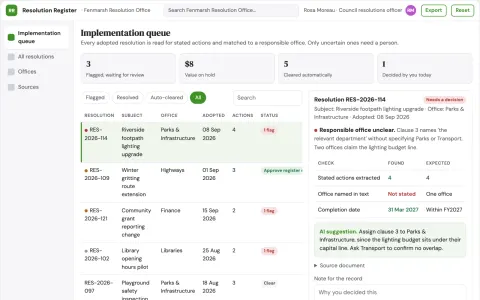
Municipal resolution implementation register
Follow adopted decisions into documented action.
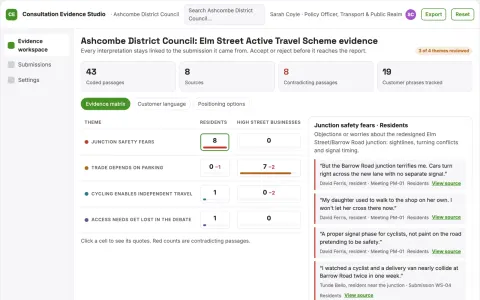
Public consultation analyzer
Auditable synthesis that retains disagreement and source traceability.
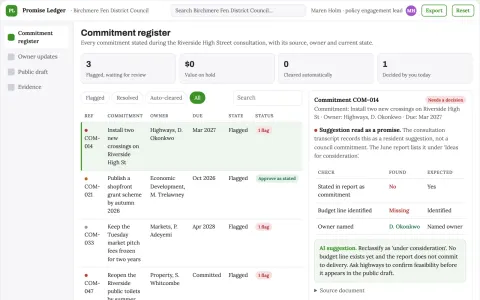
Public consultation commitment tracker
Follow what government promised after listening.
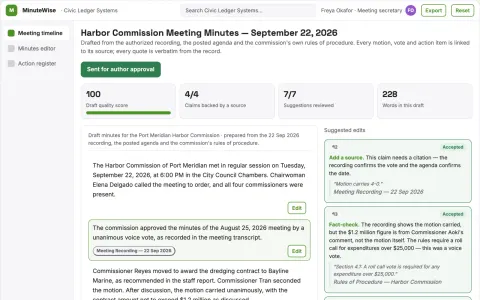
Public meeting summary service
Explicit motion and decision handling with recording references.
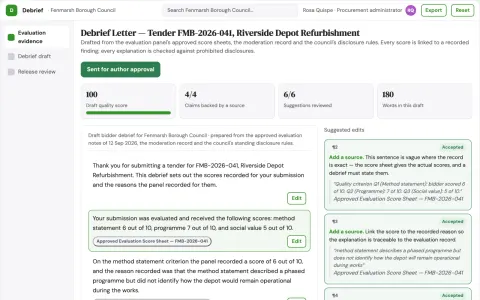
Public procurement debrief builder
Explain documented evaluation reasoning consistently.
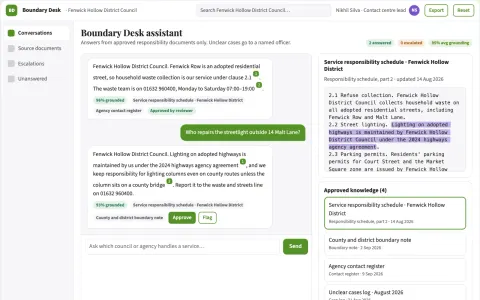
Public service boundary explainer
Explain who handles a service request.
Show all 12 apps
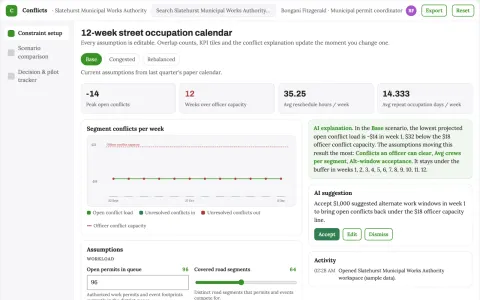
Street occupation conflict calendar
Reduce preventable rework and disruptions from conflicting approved activities.
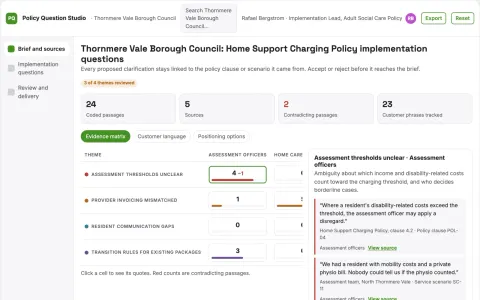
Agency policy implementation questions
Surface practical ambiguities before launch.
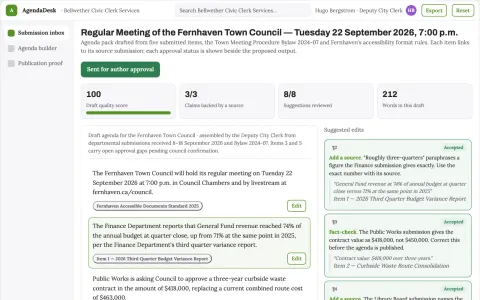
Council agenda assembly desk
An evidence-linked agenda pack with visible missing approvals.
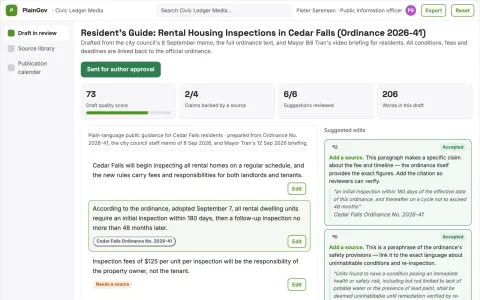
Government document simplification
Meaning-preserving simplification with side-by-side policy review.
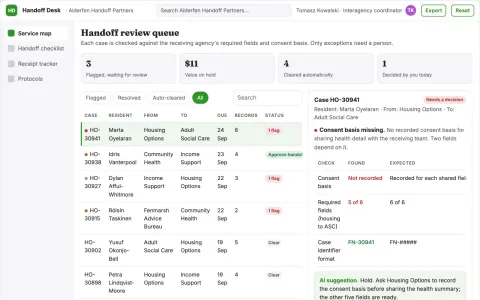
Interagency case handoff checklist
A minimal documented handoff with clear receiving ownership.
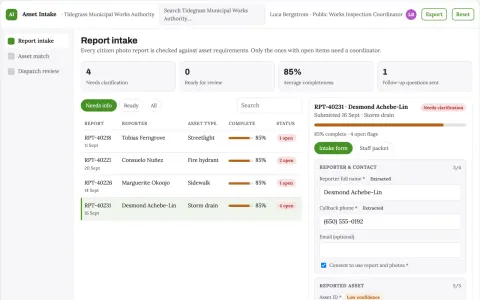
Municipal asset photo triage
Connect public reports to asset records before inspection.






































































































About this learning path
7 topicsAI Skills for Civil Servants, Step by Step
Your day is full of rules, requests, records, and people who need clear answers. AI can help you handle that work with more care and less rush, while you stay in charge of every decision.
Start with small, safe steps. You will learn how to ask better questions, connect the AI tools your agency allows, and use prompts built for civil service tasks.
Why AI matters now
Policies change, public questions grow, and applications still need careful review. AI can help you read faster, draft clearer replies, and keep records tidy so you can focus on judgment and service.
Agencies are also asking staff to use these tools responsibly. Learning now helps you work confidently within the rules.
What the path includes
You begin with setup questions about your role, your agency rules, and the tools you can use. Then you connect your AI account and practice skills for the job inside your AI, such as summarizing cases and drafting replies.
The path includes this prompt course and video courses picked for civil service work. Each video course shows its certification, so you can see what you can earn.
How it saves time
You will turn long policy documents into steps, draft common replies, and prepare records without starting from a blank page. Small time savings add up across a week.
The aim is not to rush your work. It is to spend less time on formatting and first drafts, and more time on decisions that need a person.
How it protects your career
You learn to keep private information safe, check AI output against rules, and document your decisions. These habits show you can use new tools without cutting corners.
Managers notice staff who improve service while respecting policy. This path helps you be that person.
How to start
Set aside a short block this week. Complete the setup questions, connect your AI, then try one prompt from the course on a low-risk task.
Pick a task you already know well, like turning meeting notes into a summary. Review the result, adjust it, and save what works.
Support as you learn
You do not need to be technical. Each lesson uses plain language and examples from government work.
If your agency has rules about AI, follow them. Use the course to ask better questions and keep your work accurate.
Frequently asked questions
Do I need technical skills?
No. The path starts with setup questions and plain examples. You practice with tools like ChatGPT, Claude, or Gemini at a comfortable pace.Can I use AI at work?
Follow your agency rules first. The path teaches safe habits, such as removing personal details and checking output against policy. When in doubt, ask your manager or privacy officer.How long does the path take?
You can move through it in short sessions. Many learners start with one prompt course lesson, then add a video course when they have time. The path is built for busy working days.Will this replace my judgment?
No. AI helps with drafts, summaries, and checks. You still review, decide, and sign off on every official action.