AI agent for education consultants
School Improvement Plan Tracking Agent
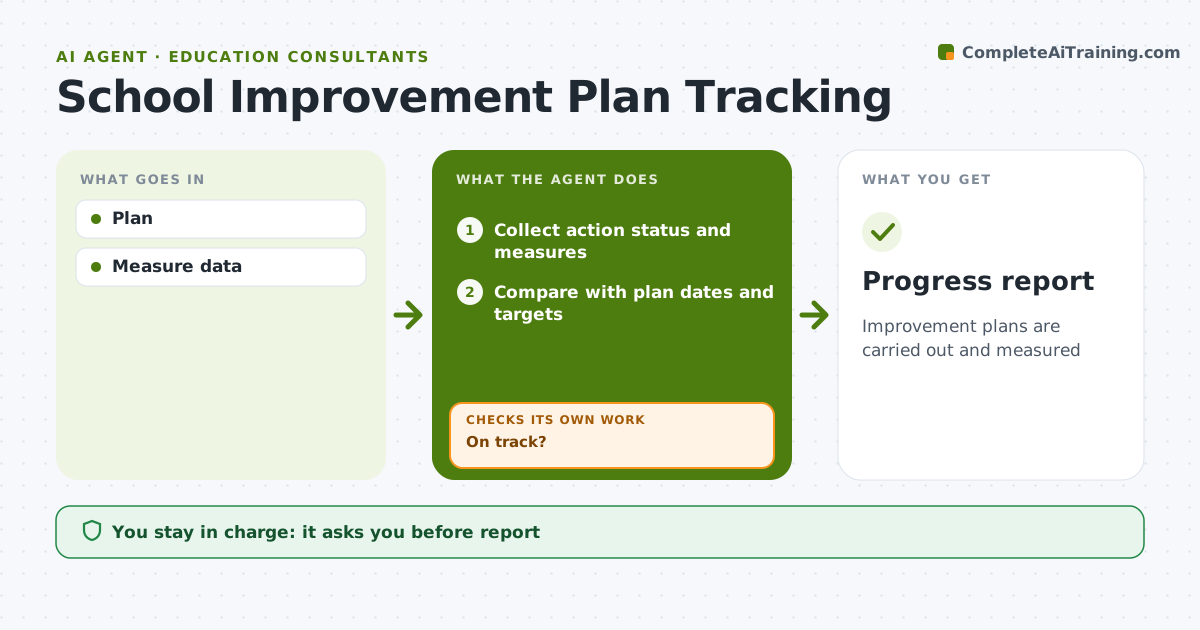
Improvement plans are carried out and measured
What it does
School improvement plans list goals, actions, owners, dates and measures, but they often sit untouched until the year-end review. Each month this agent tracks every action against its date and collects measure data at the set points, such as reading benchmark scores or attendance rates. It compares progress with the plan's expected path and flags stalled actions and measures that are off track. For each flag it drafts a short question to the owner asking for an update and the reason for any delay, then checks again after the reply. The consultant reviews the monthly progress report before it goes to school leaders. Edge case: if a measure's source changes, such as a new benchmark test, it notes that comparisons with earlier results may not hold.
How it works
Follow the arrows from top to bottom. The orange dashed arrow is the loop: when a check fails, the agent goes back and tries again.
Read the steps as a list
- Monthly review
- Collect action status and measures
- Compare with plan dates and targets
- On track?If not: ask action owners for an update and reason for delay. Back to step 2.
- Draft the progress report with risks
- Consultant reviews reportThe agent waits here for your OK.
- Share the approved report with the school team
- Progress report
How it decides
Action status and measure trends.
- Actions 2 weeks late flagged
- Measures below trajectory flagged
- Source changes noted
Make it yours
Every agent is a starting point. You choose these settings for your own situation.
- Review cycle
- Thresholds
- Recipients
- Format
What keeps you in control
It always asks you first
- Report
Hard limits
- No staff evaluations
It stops when
- Done: report
- Stop: plan replaced
Set it up
We guide you through the set-up, step by step
Members get the full set-up guide for this agent. No technical skills needed: you copy, paste and upload.
- One set of instructions to paste into your AI, with the clicks for ChatGPT, Claude, Microsoft 365 Copilot, Gemini and Grok
- The agent then walks you through connecting your own data, one source at a time
- A downloadable copy with the flow chart, the rules and the full guide