AI agent for scriptwriters
Script Notes Consolidation Agent
Every note on a draft addressed or answered in the next draft
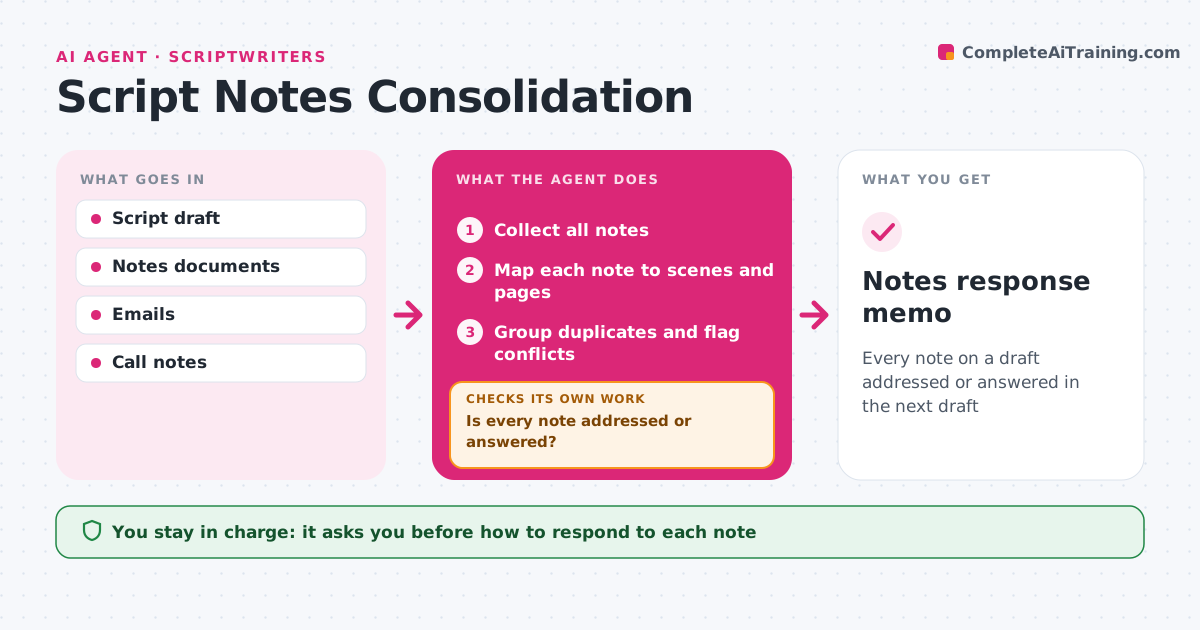
What it does
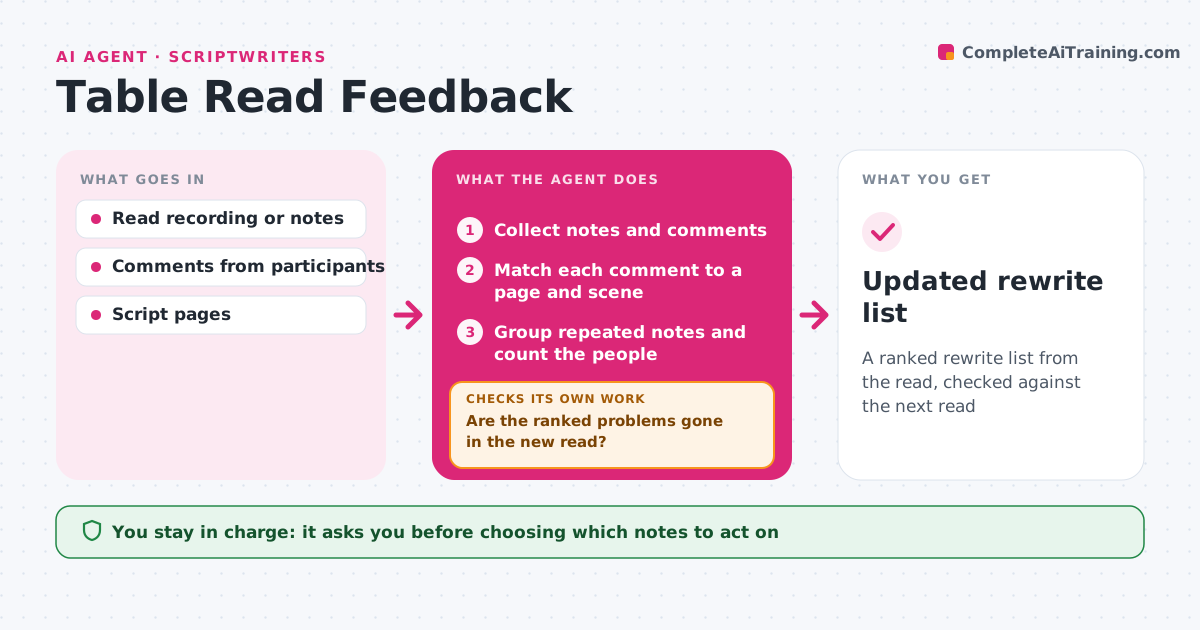
After a draft, notes come from producers, executives and readers in emails, PDFs and margin comments, and it is easy to miss one. This agent gathers every note, maps each to the scenes and pages it touches, and groups notes that ask for the same thing. It marks conflicts and notes that would break story logic elsewhere, such as a change in act one that undoes a payoff in act three. It produces a notes plan the writer can work from. The writer decides how to handle each note. After the rewrite, the agent compares the new draft with the plan and checks that every note is either addressed or has a written reason for not changing. Open notes go back to the writer. It then drafts the notes response memo. Edge case: a character note linked to a later payoff is attached to both scenes.
How it works
Follow the arrows from top to bottom. The orange dashed arrow is the loop: when a check fails, the agent goes back and tries again.
Read the steps as a list
- Notes arrive
- Collect all notes
- Map each note to scenes and pages
- Group duplicates and flag conflicts
- Writer decides how to handle each noteThe agent waits here for your OK.
- Compare new draft with the notes plan
- Is every note addressed or answered?If not: list open notes for the writer. Back to step 6.
- Notes response memo
How it decides
It groups notes by what they ask for and flags conflicts. A note is closed when the new draft changes the mapped scene or the writer records a reason.
- Group notes asking for the same change
- Flag notes that conflict
- Link notes to setups and payoffs
Make it yours
Every agent is a starting point. You choose these settings for your own situation.
- Note sources
- Memo format
- Grouping strictness
- Whether to include page numbers
What keeps you in control
It always asks you first
- How to respond to each note
- Sending the response memo
Hard limits
- Never rewrites script pages itself
- Never sends memos without approval
It stops when
- Done: memo sent
- Stop: notes too vague; draft questions for the producer
Set it up
We guide you through the set-up, step by step
Members get the full set-up guide for this agent. No technical skills needed: you copy, paste and upload.
- One set of instructions to paste into your AI, with the clicks for ChatGPT, Claude, Microsoft 365 Copilot, Gemini and Grok
- The agent then walks you through connecting your own data, one source at a time
- A downloadable copy with the flow chart, the rules and the full guide