AI agent for facilities managers
Seasonal Property Condition Watch Agent
Find and fix seasonal problems before they cause damage.
What it does
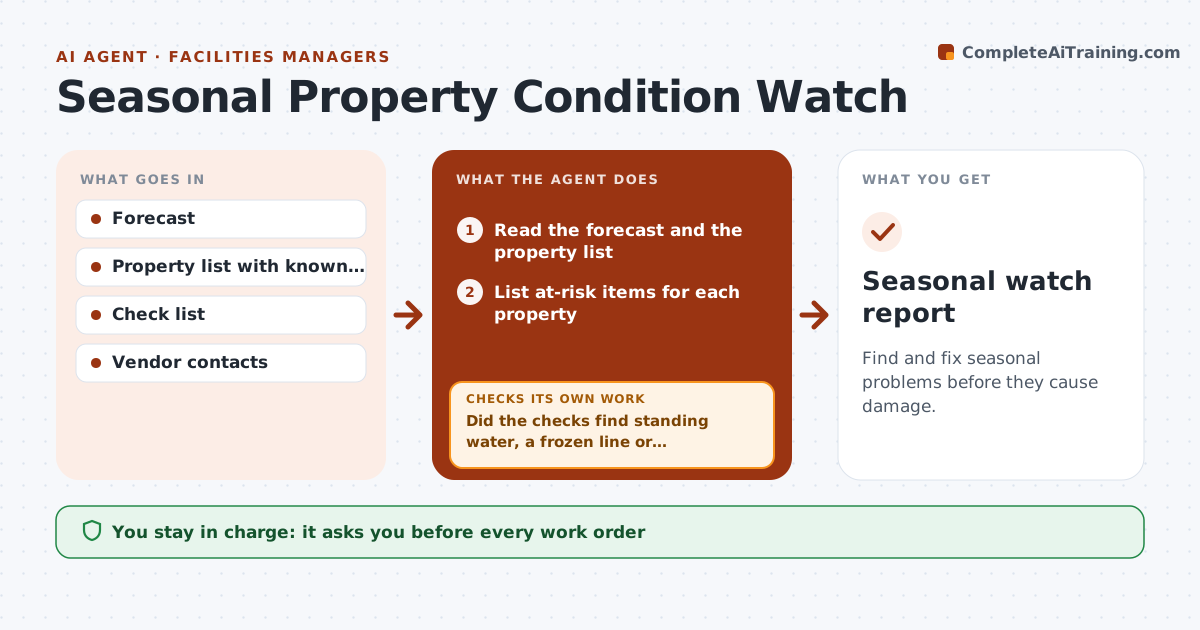
A cold snap or a storm hits, and the pipes freeze before anyone checks the vacant units. This agent reads the weather forecast and your property data, such as pipe exposure, roof age and drainage, and lists the items at risk for each property. It schedules checks before the event, records what is found, and creates work orders for problems. If a check finds standing water or a frozen line, it drafts an urgent work order and rechecks the next day. You approve each work order. Edge case: a vacant unit with an old roof and a storm forecast is moved to the top of the list.
How it works
Follow the arrows from top to bottom. The orange dashed arrow is the loop: when a check fails, the agent goes back and tries again.
Read the steps as a list
- Forecast crosses a risk limit
- Read the forecast and the property list
- List at-risk items for each property
- Rank properties by risk and schedule checks with the person responsible
- Record the check results
- Did the checks find standing water, a frozen line or damage?If not: Mark the property clear and log the check. Back to step 4.
- Draft an urgent work order with photos
- Manager approves each work orderThe agent waits here for your OK.
- Recheck the property the next day
- Is the problem fixed?If not: Escalate the work order and call the vendor. Back to step 7.
- Seasonal watch report
How it decides
It ranks properties by risk and forecast severity. Any found problem gets an urgent work order and a next-day recheck.
- Freeze below 28 F for 6 hours or more triggers pipe checks (default)
- Vacant units and older roofs go first
- Standing water gets a same-day order
- Recheck within 24 hours of any order
Make it yours
Every agent is a starting point. You choose these settings for your own situation.
- Trigger limits
- Property risk list
- Check time window
- Spending limit for orders
- Recheck time (default 24 hours)
What keeps you in control
It always asks you first
- Every work order
- Spending above the limit
Hard limits
- Never dispatches vendors without approval
- Never closes an issue without recheck
- Keeps photos of each check
It stops when
- Done: all properties checked and issues fixed
- Stop: vendor unreachable; manager takes over
Set it up
We guide you through the set-up, step by step
Members get the full set-up guide for this agent. No technical skills needed: you copy, paste and upload.
- One set of instructions to paste into your AI, with the clicks for ChatGPT, Claude, Microsoft 365 Copilot, Gemini and Grok
- The agent then walks you through connecting your own data, one source at a time
- A downloadable copy with the flow chart, the rules and the full guide