
Learning path
Learning AI as a Home Inspector
This path shows home inspectors how to use AI for reports, client calls, and the business side of the job. It starts with setup and ends with certificates you can show clients.
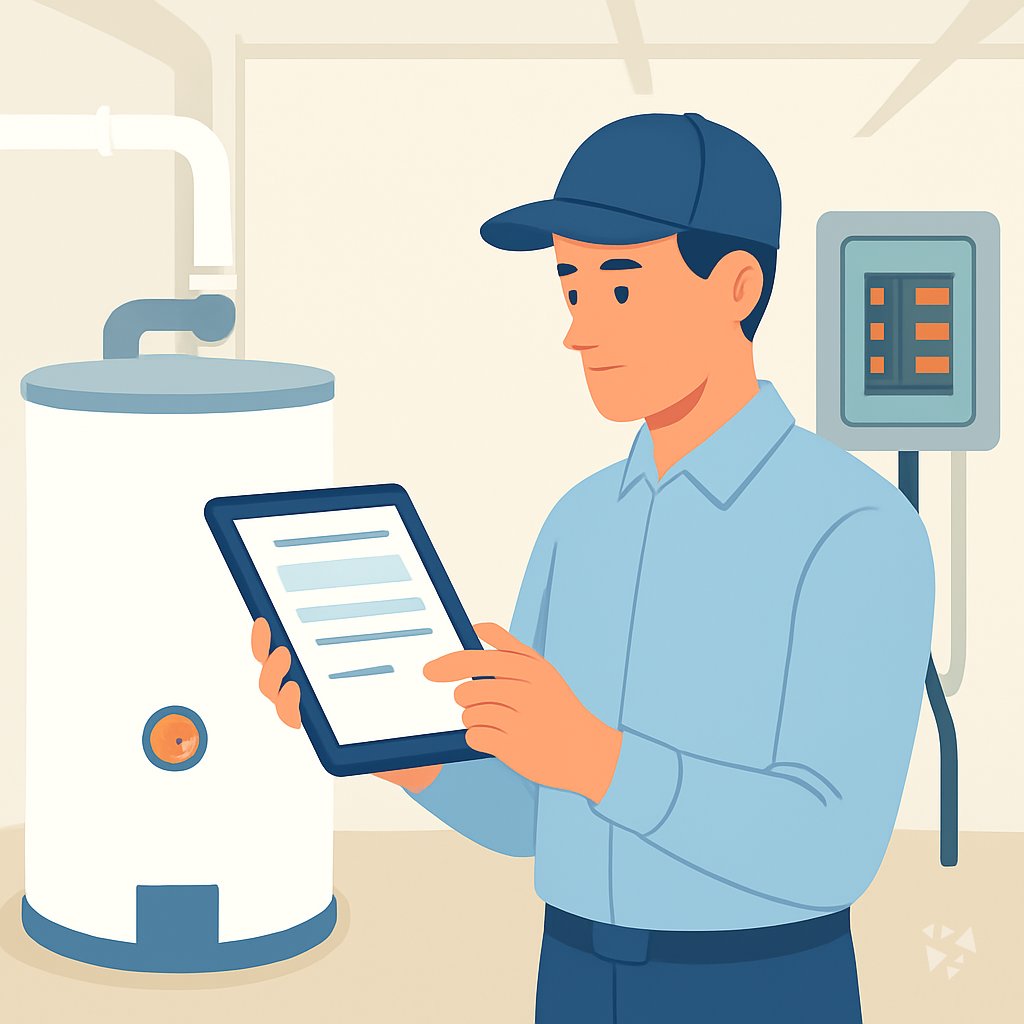
Your path
Everything in the Home Inspector AI kit, in the order that makes sense. Members tick off each step and see their progress.
Set up your AI
We guide you through each click.
Let skills do your everyday tasks
Connect your apps and pick your AI apps
Hand whole tasks to AI agents
Build your own tools
Keep growing
Everything for home inspectors
All the courses, certifications, AI tools, MCP servers and apps for home inspectors, most relevant first. Open any list to see more.
Take the prompt courses
A short framework course to learn how to ask, then 8 lessons with ready-to-use prompts for home inspectors.
Start with this framework: how to talk to AI
RACE fits home inspecting because it defines your role, action, context, and expected report quality, like assessing a 1990 roof for defects.
Then your prompt course for home inspectorsWatch the video courses or add them to your Favorites for later
99 video courses our AI picked for home inspectors, most useful first. Save the ones you want to watch later with the heart.
Favorites are saved to your account: sign in or get your AI kit first.
Show all 99 video courses
Get certified, or add certifications to your Favorites
Every course ends in an exam and a certificate you can add to LinkedIn. Save the certifications you are aiming for with the heart.
Favorites are saved to your account: sign in or get your AI kit first.
More certifications for home inspectorsShow all 24 certifications
Try the AI tools for home inspectors
5 AI tools our AI matched to the work of home inspectors, best fit first. Each review shows what it does, its alternatives and the jobs it suits.
Favorites are saved to your account: sign in or get your AI kit first.
Connect your AI to the apps home inspectors use
MCP servers let ChatGPT, Claude or Copilot look things up and get work done in other apps, like your email, calendar or bookkeeping software. These 12 fit the work of home inspectors best, well-known apps first.
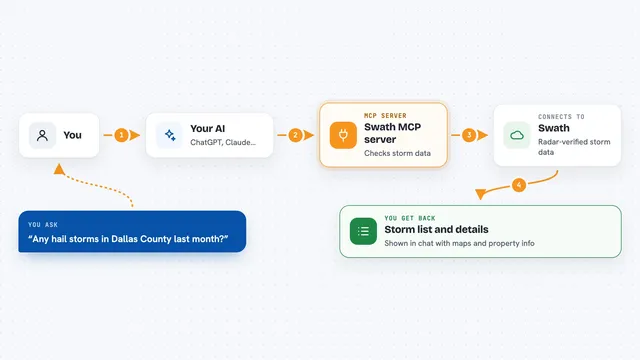
Swath MCP server
by vibecodebeastAsk your AI about radar-verified hail and wind storms, and get storm history for any US address.
Analytics Official
Toggl Track MCP server
by louis030195Start and stop your Toggl timers, check today's hours, and list projects right from your AI chat.

Blank Invoice Maker MCP server
by InnarMAsk your AI to build an invoice and get a ready-to-review link that downloads as a PDF.

ezpzfile MCP server
by ezpzfileLets your AI read and convert documents, edit PDFs, clean up images, and make QR codes, all on your own computer.

Go-Docs MCP server
by drolosoftLets your AI read, search and pull text from your PDFs, Word files, spreadsheets and images.

Convertica MCP server
by convertica-netConvert, merge, split, compress, sign and protect PDFs and other files right from your AI chat.
Show all 12 MCP servers

ImageSorcery MCP server
by sunriseappsLets your AI edit, crop, blur, and read text in your images, all on your own computer.

GuruPDF MCP server
by GuruPDFConvert, compress, merge and split PDFs, and change files between Word, Excel, images and more, from your chat.

oxidize-pdf MCP server
by bzsantiLets your AI read, create, split, merge, and fill PDFs in a folder you choose.

Local RAG MCP server
by shinprSearch your own PDF, Word, text and Markdown files from your AI chat, all on your own computer.

dowse MCP server
by ltspaceLets your AI search your Windows files by name, document text, and text inside screenshots.

PDF Toolkit MCP server
by AryanBVLets your AI read, create, merge, split, fill and protect PDF files for you.



































































































About this learning path
7 topicsAI for Home Inspectors: A Practical Learning Path
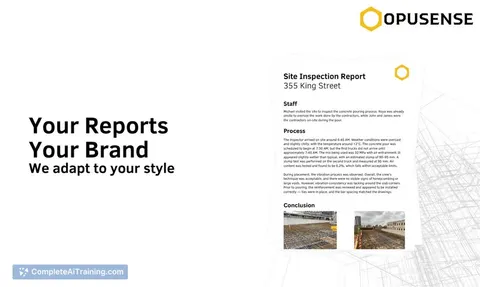
Home inspection work is steady, but the paperwork is not. You finish a two-hour inspection and then spend the evening turning notes and photos into a report a client can actually read.
This path teaches you to use AI tools like ChatGPT, Claude, or Gemini for the parts of the job that eat your time, without handing over your judgment. You keep the findings. AI helps with the words, the checklists, and the follow-ups.
Why AI matters for inspectors
Buyers and agents expect reports faster than they did a few years ago, and they expect plain language. At the same time, you are the one who has to stand behind every finding.
AI does not replace your eyes or your experience. It helps you write, plan, and answer questions faster, so you can take on more inspections or simply get home earlier.
What the path includes
You start with setup questions and connect your AI tool of choice. Then you learn skills for the job inside your AI, followed by a prompt course built around eight everyday inspection tasks.
Video courses chosen for home inspectors come next, and each one shows the certificate you earn when you finish.
How it saves you time
The biggest wins are report writing, client explanations, and follow-up messages. Instead of starting from a blank page, you start from a draft you can edit in a few minutes.
Planning prompts help you build checklists and routes before you leave the house, which cuts windshield time and missed items.
How it protects your career
AI can make mistakes, and a report is a legal document. The path teaches you to check every number, code reference, and cost range before it goes out.
You also learn how to keep client names, addresses, and photos out of tools that are not approved for that kind of data.
Video courses and certificates
The video courses are picked for the work you actually do, not general AI theory. They cover inspection-specific topics and include a certificate at the end of each one.
You can list those certificates on your website or hand them to a client who asks how you use AI.
How to start
Begin with the setup questions, then work through the prompt course in order. Set aside about twenty minutes a day for a week.
Try one prompt on your next real inspection. If the draft saves you ten minutes, you already know it is worth continuing.
Frequently asked questions
Do I need to be good with technology?
No. If you can write an email and take photos on your phone, you can do this. The lessons walk you through each step in plain language.Will AI write my reports for me?
It writes a first draft from your notes and captions, and you edit it. Your findings, your judgment, and your signature stay yours.Is it safe to put client information into AI tools?
Only if you remove names, addresses, and anything that identifies the property, unless your tool is approved for that data. The path shows you how to work with descriptions instead.How long does the path take?
Most people finish the lessons in a few weeks at a relaxed pace. You can go faster or slower depending on your inspection schedule.