AI agent for penetration testers
Severity Rescoring Agent
A consistent, defensible severity rating for every finding with a written reason
What it does
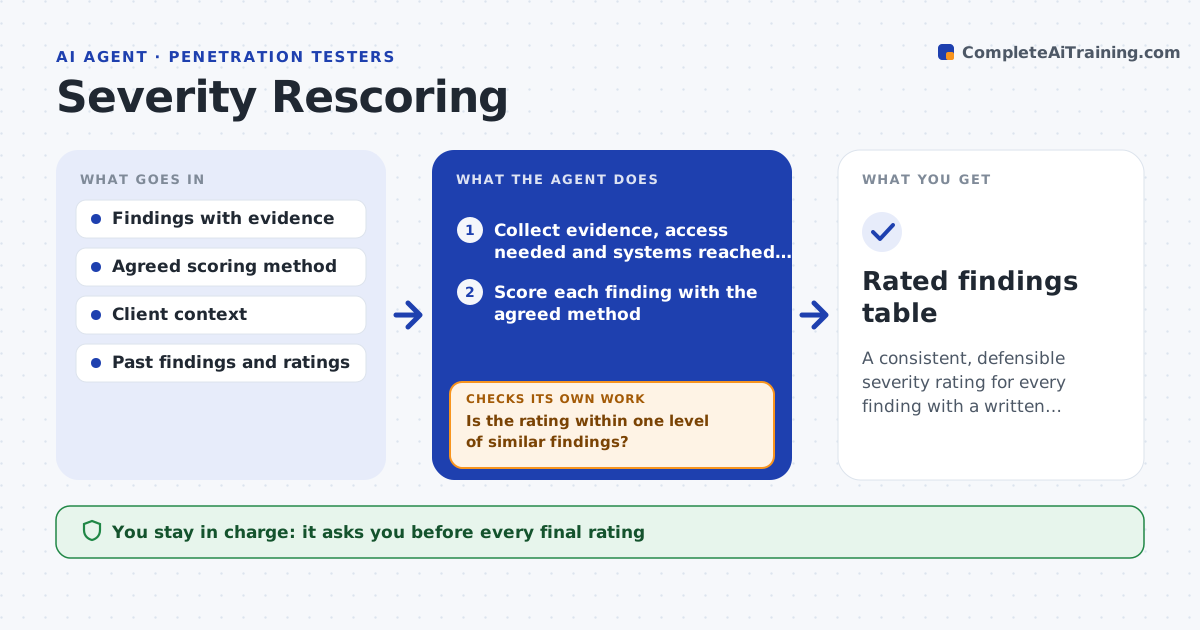
Two findings that look alike get different ratings because they were written on different days, and the client pushes back. For each finding, this agent collects the exploit conditions, the access an attacker needs, the data or systems reached and the client's business context. It scores each one with the method the engagement agreed, such as the standard scoring system plus a business adjustment. It then compares the result with similar findings from past reports and flags outliers: a finding rated far higher or lower than comparable ones. Outliers are rechecked against the evidence. The final scores and reasons are written in a consistent form. The tester approves every rating. Edge case: a finding that is only exploitable with admin access is scored on that precondition, not on the worst case.
How it works
Follow the arrows from top to bottom. The orange dashed arrow is the loop: when a check fails, the agent goes back and tries again.
Read the steps as a list
- Findings ready for rating
- Collect evidence, access needed and systems reached for each finding
- Score each finding with the agreed method
- Find similar past findings and their ratings
- Is the rating within one level of similar findings?If not: recheck the conditions and evidence for the outlier. Back to step 3.
- Adjust for business context and note the reason
- Does each rating have a written reason a client could follow?If not: rewrite the reason with the steps and conditions. Back to step 6.
- Order findings by rating and flag ties
- Tester approves every ratingThe agent waits here for your OK.
- Rated findings table
How it decides
The score follows the agreed method. A rating that differs from comparable past findings by more than one level is rechecked.
- Score on stated preconditions, not worst-case assumptions
- Recheck any outlier of more than one level
- Lower a rating only if a compensating control is evidenced
- Keep the same wording for the same finding type
Make it yours
Every agent is a starting point. You choose these settings for your own situation.
- Scoring method and weights
- Business context fields
- Outlier gap (default 1 level)
- Format of the rating reason
What keeps you in control
It always asks you first
- Every final rating
Hard limits
- Never changes a rating without the tester's approval
- Never lowers a rating to please a client
It stops when
- Done: all findings rated and approved
- Stop: evidence is missing for a finding
Set it up
We guide you through the set-up, step by step
Members get the full set-up guide for this agent. No technical skills needed: you copy, paste and upload.
- One set of instructions to paste into your AI, with the clicks for ChatGPT, Claude, Microsoft 365 Copilot, Gemini and Grok
- The agent then walks you through connecting your own data, one source at a time
- A downloadable copy with the flow chart, the rules and the full guide