AI agent for small business owners
Shop Fluid and Hazardous Waste Log Agent
Every waste type has a complete record of generation, pickup and disposal for each month.
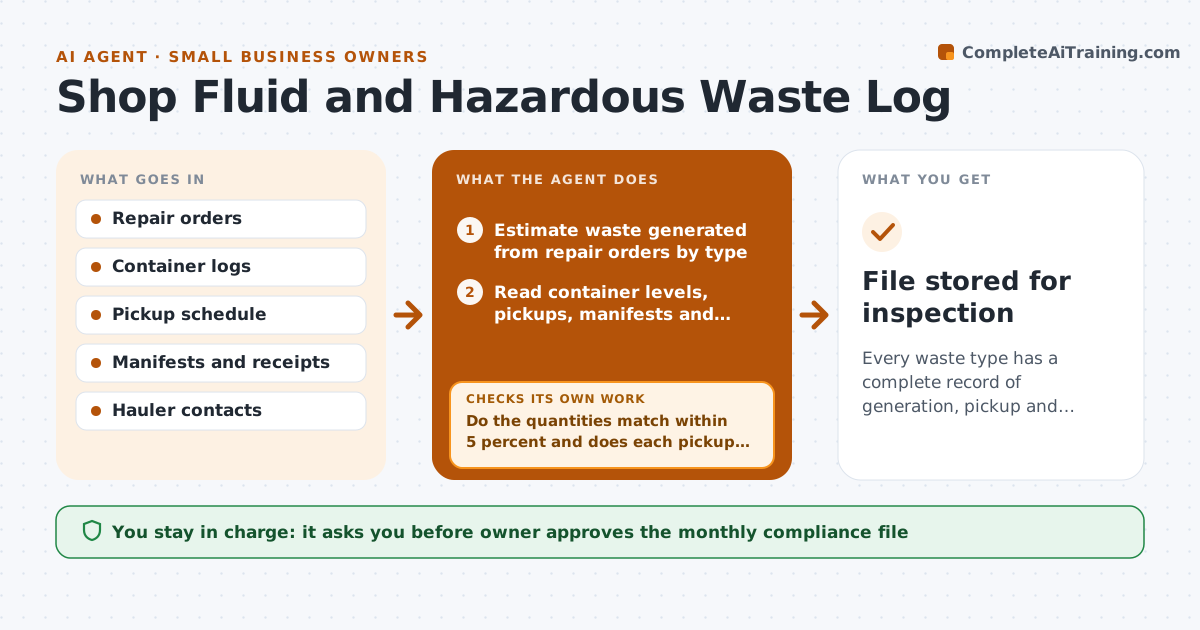
What it does
An inspector asks for six months of disposal records, and the shop finds receipts in a drawer and no manifests for two pickups. This agent tracks container levels and pickup dates for each waste type. It matches manifests and receipts to the waste produced by repair orders, such as oil changes and refrigerant recoveries, and flags gaps where quantities do not add up. When a document is missing, it asks the hauler for a copy and rechecks when it arrives. It builds a monthly compliance file with every record. The owner approves the file before it is stored or sent. Edge case: 120 gallons of oil were produced but only 90 gallons appear on pickup receipts.
How it works
Follow the arrows from top to bottom. The orange dashed arrow is the loop: when a check fails, the agent goes back and tries again.
Read the steps as a list
- Weekly waste reconciliation
- Estimate waste generated from repair orders by type
- Read container levels, pickups, manifests and receipts
- Compare generated, stored and removed quantities
- Do the quantities match within 5 percent and does each pickup have a manifest?If not: list the gaps and request the missing documents from the hauler. Back to step 3.
- Wait for documents and add them to the log
- Rerun the comparison with the new documents
- Are all gaps closed?If not: escalate the remaining gaps to the owner with a note. Back to step 3.
- Build the monthly compliance file
- Owner approves the compliance fileThe agent waits here for your OK.
- File stored for inspection
How it decides
It flags a gap when generated and removed quantities differ by more than 5 percent or a pickup has no manifest.
- Flag a gap above 5 percent difference.
- Require a manifest for every pickup.
- Request missing documents after 3 days.
- Escalate refrigerant discrepancies immediately.
Make it yours
Every agent is a starting point. You choose these settings for your own situation.
- Waste types tracked
- Gap threshold (default 5 percent)
- Hauler contacts
- Pickup schedule
What keeps you in control
It always asks you first
- Owner approves the monthly compliance file
Hard limits
- Never alter a manifest or receipt
- Do not estimate waste as final without records
It stops when
- Done: file complete and approved.
- Stop: documents cannot be obtained, so the owner decides.
Set it up
We guide you through the set-up, step by step
Members get the full set-up guide for this agent. No technical skills needed: you copy, paste and upload.
- One set of instructions to paste into your AI, with the clicks for ChatGPT, Claude, Microsoft 365 Copilot, Gemini and Grok
- The agent then walks you through connecting your own data, one source at a time
- A downloadable copy with the flow chart, the rules and the full guide