
Learning path
Learning AI as a HVAC Technician
This path helps HVAC technicians use AI to explain repairs, write quotes, troubleshoot from symptoms, and keep service records clear. It also covers setup, connecting your tools, job-specific skills, video courses, and certifications that fit your work.
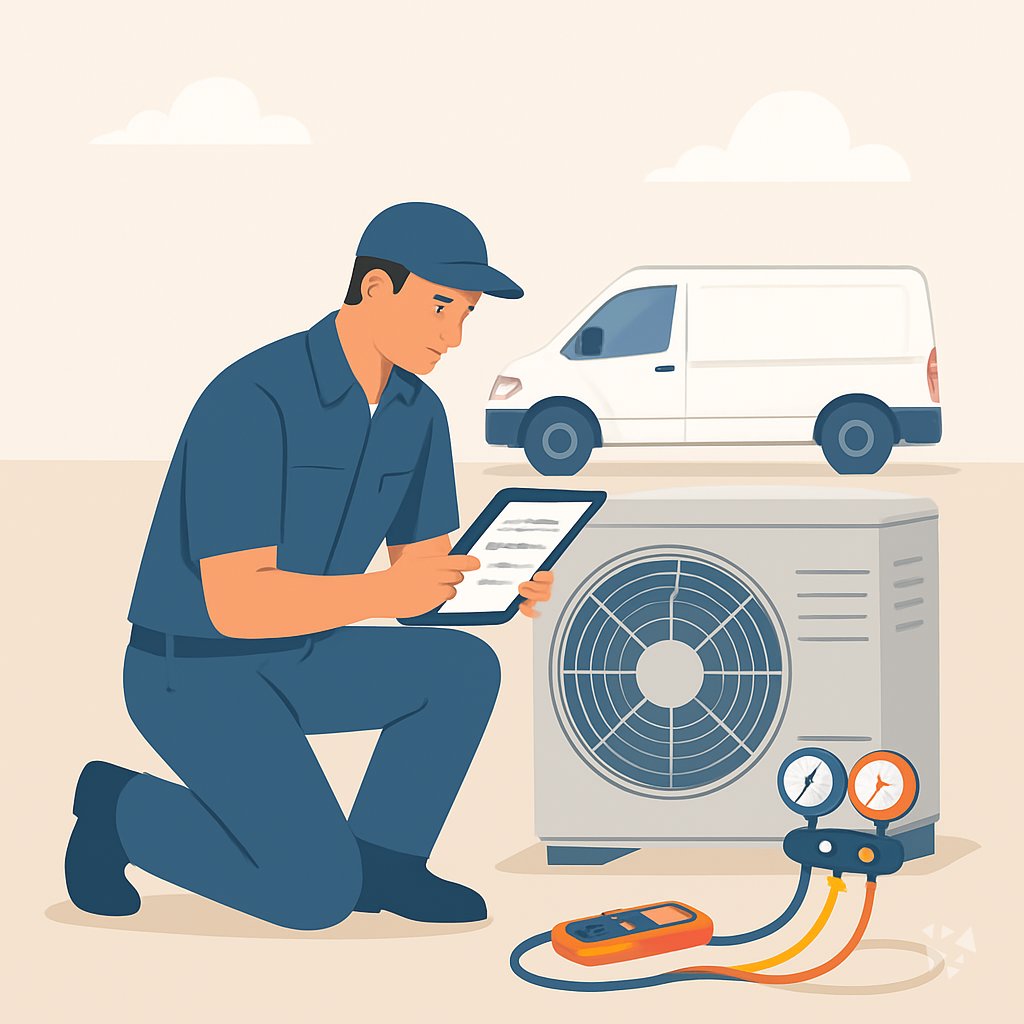
Your path
Everything in the HVAC Technician AI kit, in the order that makes sense. Members tick off each step and see their progress.
Set up your AI
We guide you through each click.
Let skills do your everyday tasks
Connect your apps and pick your AI apps
Hand whole tasks to AI agents
Build your own tools
Keep growing
Everything for hvac technicians
All the courses, certifications, AI tools, MCP servers and apps for hvac technicians, most relevant first. Open any list to see more.
Take the prompt courses
A short framework course to learn how to ask, then 9 lessons with ready-to-use prompts for hvac technicians.
Start with this framework: how to talk to AI
CARE helps HVAC technicians because documenting one service call, such as a failed capacitor diagnosis, creates a reusable standard for future repairs.
Then your prompt course for hvac technicians- 1Explaining Repairs To Customers3 prompts
- 2Drafting Quotes And Estimates3 prompts
- 3Troubleshooting From Symptoms3 prompts
- 4Decoding Manuals And Codes2 prompts
- 5Reading Nameplates And Photos2 prompts
- 6Planning Maintenance And Installs3 prompts
- 7Documenting Service Calls3 prompts
- 8Safety And Compliance2 prompts
- 9Advanced Diagnostics3 prompts
Watch the video courses or add them to your Favorites for later
68 video courses our AI picked for hvac technicians, most useful first. Save the ones you want to watch later with the heart.
Favorites are saved to your account: sign in or get your AI kit first.
Show all 68 video courses
Get certified, or add certifications to your Favorites
Every course ends in an exam and a certificate you can add to LinkedIn. Save the certifications you are aiming for with the heart.
Favorites are saved to your account: sign in or get your AI kit first.
More certifications for hvac techniciansShow all 24 certifications
Try the AI tools for hvac technicians
4 AI tools our AI matched to the work of hvac technicians, best fit first. Each review shows what it does, its alternatives and the jobs it suits.
Favorites are saved to your account: sign in or get your AI kit first.
Connect your AI to the apps hvac technicians use
MCP servers let ChatGPT, Claude or Copilot look things up and get work done in other apps, like your email, calendar or bookkeeping software. These 5 fit the work of hvac technicians best, well-known apps first.

Blank Invoice Maker MCP server
by InnarMAsk your AI to build an invoice and get a ready-to-review link that downloads as a PDF.

CallChatSyn MCP server
by oneappsworldLet your AI answer customer questions from your business FAQs and book appointments for you.
Customer communication Official
GNU Units MCP server
by laszlopereLets your AI convert between thousands of units and check unit math, all offline.

ThinAir Geo MCP server
by ThinAirTelematicsLook up addresses, plan routes, check traffic and weather, and find places, all from your AI chat.
APINo install
HVAC Quotes MCP server
by MarceauSolutionsAsk your AI to send quote requests to HVAC distributors and compare the prices that come back.





































































About this learning path
7 topicsAI Skills for HVAC Technicians at Work
You already solve problems with your hands and your judgment. This path shows how to use AI as a quiet helper for the paperwork, the explanations, and the planning that fill your day.
You do not need to be technical. We start with simple setup questions, connect your AI, add HVAC skills, then walk through a short prompt course and video lessons chosen for your job.
Why AI Matters Now
Customers ask more questions. Dispatchers want notes faster. Manufacturers pack more settings into every system. AI can help you keep up without adding hours to your day.
It is not here to replace your hands or your judgment. It is a second set of eyes for words, plans, and reminders.
What the Path Includes
The path starts with setup questions and connecting your AI, whether you use ChatGPT, Claude, or Gemini. Then you add skills for the job inside your AI, like service reports and quote language.
You also get this prompt course and video courses picked for HVAC work. Each video course shows its certifications, so you can see what counts for your employer or license renewal.
Setup and Connection
We help you choose a tool, make a free or low-cost account, and keep your login safe. You learn what to type first and how to keep work and personal notes separate.
Then you connect your AI to the way you already work. You can use it on a phone in the truck or on a laptop at the shop.
How It Saves Time
AI can turn a rough voice note into a clean service report. It can shape a quote from a parts list. It can explain a fault code while you are still at the unit.
That means less time staring at screens after hours and more time on the work that needs your hands.
How It Protects Your Career
Techs who write clear notes, give honest options, and explain repairs well get called back. AI helps you do those things faster, so your skill shows up in every customer visit.
It also helps you study for refrigerant exams and keep safety rules in view. That protects you, your customers, and your license.
How to Start
Start with one small task. Pick one lesson, try one prompt on your next call, and keep what works. Small wins add up.
Move at your own pace. You can finish the prompt course in a few short sittings, then return to the video lessons when a job calls for them.
Frequently asked questions
Do I need to be good with computers?
No. If you can send a text and take a photo, you can use these tools. The path starts with very simple steps and plain words.Will AI replace HVAC technicians?
No. AI cannot hold a gauge, braze a line, or feel a warm register. It helps with the writing, planning, and memory parts of the job so you can focus on the hands-on work.What kind of prompts will I learn?
You learn prompts for explaining repairs, drafting quotes, troubleshooting symptoms, decoding manuals, reading nameplates, planning maintenance, documenting calls, safety, and diagnostics. Each one uses real HVAC details you already know.Is my customer data safe?
Treat AI like any other tool. Do not paste names, addresses, payment details, or private notes. Follow your company rules and keep sensitive information out of the chat.