AI agent for penetration testers
Social Engineering Pretext Approval Agent
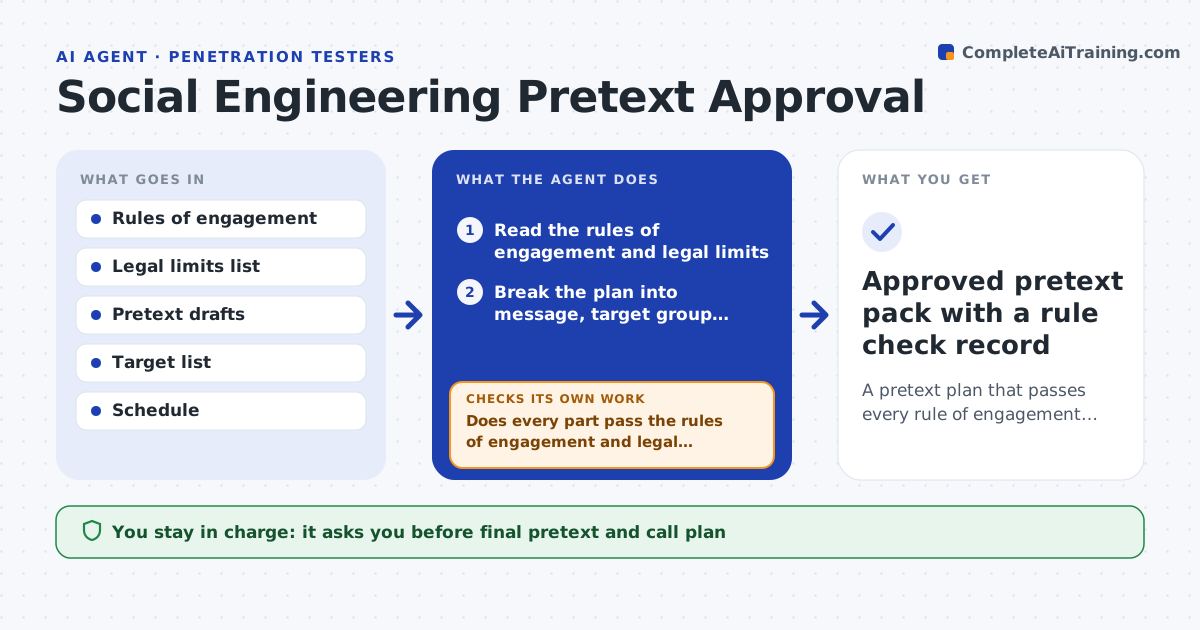
A pretext plan that passes every rule of engagement and has written approval from both the client and the lead
What it does
A social engineering test can go wrong in ways a technical test cannot. A pretext can scare staff, impersonate a real person, or involve a call at a bad time. This agent reads each planned pretext, target list and timing. It checks them against the rules of engagement and the legal limits the team has recorded, such as banned topics, protected groups, off-limits roles and call hours. It flags every issue with the exact rule behind it and drafts a safer version of the pretext. Then it checks the revised version against the same rules and repeats until nothing is flagged. Nothing is used until the client contact and the lead both approve. Edge case: a phishing email mentions a layoff, so the agent replaces it with a neutral delivery notice.
How it works
Follow the arrows from top to bottom. The orange dashed arrow is the loop: when a check fails, the agent goes back and tries again.
Read the steps as a list
- Tester drafts a pretext, call plan or target list
- Read the rules of engagement and legal limits
- Break the plan into message, target group, sender identity and timing
- Does every part pass the rules of engagement and legal limits?If not: list each broken rule and draft a safer version of that part. Back to step 3.
- Check the target list for off-limits roles and protected groups
- Rewrite the pretext and timing with the fixes
- Does the revised plan pass all rules again?If not: repeat the rewrite and escalate to the lead after three tries. Back to step 6.
- Client contact and lead both approve the final planThe agent waits here for your OK.
- Save the approved plan and lock it
- Approved pretext pack with a rule check record
How it decides
A pretext passes only if every rule check clears. Any issue forces a rewrite and a new full check.
- Ban topics about layoffs, health, family or money trouble
- Remove anyone on the off-limits role list from the targets
- Move calls outside the agreed hours
- Never impersonate a named real person without client consent in writing
Make it yours
Every agent is a starting point. You choose these settings for your own situation.
- Banned topics list
- Calling hours
- Which roles are off limits
- Number of rewrite tries before escalation (default 3)
What keeps you in control
It always asks you first
- Final pretext and call plan
- Target list
- Any change to calling hours
Hard limits
- Never sends any message or makes any call
- Never approves its own rewrite
It stops when
- Done: plan passes all checks and both approvals are recorded
- Stop: the rules of engagement are missing or contradictory
Set it up
We guide you through the set-up, step by step
Members get the full set-up guide for this agent. No technical skills needed: you copy, paste and upload.
- One set of instructions to paste into your AI, with the clicks for ChatGPT, Claude, Microsoft 365 Copilot, Gemini and Grok
- The agent then walks you through connecting your own data, one source at a time
- A downloadable copy with the flow chart, the rules and the full guide