AI agent for graphic designers
Social Graphic Resize and Safe-Zone Agent
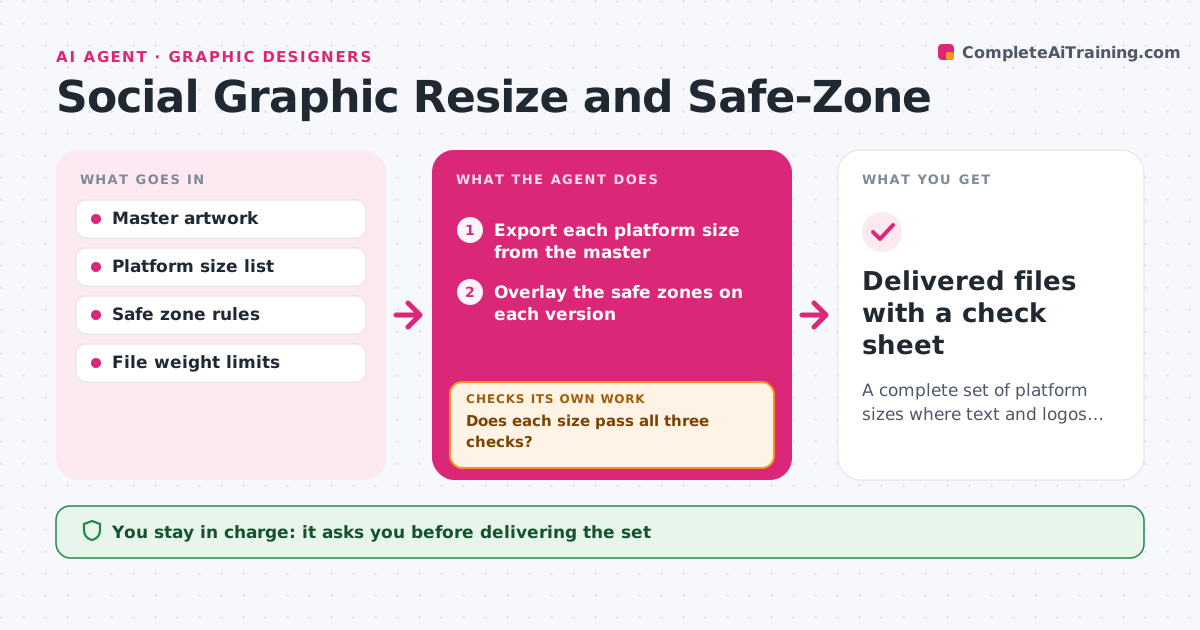
A complete set of platform sizes where text and logos are safe and readable
What it does
Resized graphics often have cropped text and logos hidden by interface overlays. This agent takes the master artwork and produces each platform size. For each version it checks that text and the logo sit inside the platform's safe zones, that text is readable at small size and that the file weight is under the limit. It fixes problems by shifting layout, reducing copy size or adjusting the crop, then tests again. It repeats for each size until all pass, or flags sizes that cannot be made to work. It also checks the export color profile and format. The designer approves before the set is delivered. Edge case: a story format overlay covers the bottom 250 pixels, so a call to action is moved up.
How it works
Follow the arrows from top to bottom. The orange dashed arrow is the loop: when a check fails, the agent goes back and tries again.
Read the steps as a list
- Master artwork approved
- Export each platform size from the master
- Overlay the safe zones on each version
- Check text and logo position, legibility at small size and file weight
- Does each size pass all three checks?If not: move the layout, adjust the crop or compress, then check again. Back to step 3.
- Check color profile and file format
- Is every file in the right format and color profile?If not: re-export it with the correct settings. Back to step 3.
- Designer approves the setThe agent waits here for your OK.
- Delivered files with a check sheet
How it decides
A size passes when text and the logo are inside safe zones, the smallest text is legible at phone size and the file weight is under the limit.
- Keep text and logos inside the platform safe zone
- Fail text below 24 px at phone size
- Fail files over the platform's weight limit
- Keep the call to action above overlays
Make it yours
Every agent is a starting point. You choose these settings for your own situation.
- Platforms and sizes
- Minimum text size (default 24 px)
- File weight limit
- Export format
What keeps you in control
It always asks you first
- Delivering the set
- Changing copy or the logo
Hard limits
- Never changes the master artwork
- Never publishes to a platform
It stops when
- Done: all sizes pass and are approved
- Stop: the master file is unavailable or a size cannot work
Set it up
We guide you through the set-up, step by step
Members get the full set-up guide for this agent. No technical skills needed: you copy, paste and upload.
- One set of instructions to paste into your AI, with the clicks for ChatGPT, Claude, Microsoft 365 Copilot, Gemini and Grok
- The agent then walks you through connecting your own data, one source at a time
- A downloadable copy with the flow chart, the rules and the full guide