AI agent for land surveyors
Stakeout Verification Agent
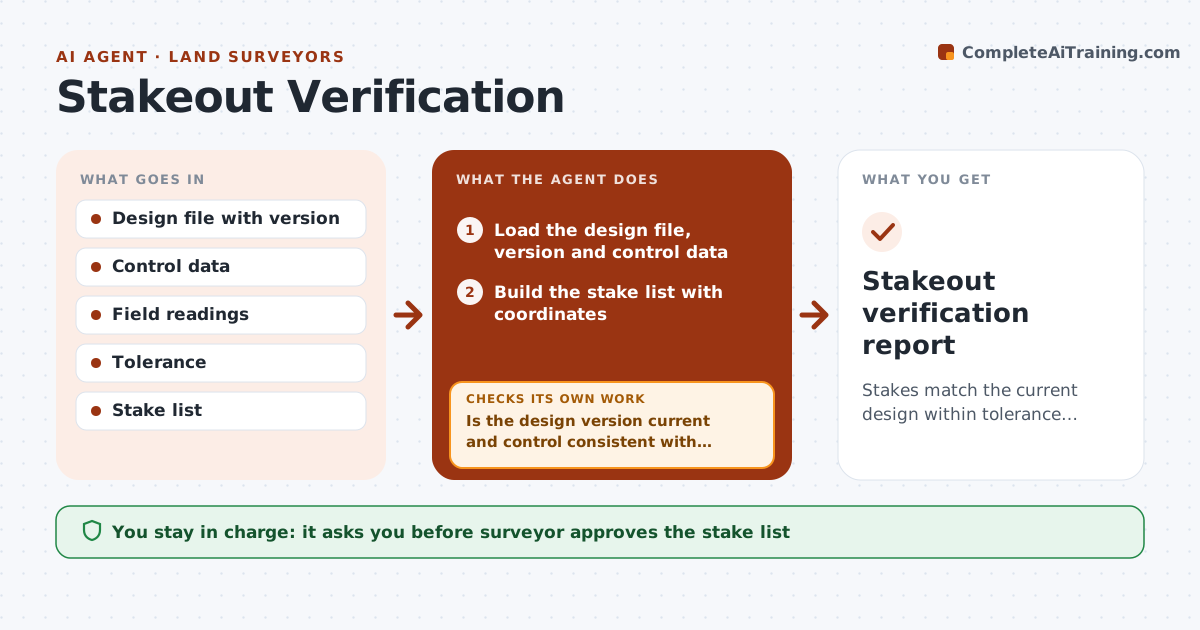
Stakes match the current design within tolerance, and every point is verified before the crew builds.
What it does
A crew pours footings from stakes set to an old file version, and the error is found after the concrete is cured. This agent checks twice. Before staking, it compares the design coordinates with the control and the file version the engineer sent, flags any mismatch, and confirms the control points are valid. After staking, it compares field readings for each point with the design, flags points outside the tolerance, and lists re-stakes. It rechecks after corrections. You approve the stake report. Edge case: a point staked from a different control setup is flagged because its residual cannot be compared with the design.
How it works
Follow the arrows from top to bottom. The orange dashed arrow is the loop: when a check fails, the agent goes back and tries again.
Read the steps as a list
- Stakeout planned
- Load the design file, version and control data
- Is the design version current and control consistent with the design?If not: Ask the engineer for the current file and recheck control. Back to step 2.
- Build the stake list with coordinates
- Surveyor approves the list before field workThe agent waits here for your OK.
- After staking, load the field readings
- Compare each reading with its design position
- Is every point within tolerance?If not: List the points outside tolerance and the re-stake offsets, then compare again after correction. Back to step 6.
- Build the stake report
- Surveyor approves the stake reportThe agent waits here for your OK.
- Stakeout verification report
How it decides
A point passes when its measured position is within tolerance of design from verified control, using the latest design version.
- Use only the latest design version confirmed by the engineer
- Tolerance 0.05 ft horizontal and 0.03 ft vertical unless set otherwise
- Flag points from a different control setup
- Hold the report until all failures are re-staked
Make it yours
Every agent is a starting point. You choose these settings for your own situation.
- Horizontal and vertical tolerance
- Report format
- Design sources
- Re-stake rule
What keeps you in control
It always asks you first
- Surveyor approves the stake list
- Surveyor approves the stake report
Hard limits
- Never release stakes or the report to the contractor itself
- Never use unverified control
It stops when
- Done: all points pass and report approved
- Stop: control cannot be verified
Set it up
We guide you through the set-up, step by step
Members get the full set-up guide for this agent. No technical skills needed: you copy, paste and upload.
- One set of instructions to paste into your AI, with the clicks for ChatGPT, Claude, Microsoft 365 Copilot, Gemini and Grok
- The agent then walks you through connecting your own data, one source at a time
- A downloadable copy with the flow chart, the rules and the full guide