
Learning path
Learning AI as a Civil Engineer
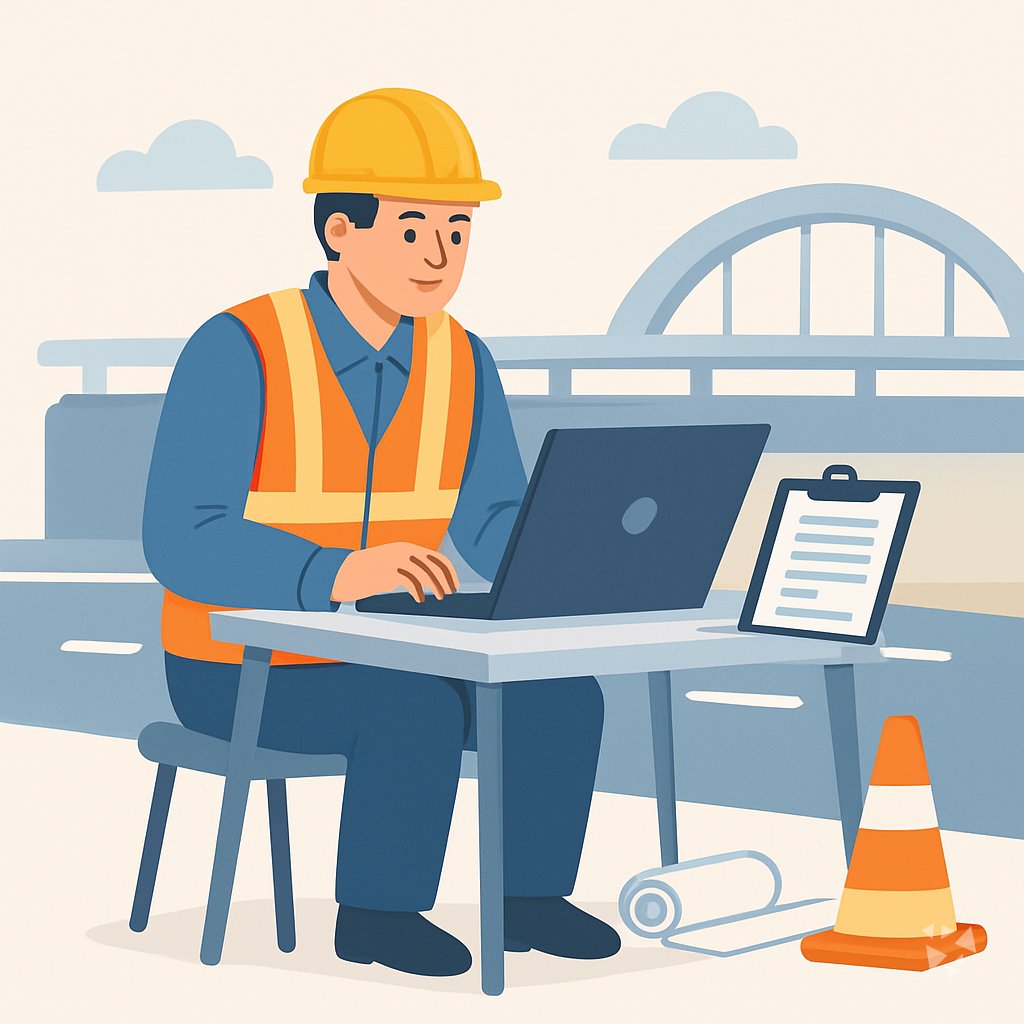
Civil engineers face more documentation, tighter reviews, and constant coordination. This path shows how to use AI for drafting, field records, compliance, and project admin while keeping your judgment in charge.
Your path
Everything in the Civil Engineer AI kit, in the order that makes sense. Members tick off each step and see their progress.
Set up your AI
We guide you through each click.
Let skills do your everyday tasks
Connect your apps and pick your AI apps
Hand whole tasks to AI agents
Build your own tools
Keep growing
Everything for civil engineers
All the courses, certifications, AI tools, MCP servers and apps for civil engineers, most relevant first. Open any list to see more.
Take the prompt courses
A short framework course to learn how to ask, then 9 lessons with ready-to-use prompts for civil engineers.
Start with this framework: how to talk to AI
RISEN fits your civil engineering work because it organizes multi-step deliverables like a stormwater drainage plan from design through specification.
Then your prompt course for civil engineers- 1Technical Drafting Basics3 prompts
- 2Explaining Designs Clearly3 prompts
- 3Field Inspection Documentation3 prompts
- 4Field Troubleshooting2 prompts
- 5Estimating And Quantities3 prompts
- 6Scheduling And Planning3 prompts
- 7Compliance And Standards3 prompts
- 8Design Review And QA/QC2 prompts
- 9Client And Project Admin5 prompts
Watch the video courses or add them to your Favorites for later
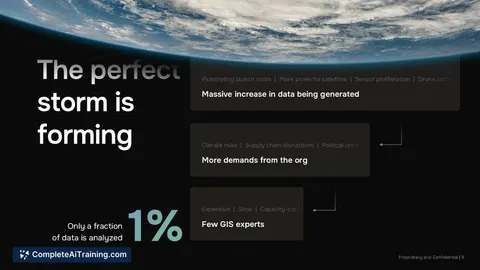
93 video courses our AI picked for civil engineers, most useful first. Save the ones you want to watch later with the heart.
Favorites are saved to your account: sign in or get your AI kit first.
Show all 93 video courses
Get certified, or add certifications to your Favorites
Every course ends in an exam and a certificate you can add to LinkedIn. Save the certifications you are aiming for with the heart.
Favorites are saved to your account: sign in or get your AI kit first.
More certifications for civil engineersShow all 24 certifications
Try the AI tools for civil engineers
6 AI tools our AI matched to the work of civil engineers, best fit first. Each review shows what it does, its alternatives and the jobs it suits.
Favorites are saved to your account: sign in or get your AI kit first.
Connect your AI to the apps civil engineers use
MCP servers let ChatGPT, Claude or Copilot look things up and get work done in other apps, like your email, calendar or bookkeeping software. These 12 fit the work of civil engineers best, well-known apps first.

den AEC Knowledge server
by odd-InnocentAsk your AI about Korean building codes, standards and construction practice, with sources.
Research Official
Procore MCP server
by TylerIlungaLets your AI look up and work with your Procore projects, RFIs, submittals, daily logs and budgets.

GNU Units MCP server
by laszlopereLets your AI convert between thousands of units and check unit math, all offline.

debim MCP server
by PRIDA-TAKONLet your AI build 3D building models from simple text files, calculate material amounts and costs, and make a viewable model.

Wolfram Alpha MCP server
by SecretiveShellLets your AI look up facts, math, and calculations through Wolfram Alpha.
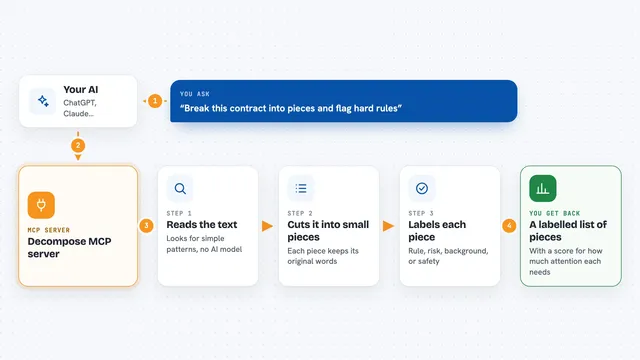
Decompose MCP server
by echology-ioYour AI can break any text into labelled pieces and show which parts are rules, risks, or just background.
Show all 12 MCP servers

Bing Search MCP server
by leehanchungLets your AI search the web, news, and images through Microsoft Bing while you chat.

Google Drive MCP server
by A1-x-TechLet your AI search, organize, upload, download, export and share your Google Drive files for you.
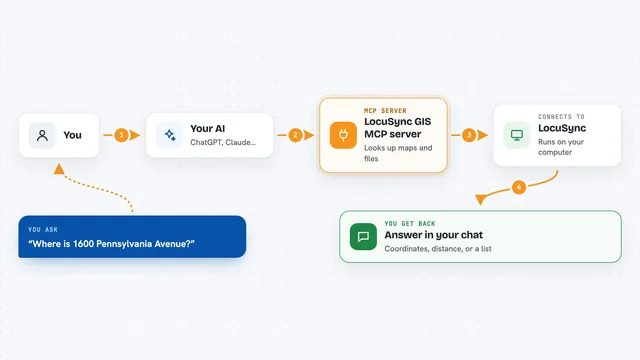
LocuSync GIS MCP server
by matbel91765Let your AI look up addresses, map routes, check elevations, and work with map files for you.

US Government Open Data MCP server
by malonestarAsk your AI about US government data on land, flood risk, banks, licenses and more, and get answers from official sources.

Calculator MCP server
by avisangleLets your AI do accurate math, statistics, unit conversions and finance calculations for you.

Google Search MCP server (AceDataCloud)
by AceDataCloudLets your AI run Google searches for web, images, news, videos, places and maps, and hand you the results.
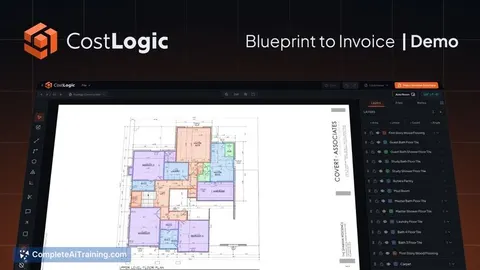
ResearchNo installBuild your own AI apps for civil engineers
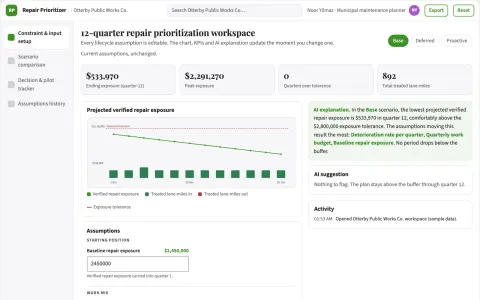
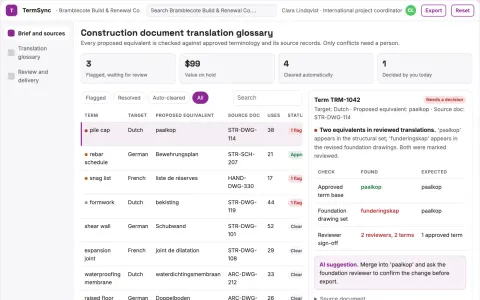
Apps you build yourself with your own AI, no coding needed and no monthly fee. Our AI picked the 2 that fit the work of civil engineers.




























































































About this learning path
7 topicsPractical AI Skills For Civil Engineers
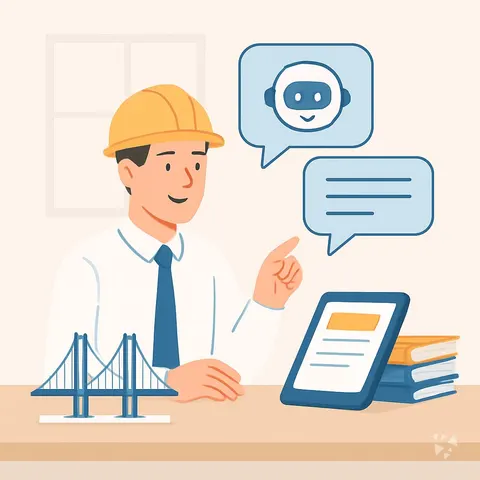
Civil engineering work runs on clear documents, careful checks, and steady communication. AI can help you produce first drafts, organize field notes, and compare options, but it cannot sign off on a design or replace your site judgment.
This path starts with simple setup questions, then helps you connect an AI tool to your daily work. You will practice prompts for specs, RFI answers, permit narratives, quantities, schedules, and client updates, with video courses chosen for civil engineers and their certifications.
Why AI Matters For Civil Engineers
Projects are getting more complex, and the writing around them keeps growing. Clients, councils, contractors, and reviewers all need clear answers, often on short timelines. AI can help you keep up without lowering your standards.
New engineers and experienced engineers alike are being asked to do more with the same hours. The engineers who learn safe, practical AI habits will spend less time on blank-page work and more time on decisions that need a licensed professional.
What The Path Includes
The path begins with setup questions so you can choose the right tool and plan for your role. You will learn how to connect your AI, keep project data safe, and build skills for the job inside your AI.
It includes this prompt course, where you practice the written work civil engineers handle every day. It also includes video courses picked for civil engineering work, along with the certifications those courses offer, so you can show what you have learned.
Setup Questions And Connecting AI
Before you start, you will answer a few plain questions about your projects, your company rules, and the tools you already use. That helps you avoid wasting time on prompts that do not fit your work.
Then you will connect your AI in a way that matches your setup, whether that is ChatGPT, Claude, Gemini, or a company-approved tool. You will learn what to paste, what to leave out, and how to keep a human review in the loop.
How The Path Saves Time
Much of a civil engineer's week goes into first drafts, meeting notes, field records, and routine replies. The path shows you how to turn rough inputs into structured drafts you can edit, instead of starting from nothing.
You will still check every number, clause, and recommendation. The time saved comes from faster starting points, cleaner records, and fewer repeated formatting tasks.
How It Protects Your Career
AI does not remove the need for engineering judgment, stamps, or accountability. It changes where your time goes. The path teaches you to use AI as a drafting and organizing assistant, not as the engineer of record.
By learning safe habits now, you stay useful as firms adopt new tools. You also build a clear story for reviews and interviews: you can use AI to improve quality, speed, and communication without cutting corners.
How To Start
Start with one task you do often, such as answering an RFI or writing a field record. Use the setup questions to pick your tool, then try the first few prompts from the course on a low-risk project.
Keep a simple log of what worked and what you changed. Once you see the pattern, move to the next lesson and bring one teammate into the habit.
Frequently asked questions
Do I need to be technical to use AI as a civil engineer?
No. If you can write an email and review a drawing, you can learn these prompts. The course uses plain language and focuses on the documents and decisions you already handle.Will AI replace civil engineers?
AI can draft, summarize, and organize, but it cannot take responsibility for safety, code compliance, or professional judgment. The path is built around using AI to support your work, not to replace your role.What if my company blocks AI tools?
You can still learn the habits and use approved tools when they are available. The setup section helps you check company rules, protect project data, and choose safe ways to practice.How long does the path take?
You can move through the lessons at your own pace, in short sessions between project tasks. Most learners start with one prompt, then add another as the work allows.