AI agent for school principals
Student Attendance Early Warning Agent
Early support for every student whose attendance is falling
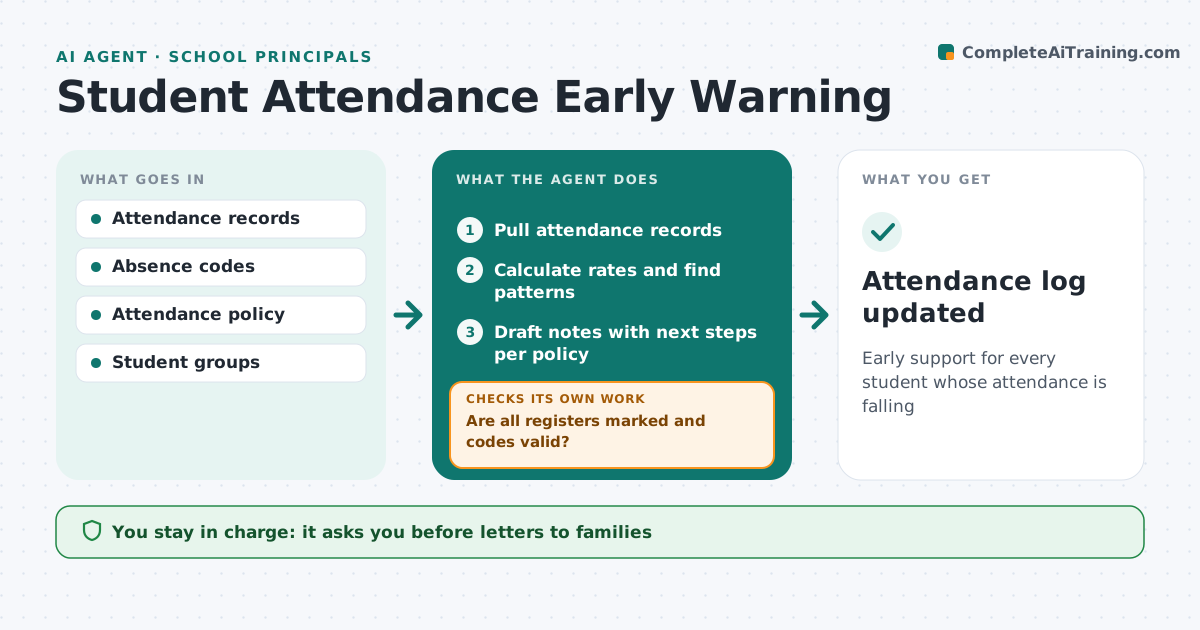
What it does
Missing school harms learning, and early contact with families works better than late. Each week this agent pulls attendance records, but first checks the data: unmarked registers or invalid codes are sent to staff to fix before anyone is flagged. It then calculates each student's attendance rate and looks for patterns, such as the same weekday missed repeatedly, while excluding approved medical absences. For flagged students it drafts a note for the attendance lead with the pattern and the next step from school policy. Four weeks after contact, it checks whether attendance has improved; if not, it proposes the next step in the policy. The school leader approves every letter to families and every referral. Edge case: a student has an approved medical absence, which the agent excludes from the warning.
How it works
Follow the arrows from top to bottom. The orange dashed arrow is the loop: when a check fails, the agent goes back and tries again.
Read the steps as a list
- Weekly attendance review
- Pull attendance records
- Are all registers marked and codes valid?If not: ask staff to complete or fix registers. Back to step 2.
- Calculate rates and find patterns
- Draft notes with next steps per policy
- School leader approves family contact or referralThe agent waits here for your OK.
- Has attendance improved four weeks after contact?If not: move to the next step in the policy. Back to step 5.
- Attendance log updated
How it decides
It flags students below the attendance threshold or with repeated patterns, excluding approved absences.
- Below 90% triggers a flag
- Same weekday absences three times trigger a pattern flag
- Approved medical absences excluded
Make it yours
Every agent is a starting point. You choose these settings for your own situation.
- Attendance threshold
- Pattern rules
- Policy steps
- Review day
What keeps you in control
It always asks you first
- Letters to families
- External referrals
Hard limits
- Safeguarding issues go straight to the designated lead
- Student data stays in school systems
It stops when
- Done: weekly review complete
- Stop: safeguarding concern, pass to safeguarding lead
Set it up
We guide you through the set-up, step by step
Members get the full set-up guide for this agent. No technical skills needed: you copy, paste and upload.
- One set of instructions to paste into your AI, with the clicks for ChatGPT, Claude, Microsoft 365 Copilot, Gemini and Grok
- The agent then walks you through connecting your own data, one source at a time
- A downloadable copy with the flow chart, the rules and the full guide