
Learning path
Learning AI as a School Administrator
This learning path helps school administrators use AI for parent notes, staff memos, scheduling, budgets, and compliance. It starts with setup, then connects your AI and adds short video courses with certificates.

Your path
Everything in the School Administrator AI kit, in the order that makes sense. Members tick off each step and see their progress.
Set up your AI
We guide you through each click.
Let skills do your everyday tasks
Connect your apps and pick your AI apps
Hand whole tasks to AI agents
Build your own tools
Keep growing
Everything for school administrators
All the courses, certifications, AI tools, MCP servers and apps for school administrators, most relevant first. Open any list to see more.
Take the prompt courses
A short framework course to learn how to ask, then 8 lessons with ready-to-use prompts for school administrators.
Start with this framework: how to talk to AI
CRAFT fits your school administrator work by helping you draft a clear parent newsletter with context, role, action, format, and tone.
Then your prompt course for school administratorsWatch the video courses or add them to your Favorites for later
102 video courses our AI picked for school administrators, most useful first. Save the ones you want to watch later with the heart.
Favorites are saved to your account: sign in or get your AI kit first.
Show all 102 video courses
Get certified, or add certifications to your Favorites
Every course ends in an exam and a certificate you can add to LinkedIn. Save the certifications you are aiming for with the heart.
Favorites are saved to your account: sign in or get your AI kit first.
More certifications for school administratorsShow all 24 certifications
Try the AI tools for school administrators
24 AI tools our AI matched to the work of school administrators, best fit first. Each review shows what it does, its alternatives and the jobs it suits.
Favorites are saved to your account: sign in or get your AI kit first.
Show all 24 AI tools
Connect your AI to the apps school administrators use
MCP servers let ChatGPT, Claude or Copilot look things up and get work done in other apps, like your email, calendar or bookkeeping software. These 12 fit the work of school administrators best, well-known apps first.

Google Drive MCP server
by isaacphiLets your AI search and read your Google Drive files and read or edit your Google Sheets.

OfficeAgent MCP server
by ilia-sokolovLet your AI edit Word, PowerPoint and Excel files, with changes you can review before saving.
Productivity Official
Box MCP server
by boxLet your AI search your Box files, answer questions about them, and pull out details for you.
Productivity Official
Outlook Assistant MCP server
by littlebearappsLets your AI read, search, send, and organise your Outlook email, calendar, and contacts from the chat.
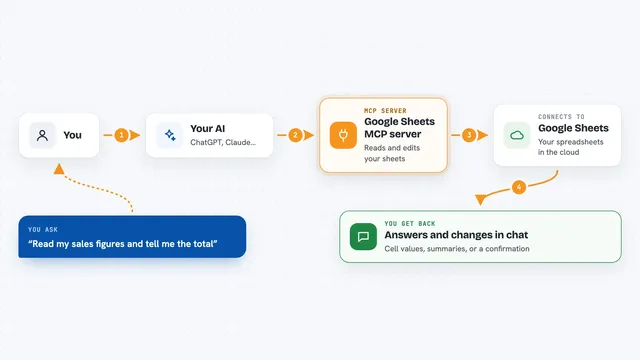
Google Sheets MCP server
by freemaLets your AI read, write, and format your Google Sheets for you, right from the chat.

Google Workspace MCP server
by taylorwilsdonLets your AI read and write your Gmail, Calendar, Drive, Docs, Sheets and more, all from one chat.
Show all 12 MCP servers

Gmail MCP server
by A1-x-TechLet your AI read, search, draft and send your Gmail, and keep labels and trash tidy, from the chat.

Excel MCP server
by haris-musaLets your AI create, read and edit Excel workbooks for you, without opening Excel.

Fluxmail MCP server
by churichardLet your AI read, search, draft, send and organize email across your mailboxes.
Email Official
Ragie MCP server
by ragieaiLet your AI search your Ragie knowledge base and pull back the right passages when you ask a question.

MCP Emails server
by AlbretsenLet your AI read, search, send and organize email in your own mailbox.
EmailNo install
KitchenSink4Word MCP server
by nometalalchemistLet your AI edit real Word documents: text, tables, tracked changes, citations and more.
Build your own AI apps for school administrators
Apps you build yourself with your own AI, no coding needed and no monthly fee. Our AI picked the 10 that fit the work of school administrators.
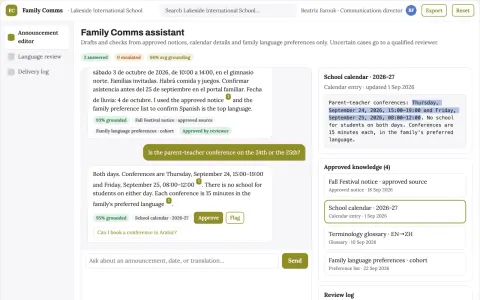
School communication service
Consistent dates and instructions across accessible language versions.
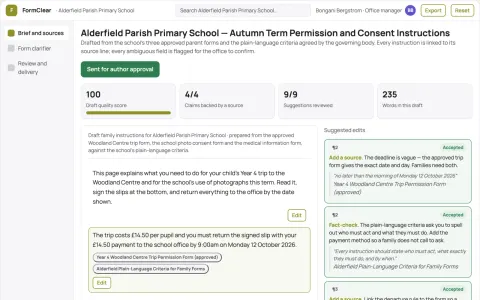
School family form simplifier
Preserve required meaning while clarifying actions.
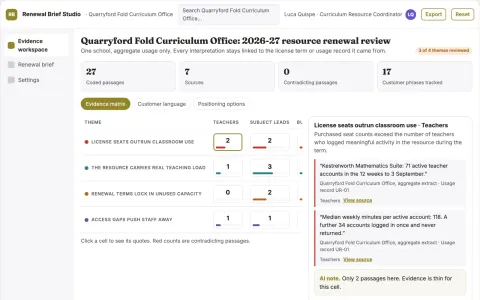
Learning resource procurement utilization analyst
Redirect curriculum spend toward resources teachers can use.
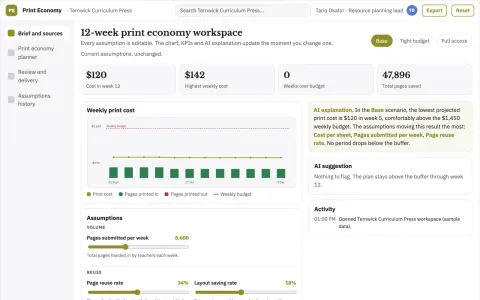
Teaching resource print economy planner
Reduce avoidable duplication while preserving access.
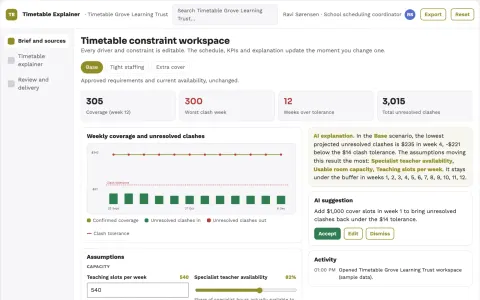
School timetable constraint explainer
Transparent reasons behind scheduling compromises.
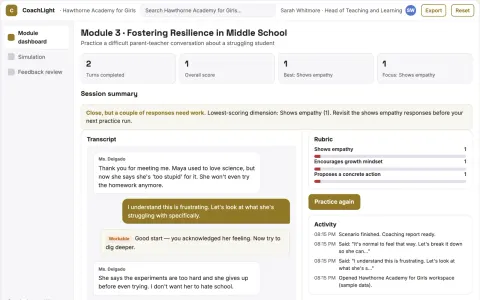
AI Faculty Coach
Teachers rehearse real classroom moments with a patient AI role-play and get line-by-line feedback on how they responded.
Show all 10 apps
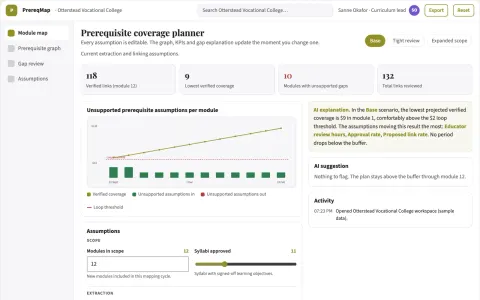
Curriculum prerequisite mapper
Expose missing prerequisites across courses before enrollment.
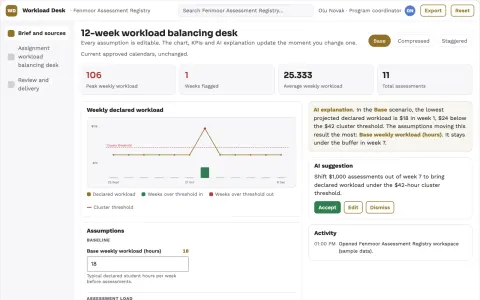
Assignment workload balancing desk
Program-wide view of assessment pressure.
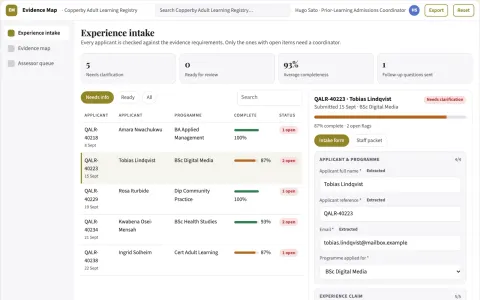
Course credit evidence organizer
Prepare prior-learning evidence without promising credit awards.
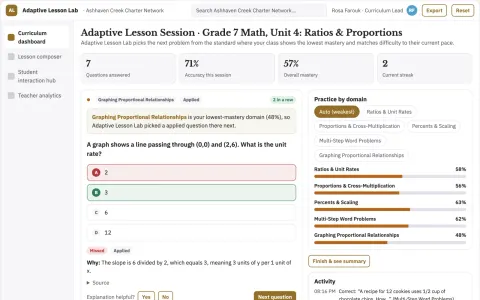
Adaptive Lesson Generator
Lessons that combine spoken interaction and automatic grading in one sequence, adapted to each pupil.






































































































About this learning path
6 topicsAI skills for school administrators, step by step
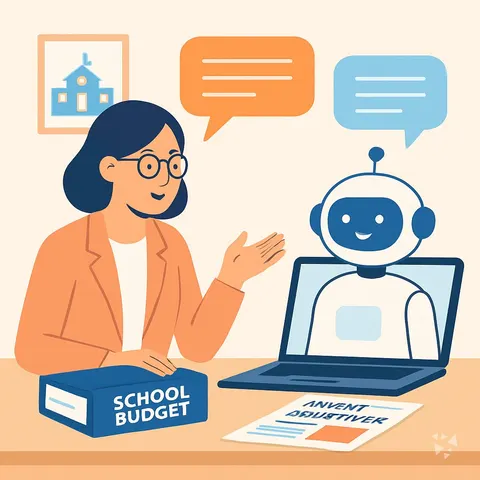
School administrators carry a lot: schedules, staff, families, budgets, safety, and policy. AI can help you draft the routine writing and planning so you can focus on people and decisions.
On this path you set up your AI, connect it to your work, learn prompts for your daily tasks, and take short video courses chosen for school administrators. Each video course comes with a certificate.
Why AI matters now
The work of a school administrator is mostly communication and coordination. AI is good at turning rough notes into clear drafts, building first versions of schedules, and explaining rules in plain language. It does not replace your judgment or your relationships.
What the path includes
You start with setup questions to choose the right tool and keep your school data safe. Then you connect your AI, learn job skills inside it, and work through this prompt course. You also get short video courses picked for school administrators, each with a certificate.
How it saves time
Use AI to draft parent messages, staff memos, discipline records, schedules, budget notes, and policy summaries. You still review and edit, but you begin with a useful draft instead of a blank page.
How it protects your career
AI does not make the hard calls. It helps you document them clearly and consistently. When you can show fair, neutral records and timely communication, you protect yourself and your school.
How to start
Begin with one task you do every week, like a parent newsletter or a staff agenda. Use the setup questions, pick one prompt from the course, and try it on a low-stakes item. Then add one more task each week.
Frequently asked questions
Do I need to be technical to use this path?
No. The path is built for working professionals who are not technical. You will learn how to ask your AI for help in plain language and how to check the results.Will AI write messages that sound like me?
AI can draft in a warm, clear tone, but you are always the editor. You can give it examples of your usual voice and adjust anything that does not fit your school community.Is it safe to use AI with student or staff information?
You should follow your school district rules and privacy laws. The path shows you how to remove names and private details before asking for help, and how to keep sensitive records secure.What do I get at the end?
You finish with a set of prompts for common administrator tasks and short video courses with certificates. You also have a simple routine for using AI safely and saving time each week.