AI agent for construction estimators
Subcontractor Bid Leveling Agent
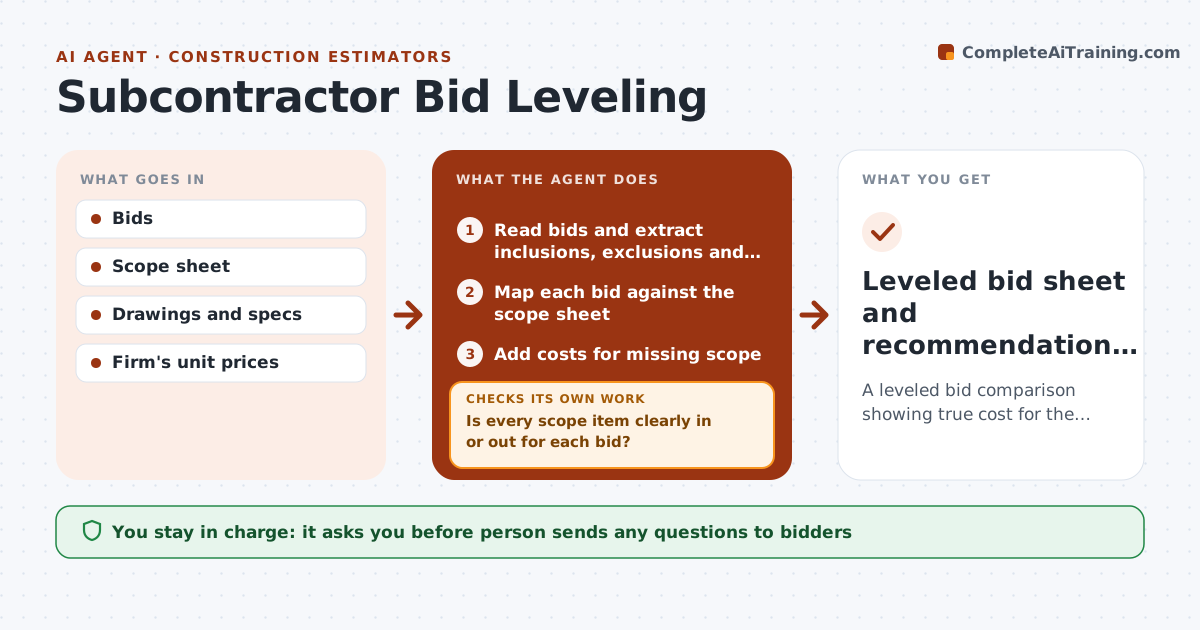
A leveled bid comparison showing true cost for the same scope
What it does
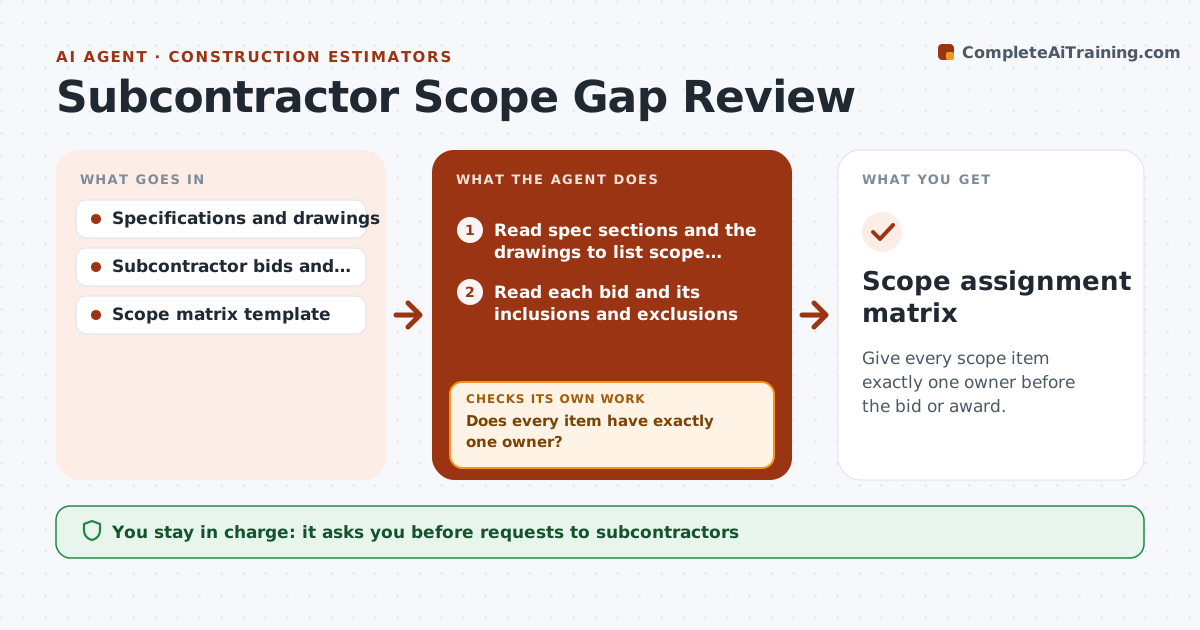
Subcontractor bids arrive in different formats with their own inclusions, exclusions and qualifications, which makes the low number misleading. When bids close, this agent reads every bid for a trade package, extracts what each one includes, excludes or qualifies, and maps it to the scope sheet. It prices missing scope at the firm's own unit rates so all bids sit on the same basis, and keeps alternates separate. If a bid is unclear on any scope item, it drafts clarification questions for that bidder and updates the leveling sheet when answers arrive. It then builds the leveled comparison. The estimator, quantity surveyor or developer chooses who to carry. Edge case: a bid far below the others is flagged as possibly missing scope rather than assumed to be the best value.
How it works
Follow the arrows from top to bottom. The orange dashed arrow is the loop: when a check fails, the agent goes back and tries again.
Read the steps as a list
- Bids close
- Read bids and extract inclusions, exclusions and qualifications
- Map each bid against the scope sheet
- Add costs for missing scope
- Is every scope item clearly in or out for each bid?If not: draft clarification questions for unclear bidders and update after replies. Back to step 3.
- Build the leveled comparison sheet
- Estimator, QS or developer chooses the bidderThe agent waits here for your OK.
- Leveled bid sheet and recommendation notes
How it decides
Each bid is adjusted to full scope using the firm's prices for exclusions. Bids over 15% below the median are flagged.
- Exclusions priced at the firm's unit rates
- Low outliers flagged
- Alternates kept separate
Make it yours
Every agent is a starting point. You choose these settings for your own situation.
- Low-outlier threshold (default 15%)
- Unit price source
- Scope sheet template
- Clarification tone
What keeps you in control
It always asks you first
- Person sends any questions to bidders
- Person selects the bidder
Hard limits
- Never awards contracts
- Never shares one bidder's prices with another
It stops when
- Done: all bids leveled
- Stop: fewer than two bids
Set it up
We guide you through the set-up, step by step
Members get the full set-up guide for this agent. No technical skills needed: you copy, paste and upload.
- One set of instructions to paste into your AI, with the clicks for ChatGPT, Claude, Microsoft 365 Copilot, Gemini and Grok
- The agent then walks you through connecting your own data, one source at a time
- A downloadable copy with the flow chart, the rules and the full guide