
AI agent for email marketing specialists
Subscriber Re-engagement Sequence Agent
Win back inactive readers and clean the rest of the list safely
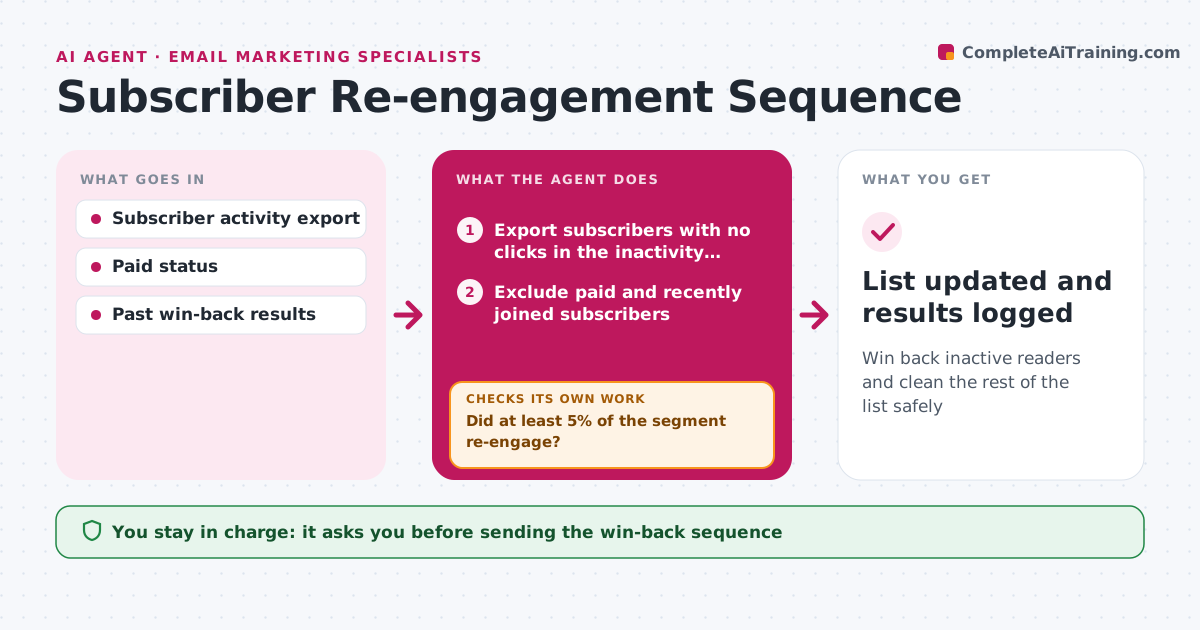
What it does
Inactive subscribers drag down deliverability, but removing them too fast loses readers who might come back. Once a month this agent exports subscribers with no clicks in the inactivity window and excludes paid and recently joined subscribers. It drafts a short win-back sequence of two or three emails, suggests a segment for each, and sets up a test send. The writer approves the sequence. During the run it tracks clicks. People who click go back to the full send. If fewer than 5% re-engage, it rewrites subject lines and the offer and proposes a second round before any removal. Non-responders are then proposed for removal or a lower frequency. The writer approves every send and every removal. Edge case: paid subscribers are never proposed for removal, only flagged.
How it works
Follow the arrows from top to bottom. The orange dashed arrow is the loop: when a check fails, the agent goes back and tries again.
Read the steps as a list
- Monthly list review starts
- Export subscribers with no clicks in the inactivity window
- Exclude paid and recently joined subscribers
- Draft two or three win-back emails and set up a test send
- Writer approves the sequence before it goes outThe agent waits here for your OK.
- Track clicks during the sequence
- Did at least 5% of the segment re-engage?If not: rewrite subject lines and offer, propose a second round. Back to step 4.
- Writer approves removing or downgrading non-respondersThe agent waits here for your OK.
- List updated and results logged
How it decides
Inactive means no click in the chosen window; removal is proposed only after the full sequence ran with no click.
- Never propose removing paid subscribers
- Re-engaged readers return to the full send
- A second round is suggested if re-engagement is under the target
Make it yours
Every agent is a starting point. You choose these settings for your own situation.
- Inactivity window (default 120 days)
- Re-engagement target (default 5%)
- Number of emails in the sequence
- Remove or switch to monthly send
What keeps you in control
It always asks you first
- Sending the win-back sequence
- Removing or downgrading subscribers
Hard limits
- Never removes anyone without approval
- Never emails people who unsubscribed
It stops when
- Done: list cleaned and results logged
- Stop: inactive segment under 50 people
Set it up
We guide you through the set-up, step by step
Members get the full set-up guide for this agent. No technical skills needed: you copy, paste and upload.
- One set of instructions to paste into your AI, with the clicks for ChatGPT, Claude, Microsoft 365 Copilot, Gemini and Grok
- The agent then walks you through connecting your own data, one source at a time
- A downloadable copy with the flow chart, the rules and the full guide



