
AI agent for language teachers
Substitute-Ready Homework and Make-Up Work Agent
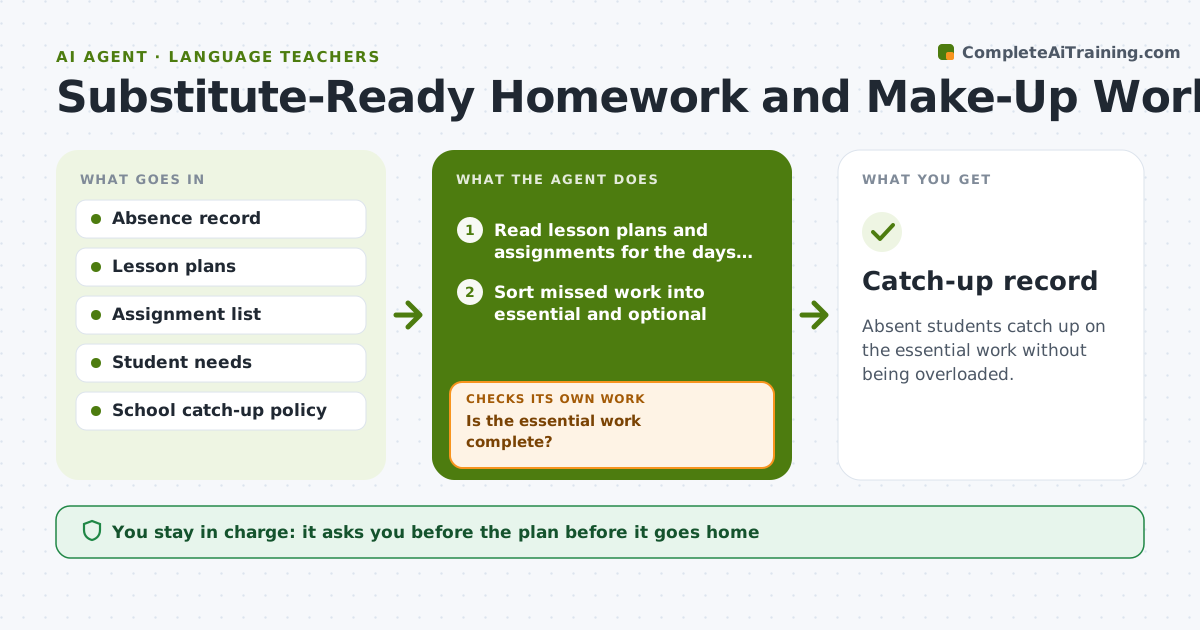
Absent students catch up on the essential work without being overloaded.
What it does
A student returns after four days out, and the parent asks what was missed while the teacher is already teaching the next unit. This agent reads the absence record and lists the lessons and work missed. It builds a catch-up plan sized to the student's need, separating essential work from optional. When the student returns, it checks completion and adjusts the plan if work is not done. It sizes the plan so that a returning student is not buried under the whole backlog at once. Edge case: a student out for illness gets a lighter plan with a deadline extension, not a full pile. The teacher approves what goes home.
How it works
Follow the arrows from top to bottom. The orange dashed arrow is the loop: when a check fails, the agent goes back and tries again.
Read the steps as a list
- Student absence recorded
- Read lesson plans and assignments for the days missed
- Sort missed work into essential and optional
- Build a catch-up plan with due dates
- Teacher approves what goes homeThe agent waits here for your OK.
- Check completion on the student's return
- Is the essential work complete?If not: adjust the plan and extend the deadline. Back to step 4.
- Update the plan for the next week
- Is the student back on track with current work?If not: suggest a short help session. Back to step 7.
- Catch-up record
How it decides
It marks work as essential when it is graded or a prerequisite for the next unit, and defers the rest.
- Essential work includes graded tasks and prerequisites.
- Cap the catch-up load at 25% above normal homework.
- Extend deadlines for illness.
- Send the plan within 1 school day of the return.
Make it yours
Every agent is a starting point. You choose these settings for your own situation.
- Catch-up load cap
- Essential work rules
- Plan format
- Deadline rules
- Delivery method
What keeps you in control
It always asks you first
- The plan before it goes home
- Any change to grades or deadlines
Hard limits
- Do not change grades.
- Do not send plans without approval.
It stops when
- Done: essential work completed or an alternate plan was approved
- Stop: the absence exceeds the policy limit, so the agent hands over to the teacher
Set it up
We guide you through the set-up, step by step
Members get the full set-up guide for this agent. No technical skills needed: you copy, paste and upload.
- One set of instructions to paste into your AI, with the clicks for ChatGPT, Claude, Microsoft 365 Copilot, Gemini and Grok
- The agent then walks you through connecting your own data, one source at a time
- A downloadable copy with the flow chart, the rules and the full guide



