
Learning path
Learning AI as a Special Education Teacher
This learning path shows special education teachers how to use AI for lesson adaptations, parent notes, progress documentation, and IEP drafts. It connects setup, job skills, prompts, and short video courses with certificates.

Your path
Everything in the Special Education Teacher AI kit, in the order that makes sense. Members tick off each step and see their progress.
Set up your AI
We guide you through each click.
Let skills do your everyday tasks
Connect your apps and pick your AI apps
Hand whole tasks to AI agents
Build your own tools
Keep growing
Everything for special education teachers
All the courses, certifications, AI tools, MCP servers and apps for special education teachers, most relevant first. Open any list to see more.
Take the prompt courses
A short framework course to learn how to ask, then 8 lessons with ready-to-use prompts for special education teachers.
Start with this framework: how to talk to AI
CARE helps special education teachers write IEP goals by pairing context, action, result, and one model student example to set the standard.
Then your prompt course for special education teachersWatch the video courses or add them to your Favorites for later
89 video courses our AI picked for special education teachers, most useful first. Save the ones you want to watch later with the heart.
Favorites are saved to your account: sign in or get your AI kit first.
Show all 89 video courses
Get certified, or add certifications to your Favorites
Every course ends in an exam and a certificate you can add to LinkedIn. Save the certifications you are aiming for with the heart.
Favorites are saved to your account: sign in or get your AI kit first.
More certifications for special education teachersShow all 24 certifications
Try the AI tools for special education teachers
24 AI tools our AI matched to the work of special education teachers, best fit first. Each review shows what it does, its alternatives and the jobs it suits.
Favorites are saved to your account: sign in or get your AI kit first.
Show all 24 AI tools
Connect your AI to the apps special education teachers use
MCP servers let ChatGPT, Claude or Copilot look things up and get work done in other apps, like your email, calendar or bookkeeping software. These 12 fit the work of special education teachers best, well-known apps first.

Google Workspace MCP server
by taylorwilsdonLets your AI read and write your Gmail, Calendar, Drive, Docs, Sheets and more, all from one chat.

Google Drive MCP server
by A1-x-TechLet your AI search, organize, upload, download, export and share your Google Drive files for you.

Google Docs MCP server
by A1-x-TechLet your AI read, summarize, edit and comment on your Google Docs without leaving the chat.

KitchenSink4Word MCP server
by nometalalchemistLet your AI edit real Word documents: text, tables, tracked changes, citations and more.

Notion MCP server
by ankitmalik84Let your AI search, read, and write in your Notion pages and databases for you.

OfficeAgent MCP server
by ilia-sokolovLet your AI edit Word, PowerPoint and Excel files, with changes you can review before saving.
Productivity OfficialShow all 12 MCP servers

DuckDuckGo Search MCP server
by zhsamaLets your AI search the web through DuckDuckGo and bring back results for you.

VE Google Workspace MCP server
by HuntsDeskLet your AI read and write your Google Docs, Sheets, Slides, Drive, Gmail and Calendar for you.
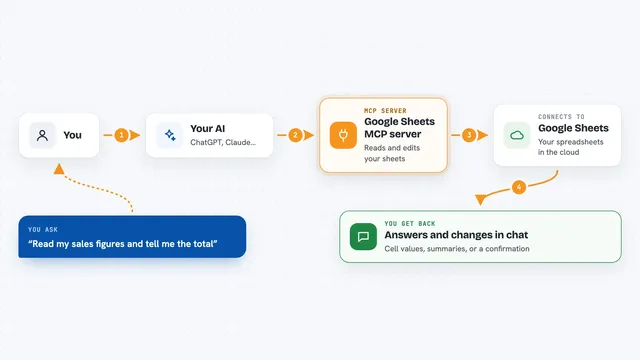
Google Sheets MCP server
by freemaLets your AI read, write, and format your Google Sheets for you, right from the chat.

NotebookLM MCP server
by roomi-fieldsAsk your own documents questions and get answers with citations, plus podcasts, videos, and study aids.

Box MCP server
by boxLet your AI search your Box files, answer questions about them, and pull out details for you.
Productivity Official
Presentations.AI MCP server
by slidecraft-inLet your AI build and edit slide decks for you, then export them as PPTX, PDF, images or a share link.
Productivity OfficialBuild your own AI apps for special education teachers
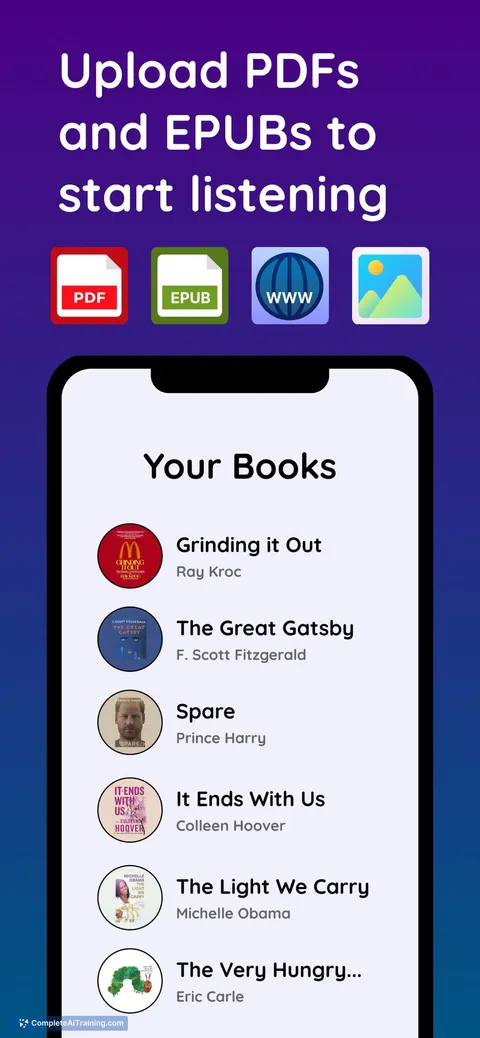
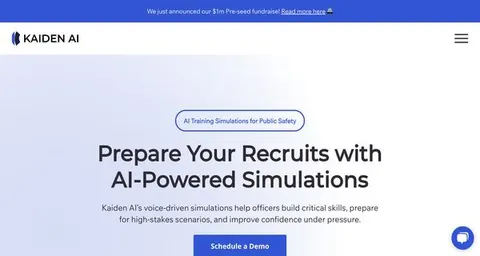
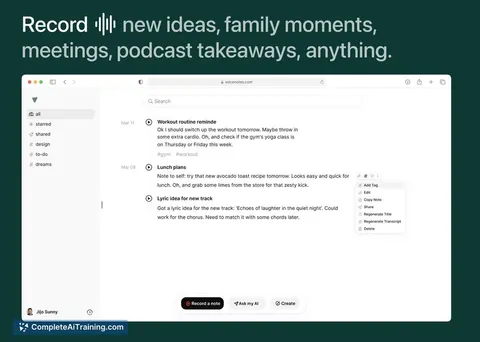
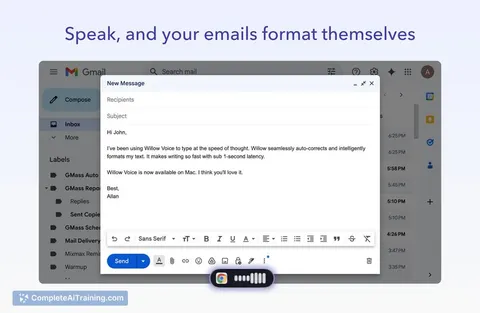
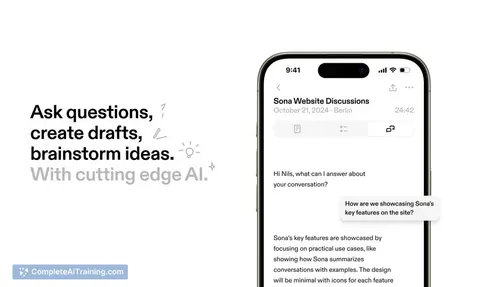
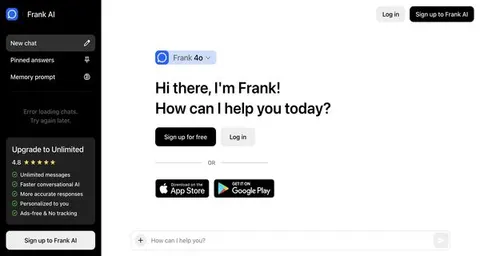
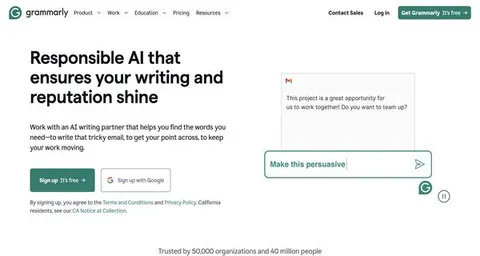
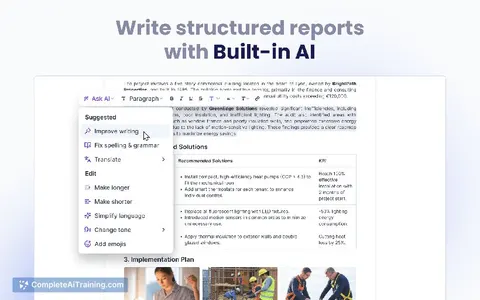
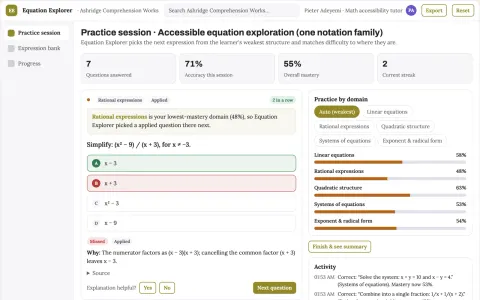
Apps you build yourself with your own AI, no coding needed and no monthly fee. Our AI picked the one that fits the work of special education teachers.















































































About this learning path
6 topicsAI for Special Education Teachers: A Practical Learning Path
Special education teachers carry a lot: lessons to adapt, parents to call, progress to track, IEPs to write, and colleagues to coordinate with. This path helps you use AI as a careful assistant for those daily tasks, so you can spend more time with students and less time on paperwork.
You do not need to be technical. You will set up an AI tool, connect it to your work, learn prompts made for special education, and watch short videos chosen for your role. Each step is small and practical.
Why AI matters now
Special education teachers are asked to do more with the same hours. Lessons need many versions, parents need clear updates, and IEPs need careful writing. AI can help you start those tasks faster while you keep the professional judgment.
What the path includes
You begin with setup questions and connecting your AI tool to your work. Then you learn skills for the job inside your AI, take this prompt course, and watch short video courses picked for special education. Each video course comes with a certificate when you finish.
How it saves you time
AI can turn a rough note into a parent email draft, a lesson into three reading levels, or a pile of observations into a progress summary. You still review everything, but you start with a useful draft instead of a blank page.
How it protects your career
Using AI well means knowing what to share and what to keep private. You will learn safe habits, how to check for bias, and how to keep your voice in every message. These skills help you use AI as a tool, not a replacement for your training.
How to start
Start with one small task you already do, like adapting a worksheet or writing a parent update. Follow the setup steps, try one prompt, and see how it feels. Then add one more task when you are ready.
Frequently asked questions
Do I need to be technical to use this path?
No. The path starts with setup questions and simple steps for connecting your AI tool. You can move at your own pace and skip what does not fit your day.Will AI write my IEPs for me?
AI can help you draft sections like present levels and goals, but you stay in charge. You review, correct, and personalize every word before it goes into a formal plan.How do the video courses work?
Short video courses are picked for special education tasks, and each one comes with a certificate when you finish. They sit beside the prompt course so you can learn a skill and try it right away.Is my student information safe?
You will learn what not to share and how to remove names and private details before using an AI tool. The course shows safe habits for parent notes, progress data, and IEP work.