AI agent for land surveyors
Survey Equipment Calibration Log Agent
All instruments in calibration
What it does
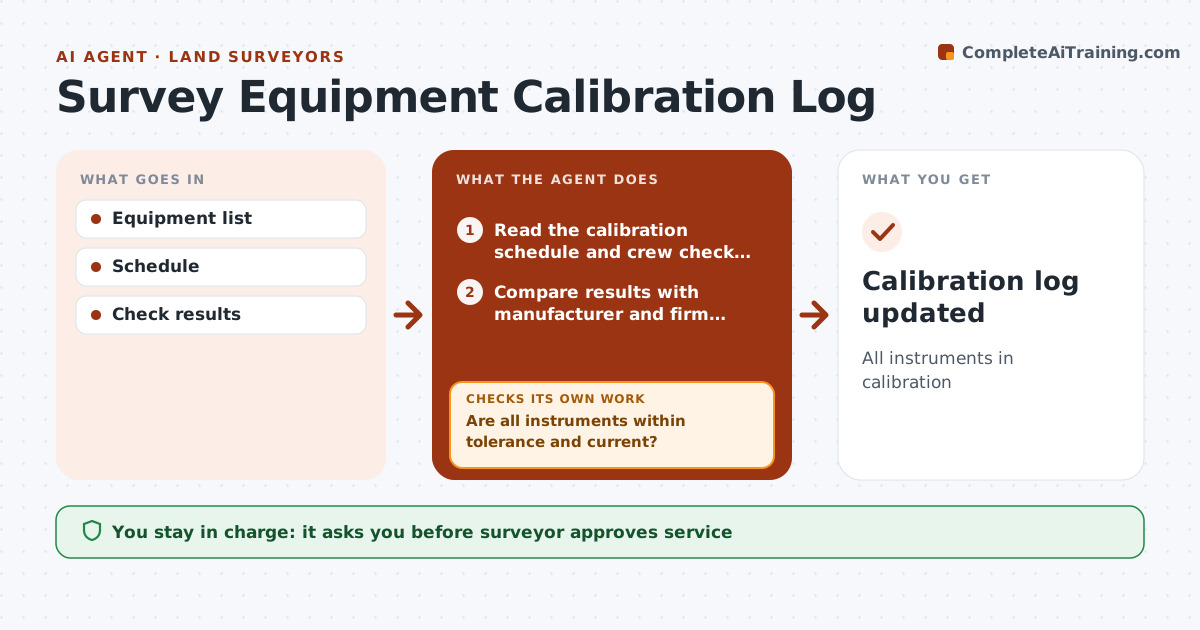
Total stations, GNSS receivers, levels and tribrachs drift out of adjustment, and a bad instrument quietly spoils every job it touches. This agent keeps the calibration and service schedule for each instrument, logs the crews' routine baseline and collimation checks, and compares each result with manufacturer and firm tolerances. When a check fails or a service date passes, it marks the instrument out of use, alerts the party chief, and lists recent jobs that used it so the surveyor can decide whether data needs review. It schedules service for the surveyor to approve. After service, it requires a passing recheck before the instrument returns to the field; if the recheck fails, it stays out of use and more service is scheduled. Edge case: a reported drop or impact triggers an immediate check before the instrument goes back out.
How it works
Follow the arrows from top to bottom. The orange dashed arrow is the loop: when a check fails, the agent goes back and tries again.
Read the steps as a list
- Weekly check
- Read the calibration schedule and crew check results
- Compare results with manufacturer and firm tolerances
- Are all instruments within tolerance and current?If not: mark the instrument out of use and alert the party chief. Back to step 3.
- List recent jobs that used any failed instrument
- Surveyor approves service and decides on data reviewThe agent waits here for your OK.
- Does the instrument pass a recheck after service?If not: keep it out of use and schedule further service. Back to step 3.
- Calibration log updated
How it decides
Results within tolerance; due dates tracked.
- Tolerance limits
- Impacts trigger checks
- Out of tolerance pulled
Make it yours
Every agent is a starting point. You choose these settings for your own situation.
- Tolerances
- Schedule
- Alerts
- Format
What keeps you in control
It always asks you first
- Surveyor approves service
Hard limits
- Never services equipment
- Never deletes records
It stops when
- Done: log updated
- Stop: equipment retired
Set it up
We guide you through the set-up, step by step
Members get the full set-up guide for this agent. No technical skills needed: you copy, paste and upload.
- One set of instructions to paste into your AI, with the clicks for ChatGPT, Claude, Microsoft 365 Copilot, Gemini and Grok
- The agent then walks you through connecting your own data, one source at a time
- A downloadable copy with the flow chart, the rules and the full guide