AI agent for auto mechanics
Technician Flat-Rate Time Reconciliation Agent
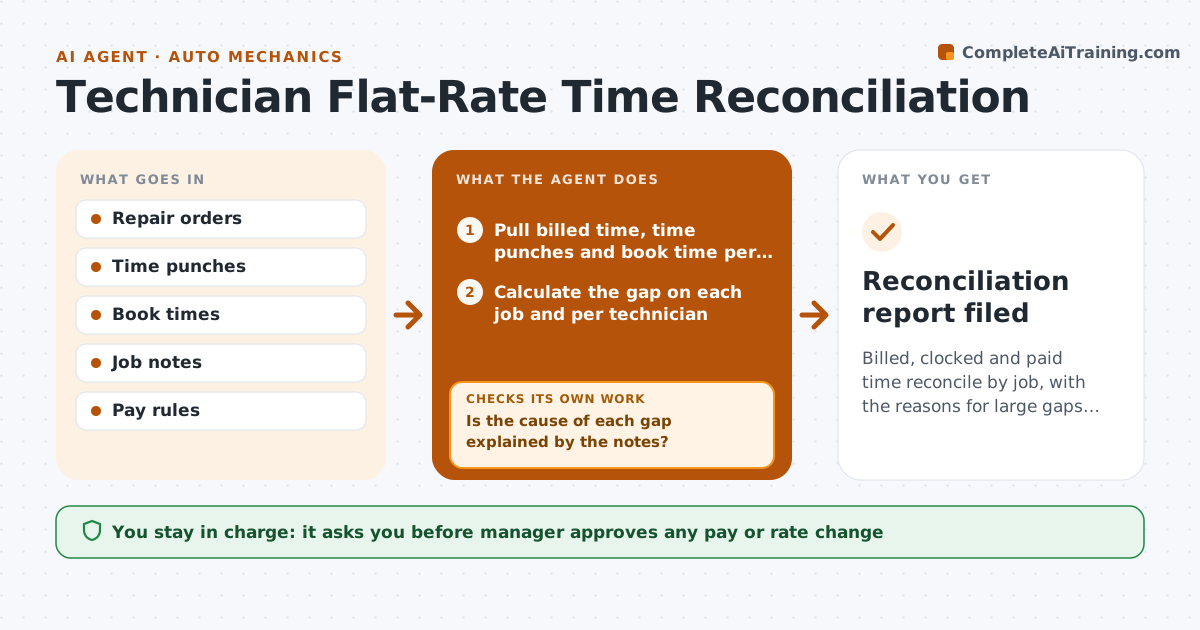
Billed, clocked and paid time reconcile by job, with the reasons for large gaps known.
What it does
A tech bills 4 hours on a job and clocks 7, another clocks 2 and bills 3, and the manager cannot tell which jobs make money. Each week this agent compares the labor billed, the time punches and the book time for every job. It flags big gaps and checks the job notes for the reason, such as missed work, a comeback, waiting for parts, or a mistake in the book time. After investigating, it classifies each gap and adjusts the calculation, such as moving waiting time out of the job. It then summarizes margins and proposes pay or rate changes. The manager approves pay and rate changes. Edge case: a comeback repair is billed to the original job, so the agent separates it.
How it works
Follow the arrows from top to bottom. The orange dashed arrow is the loop: when a check fails, the agent goes back and tries again.
Read the steps as a list
- Weekly time reconciliation
- Pull billed time, time punches and book time per job
- Calculate the gap on each job and per technician
- List jobs above the gap threshold
- Read the job notes and parts delays for each listed job
- Is the cause of each gap explained by the notes?If not: check comebacks, waiting time and punch errors, and mark unexplained gaps for the manager. Back to step 4.
- Reclassify time for comebacks, waiting and training
- Recalculate efficiency and margin per job and technician
- Do the adjusted totals agree with payroll and invoices?If not: review the adjustments and rerun. Back to step 6.
- Manager approves pay and rate changesThe agent waits here for your OK.
- Reconciliation report filed
How it decides
It investigates jobs where billed and clocked time differ by more than 30 percent or 1.5 hours.
- Investigate gaps above 30 percent or 1.5 hours.
- Move comeback time off the original job.
- Exclude waiting-for-parts time from efficiency.
- Do not propose pay changes from a single week of data.
Make it yours
Every agent is a starting point. You choose these settings for your own situation.
- Gap thresholds
- Time categories excluded
- Pay rule source
- Report frequency
What keeps you in control
It always asks you first
- Manager approves any pay or rate change
Hard limits
- Do not use one week to judge a person
- Show the notes behind each adjustment
It stops when
- Done: report approved and filed.
- Stop: time data missing for more than 10 percent of jobs.
Set it up
We guide you through the set-up, step by step
Members get the full set-up guide for this agent. No technical skills needed: you copy, paste and upload.
- One set of instructions to paste into your AI, with the clicks for ChatGPT, Claude, Microsoft 365 Copilot, Gemini and Grok
- The agent then walks you through connecting your own data, one source at a time
- A downloadable copy with the flow chart, the rules and the full guide