AI agent for freelancers
Voiceover Rate Quote Agent
Quotes that match real usage and protect the actor's rate
What it does
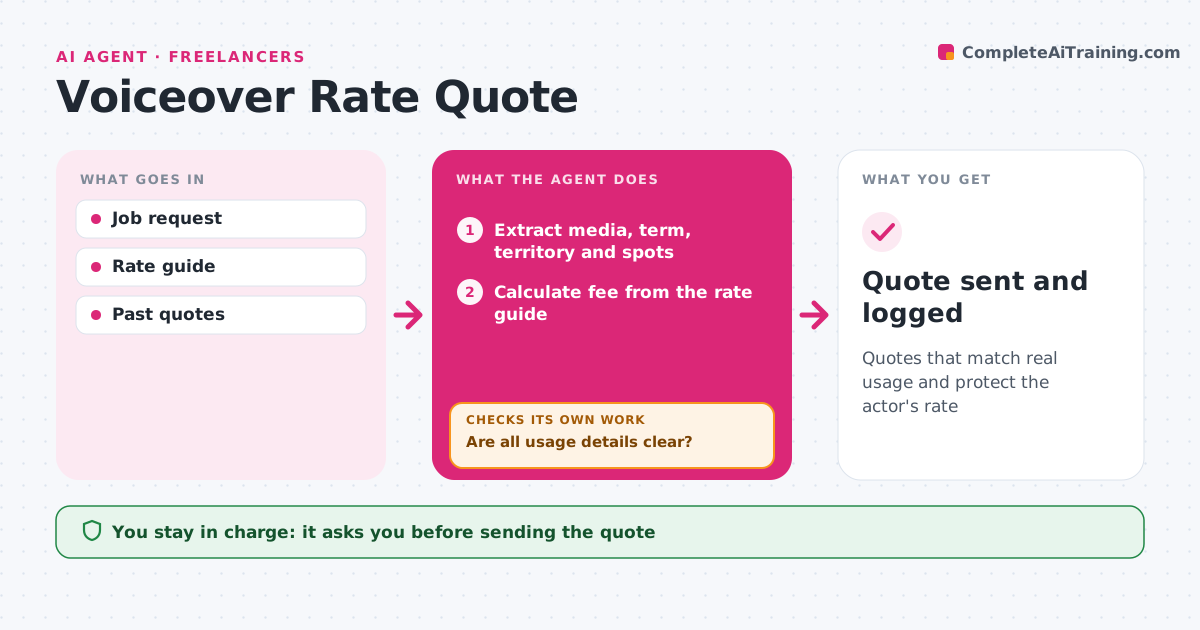
Voiceover pay depends on how the recording will be used: which media, for how long and where. Getting that wrong means underpricing a national ad. This agent reads the job request and pulls out media, term, territory, number of spots and session length. If any detail is missing or vague, it drafts clear questions instead of guessing and waits for answers. It treats public events, such as trade shows, as public use. It then calculates the fee from your rate guide and adds buyout or renewal terms. It checks the total against your minimum rate and the usage it priced, and corrects anything that does not match. You approve the quote before it is sent. Edge case: a request for 'internal use' that mentions a trade show is flagged as public use.
How it works
Follow the arrows from top to bottom. The orange dashed arrow is the loop: when a check fails, the agent goes back and tries again.
Read the steps as a list
- Job request arrives
- Extract media, term, territory and spots
- Are all usage details clear?If not: draft questions to the client and wait for answers. Back to step 2.
- Calculate fee from the rate guide
- Does the total meet the minimum and cover every spot?If not: recalculate with the missing items. Back to step 4.
- Write quote with usage and renewal terms
- Actor approves the quoteThe agent waits here for your OK.
- Quote sent and logged
How it decides
It prices from usage, term and territory in the rate guide, and asks questions when any of these are unclear.
- Ask questions when usage is unclear
- Treat public events as public use
- Never go below the minimum rate
Make it yours
Every agent is a starting point. You choose these settings for your own situation.
- Rate guide
- Minimum session fee
- Quote template
- Renewal terms
What keeps you in control
It always asks you first
- Sending the quote
- Any discount
Hard limits
- Never quotes below the minimum
- Never sends without approval
It stops when
- Done: quote sent
- Stop: client will not share usage; ask the actor
Set it up
We guide you through the set-up, step by step
Members get the full set-up guide for this agent. No technical skills needed: you copy, paste and upload.
- One set of instructions to paste into your AI, with the clicks for ChatGPT, Claude, Microsoft 365 Copilot, Gemini and Grok
- The agent then walks you through connecting your own data, one source at a time
- A downloadable copy with the flow chart, the rules and the full guide