
Learning path
Learning AI as a Voice Actor
AI can handle the slow parts of voice work, like organizing scripts and drafting client replies. This path shows you how to use it without losing your voice or your rates.
Your path
Everything in the Voice Actor AI kit, in the order that makes sense. Members tick off each step and see their progress.
Set up your AI
We guide you through each click.
Let skills do your everyday tasks
Connect your apps and pick your AI apps
Hand whole tasks to AI agents
Build your own tools
Keep growing
Everything for voice actors
All the courses, certifications, AI tools, MCP servers and apps for voice actors, most relevant first. Open any list to see more.
Take the prompt courses
A short framework course to learn how to ask, then 9 lessons with ready-to-use prompts for voice actors.
Start with this framework: how to talk to AI
RACE fits voice acting by defining your role, script action, context, and expected tone, like warm narrator for a 30-second ad.
Then your prompt course for voice actors- 1Script Breakdown And Character Prep4 prompts
- 2Audition Prep And Submission3 prompts
- 3Character Voice Development3 prompts
- 4Script Interpretation And Tone2 prompts
- 5Home Studio Troubleshooting2 prompts
- 6Client Communication And Rates3 prompts
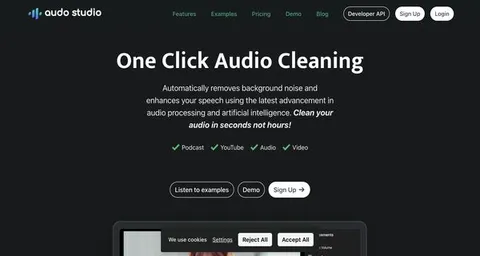
- 7Audio Editing And Delivery2 prompts
- 8Audiobook And Long-Form Narration2 prompts
- 9Career Admin And Marketing2 prompts
Watch the video courses or add them to your Favorites for later
59 video courses our AI picked for voice actors, most useful first. Save the ones you want to watch later with the heart.
Favorites are saved to your account: sign in or get your AI kit first.
Show all 59 video courses
Get certified, or add certifications to your Favorites
Every course ends in an exam and a certificate you can add to LinkedIn. Save the certifications you are aiming for with the heart.
Favorites are saved to your account: sign in or get your AI kit first.
More certifications for voice actorsShow all 24 certifications
Try the AI tools for voice actors
15 AI tools our AI matched to the work of voice actors, best fit first. Each review shows what it does, its alternatives and the jobs it suits.
Favorites are saved to your account: sign in or get your AI kit first.
Show all 15 AI tools
Connect your AI to the apps voice actors use
MCP servers let ChatGPT, Claude or Copilot look things up and get work done in other apps, like your email, calendar or bookkeeping software. These 6 fit the work of voice actors best, well-known apps first.
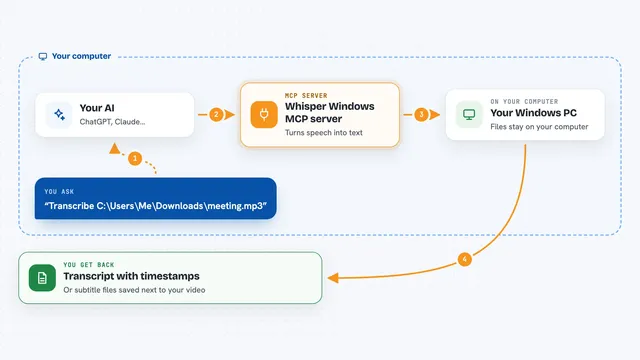
Whisper Windows MCP server
by eviscerationsTurn audio and video files into text on your own Windows PC, right from your AI chat.

OpenRouter Multimodal MCP server
by stabganLets your AI read and create text, images, audio and video through OpenRouter models.

Blank Invoice Maker MCP server
by InnarMAsk your AI to build an invoice and get a ready-to-review link that downloads as a PDF.
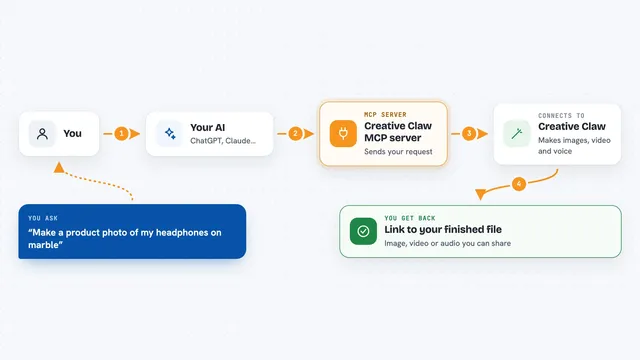
Creative Claw MCP server
by CreativeClawCoMake images, videos and voiceovers with your AI, using top media models through one account.
Generative artGenerative videoNo install
avots.ai MCP server
by avotsaiLets your AI make images, videos, music and voiceovers, and chat with many AI models, all from one place.
Generative artGenerative videoNo install
Shakespeare Monologues MCP server
by slshultsLets your AI search Shakespeare monologues by character, play or first line and fetch full text, paraphrases and summaries.
ResearchNo installBuild your own AI apps for voice actors
Apps you build yourself with your own AI, no coding needed and no monthly fee. Our AI picked the 6 that fit the work of voice actors.
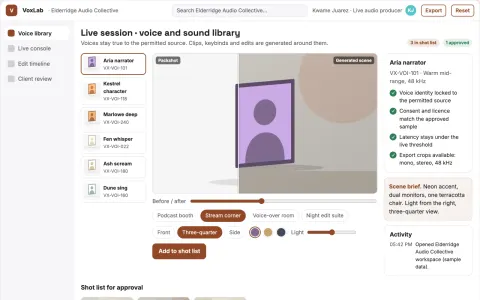
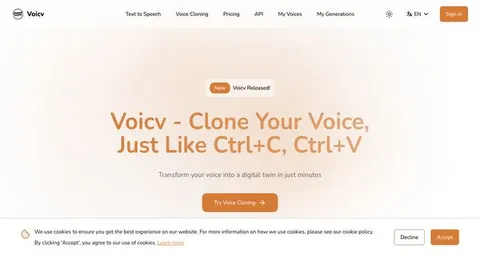
Real-time voice transformation and audio production suite
Consolidate live voice changing, sound effects, cloning and audio editing into one owned production environment.
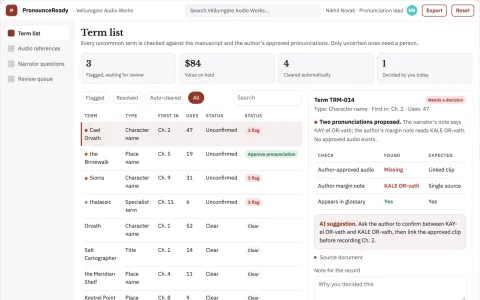
Audiobook pronunciation preparation
Resolve pronunciation decisions before recording sessions.
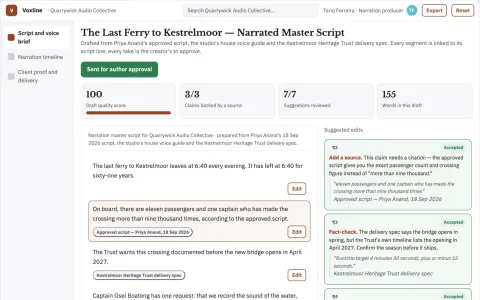
Source-text to narrated voiceover studio
Reduce narration production cycles while keeping the script and voice under the creator's control.
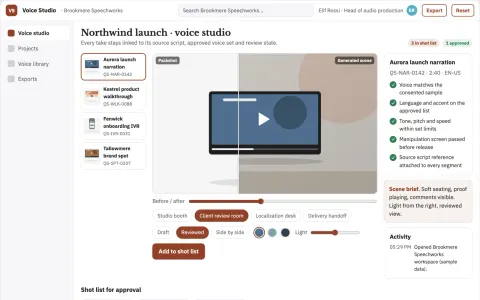
Managed voice production and review platform
Reduce tool sprawl and review cycles while keeping one owned voice workflow.
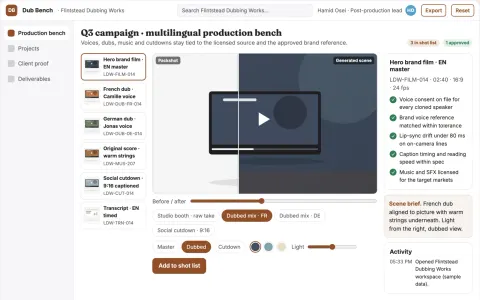
Multilingual audio-video production and dubbing workbench
Reduce production handoffs while keeping the client's voice, media and brand under their control.
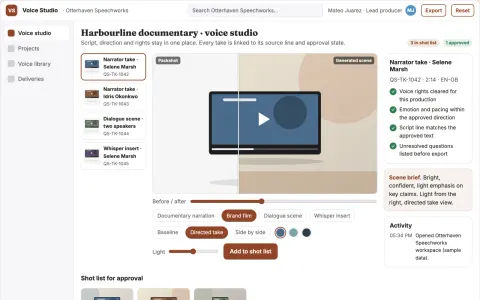
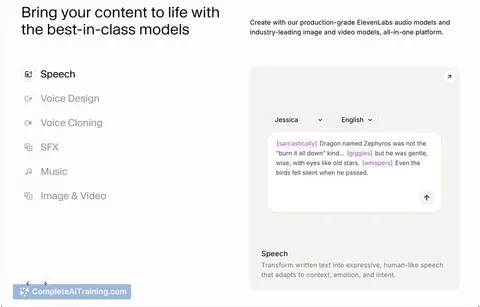
Expressive voiceover production and review studio
Reduce tool switching and re-recording while keeping voice direction and rights under the team's control.
























































About this learning path
6 topicsMake AI your studio assistant, not your replacement
Voice acting is personal. Your breath, timing, and choice of words carry the performance. AI does not change that. It can help with the parts around the microphone: reading a script for clues, planning a session, writing to a client, and keeping track of details so you can stay in character.
This learning path is built for working voice actors. You will set up an AI assistant, connect it to your daily tools, learn job-specific skills inside it, and then take the prompt course that teaches you how to ask for exactly what you need. Short video courses and their certifications round out the path so you can show clients you keep your skills current.
Why AI matters now
Casting directors and clients move quickly. They expect fast turnarounds, clear communication, and clean files. AI tools are already part of many studios and production teams. Knowing how to use them for planning, drafting, and organizing keeps you in the room, not on the sidelines. It also helps you protect your rates by showing the value you bring beyond the raw read.
What the path includes
You start with setup questions that help you pick the right AI tool and get it ready for voice work. Then you connect your AI to the places you already work, like your calendar, script files, and email. Next come skills for the job inside your AI: organizing auditions, tracking clients, and planning recording sessions. The prompt course follows, with lessons that turn a new script into a plan, prepare auditions, develop character voices, interpret tone, troubleshoot your home studio, quote rates, edit audio, plan audiobooks, and handle career admin. Finally, video courses picked for voice actors, along with their certifications, give you proof of your new skills.
How it saves you time
The path removes the blank page feeling. Instead of staring at a client email or a messy script, you have prompts that get you to a draft quickly. You still make every creative choice. AI just handles the sorting, the notes, and the first pass so you can spend more time recording and less time on admin. The time you win back can go into auditions, practice, or rest.
How it protects your career
When clients ask for a lower rate, you can explain usage, exclusivity, and territory with confidence. When a script has tricky pronunciations, you catch them before the session. When a home studio has a hum, you have a plan to find the cause. These skills show you are a professional who thinks ahead. That makes you harder to replace and easier to rehire.
How to start
Begin with the setup questions. Pick one AI tool you can access, such as ChatGPT, Claude, or Gemini. Follow the connecting steps so it can see your scripts and notes. Then move through the skills lessons at your own pace. When you reach the prompt course, do one lesson at a time and try the prompts on real work. Finish with the video courses and certifications that match the jobs you want.
Frequently asked questions
Do I need to be technical to use this path?
No. The setup questions walk you through choosing a tool and connecting it step by step. If you can use email and a script PDF, you can do this.Will AI replace voice actors?
AI can copy a voice, but it cannot bring your training, your choices, and your ability to take direction. Clients still want a human for most work. This path helps you use AI as a tool, not a threat.How long does the path take?
You can move at your own speed. Most people finish the core lessons in a few weeks while working. The video courses and certifications can be added when you have time.What if I already use AI for my voice work?
You will still find value in the job-specific prompts and the safety lessons. The path helps you organize what you already do and fill in gaps. It also gives you certifications to show clients.