AI agent for journalists
Writer Source Permission Agent
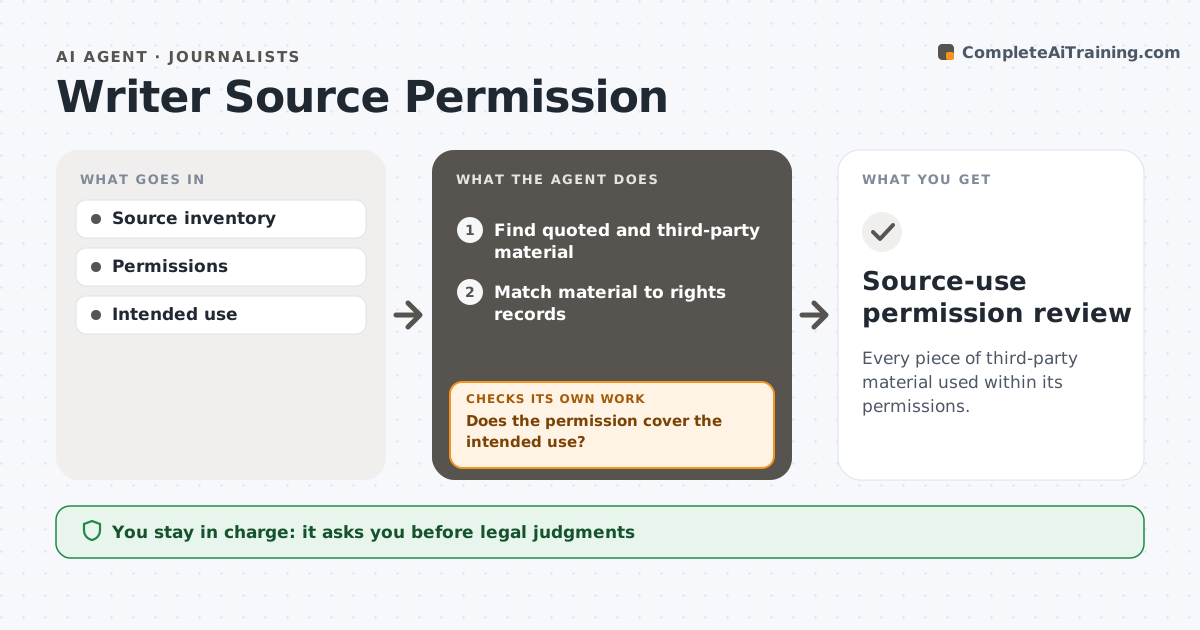
Every piece of third-party material used within its permissions.
What it does
Drafts sometimes use quotes, interview material and images beyond what the permissions allow, which creates legal and trust problems. This agent matches each piece of quoted or third-party material in the draft to the rights records: interview releases, image licenses and permission letters. It checks the intended use, such as named quote, background only, print or online, against what was actually permitted. Where permission does not cover the use, it proposes a permitted alternative, such as paraphrasing or a licensed image, or flags it. Missing permission is never treated as consent. It prepares a cleared-use list, and the writer or legal team decides. Edge case: an image license that covers print but not online is flagged for the web edition only.
How it works
Follow the arrows from top to bottom. The orange dashed arrow is the loop: when a check fails, the agent goes back and tries again.
Read the steps as a list
- Draft ready
- Find quoted and third-party material
- Match material to rights records
- Does the permission cover the intended use?If not: propose a permitted alternative or flag. Back to step 3.
- Prepare the cleared-use list
- Writer or legal decidesThe agent waits here for your OK.
- Source-use permission review
How it decides
It compares intended use with documented permission.
- Missing permission is never consent.
- Permission must cover the exact use and edition.
- Background-only material is never attributed.
- Legal decides on flagged items.
Make it yours
Every agent is a starting point. You choose these settings for your own situation.
- Rights records and license sources
- Editions to check (default: print and online)
- Alternatives allowed (default: paraphrase, licensed replacement)
- Who decides (default: writer, with legal for flags)
- Cleared-use list format
What keeps you in control
It always asks you first
- Legal judgments
- Publication
Hard limits
- No legal judgments.
It stops when
- Done: review ready.
Set it up
We guide you through the set-up, step by step
Members get the full set-up guide for this agent. No technical skills needed: you copy, paste and upload.
- One set of instructions to paste into your AI, with the clicks for ChatGPT, Claude, Microsoft 365 Copilot, Gemini and Grok
- The agent then walks you through connecting your own data, one source at a time
- A downloadable copy with the flow chart, the rules and the full guide