AI agent for volunteer coordinators
Volunteer Skills and Role Matching Agent
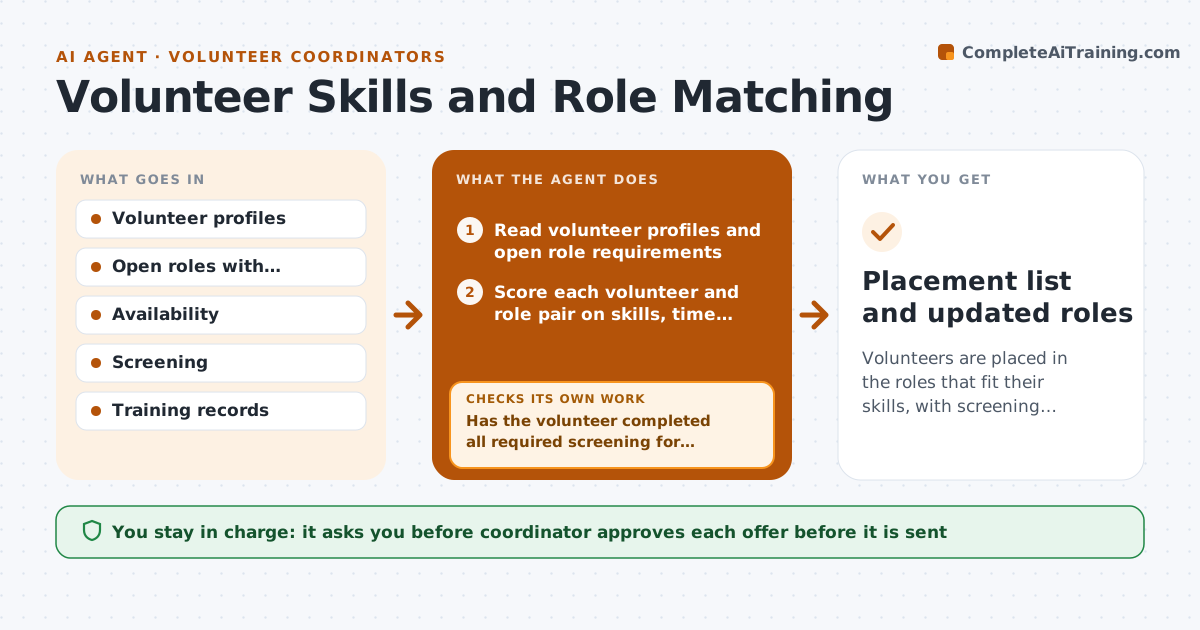
Volunteers are placed in the roles that fit their skills, with screening checked before any offer.
What it does
A retired accountant signs up and ends up stuffing envelopes while your treasurer role stays empty. This agent reads every volunteer profile and every open role. It scores matches on skills, availability, location and interests, and proposes placements. Before a match goes forward, it checks that the volunteer has completed required screening, such as a background check or training, and if not, it moves to the next best match or lists the missing step. It drafts an offer message for each approved match. You approve each offer before it is sent. Edge case: a role for working with minors is never proposed for someone whose screening is still pending.
How it works
Follow the arrows from top to bottom. The orange dashed arrow is the loop: when a check fails, the agent goes back and tries again.
Read the steps as a list
- New volunteer or open role
- Read volunteer profiles and open role requirements
- Score each volunteer and role pair on skills, time and place
- Rank the top matches for each role
- Has the volunteer completed all required screening for this role?If not: Move to the next match and list the missing screening step. Back to step 3.
- Draft an offer message with role details
- Coordinator approves each offerThe agent waits here for your OK.
- Record the response and update the role status
- Did the volunteer accept within 7 days?If not: Offer the role to the next ranked volunteer. Back to step 3.
- Placement list and updated roles
How it decides
Match score weights required skills first, then availability and location. Screening gates every offer.
- Required skills must match before availability counts
- Screening must be complete for roles with minors or cash
- Offer only roles within the volunteer's stated travel distance
- Wait 7 days before moving to the next match
Make it yours
Every agent is a starting point. You choose these settings for your own situation.
- Scoring weights
- Roles requiring screening
- Travel distance limit
- Days to wait for reply (default 7)
What keeps you in control
It always asks you first
- Coordinator approves each offer before it is sent
Hard limits
- Never send offers or place a volunteer itself
- Never skip required screening
It stops when
- Done: roles filled or no suitable match
- Stop: screening policy unclear for a role
Set it up
We guide you through the set-up, step by step
Members get the full set-up guide for this agent. No technical skills needed: you copy, paste and upload.
- One set of instructions to paste into your AI, with the clicks for ChatGPT, Claude, Microsoft 365 Copilot, Gemini and Grok
- The agent then walks you through connecting your own data, one source at a time
- A downloadable copy with the flow chart, the rules and the full guide