
All-in-one AI plugin for electricians
The All-in-One AI Plugin for Electricians
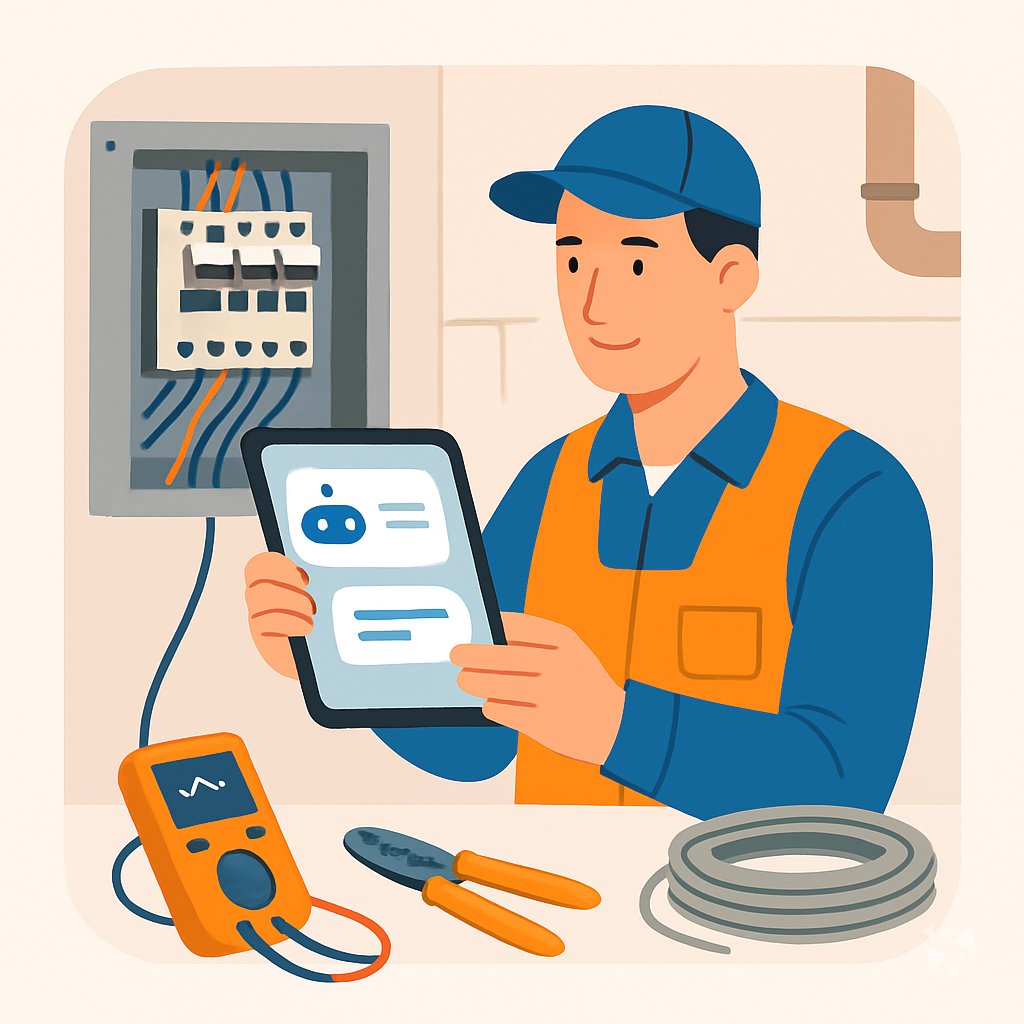
One download gives your AI 8 skills, 24 prompts, 3 apps and 9 Grok Bot agents for quoting, safety paperwork, proposals and customer follow-ups.
- 8skills
- 24prompts
- 3apps
- 9Grok bots
What's inside
Your week runs on quotes, change orders, inspections and callbacks. You price a panel upgrade on the tailgate of your truck, then chase the paperwork at night. Scope details get lost, margins slip, and a customer question waits two days for an answer.
Eight skills ready to use
Quote builder with burdened labor and waste checks, after-sales replies, safety and OSHA paperwork, proposal drafting, and a tutor for code questions you keep meaning to look up.
24 prompts in 8 topics
Ready-made prompts for customer texts, estimating a job, reading blueprints, troubleshooting from a description, code checks, test records, upskilling, and planning larger systems.
Three apps you can build
A quote comparison tool that exposes pricing assumptions, a proposal service built from your own approved estimate, and an inspection readiness binder that gathers evidence before the inspector arrives.
Nine Grok Bot agents
Invoice Chaser, Invoice Organizer, Email Composer, Meeting Notes, Home Ops, Deep Research NotebookLM, YouTube Summarizer, Apple Notes Search, and Trade Quote Builder working alongside you.
Works in eight AIs
ChatGPT, Claude, Microsoft 365 Copilot, Gemini, Grok, Grok Bot, Cursor and Kimi. Keep the AI you already use. Nothing new to learn beyond asking in plain words.
Daily news and new ideas
Members get a live connection to Complete AI Training: AI news for electricians each day, one new idea with the prompt to do it, and automatic skill updates.
A day with your plugin
The plugin drops into the AI you already pay for. Ask it to build a quote with burdened labor and waste, draft a safety checklist, or write the follow-up after a service call. It uses your numbers and your scope, not generic advice.
- Morning
A homeowner wants a quote for a 200 amp service upgrade. You open the trade quote builder skill, walk the scope checklist, and get a total with burdened labor and waste already in it.
- Late morning
The crew hits a junction box that does not match the print. You use a troubleshooting prompt to describe what you see and get likely causes and next checks before you pull the cover.
- Afternoon
An inspector is coming Thursday. The construction inspection readiness binder app lists the evidence you need, so you gather test records and photos in one pass instead of hunting at the last minute.
- End of day
A customer says the new outlet still trips. You ask the after-sales service assistant skill for a short troubleshooting guide and a warranty explanation you can text from the truck.
Install it in your AI
Choose the AI you use. No technical knowledge needed: it's a few clicks and some copy and paste.
ChatGPT
Your own GPT on chatgpt.com, plus a plugin for Codex and ChatGPT workspaces. About 5 minutes.
- Download the ChatGPT version and unzip it (double-click the file).
- Go to chatgpt.com, click GPTs in the left menu, then Create, then the Configure tab.
- Name it Electrician Assistant. Open
custom-gpt/instructions.txt, copy everything and paste it into Instructions. - Under Knowledge, upload all the files from the
custom-gpt/knowledgefolder. - Paste the lines from
conversation-starters.txtas conversation starters and click Create. - For the daily news, ideas and skill updates: in ChatGPT go to Settings → Apps & Connectors, add the Complete AI Training connector and sign in with your membership. The README shows each click.
Download for members
Members download the plugin for every job, with daily news, ideas and skill updates. Or buy this plugin alone for $49, once.
Claude
A Claude plugin for claude.ai, the desktop app, Cowork and Claude Code. About 2 minutes.
- Download the Claude version. Keep it zipped.
- Open Claude (claude.ai or the desktop app), click your name at the bottom left, then Settings → Capabilities.
- Click Upload plugin and choose the zip file. Turn the plugin on.
- Start a new chat and type /start. Your electrician assistant introduces itself.
- The first time it uses Complete AI Training, Claude asks you to connect: click Connect and sign in with your membership.
Download for members
Members download the plugin for every job, with daily news, ideas and skill updates. Or buy this plugin alone for $49, once.
Microsoft 365 Copilot
A Copilot agent: set it up yourself in Agent Builder, or give IT the ready app package. About 5 minutes.
- Download the Microsoft 365 Copilot version and unzip it.
- Open Microsoft 365 Copilot (m365.cloud.microsoft/chat) and click Create agent, then the Configure tab.
- Name it Electrician Assistant. Paste everything from
agent-builder/instructions.txtinto Instructions. - Under Knowledge, upload the files from
agent-builder/knowledge. Add the starter prompts and click Create. - Working in a company? The
appPackagefolder is a ready app for your IT team, with the Complete AI Training connection built in. The README has a message you can forward to them.
Download for members
Members download the plugin for every job, with daily news, ideas and skill updates. Or buy this plugin alone for $49, once.
Gemini
Skills you upload to Gemini, a ready Gem, and a Gemini CLI extension. About 2 minutes.
- Download the Gemini version and unzip it.
- Go to gemini.google.com and open Settings → Skills → Upload.
- Upload the
SKILL.mdfiles from theskillsfolder, starting with the folder whose name ends in-assistant. Gemini now uses them by itself. - Prefer a Gem? Open Gems → New Gem, paste
gem/instructions.txtand upload the files ingem/knowledge. - Using Gemini CLI?
gemini extensions installon the folder also connects Complete AI Training for the daily news, ideas and skill updates.
Download for members
Members download the plugin for every job, with daily news, ideas and skill updates. Or buy this plugin alone for $49, once.
Grok
A Grok Project with all the instructions and files. About 5 minutes.
- Download the Grok version and unzip it.
- Go to grok.com, open Projects in the left menu and click New project. Name it Electrician Assistant.
- Paste everything from
grok-project/instructions.txtinto the project's instructions. - Upload the files from
grok-project/knowledgeto the project. - Start your work chats inside this project. Try one of the lines in
conversation-starters.txt.
Download for members
Members download the plugin for every job, with daily news, ideas and skill updates. Or buy this plugin alone for $49, once.
Grok Bot
One message that sets up a whole team of Grok Bot agents for your job. About 5 minutes.
- Download the Grok Bot version and unzip it.
- Open Grok Bot and create a new bot. Name it Electrician Team Lead.
- Open
SETUP-MESSAGE.md, copy everything and paste it as your first message. - The team lead sets up its own role and walks you through adding each specialist bot, one at a time.
- Add the Complete AI Training connector in Grok Bot so your team lead gets the daily news and ideas for electricians.
Download for members
Members download the plugin for every job, with daily news, ideas and skill updates. Or buy this plugin alone for $49, once.
Cursor
A Cursor plugin with the skills, rules and connection, or project files. About 3 minutes.
- Download the Cursor version and unzip it.
- In Cursor, open Settings → Plugins and add the unzipped folder.
- No plugins in your Cursor? Copy
skillsto.cursor/skillsandrulesto.cursor/rulesin your project, andmcp.jsonto.cursor/mcp.json. - Open the Agent chat and ask what it can do for you as an electrician.
Download for members
Members download the plugin for every job, with daily news, ideas and skill updates. Or buy this plugin alone for $49, once.
Kimi
A Kimi Code plugin, and instructions with files for Kimi chat. About 3 minutes.
- Download the Kimi version and unzip it.
- Kimi chat (kimi.com or the app): start a new chat, paste
kimi-chat/instructions.txtand attach the files inkimi-chat/files. - Keep using that chat for your work: Kimi now acts as your electrician assistant.
- Kimi Code: type
/plugins installwith the folder, then/reload. It connects Complete AI Training too.
Download for members
Members download the plugin for every job, with daily news, ideas and skill updates. Or buy this plugin alone for $49, once.
Everything in the plugin
Your AI picks the right part by itself. You can also ask for one by name.
Skills for electricians 8
- trade quote builderPrices a 200A panel swap with burdened labor, waste, and margin, then checks the total before you send it.
- after sales service assistantDrafts warranty explanations, follow-up emails, and troubleshooting guides after a service call, like a panel upgrade handoff for the homeowner.
- learnBuilds NEC article drills and load calculation practice, like a 20-question grounding and bonding quiz with answers.
- construction safety compliance assistantWrites toolbox talks, job hazard analyses, and PPE checklists, such as a lockout/tagout talk for a three-person crew.
- proposal writing assistantTurns your approved estimate into a client proposal with scope, exclusions, and clarifications, like a 12-unit apartment rewire bid.
Plus a start-here assistant, the prompt library and the app builder, and for members the daily brief.
Ready-made prompts 24
- Everyday Customer Communication3 prompts, like Explain an Electrical Repair Clearly
- Plan and Estimate Jobs3 prompts, like Estimate Materials for Rough-In
- Read Blueprints Effectively3 prompts, like Explain Electrical Blueprint Symbols
- Troubleshoot from Descriptions3 prompts, like Troubleshoot a Tripping Breaker From Symptoms
- Code and Safety Checks3 prompts, like NEC Basics Pre-Inspection Checklist
- Documentation and Test Records3 prompts, like Write Circuit Test Results Summary
- Learn and Upskill3 prompts, like Explain Motor Controls Basics
Show all 8 topics
- Advanced System Planning3 prompts
Apps you can build with AI 3
- Construction quote comparisonCompare supplier and subcontractor quotes side by side so unanswered pricing assumptions show up before you commit to a bid. Demo included.
- Contractor proposal serviceTurn your approved estimate into a clean client proposal without retyping scope, so bids go out faster and look consistent. Demo included.
- Construction inspection readiness binderAssemble permits, test records, and photos into one binder before the rough-in inspection so nothing is missing on site. Demo included.
Your Grok Bot team 9
- Invoice ChaserTracks unpaid invoices and writes the follow-up that gets you paid without burning the client.
- Invoice OrganizerReads messy invoice files, renames them consistently, and sorts them into tax-ready folders.
- Email ComposerDrafts professional emails for business, technical, and customer contexts.
- Meeting NotesTurns a transcript into decisions and owned actions, dropping everything that was just talk.
- Home OpsKeeps a maintenance schedule for your house so nothing expensive fails unannounced.
- Deep Research NotebooklmRuns structured multi-source research via NotebookLM and delivers formatted briefs with optional studio artifacts.
- Youtube SummarizerExtract YouTube transcripts and generate detailed summaries using the STAR + R-I-S-E framework.
- Apple Notes SearchSemantic + keyword search and connection-discovery across your own Apple Notes.
- Trade Quote BuilderBuilds accurate trade quotes with burdened labor, waste, and margin checks.
Get the plugin
Two ways to get it. Most people choose the membership: it includes every plugin and keeps them up to date.
Recommended
Membership
$9 a month, billed yearly
- The plugin for electricians, and for 500 other jobs
- Daily AI news and a new idea every day, inside your AI
- Skills update by themselves
- 900+ video courses and certificates
- Download up to 2 plugins a day
This plugin only
Standalone plugin
$49 once
- The plugin for electricians, for all eight AIs
- All 8 skills, 24 prompts and 3 apps
- Yours to keep, no subscription
- No daily news, ideas or skill updates
Secure payment by Stripe. Bought it already? Use the link in your email.
Questions
What is a plugin, and how do I install it without technical knowledge?
A plugin is a set of instructions and files that teaches your AI how to do electrician work. You download it once and add it to your AI account. If you can attach a file to an email, you can install it.
Which AI does it work with?
ChatGPT, Claude, Microsoft 365 Copilot, Gemini, Grok, Grok Bot, Cursor and Kimi. Use the one you already have. The same skills, prompts and apps work across all of them.
What is the difference between the member download and the $49 one-time plugin?
Members get the plugin plus a live connection to Complete AI Training: daily AI news for electricians, a new idea every day with the prompt, and automatic skill updates. The $49 one-time standalone plugin is the same files without the daily news, ideas or updates.
Is my data safe?
The plugin is instructions and files, not a service that stores your jobs. Your chats stay with your AI provider and follow their privacy terms. Do not paste customer payment details into any AI chat.
How many downloads do I get?
Members can download 2 plugins a day. That covers this plugin and one more for another part of your business, like invoicing or scheduling.
Learn to use AI as an electrician
The plugin does the work; the learning path shows you how to get the most out of it, step by step.
Plugins for related jobs
 AI plugin
Home Inspectors
One download puts report writing, defect guides, client updates, repair estimates and safety checklists into the AI you already use, so inspections finish faster.
8 skills · 24 prompts · 3 apps AI plugin
Land Surveyors
8 skills, 24 prompts, 3 apps and 10 Grok Bot agents that handle legal descriptions, quotes, invoices and field notes inside the AI you already use.
8 skills · 24 prompts · 3 apps AI plugin
Landscape Architects
One download gives your AI 17 skills, 27 prompts, and 3 apps for site plans, plant schedules, budgets, proposals, and client-ready renderings.
17 skills · 27 prompts · 3 apps