AI tool
AppForceStudio
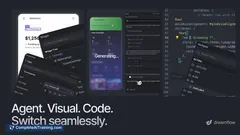
AppForceStudio: design, code and iterate real mobile apps on your phone. Visual canvas, AI-generated React Native/iOS/Android/HTML code, instant UI edits and seamless desktop sync.
About AppForceStudio
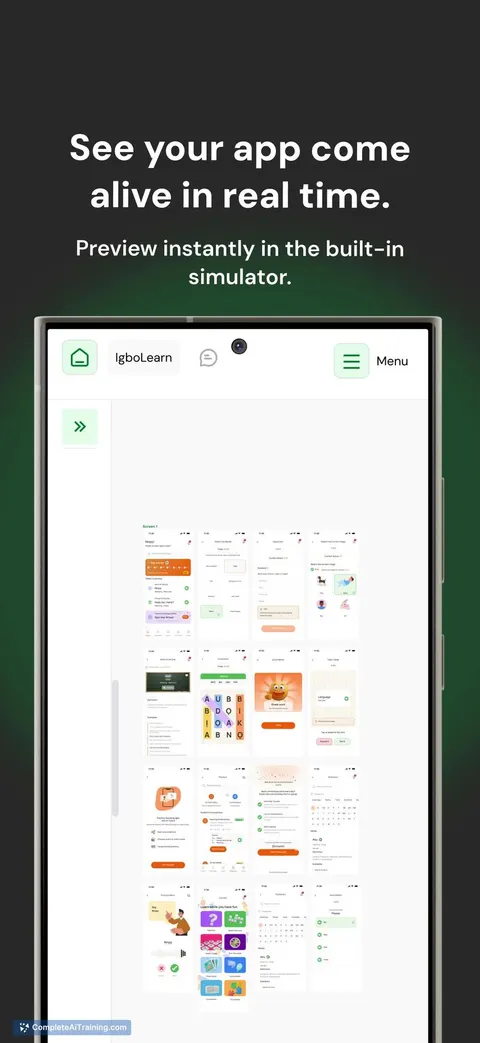
AppForceStudio is a mobile-first app builder that enables users to design, generate code, and publish real apps in minutes. It supports output for React Native, iOS, Android, and web, and aims to let creators work from a phone with optional desktop sync.
Review
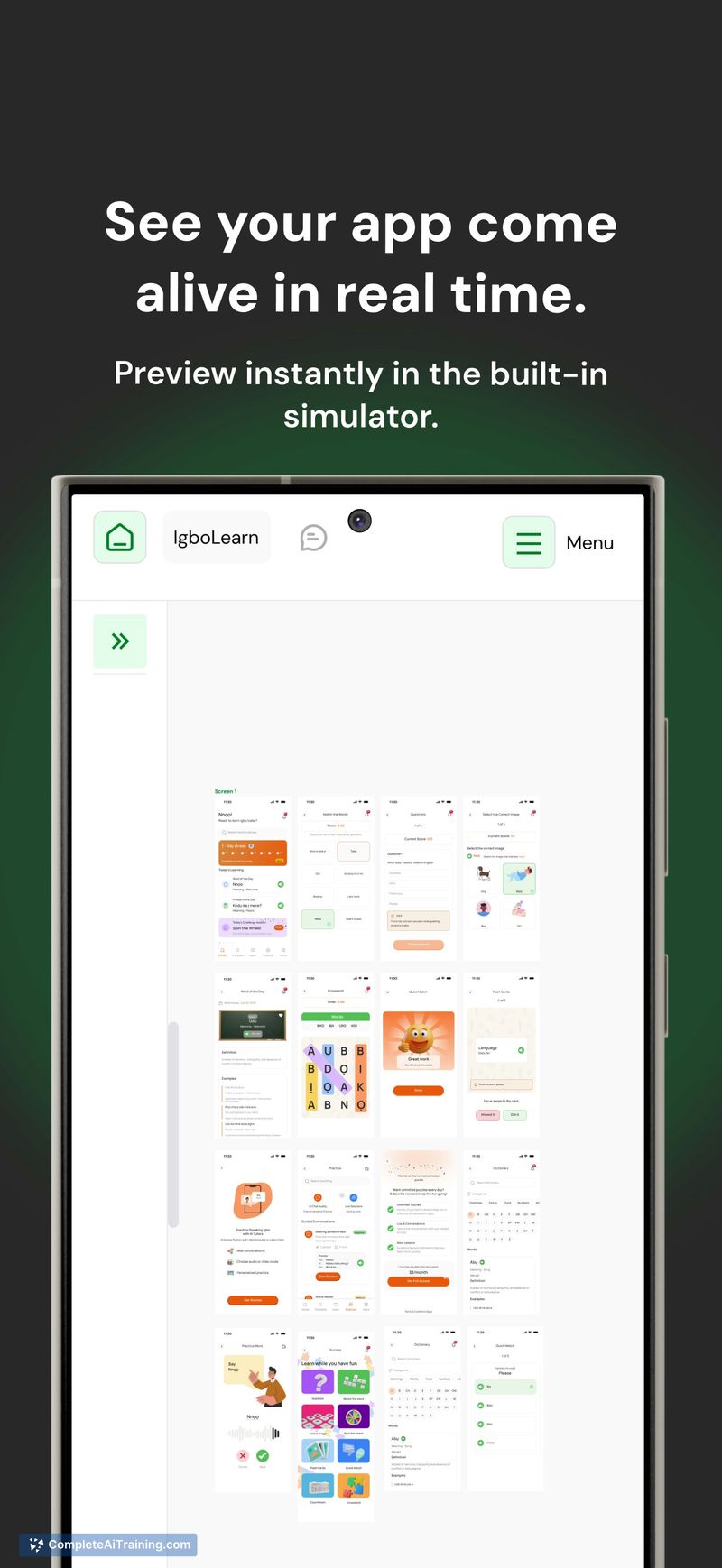
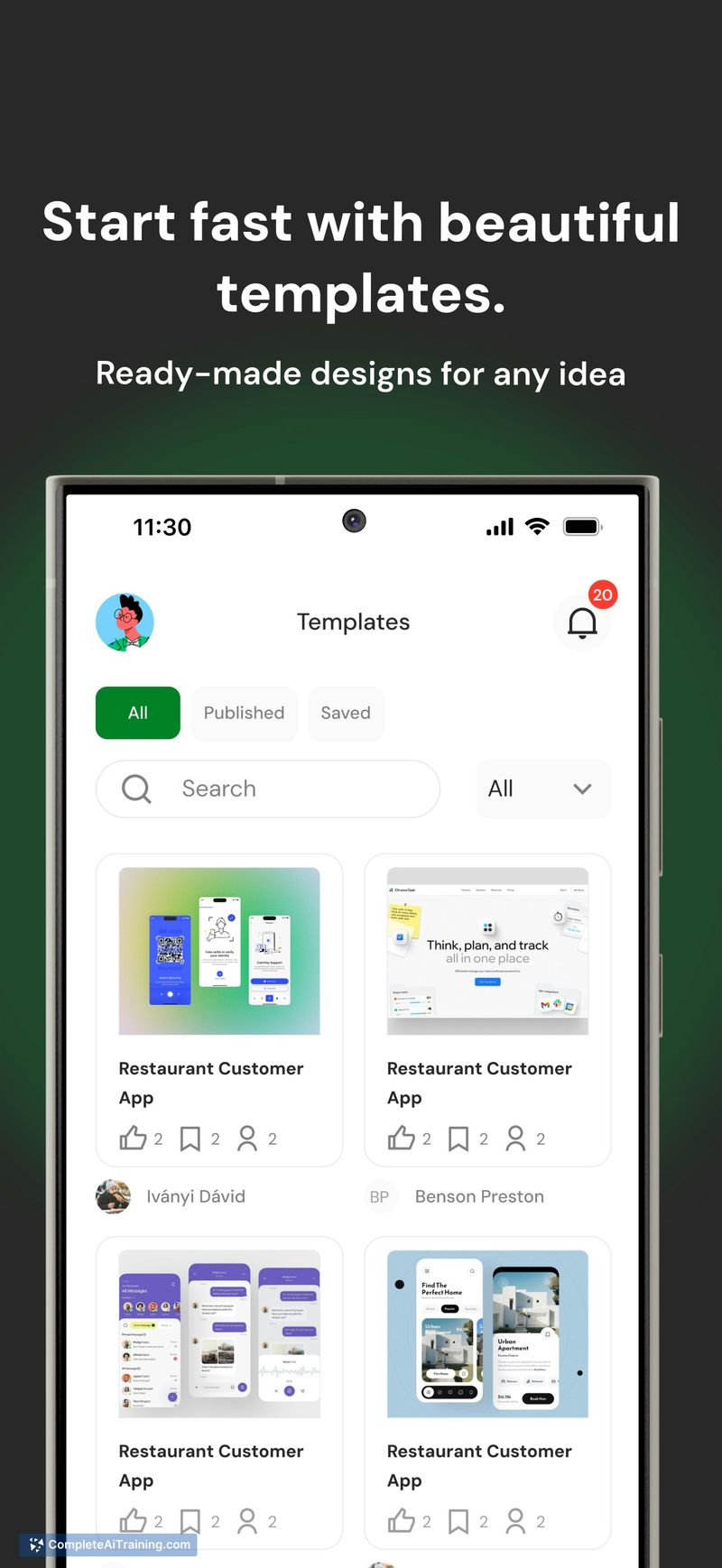
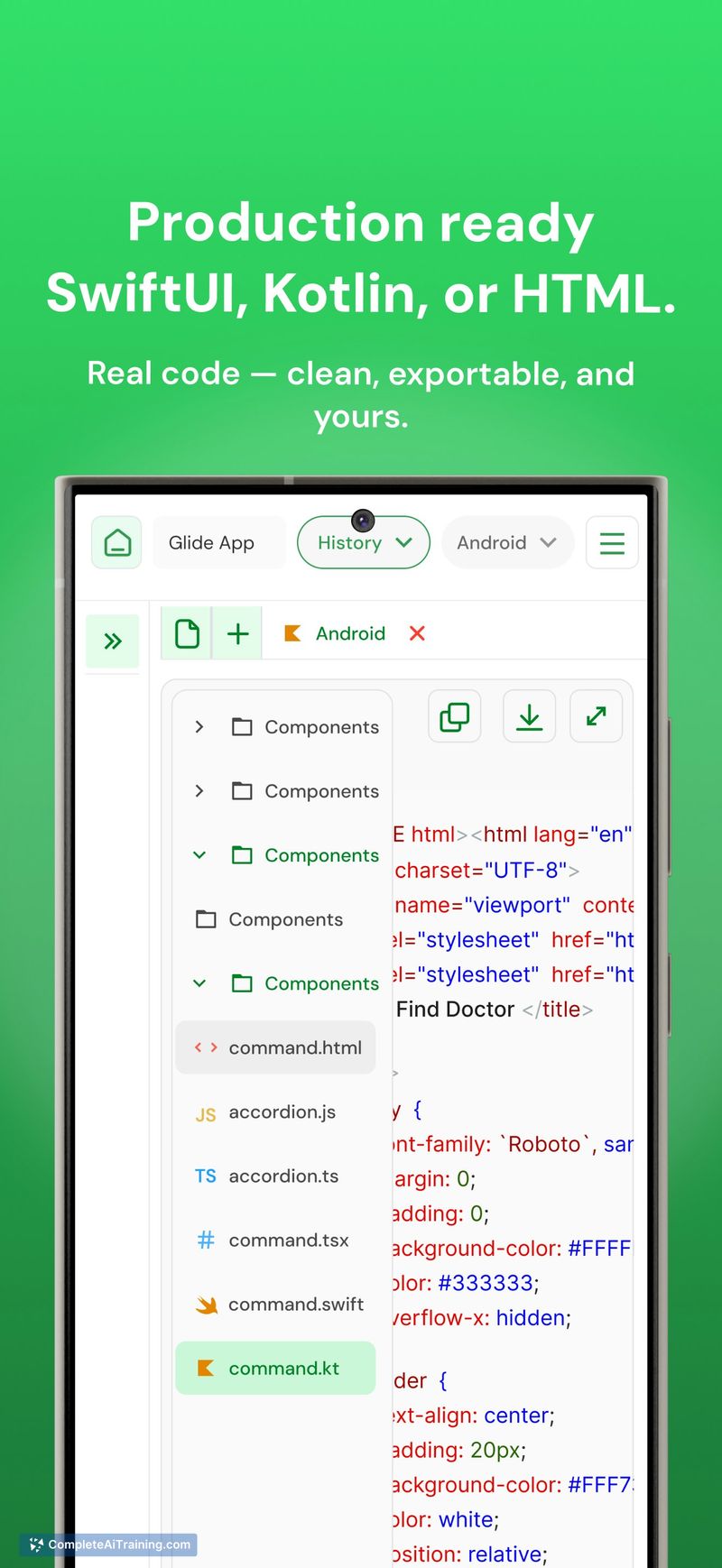

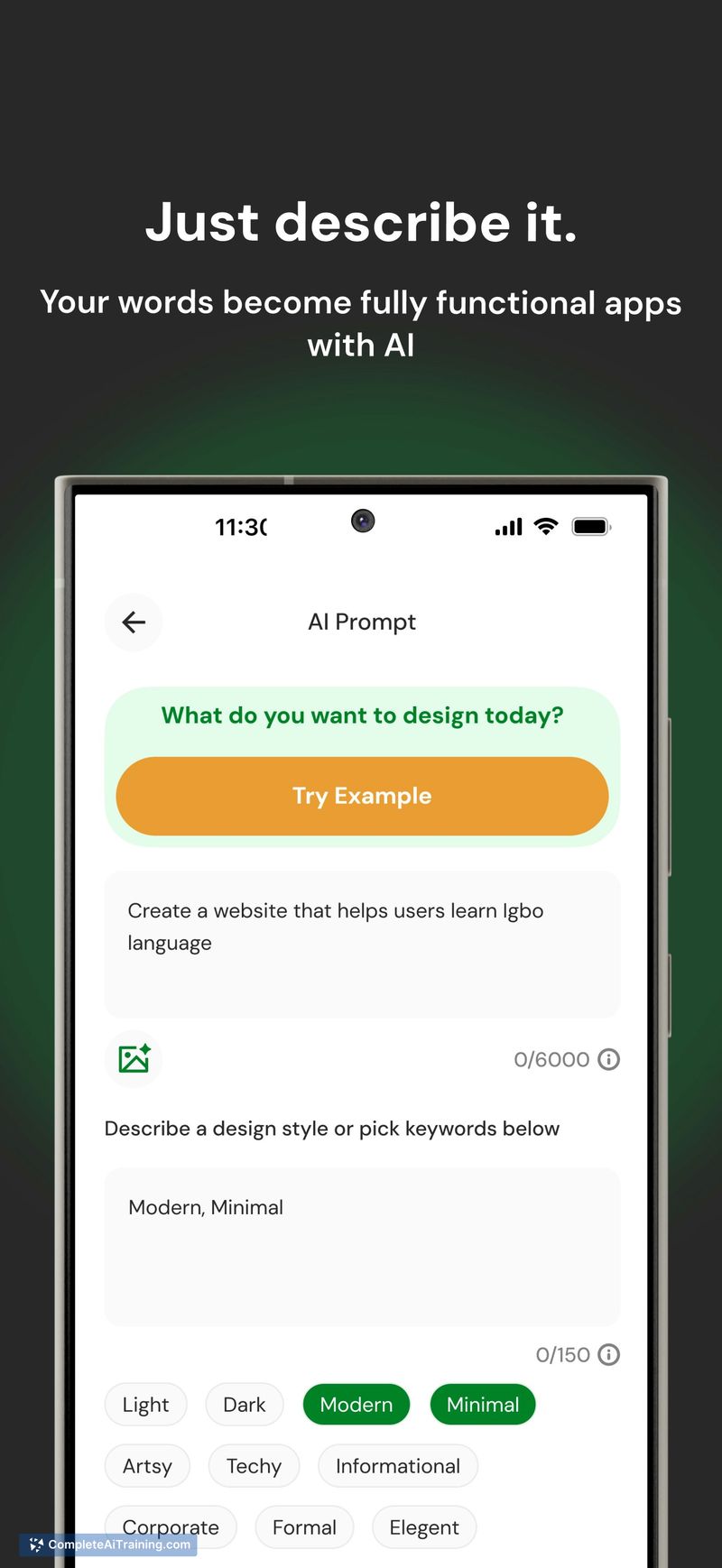
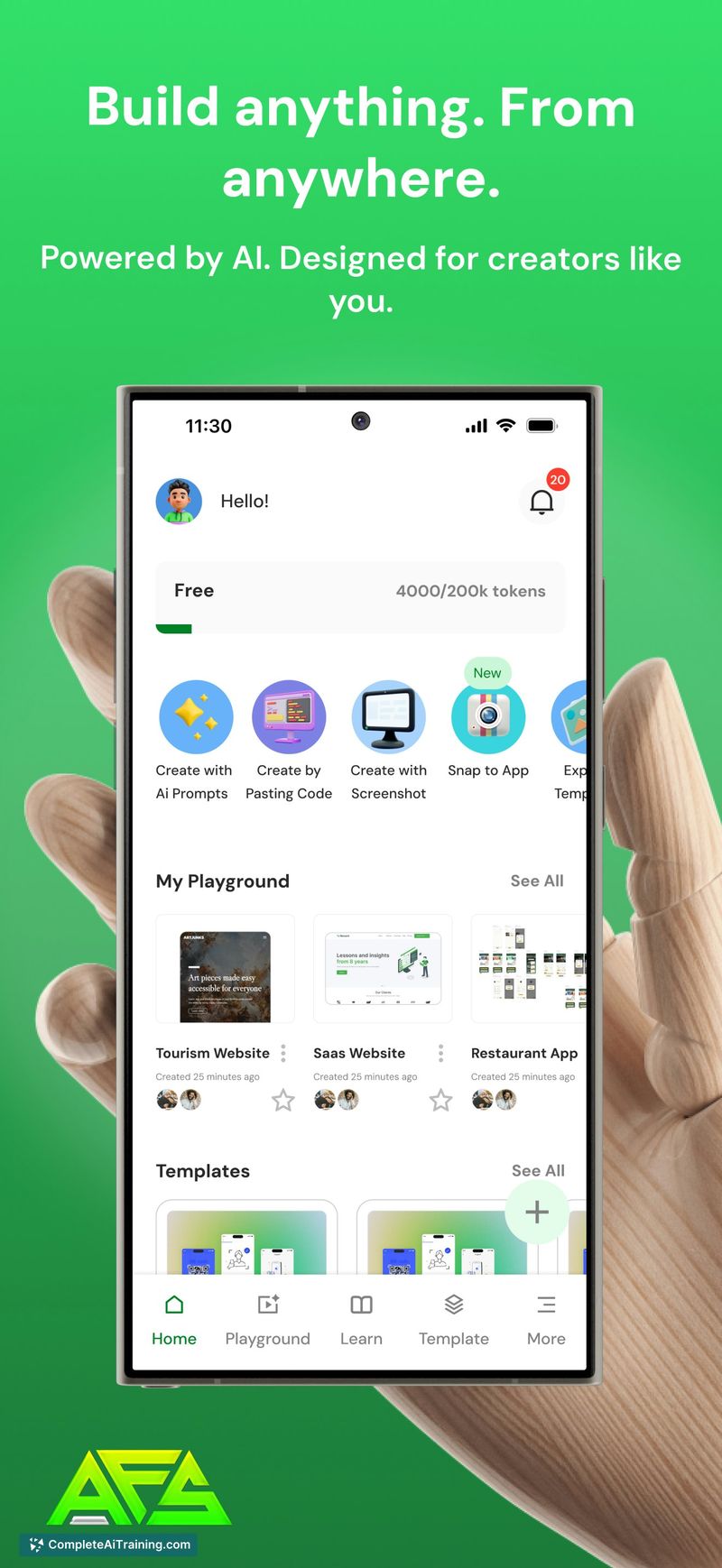
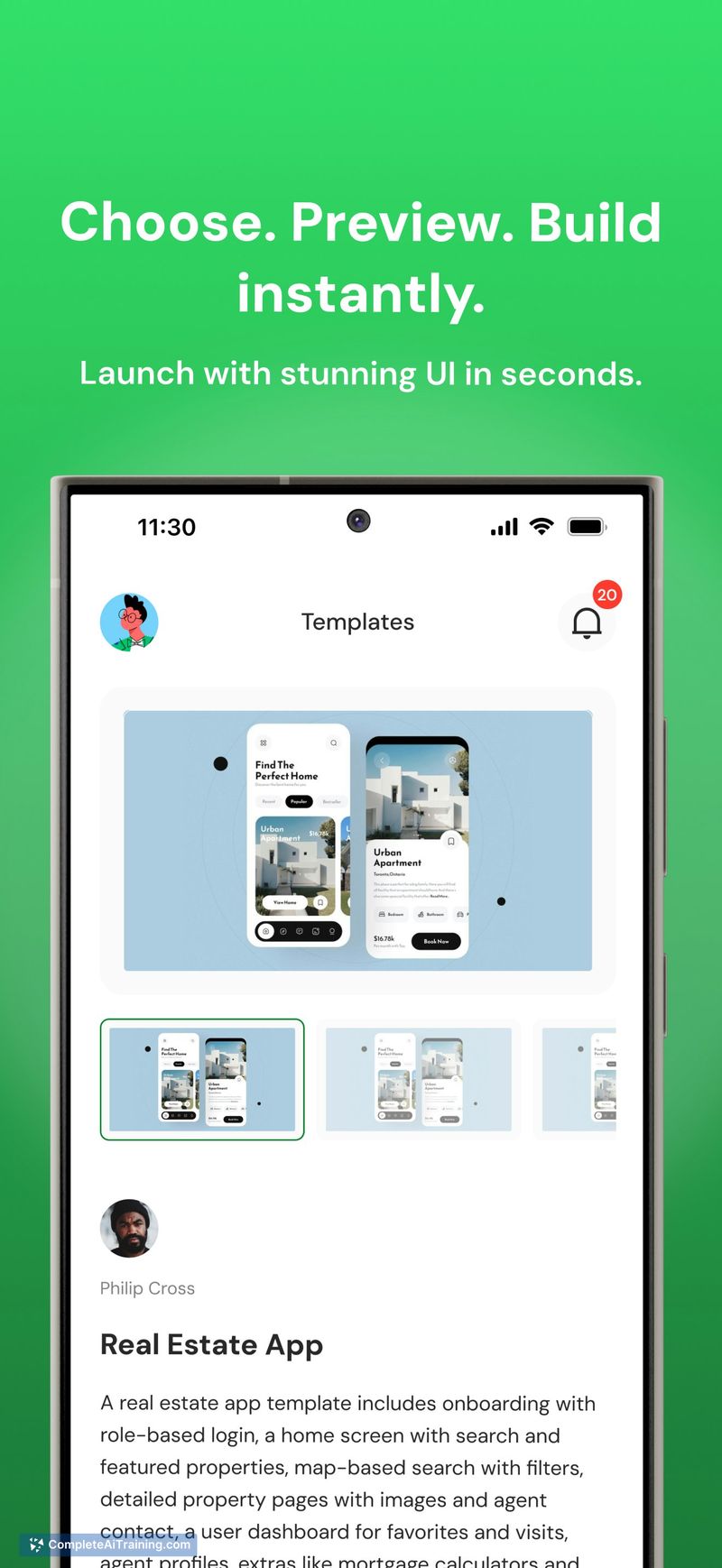
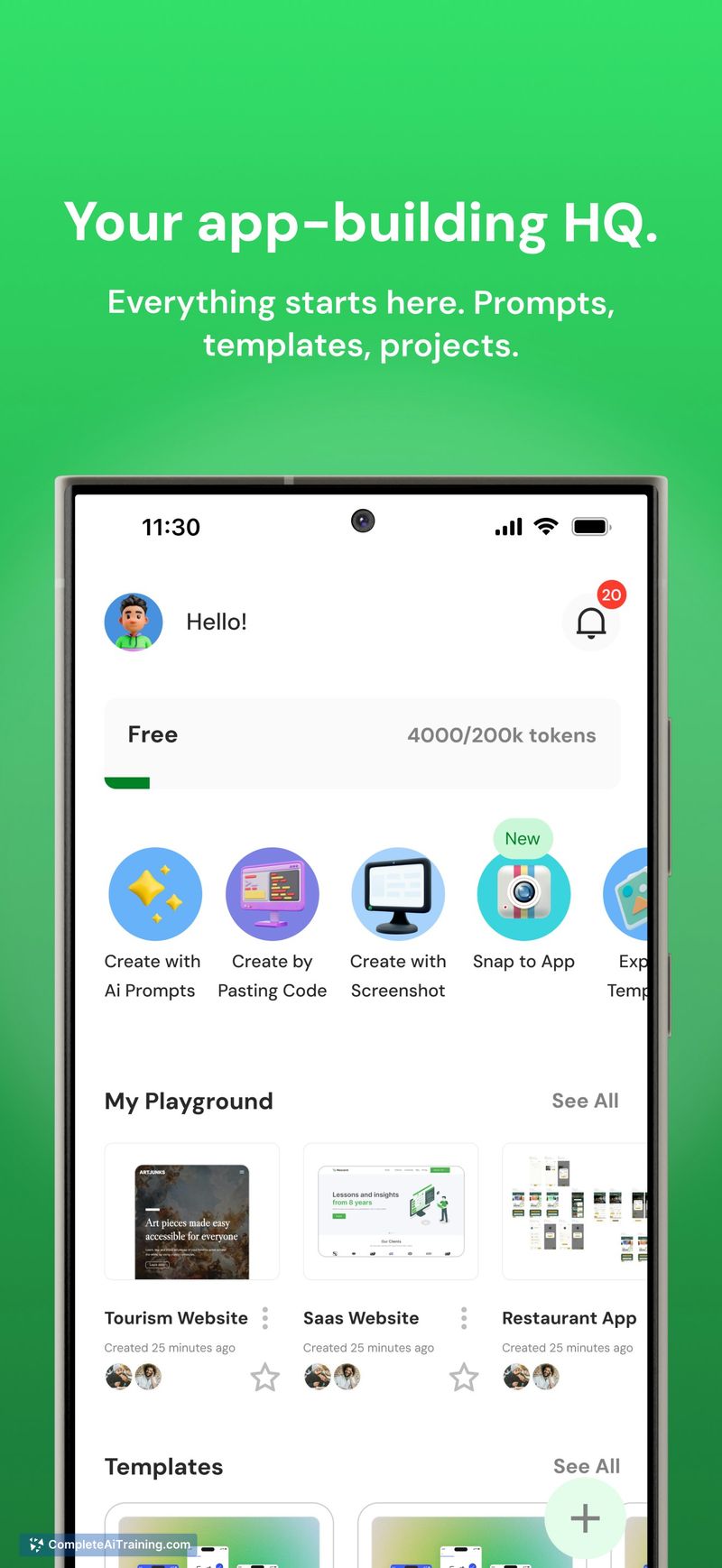
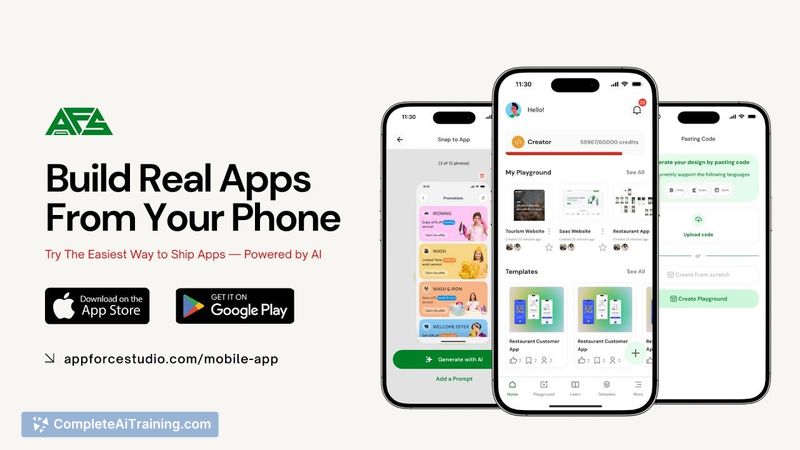
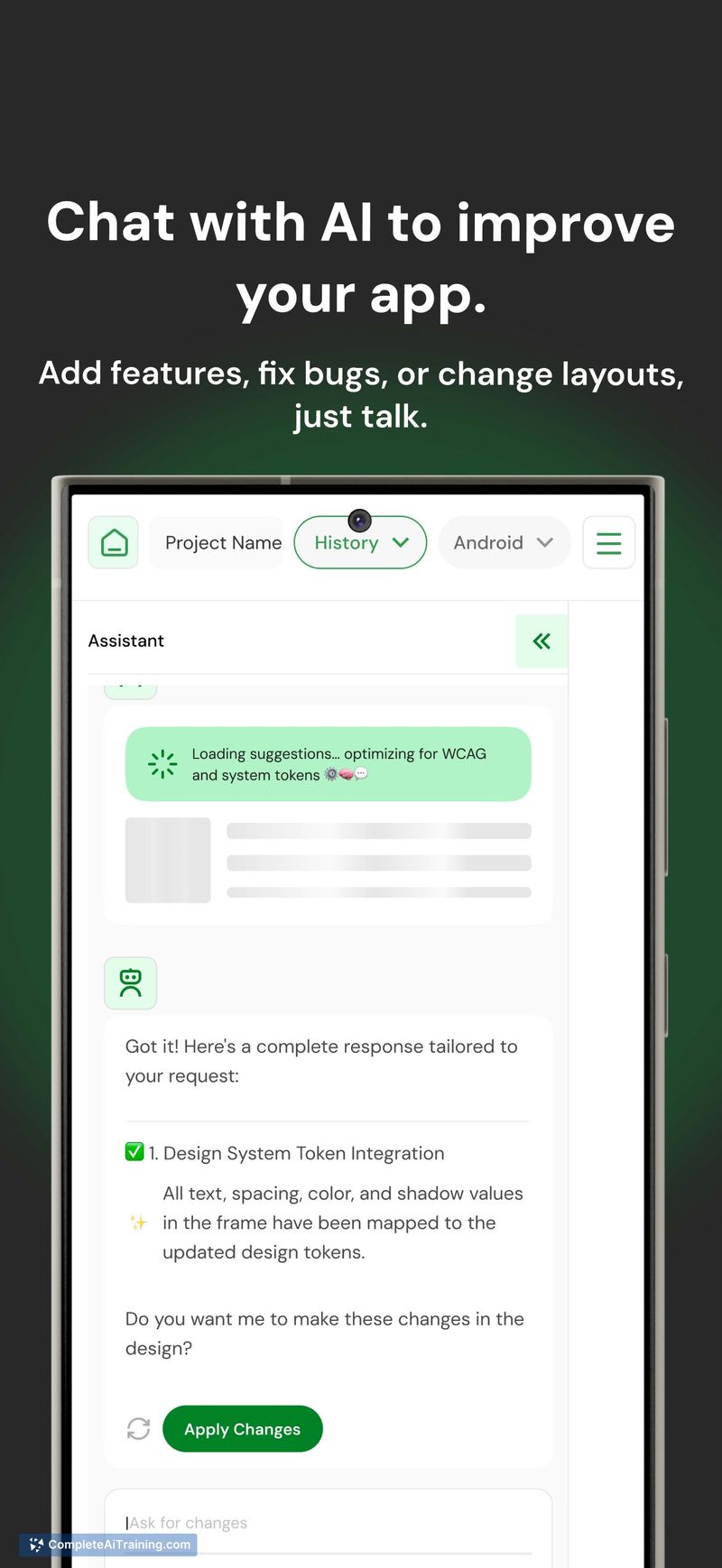
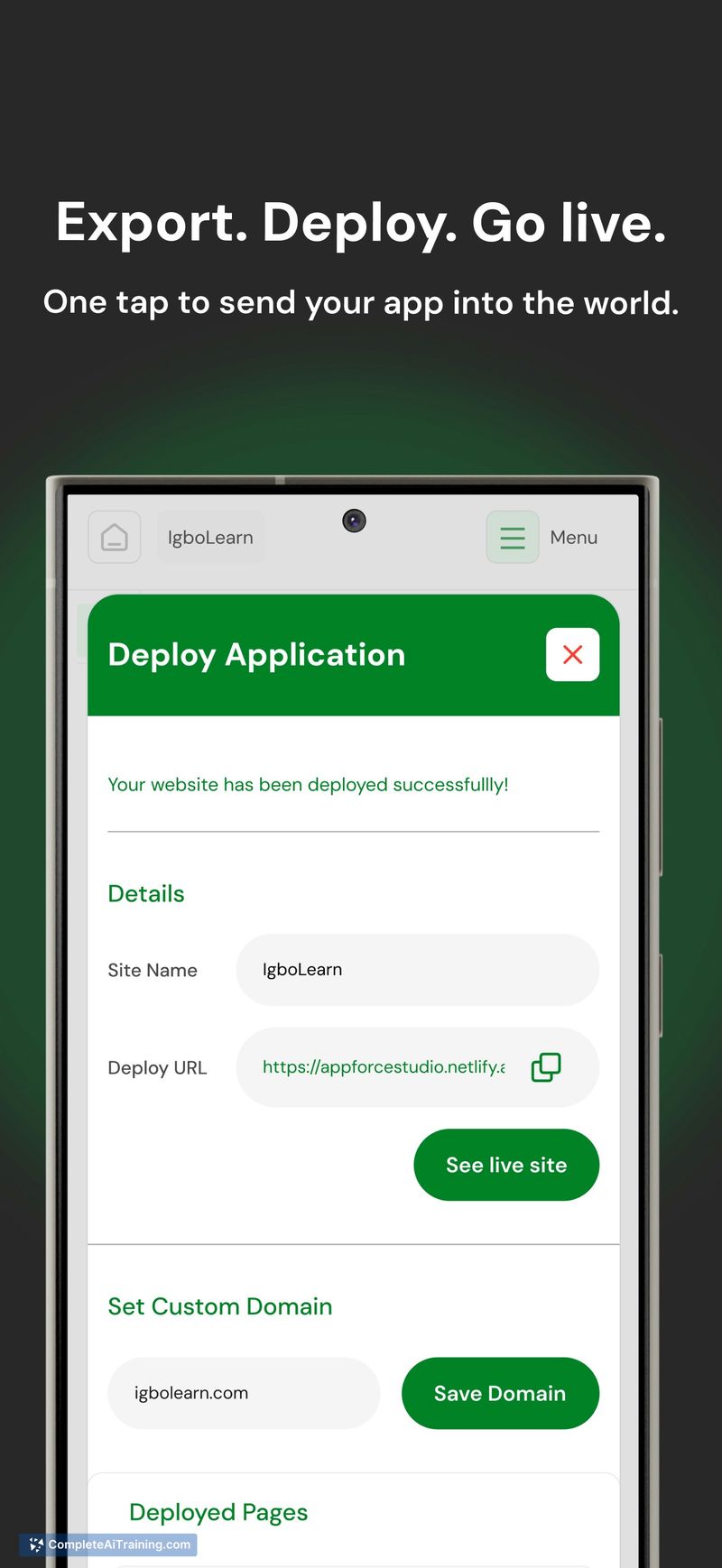
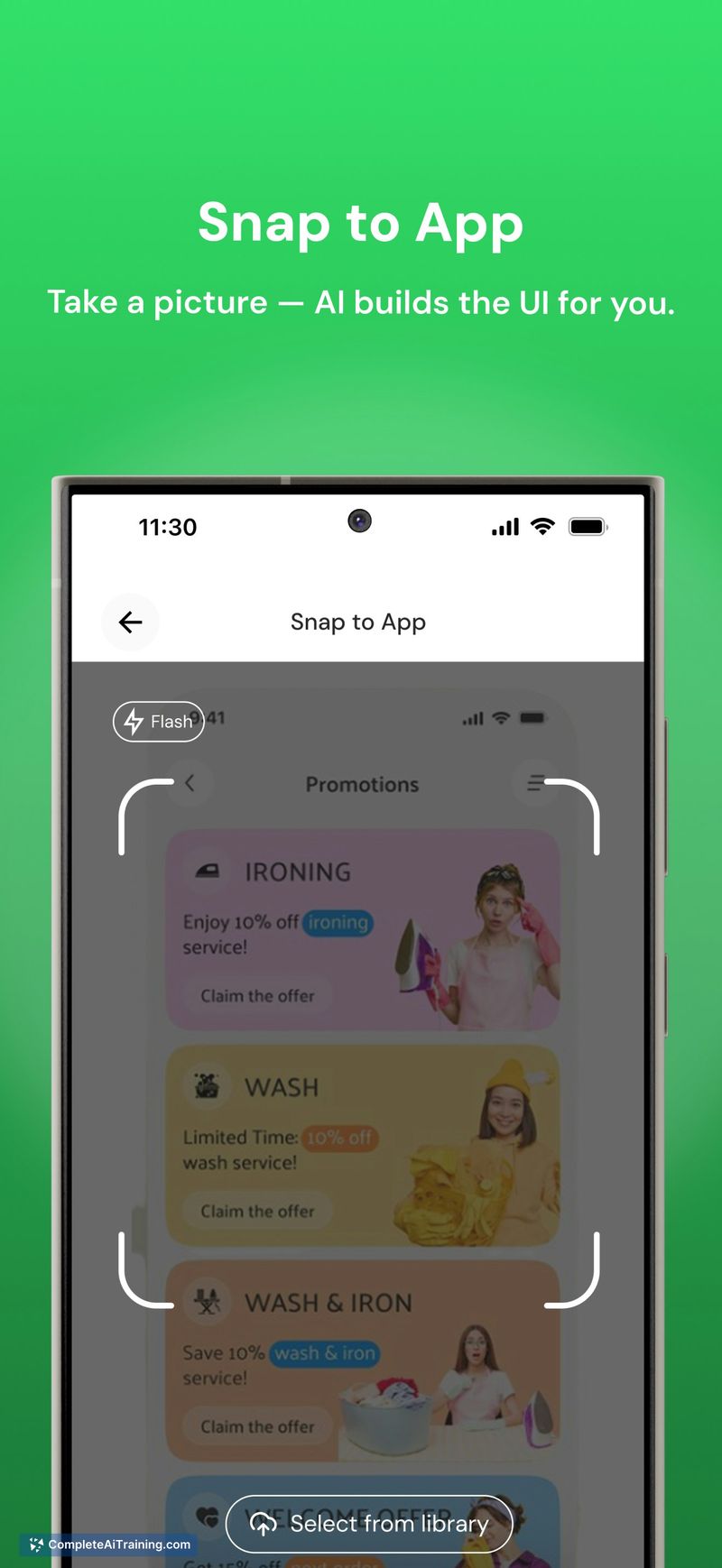
AppForceStudio targets solo founders, designers, and indie developers who want to move from idea to a runnable app without a full engineering setup. The platform combines a visual mobile canvas with AI-assisted code generation and project sync to support quick prototyping and app launches.
Key Features
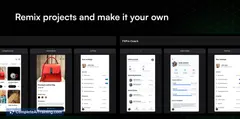
- Mobile canvas for visual screen design and rapid UI iteration.
- AI-generated, exportable code for React Native, native iOS/Android, or vanilla HTML.
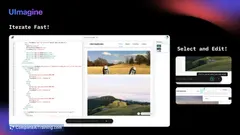
- Instant UI editing and refinement directly on a phone.
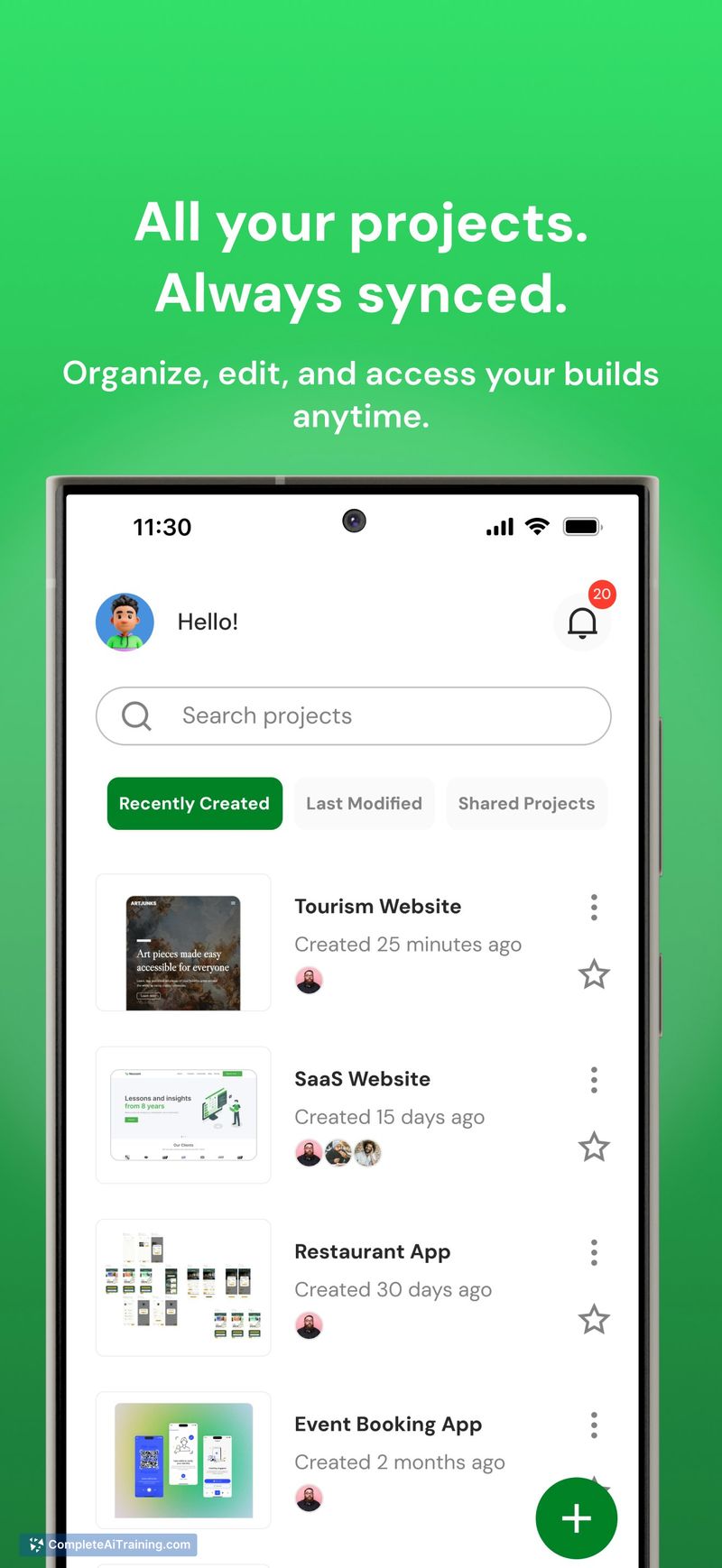
- Sync between mobile and desktop projects for continued development.
- Publish-ready output with workflows aimed at getting apps to stores faster.
Pricing and Value
At launch the product is listed as Free, indicating an accessible entry point for early users and makers. The likely value lies in reducing setup friction and enabling fast prototypes without a full development machine or team. Future pricing details are not specified on the launch listing, so teams planning long-term use should watch for tiered plans, limits on exports or build minutes, and any paid collaboration or publishing features.
Pros
- Mobile-first workflow: design and iterate on a phone when inspiration strikes.
- Generates real, editable code across multiple platforms, which helps move prototypes toward production.
- Easy sync with desktop projects for more advanced development after initial design work.
- Good fit for solo makers and small teams who need speed over complex infrastructure.
- Low barrier to entry with a free launch offering.
Cons
- Mobile-based editing may feel limiting for large or highly custom applications that require advanced tooling.
- Long-term pricing, scalability, and limits on export/build features are not yet clear from the launch listing.
- AI-generated code may still require manual refinement and engineering oversight for production-quality apps.
AppForceStudio is best suited for solo founders, designers, and indie developers who want to prototype and ship mobile or web apps quickly without a full engineering stack. Organizations building complex, large-scale systems or those with strict production requirements should plan to combine the tool's outputs with traditional engineering workflows.
Jobs AppForceStudio suits
We checked AppForceStudio against 500+ jobs; these get the most out of it.
Alternatives to AppForceStudio
Other tools that do the same main job. Our AI compared AppForceStudio with similar tools and kept the ones you could use instead.