AI tool
Bob's CLI
Bob's CLI is an AI engineering partner for developers with day jobs. It lives in your terminal, remembering your architecture and coding patterns to avoid ramp-up time. It also allows remote command execution from a phone to your home desktop.
About Bob's CLI
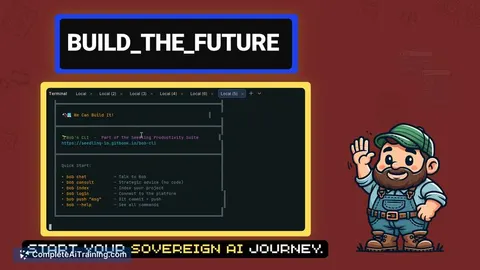
Bob's CLI is a local-first AI coding assistant that runs directly in the terminal. It processes code context on your own hardware, aiming to eliminate API costs and prevent data from leaving the machine. The tool includes an auto-detect feature for local AI models and enforces an explicit approval gate for all file modifications.
Review
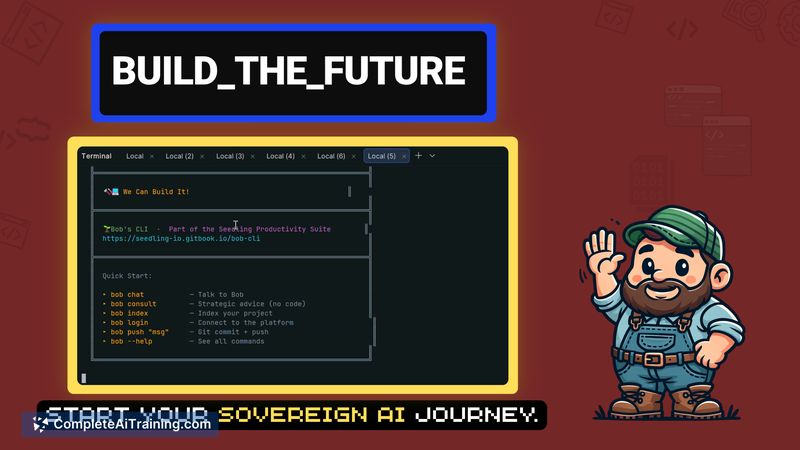
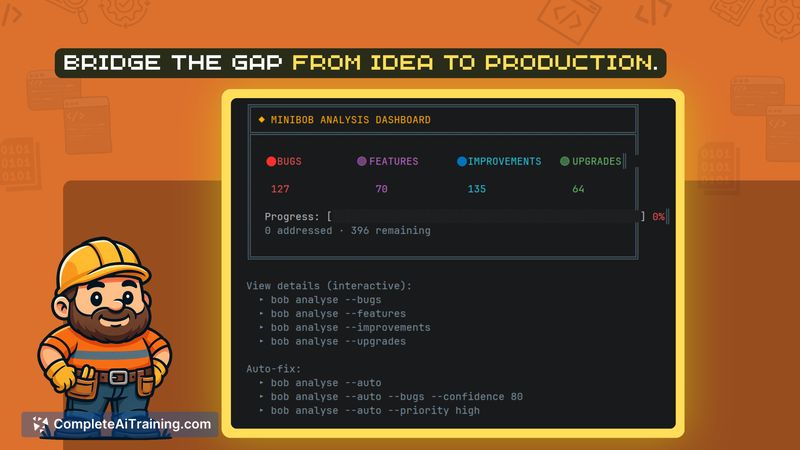
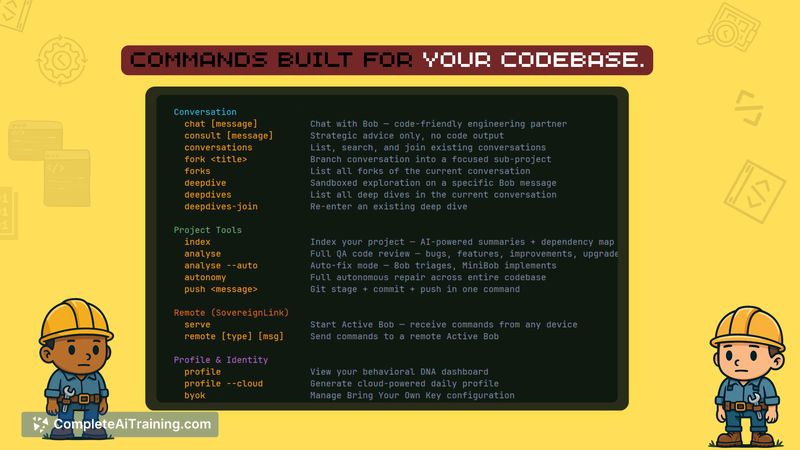
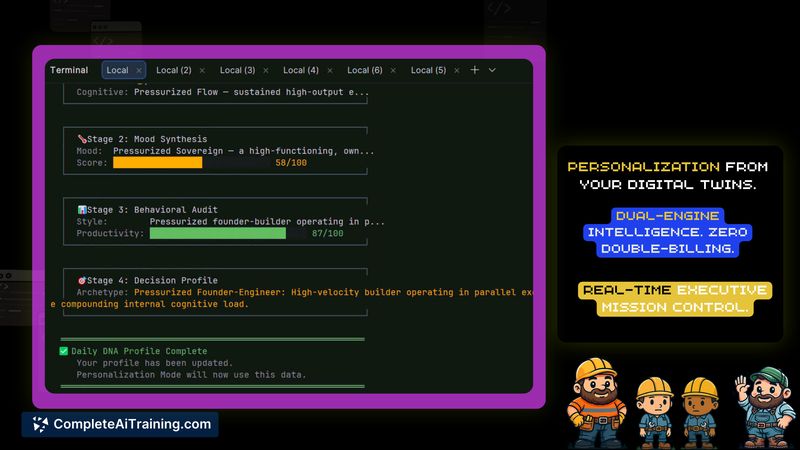
This tool targets developers who want to keep their source code and project context off cloud servers. It uses a proprietary memory system called the Frank Engine to track behavioral patterns and project architecture. We will examine how this local-first approach functions in daily development workflows and whether the current feature set meets that goal.
Key Features
- SovereignLink: A remote execution capability that allows users to send commands from a mobile or web interface to their home machine, keeping code generation local.
- Behavioral DNA profiling: A proprietary architecture that attempts to learn a user's engineering philosophy and decision-making patterns over time.
- Explicit approval gates: Every file edit requires manual confirmation before writing to disk, and original files are automatically backed up to a .bob-backups/ directory.
- Conversation forking: A feature letting developers explore different coding directions without losing the original context thread.
Pricing and Value
Bob's CLI is currently free to start, with the free tier relying on zero-cost local AI inference through integrations like Ollama. Because it runs on user hardware, there are no recurring API bills for the base functionality. The developer notes that the CLI is distributed via npm, allowing users to control exactly when they update their version.
Pros
- Source code remains on the local machine by default, addressing data residency concerns for sensitive projects.
- Auto-detection of local models reduces the initial setup friction for developers already using tools like Ollama.
- The open-source MIT license allows users to audit the codebase and verify how the tool handles file access.
- Automatic backups of original files create a safety net before any AI-generated changes are applied.
Cons
- Performance depends heavily on local hardware specifications, meaning users with older machines may experience latency between 4 to 8 seconds per response.
- A dedicated rollback command is not yet shipped; the developer has listed this as a mandatory upcoming feature, leaving users to rely on Git or manual backups for now.
- This tool is not well suited for enterprise teams requiring centralized, cloud-based AI management or standardized, company-wide prompt configurations.
Bob's CLI fits developers who prioritize data privacy and want to run AI inference on their own equipment. It serves part-time builders or engineers with strict data residency requirements who can tolerate the hardware limitations of local models. Teams needing immediate, out-of-the-box enterprise syncing should evaluate other options.
Jobs Bob's CLI suits
We checked Bob's CLI against 500+ jobs; these get the most out of it.
Alternatives to Bob's CLI
Other tools that do the same main job. Our AI compared Bob's CLI with similar tools and kept the ones you could use instead.