
Learning path
Learning AI as a Backend Developer
AI can draft endpoints, schemas, and tests while you keep the judgment. This path shows backend developers where it helps most and how to stay in control.

Your path
Everything in the Backend Developer AI kit, in the order that makes sense. Members tick off each step and see their progress.
Set up your AI
We guide you through each click.
Let skills do your everyday tasks
Connect your apps and pick your AI apps
Hand whole tasks to AI agents
Build your own tools
Keep growing
Everything for backend developers
All the courses, certifications, AI tools, MCP servers and apps for backend developers, most relevant first. Open any list to see more.
Take the prompt courses
A short framework course to learn how to ask, then 8 lessons with ready-to-use prompts for backend developers.
Start with this framework: how to talk to AI
Context engineering fits backend developers by structuring prompts for agents that automate API error triage and generate tested database migration scripts.
Then your prompt course for backend developersWatch the video courses or add them to your Favorites for later
130 video courses our AI picked for backend developers, most useful first. Save the ones you want to watch later with the heart.
Favorites are saved to your account: sign in or get your AI kit first.
Show all 130 video courses
Get certified, or add certifications to your Favorites
Every course ends in an exam and a certificate you can add to LinkedIn. Save the certifications you are aiming for with the heart.
Favorites are saved to your account: sign in or get your AI kit first.
More certifications for backend developersShow all 24 certifications
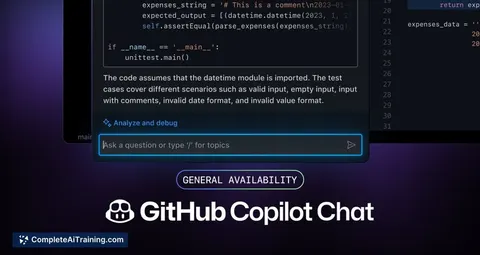
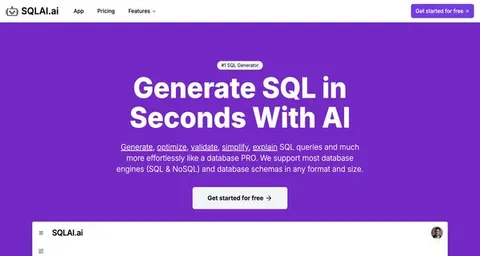
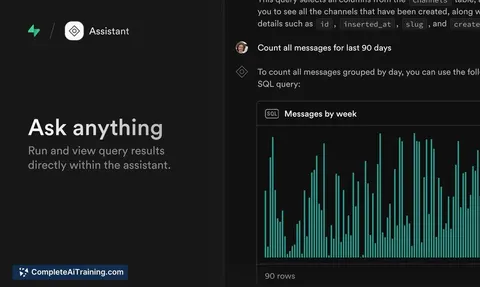
Try the AI tools for backend developers
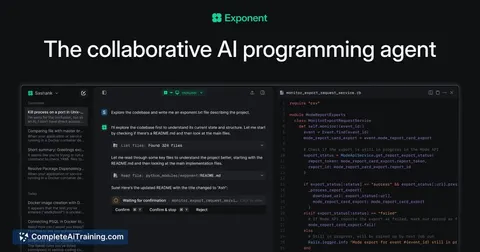
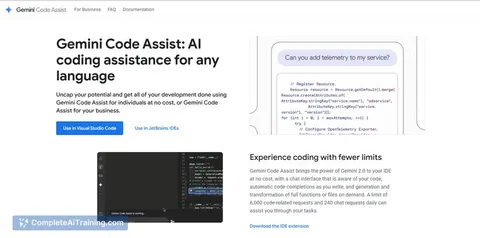
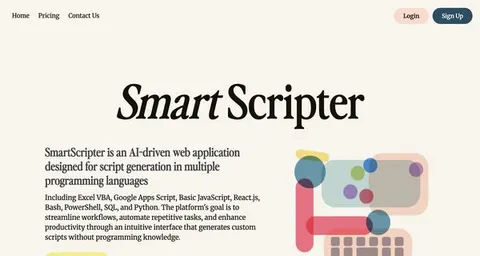
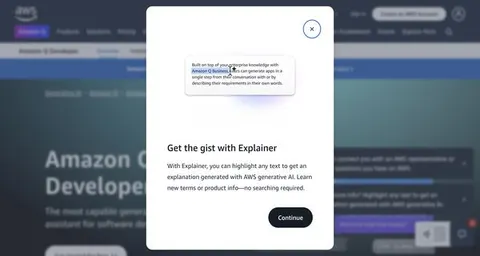
24 AI tools our AI matched to the work of backend developers, best fit first. Each review shows what it does, its alternatives and the jobs it suits.
Favorites are saved to your account: sign in or get your AI kit first.
Show all 24 AI tools
Connect your AI to the apps backend developers use
MCP servers let ChatGPT, Claude or Copilot look things up and get work done in other apps, like your email, calendar or bookkeeping software. These 12 fit the work of backend developers best, well-known apps first.
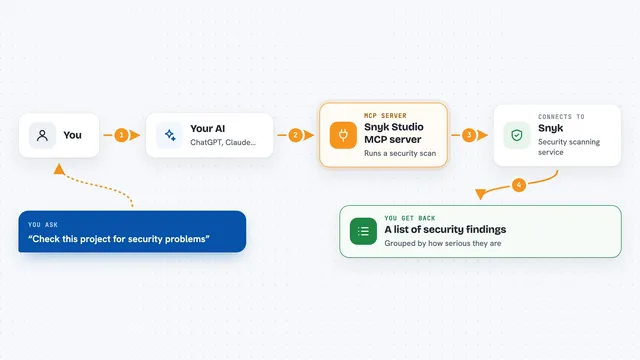
Snyk Studio MCP server
by snykLets your AI run Snyk security scans on your code and show you the findings in plain chat.
SecurityDeveloper tools Official
Sentry MCP server
by getsentryLets your AI look up Sentry errors, issues and performance data and help you debug them.
Developer toolsNo install
Datadog MCP server
by TANTIOPELets your AI look up Datadog logs, traces, metrics, monitors and incidents for you in plain chat.

Semgrep MCP server
by semgrepLets your AI check code for security problems using Semgrep before you ship it.
SecurityDeveloper tools Official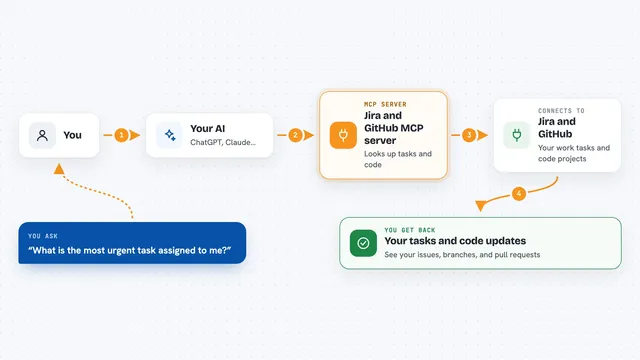
Jira and GitHub MCP server
by TamarEngelLets your AI look up Jira issues and handle GitHub branches, commits, and pull requests for you.

Postgres MCP server
by crystaldbaLets your AI check your Postgres database health, find slow queries, and suggest indexes to speed things up.
Show all 12 MCP servers

VS Code MCP server
by juehangLets your AI read, search, edit and check files inside your open VS Code workspace for you.

Logs Sieve MCP server
by Oluwatunmise-olatAsk your AI about your app logs in plain English and get back the exact entries and patterns.

rag-rat repo intelligence MCP server
by cq27-devLets your AI answer questions about your codebase and remember important facts about it.

Logfire MCP server
by pydanticLets your AI look up your app's logs, traces and metrics in Logfire and explain what it finds.
AnalyticsDeveloper tools Official
Litescope MCP server
by croc100Let your AI inspect, query, and safely change SQLite databases, including Cloudflare D1 and Turso.

Unfour MCP server
by zyqzyqLet your AI check API responses, server logs, and database state to help you trace backend bugs.
Build your own AI apps for backend developers
Apps you build yourself with your own AI, no coding needed and no monthly fee. Our AI picked the 12 that fit the work of backend developers.
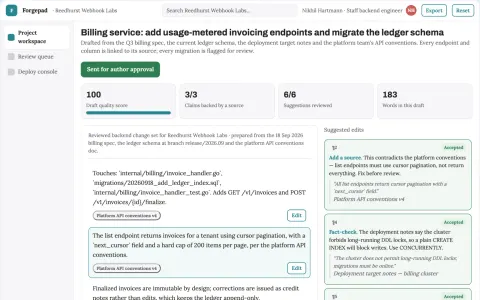
Backend code and API delivery workspace
Reduce tool sprawl and handoffs while keeping the codebase and data under the team's control.
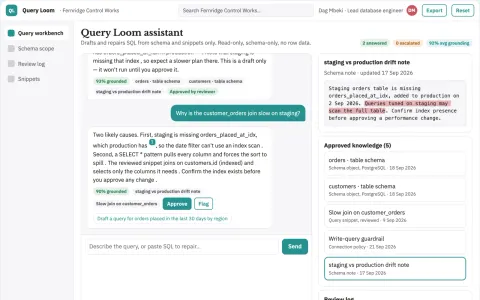
Schema-linked SQL generation and repair console
Reduce query authoring and repair time while keeping execution under developer control.
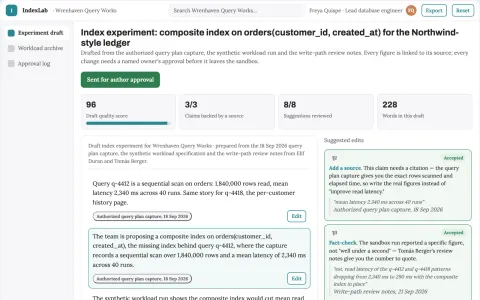
Database index value experiment lab
Improve workload efficiency through reproducible tests.
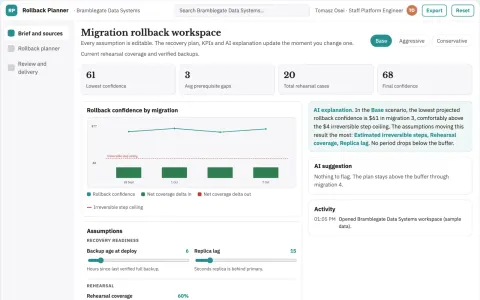
Database migration rollback planner
Explicit rollback limits before deployment.
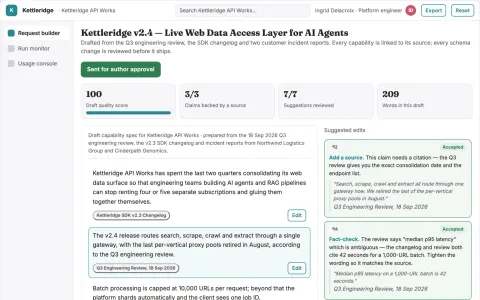
Live web data access layer for AI agents
Give agents and applications one owned API for search, scraping, crawling and structured extraction.
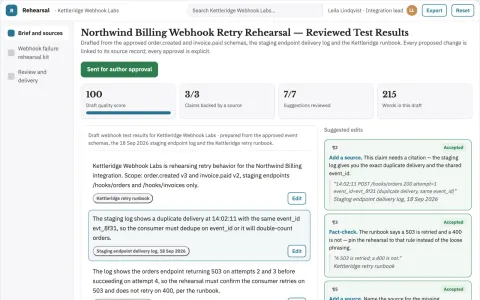
Webhook failure rehearsal kit
Exercise delivery uncertainty in a sandbox.
Show all 12 apps
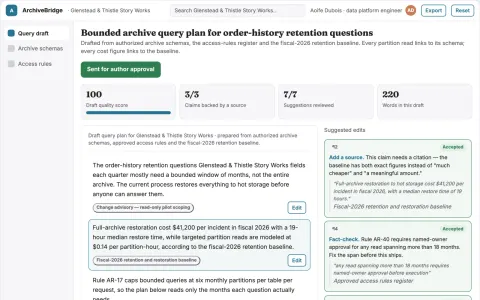
Database archive query bridge
Make infrequent historical questions cheaper to answer.
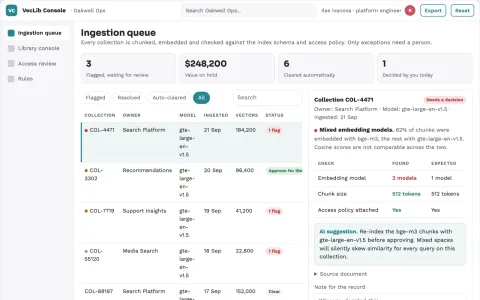
Vector search library and data stewardship console
Reduce the number of rented vector services while keeping one searchable, governed store of embeddings and metadata.
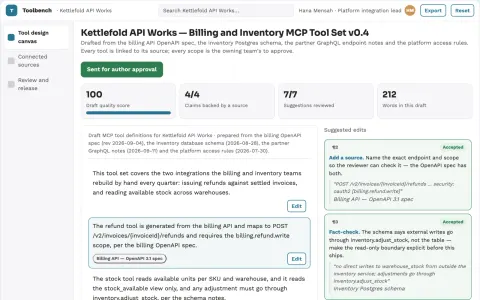
API-to-agent tool delivery workbench
Reduce hand-built integration work while keeping credentials and approvals under the owner's control.
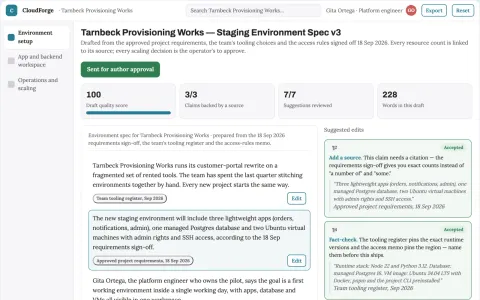
Managed cloud app and backend workspace
Run and manage applications and their backend infrastructure in one owned workspace.
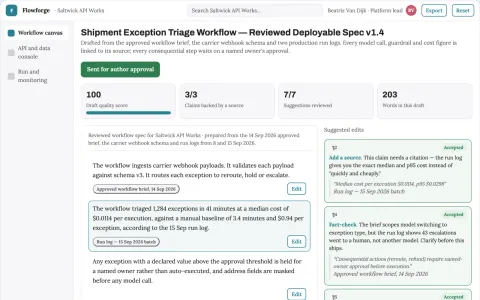
Visual backend API and AI workflow delivery workspace
Reduce tool sprawl while keeping backend logic, data and AI calls in one owned workspace.
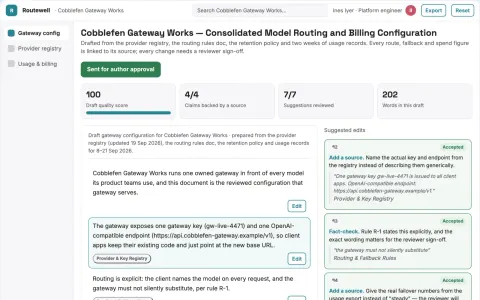
Multi-model API routing and billing workspace
Reduce integration and operations work while keeping one owned gateway for model access.





















































































About this learning path
7 topicsAI for backend developers: a practical working path
Backend work is mostly judgment: what to build, what to change, what to leave alone. AI is good at the first pass, the draft, the summary, and the search through unfamiliar code. The trick is knowing which parts to hand over and which parts to keep.
This path is built for working backend developers. It starts with the questions worth asking before you connect anything, then moves through the skills you already use daily, and finishes with prompts and short video courses chosen for this job.
Why AI matters for backend work now
The tools have gotten good at reading code, writing boilerplate, and explaining error messages. That changes how fast a first draft appears, whether it is a new endpoint, a migration, or a test file.
The work does not disappear. It moves toward review, design, and the parts that need a person who knows the system.
What the path includes
You start with setup questions and a short guide to connecting your AI tool to the way you work. Then come the skills for the job inside your AI, the eight prompt lessons, video courses picked for backend work, and the certifications attached to those courses.
How it saves you time
Most of the time comes back in the small loops: drafting an endpoint, reading a slow query plan, summarizing a long log file, or writing the first version of a test. None of these are the whole job, but together they add up across a week.
How it protects your career
The developers who do well with these tools are the ones who check the output and can explain why it is right. This path keeps you in that seat. You learn to ask for the reasoning, test the result, and keep security and privacy decisions in your hands.
How to start this week
Pick one lesson that matches something on your board right now. Run the prompt, compare the answer to what you would have written, and note where it helped. Then try a second lesson the next day.
Working with your team's rules
Every team has its own line about what can go into a prompt. Find out where yours is before you paste code or logs. The course covers this in the safety lesson, and the path keeps it in view throughout.
Frequently asked questions
Do I need to be an AI expert to start?
No. The path assumes you are comfortable with your normal backend tools and nothing more. You will learn the prompts and habits as you go, one lesson at a time.Will AI write my code for me?
It can write a first draft, and sometimes that draft is useful. You still decide what ships. The lessons focus on reviewing, testing, and improving what the tool gives you.How much time does the path take?
Most people move through it in short sittings between other work. The prompt lessons are quick to read and quick to try. The video courses are there when you want more depth on a topic.Is my company code safe to paste into these tools?
That depends on your company's rules and the tool's settings. The safety lesson walks through the questions to ask, and the path tells you to check with your team before sharing anything sensitive.