AI tool
Bonkers
Bonkers transforms your words and ideas into striking visuals—posters, banners, and more—with simple text input. Ideal for marketers and creators seeking quick, effortless graphic content without the hassle. Just type and watch your concepts come ...
About Bonkers
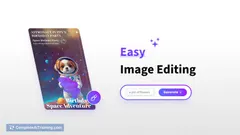
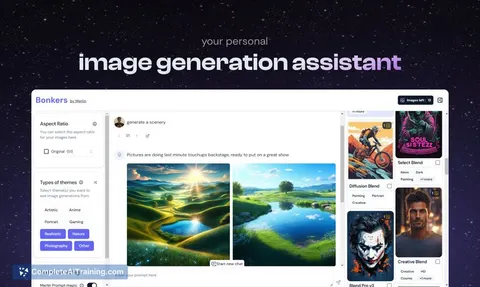
Bonkers is a straightforward text-to-image generator that transforms simple text descriptions into creative visuals. It is designed with ease of use in mind, making it accessible for users without any background in graphic design or AI technology.
Review
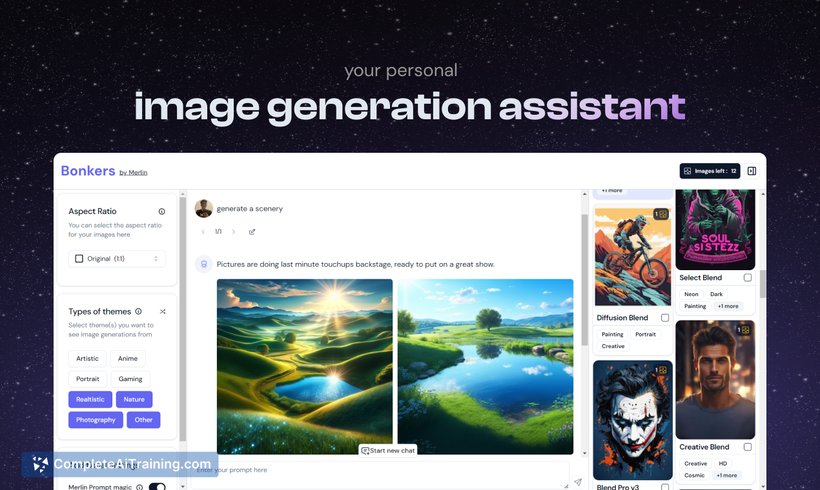
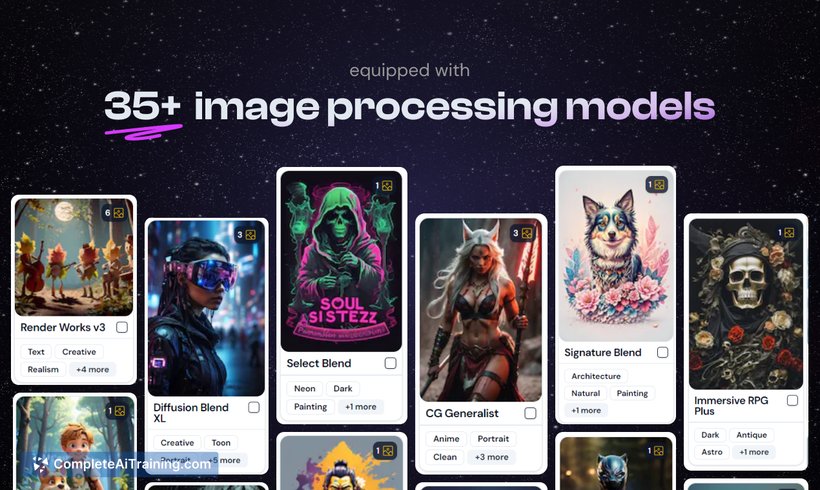
Bonkers offers a simple and intuitive way to create images from text prompts, catering especially to marketers, content creators, and casual users who want quick visual content. Its user-friendly interface allows anyone to generate a variety of image styles without needing prior experience, making creative visual generation approachable and efficient.
Key Features
- Simple and user-friendly interface for seamless image generation
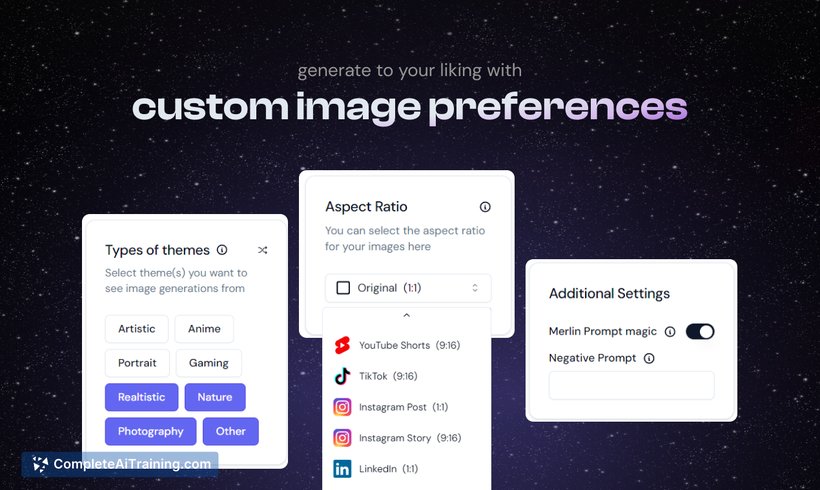
- Control over aspect ratios to fit images perfectly across different platforms
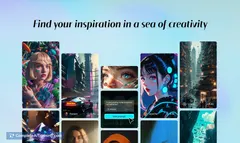
- Multiple style themes including nature, anime, and realistic options
- Versatility in creating visuals for posters, banners, and illustrative content
- Ability to use without any additional extensions by signing up on the platform
Pricing and Value
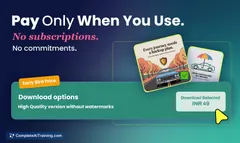
Bonkers provides free options for users to try out the tool before committing to any paid plans. The pricing model is accessible, aiming to offer good value for marketers and creators who need quick, quality visuals without investing in complex design software. This approach makes it suitable for both occasional and regular users looking for cost-effective image generation.
Pros
- Very easy to use, suitable for beginners and non-designers
- Supports various image styles and aspect ratios for flexible usage
- Free usage options available for initial experimentation
- Works independently without needing browser extensions
- Quick generation of images saves time for busy users
Cons
- Occasionally, generated images may not perfectly match the text prompt
- Limited advanced customization options for power users
- Currently fewer style themes compared to some competitors
Overall, Bonkers is ideal for users looking for a simple, no-fuss tool to create visuals from text quickly. It fits well for marketers needing prompt marketing materials, students working on projects, or anyone interested in generating creative images without technical hurdles. Its ease of use and free entry point make it a practical choice for casual and professional users alike.
Jobs Bonkers suits
We checked Bonkers against 500+ jobs; these get the most out of it.
Alternatives to Bonkers
Other tools that do the same main job. Our AI compared Bonkers with similar tools and kept the ones you could use instead.