
AI tool
ChatGPT Space
ChatGPT Space is a shared workspace where teams tag AI assistants directly inside documents to edit, research, code, or manage tasks. It is built for teams and professionals on paid plans who collaborate on projects and documentation.
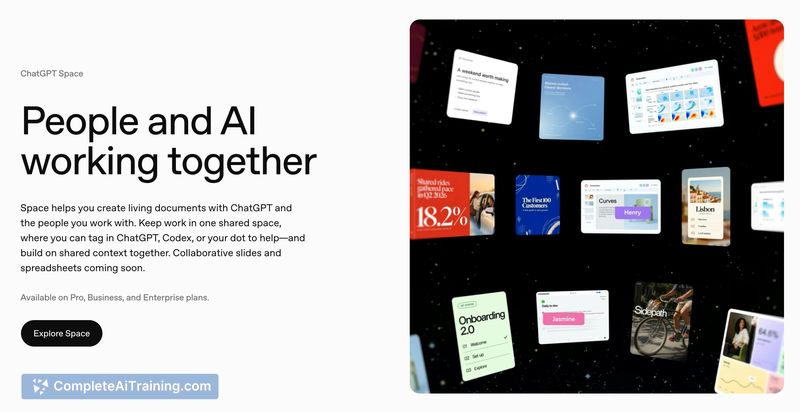
About ChatGPT Space
ChatGPT Space is a shared canvas where teams create, plan, and collaborate with AI in a single workspace. Users can add links, files, and ideas to build a living source of context, then tag ChatGPT, Codex, or a dot inside a shared page to edit, research, code, or take next steps. It's built for teams on Pro, Business, and Enterprise plans who want to keep context, collaboration, and AI assistance in one place.
Review
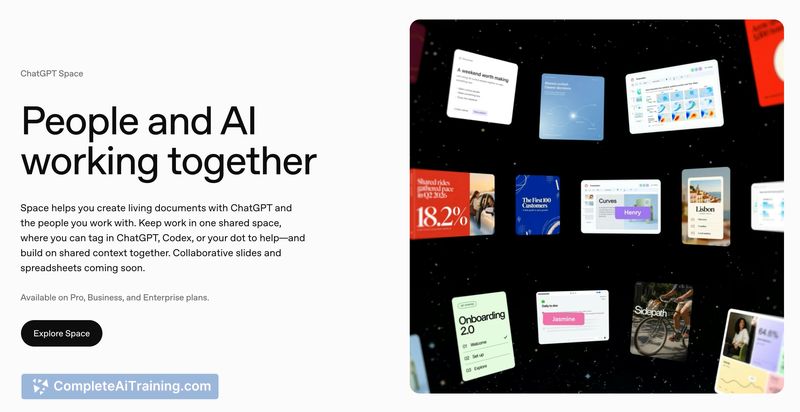
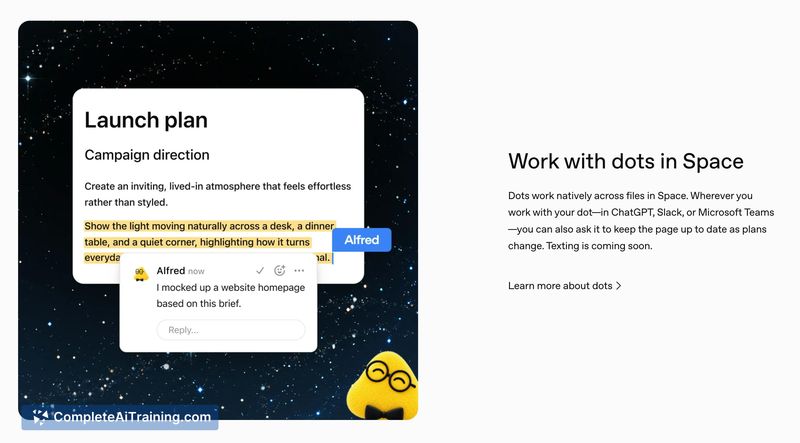
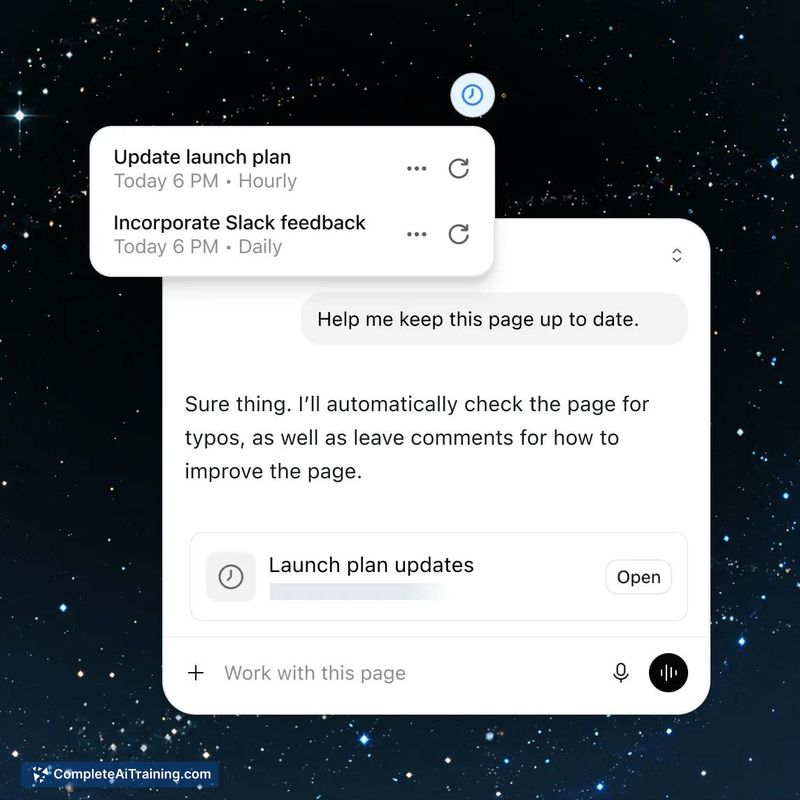
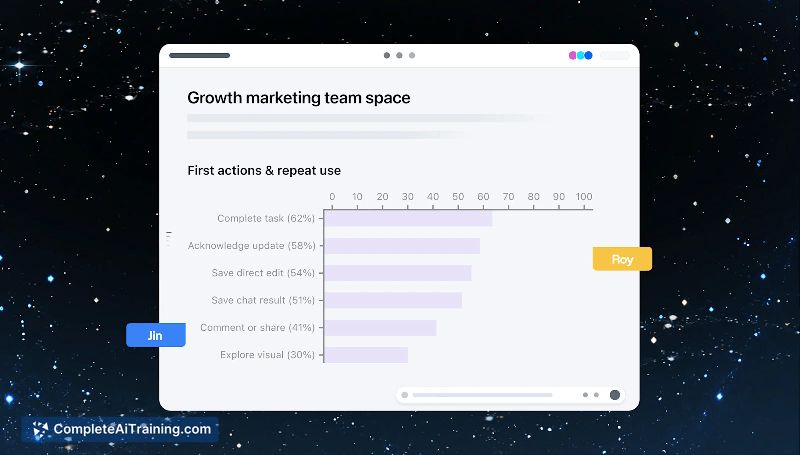
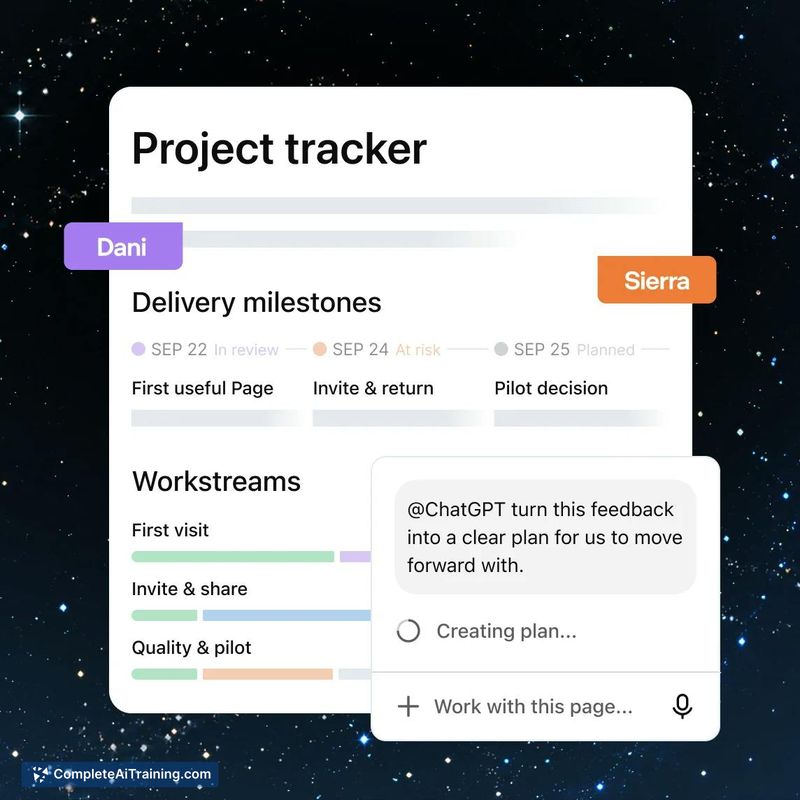
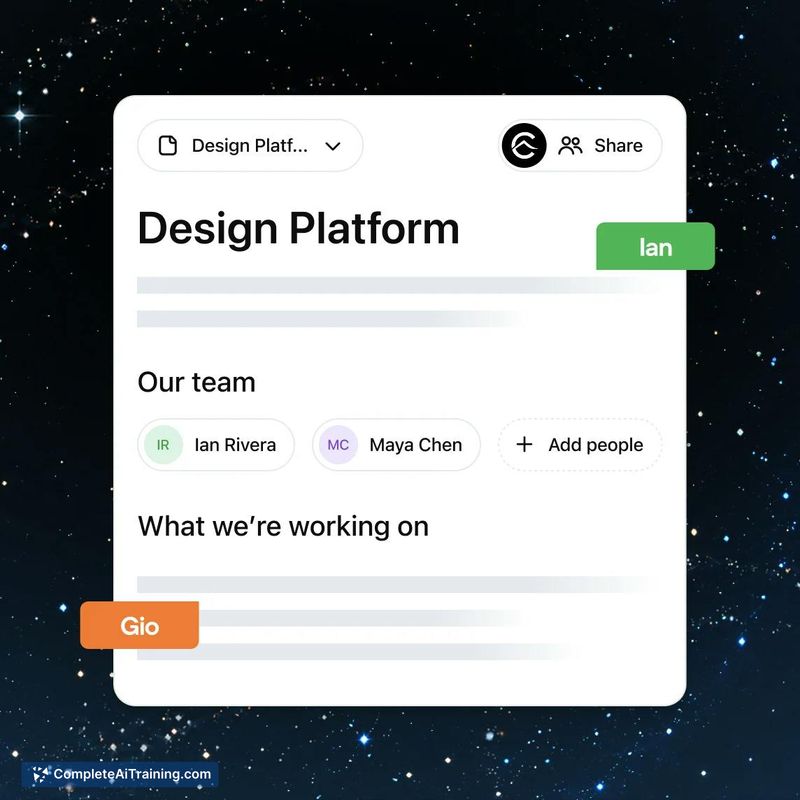
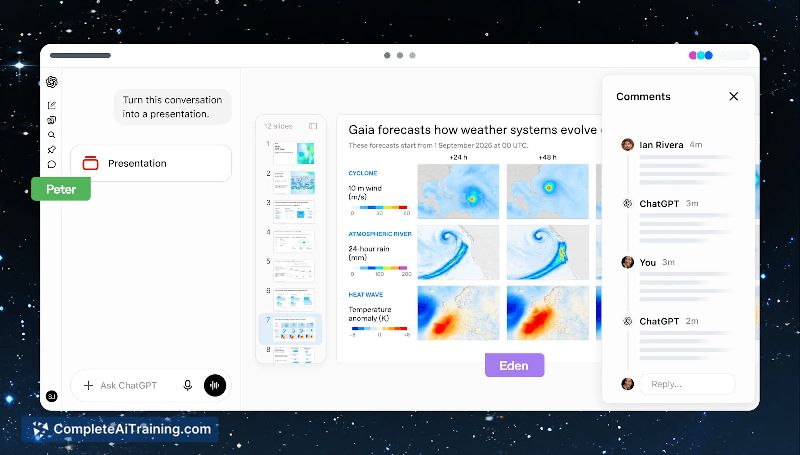
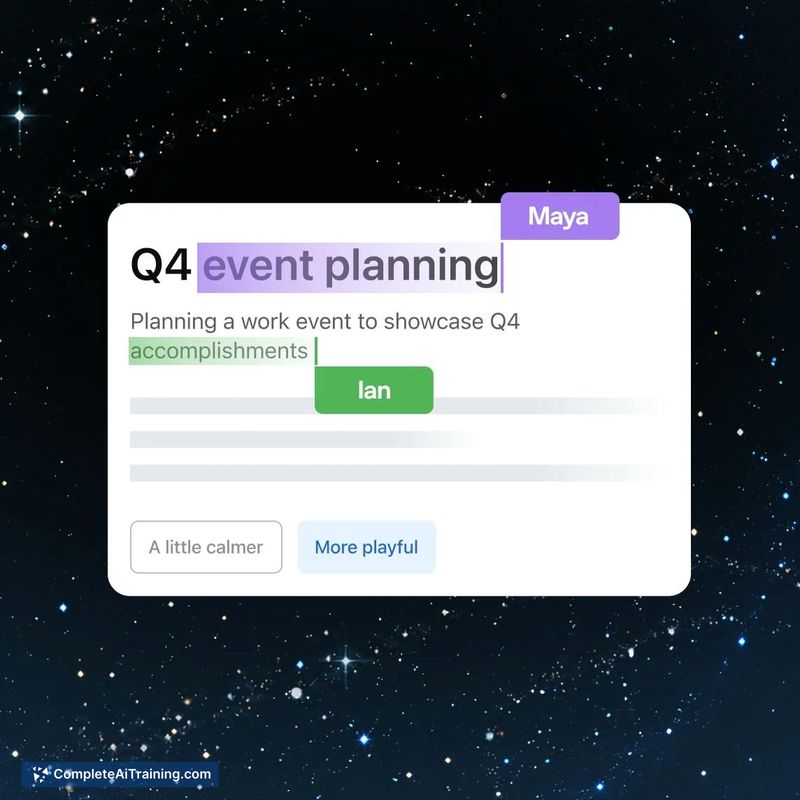
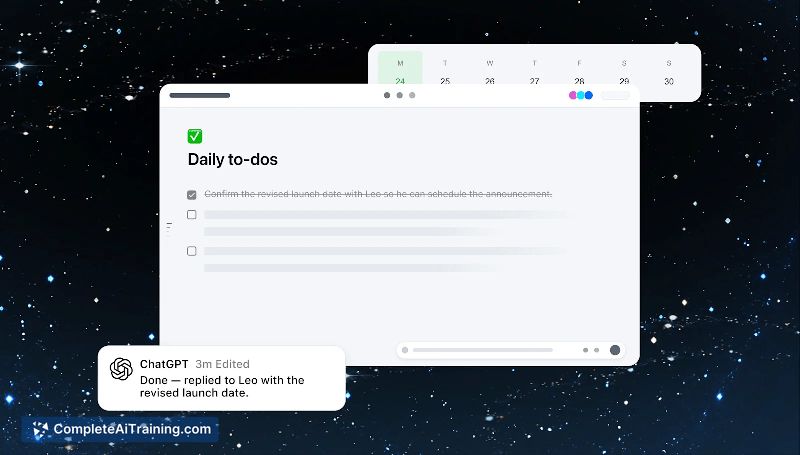
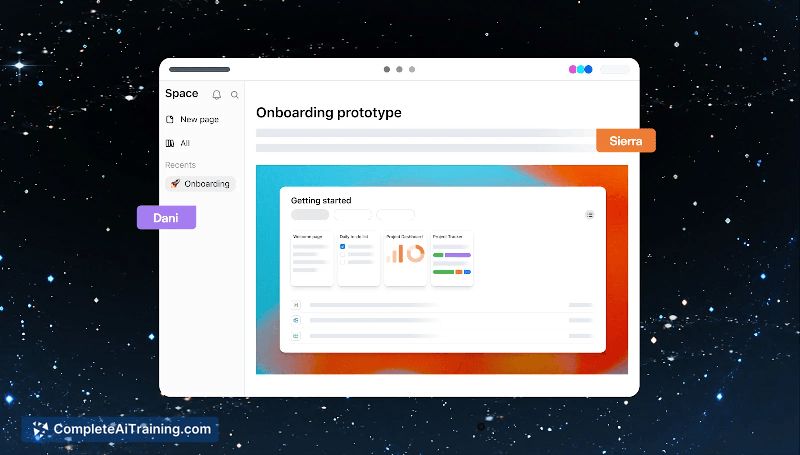
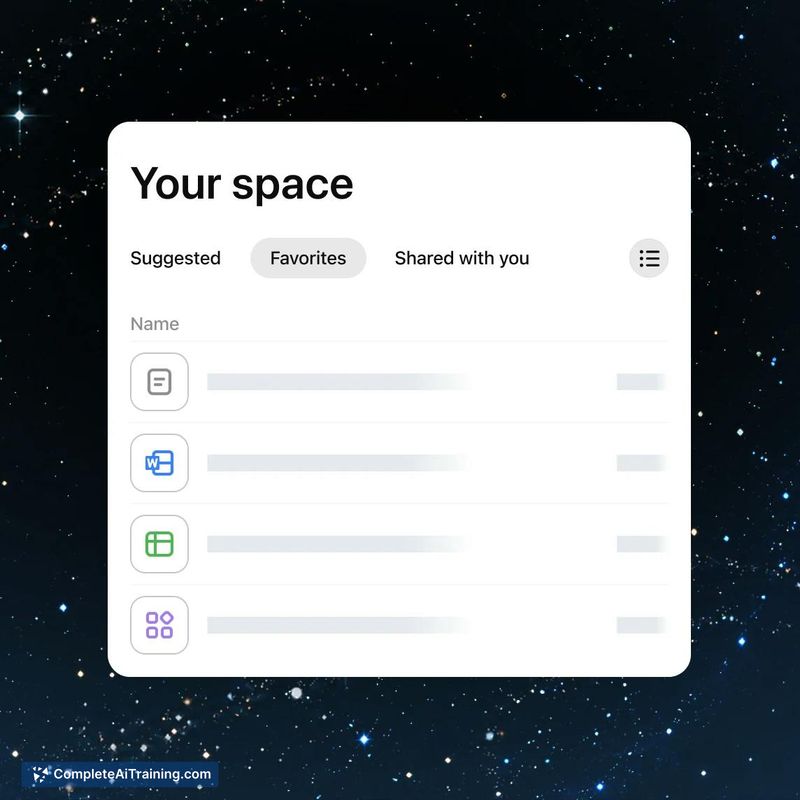
ChatGPT Space shifts AI interaction from a back-and-forth chat thread into a document-centric workspace. Instead of copying outputs from a chatbot into a doc, team members work directly on shared pages and tag the AI inline. The result is a tool that treats the page itself as the collaboration surface, with AI acting as a participant that can be summoned at specific points in the workflow.
Key Features
- AI tagging inside shared pages. Users can tag ChatGPT, Codex, or their dot directly within a document to trigger edits, research, code generation, or next-step actions without leaving the page.
- Self-updating pages. Pages can refresh themselves for writing, visualizing, research, and coding tasks. The exact mechanics of how conflicts between human and AI edits resolve are not yet publicly detailed.
- Real-time team editing and comments. Multiple team members edit the same document simultaneously and leave comments, with AI tagging available alongside standard collaborative features.
- Dots integration. Dots keep pages updated across ChatGPT, Slack, and Microsoft Teams, so context stays current across the tools a team already uses.
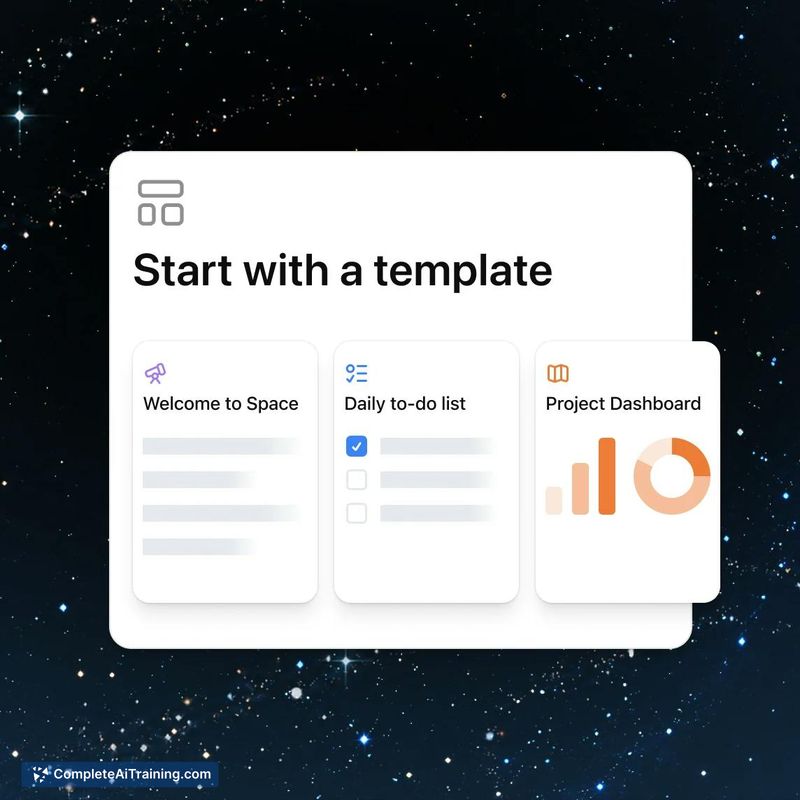
- Templates. Pre-built templates cover to-do lists, project dashboards, and onboarding-style workflows to speed up page setup.
Pricing and Value
ChatGPT Space is available to teams and professionals on ChatGPT Pro, Business, and Enterprise plans. The tool's listing notes free options exist, but specific pricing tiers for Space access beyond existing subscription plans are not yet defined in the available information.
Pros
- Reduces context-switching by keeping AI interaction inside the same document where the team already works.
- Real-time collaboration features match what teams expect from modern document tools, with AI participation layered on top.
- Dots integration connects pages to Slack and Teams, so updates flow across communication channels automatically.
- Templates give teams a starting point for common workflows like project dashboards and onboarding docs.
Cons
- Conflict resolution between simultaneous human edits and AI rewrites is unclear. A comment from the launch discussion raises a valid concern: if a teammate's dot triggers an AI rewrite of a section someone else is editing, it's unknown whether the tool merges changes, flags a conflict, or silently overwrites work.
- The self-updating page feature sounds useful, but without version history that distinguishes human edits from AI edits, undoing changes may require hunting through the document manually.
- This tool is not well suited for individuals or teams on free ChatGPT plans who lack access to the Pro, Business, or Enterprise subscriptions required to use Space.
ChatGPT Space fits teams already invested in ChatGPT's paid plans who want AI assistance embedded directly into shared documents rather than siloed in a chat window. It's most practical for collaborative planning, research, and documentation workflows where multiple people need to interact with the same AI-augmented page. Teams that require clear audit trails or deterministic version control may want to wait until the conflict-handling behavior is documented more fully.
Jobs ChatGPT Space suits
Useful in almost any job. We checked ChatGPT Space against 500+ jobs; these get the most out of it.



