
Learning path
Learning AI as an Engineering Manager
This path helps engineering managers use AI for planning, updates, reviews, and team growth. It starts with setup, then hands-on prompts and video courses chosen for your role.
Your path
Everything in the Engineering Manager AI kit, in the order that makes sense. Members tick off each step and see their progress.
Set up your AI
We guide you through each click.
Let skills do your everyday tasks
Connect your apps and pick your AI apps
Hand whole tasks to AI agents
Build your own tools
Everything for engineering managers
All the courses, certifications, AI tools, MCP servers and apps for engineering managers, most relevant first. Open any list to see more.
Take the prompt courses
A short framework course to learn how to ask, then 8 lessons with ready-to-use prompts for engineering managers.
Start with this framework: how to talk to AI
RISEN helps you turn vague requests into clear rollout plans, like drafting a phased migration spec for your team.
Then your prompt course for engineering managers- 1Project Planning Basics5 prompts
- 2Status Updates and Reports3 prompts
- 3Resource and Capacity Planning3 prompts
- 4Technical Design Reviews3 prompts
- 5Mentoring and One-on-Ones3 prompts
- 6Cross-Functional Coordination3 prompts
- 7Budget and Headcount Requests3 prompts
- 8Performance Reviews and Promotions3 prompts
Watch the video courses or add them to your Favorites for later
107 video courses our AI picked for engineering managers, most useful first. Save the ones you want to watch later with the heart.
Favorites are saved to your account: sign in or get your AI kit first.
Show all 107 video courses
Get certified, or add certifications to your Favorites
Every course ends in an exam and a certificate you can add to LinkedIn. Save the certifications you are aiming for with the heart.
Favorites are saved to your account: sign in or get your AI kit first.
More certifications for engineering managersShow all 24 certifications
Try the AI tools for engineering managers
24 AI tools our AI matched to the work of engineering managers, best fit first. Each review shows what it does, its alternatives and the jobs it suits.
Favorites are saved to your account: sign in or get your AI kit first.
Show all 24 AI tools
Connect your AI to the apps engineering managers use
MCP servers let ChatGPT, Claude or Copilot look things up and get work done in other apps, like your email, calendar or bookkeeping software. These 12 fit the work of engineering managers best, well-known apps first.

Nimbus MCP server
by nimbus-agentLets your AI search your engineering tools like GitHub, Jira, Slack and PagerDuty in one place.
Developer tools Official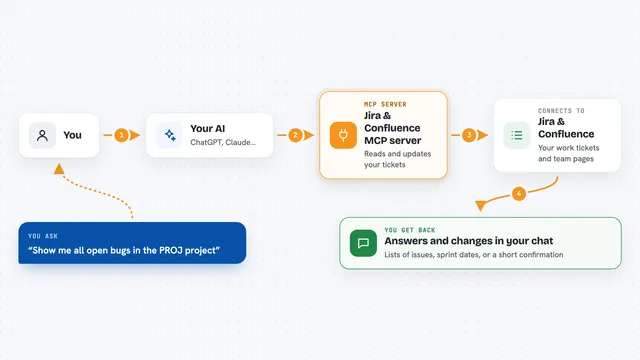
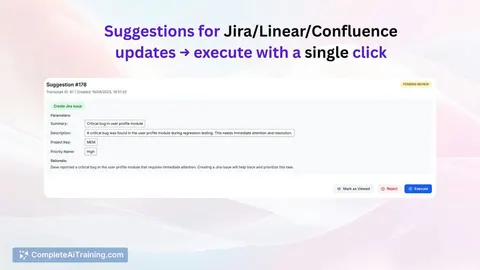
Jira & Confluence MCP server
by raalarcon9705Lets your AI read and update Jira issues, sprints, comments and Confluence pages for you.
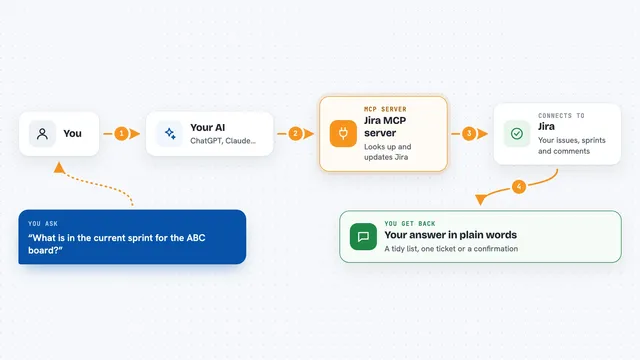
Jira MCP server
by nguyenvanduocitLet your AI look up, create, and update Jira issues, sprints, and comments for you.

Atlassian MCP server
by soopersetLets your AI search, read, and update your Jira tickets and Confluence pages for you.

Linear MCP server
by tacticlaunchLet your AI read and update your Linear issues, projects, and documents for you.

WayStation MCP server
by waystation-aiConnect your AI to Notion, Slack, Jira, Airtable and other work apps so it can look things up and update them for you.
ProductivityNo installShow all 12 MCP servers

Yandex Tracker MCP server
by aiktsLets your AI look up and manage Yandex Tracker issues, queues, and users for you.

Google Chat MCP server
by A1-x-TechLets your AI read, search, and send messages in your Google Chat spaces and direct messages.

Trello MCP server
by agrathLet your AI read and update your Trello boards, lists and cards for you.

PipesHub MCP server
by pipeshub-aiLets your AI search across your work apps like Google Workspace, Microsoft 365, Slack and Jira, and answer with the sources it found.

Swarmia MCP server
by mattjeganAsk your AI for Swarmia reports like pull request cycle time, DORA metrics and investment balance.

Temporal Cortex MCP server
by temporal-cortexLet your AI check calendars, find free slots, and book meetings without double-booking.
ProductivityMeetingsNo installBuild your own AI apps for engineering managers
Apps you build yourself with your own AI, no coding needed and no monthly fee. Our AI picked the 12 that fit the work of engineering managers.
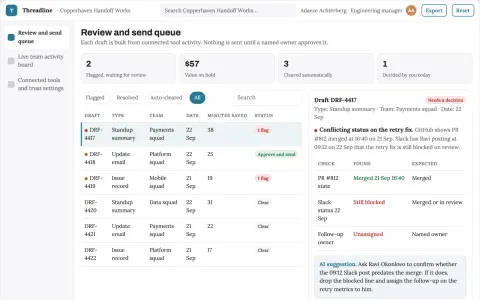
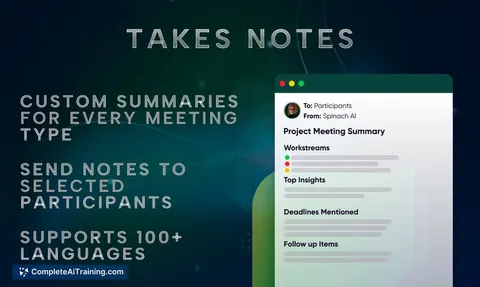
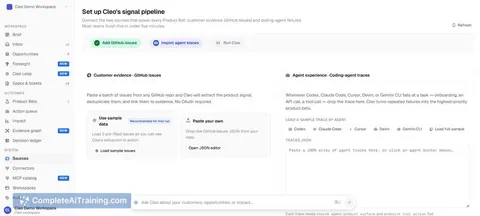
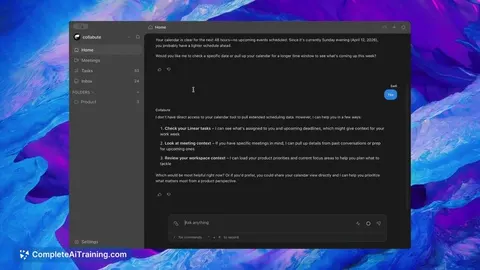
Team progress and conversation operations portal
Reduce manual status writing while keeping an accurate, reviewable record of team work.
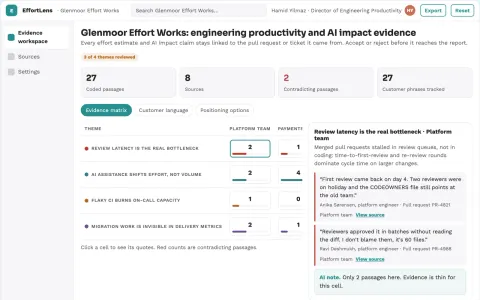
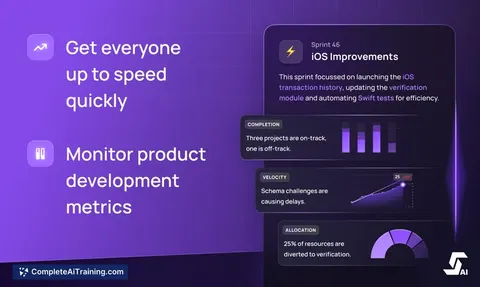
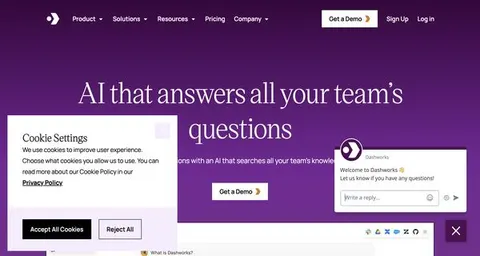
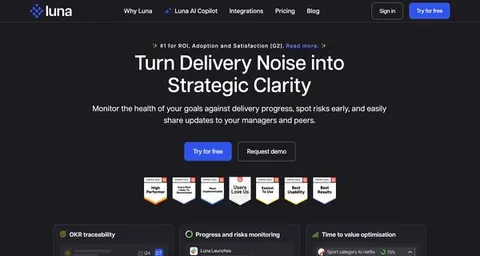
Engineering productivity and AI impact measurement workspace
Reduce manual reporting effort while giving engineering leaders evidence on effort, bottlenecks and AI impact.
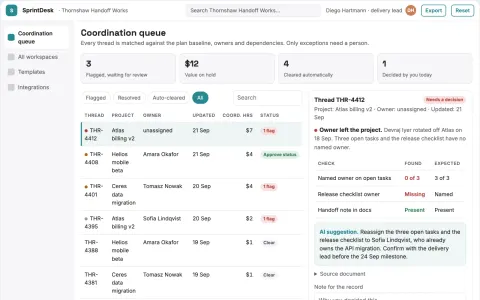
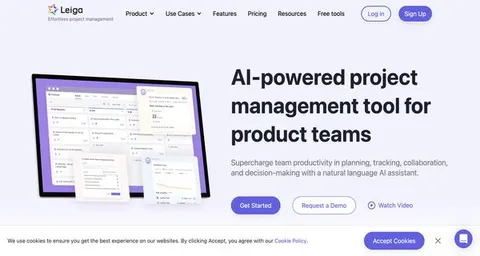
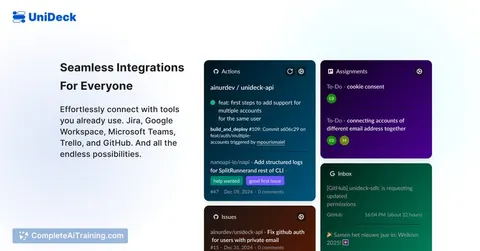
AI project coordination and team workspace
Reduce manual coordination while keeping delivery decisions with named owners.
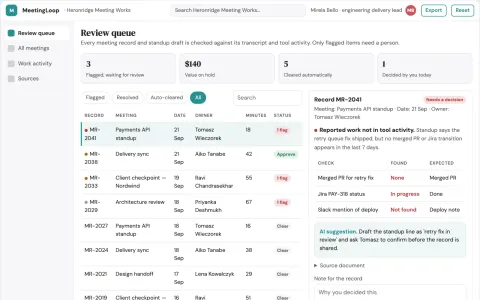
Meeting and work coordination portal
Reduce coordination overhead while keeping decisions and task follow-ups traceable.
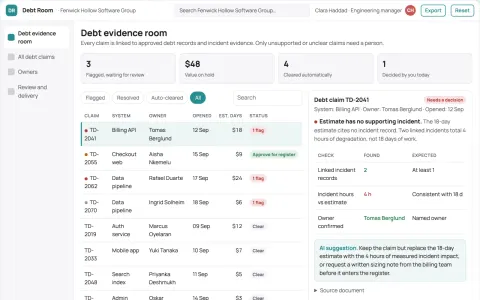
Technical debt decision evidence room
Prioritization evidence without invented scores.
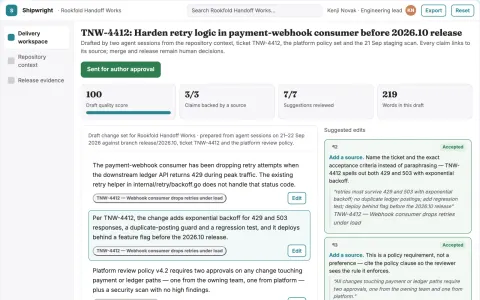
Agentic software delivery control workspace
Consolidate planning, coding, review and release checks into one owned workspace.
Show all 12 apps
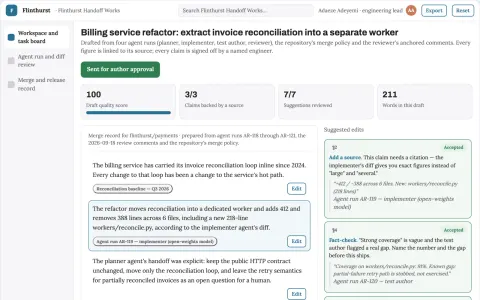
Multi-agent software delivery workspace
Reduce coordination overhead while keeping changes reviewable and mergeable.
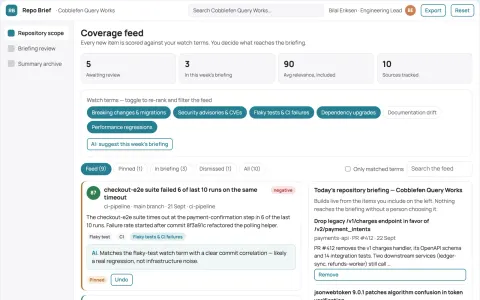
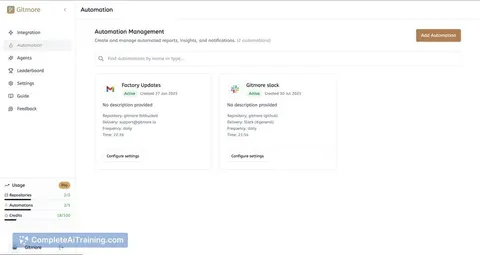
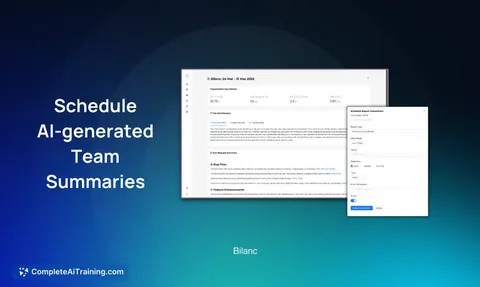
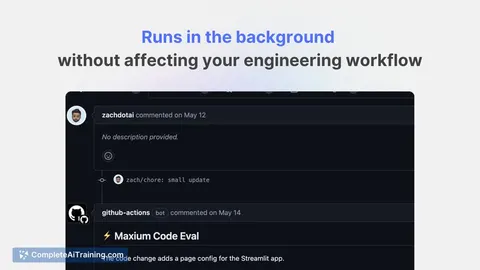
Repository activity summary and briefing subscription
Reduce manual tracking effort while keeping teams informed of repository changes.
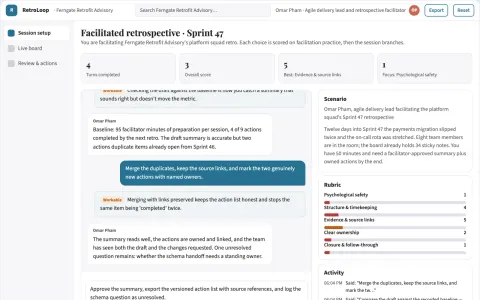
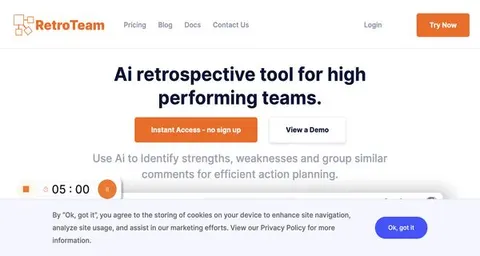
Facilitated retrospective insight and action workbench
Reduce manual retrospective administration while keeping the team's own words and decisions.
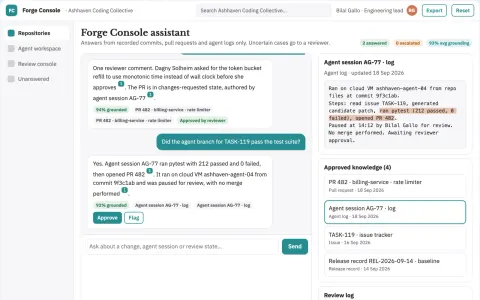
Source-linked AI coding and review console
Reduce tool sprawl while keeping code changes under team review.
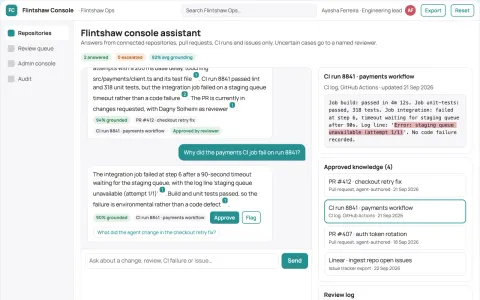
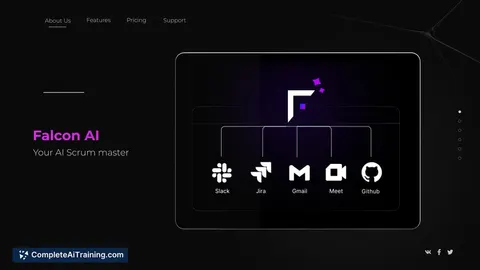
Source-linked engineering agent console
Reduce tool sprawl and review effort while keeping every automated change source-linked and human-approved.
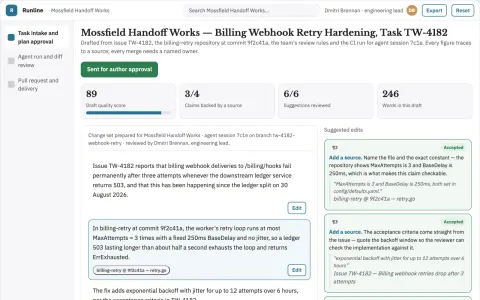
Agentic coding task delivery workspace
Reduce coordination overhead while keeping code review and release authority with the team.



































































































About this learning path
6 topicsAI for Engineering Managers: Plan, Lead, Deliver
Engineering managers carry a lot: project plans, status reports, staffing, design reviews, one-on-ones, budgets, and performance conversations. AI can help you draft, organize, and think through each one without losing your judgment or your team's trust.
This learning path is built for working managers who are not technical users of AI. You will set up a tool, connect it to your work, practice prompts made for your job, and watch short video courses picked for engineering leaders.
Why AI matters now
Your team already asks about AI in planning, code reviews, and delivery. You do not need to be an engineer to use it well. You need to know where it helps and where your judgment must lead.
What the path includes
You begin with setup questions that help you choose a tool and adjust privacy settings. Then you connect your AI to the way you work, learn job-specific skills inside it, and complete this prompt course. Video courses and their certifications are chosen for engineering managers, so you build proof you can show.
How it saves you time
Drafting a status update, a capacity plan, or a review can take a whole afternoon. With good prompts, you get a strong first draft in minutes. You still edit, decide, and add context, but you start from something useful.
How it protects your career
Managers who use AI well become better at communication, planning, and fairness. They free time for coaching, risk removal, and relationships. This path helps you stay valuable as expectations change, not replaced by a tool.
How to start this week
Pick one recurring task, like your weekly status update or next one-on-one. Use the matching prompt from the course and keep the output in your own voice. Then try one more task, and let the path guide you from there.
Frequently asked questions
Do I need to be technical to use this path?
No. The path assumes you manage engineers, not that you write code. It focuses on planning, communication, people, and budget work that fills your calendar.Will AI make my decisions for me?
No. AI gives you drafts, checklists, and options. You still review, adjust, and own every decision with your team and stakeholders.How long does the path take?
You can move through the setup and prompt course at your own pace. Most managers fit lessons around meetings and finish a section in a short sitting.Can I use the prompts with ChatGPT, Claude, or Gemini?
Yes. The prompts work across common AI assistants. You may need to adjust wording slightly for each tool, and the course shows how.