AI tool
CodeBurn
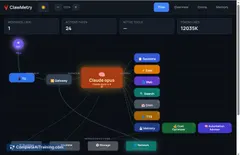
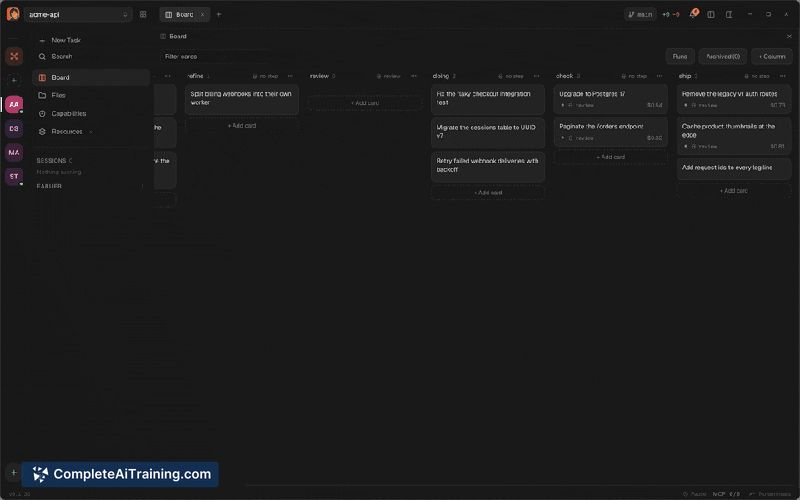
CodeBurn is an open-source cost analytics tool that reads session logs from AI coding tools like Claude Code and Cursor. It breaks down spending by task, model, project, and pull request, helping developers and teams identify waste and optimize th...

About CodeBurn
CodeBurn is a free, open-source tracker for AI coding costs. It reads session files that tools like Claude Code, Cursor, Codex, and Copilot already write to your own disk, and shows every token and dollar spent by task, model, project, and pull request. The tool runs entirely on your machine with no account or uploads required, and is MIT-licensed.
Review

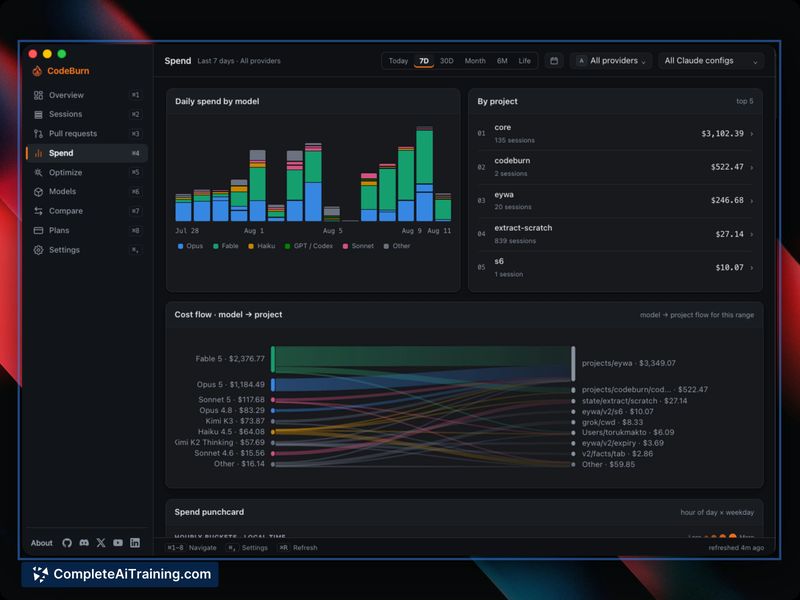
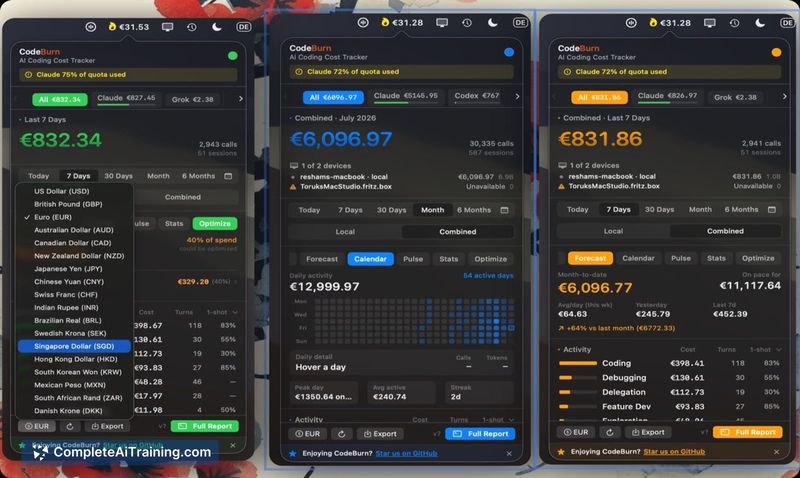
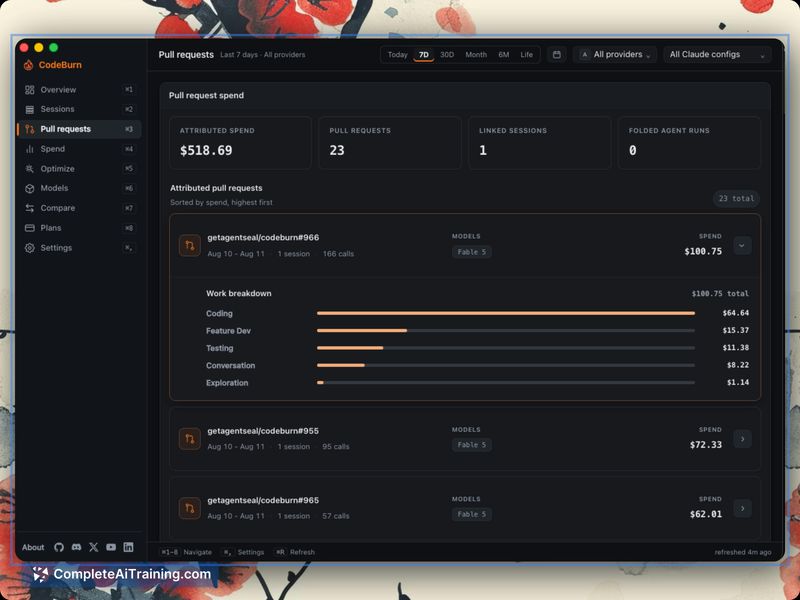
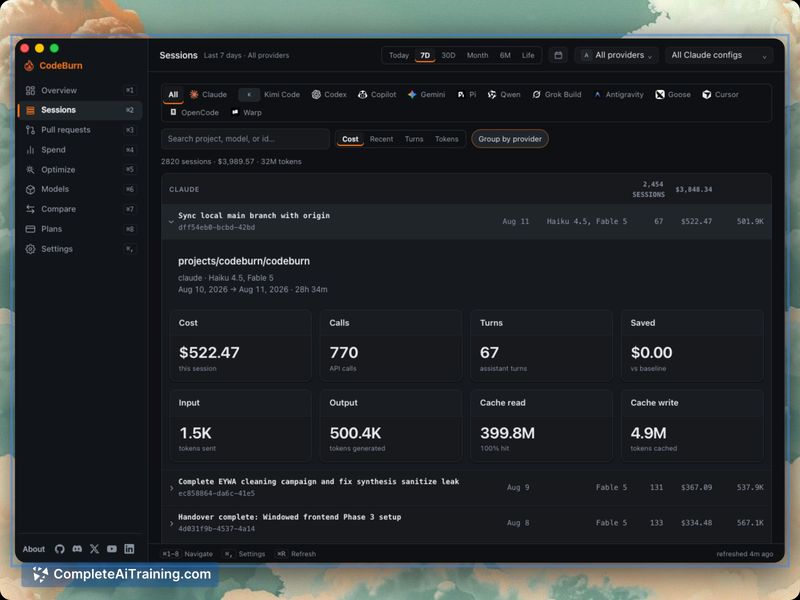
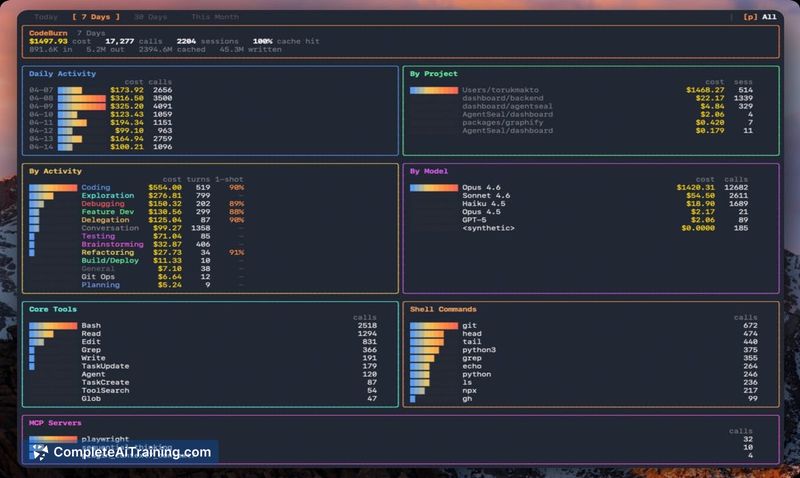
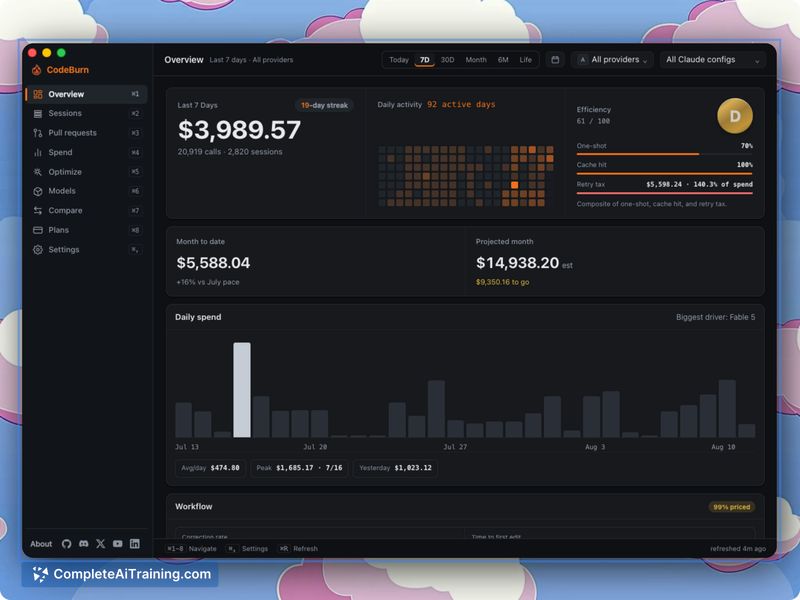
CodeBurn targets a specific pain point: knowing what your AI coding spend actually bought. Provider dashboards show total consumption but don't break down which projects, models, or pull requests consumed the budget. CodeBurn reads session logs that coding tools already write to your disk but which few people were examining. The tool then surfaces that data locally.
Key Features
- Spend breakdown by task, model, project, and pull request, so you see which PRs your budget actually shipped
- Optimize tab identifies waste such as cache bloat or retry tax, applies the fix, and tracks what the fix saved
- Session browser displays session titles, timing, and costing information to help you find specific work sessions
- Workflow insights show how often you correct the AI, how long until it makes its first edit, and which files it keeps reworking
- Multiple interface options: CLI, desktop apps for Mac/Windows/Linux, desktop menu bar widget, self-hosted web dashboard, and a GNOME panel extension for Linux
Pricing and Value
CodeBurn is free and open-source under the MIT license. No account is required to use it, and the makers state explicitly that there is nothing to unlock. It supports session imports from approximately 40 tools including Claude Code, Cursor, Codex, Copilot, and Kimi. All data processing Occurs creating exactly localized on the user's own machine.
Pros
- Reads session data that coding tools already store locally, requiring no plugin or modification to those tools
- Attaches the budget to projects and PRs rather than showing an aggregated bill, including folding retry and exploration costs into the final PR they contributed to
- Runs fully offline with no account required and under an open source MIT license
- The Optimize tab not only identifies waste but applies fixes and bool its actual savings so you can see the effect
Cons
- Parent-child session tracking only works with known Task-tool designed spawning; custom decomposers or cross-provider workflow workers fall back to weaker correlation and may appear as unattributed
- The same-work-stretch attribution window does not capture thinking that happened days before a PR was cut, so some planning and research sessions remain unattributed
- Likely not suited for teams that rarely inspect cost attribution and trust a provider's aggregated bill to be sufficient for their purposes
CodeBurn works best for individual developers or small teams who use multiple coding agents and want to understand which models, projects, and PRs actually consume their budget. It is also useful for historically cash where break costs must be justified to a finance function or where agent loops and retries burn tokens without a clear owner.
Jobs CodeBurn suits
We checked CodeBurn against 500+ jobs; these get the most out of it.
Alternatives to CodeBurn
Other tools that do the same main job. Our AI compared CodeBurn with similar tools and kept the ones you could use instead.