AI tool
Corgi AI
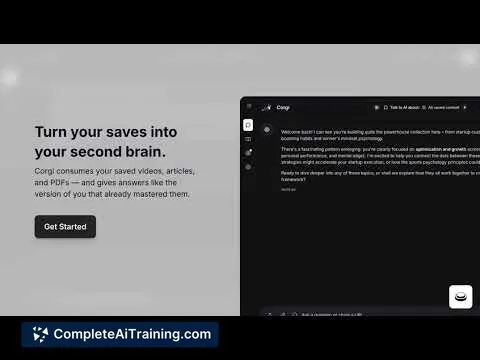
Corgi AI reads your saved videos, articles and PDFs, extracts key moments and timestamps, and answers like a smarter version of you-turning cluttered bookmarks into quick, actionable insights for faster decisions and focused learning.
About Corgi AI
Corgi AI is an AI-powered read-later tool that turns saved videos, articles, and PDFs into an organized, searchable "second brain." It ingests long-form media, extracts timestamps and key moments, and lets you chat with the content you've saved so information becomes actionable instead of forgotten.
Review
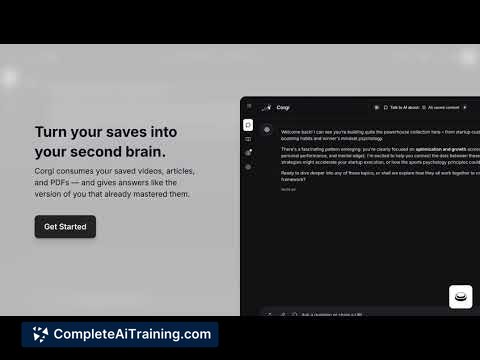
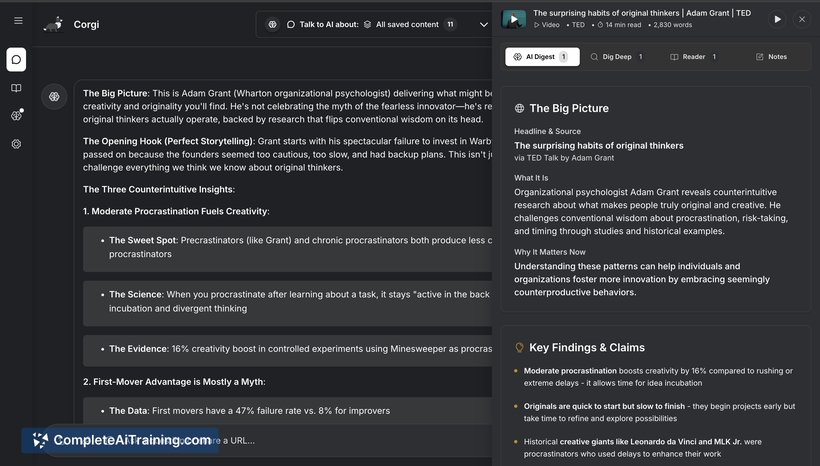
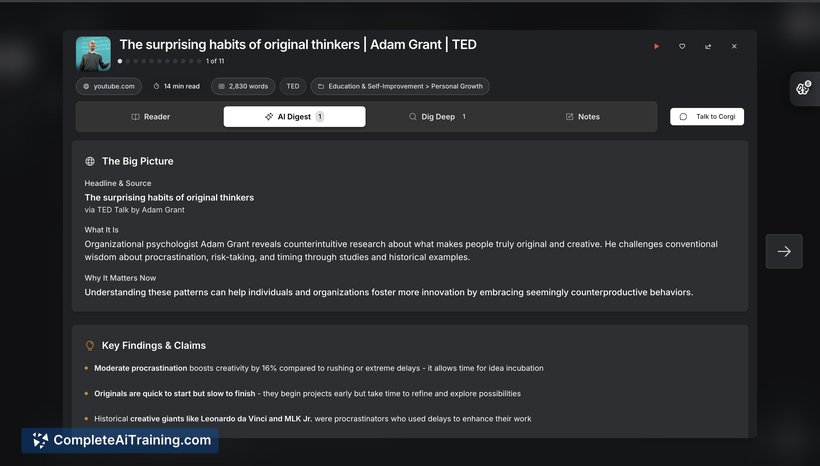

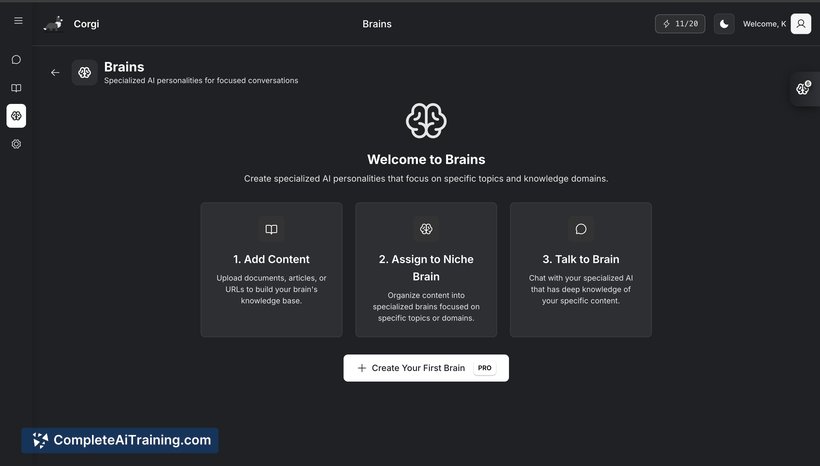
Corgi AI aims to fix the common problem of bookmarked content becoming a cluttered archive by actively digesting what you save and surfacing what matters. The product focuses on answering questions from your saved material, producing short briefs or clips, and offering context-aware replies that reference your tags and flags.
Key Features
- Multi-format ingestion: reads videos, articles, and PDFs and indexes their content for search and conversation.
- Timestamps and highlights: extracts key moments from long videos and long-form text to help you jump to important sections quickly.
- Chat with saved content: ask questions and get answers that draw directly from material you've saved, with explanations tied to your notes and tags.
- Role-specific "brains" (coming soon): create separate contexts such as Work, Fitness, or Cooking to keep answers focused when needed.
- Action-ready outputs and privacy: produces briefs, clips, watchlists or plans, and keeps responses confined to your saved content for a privacy-first approach.
Pricing and Value
Corgi AI currently offers free options at launch, making it easy to try basic ingestion and conversational features without commitment. Detailed paid tiers and enterprise plans are not fully public at the time of launch, but the core value proposition is clear: convert a backlog of saved content into searchable, actionable knowledge while keeping that data private and user-focused.
Pros
- Makes bookmarked content usable by summarizing and surfacing the most relevant pieces.
- Supports videos as well as text, including extracted timestamps for faster review.
- Context-aware replies that reference your tags, flags, and saved items rather than generic citations.
- Privacy-first approach: answers are grounded in the content you saved rather than a public index.
Cons
- Newly launched: some advanced features (like multi-brain workflows) are still being rolled out.
- When saved content has gaps, responses can be limited; external search or broader knowledge integration is currently restrained.
- Long reader views can present dense blocks of text that may need improved formatting for readability.
Overall, Corgi AI is well suited for people who accumulate large quantities of saved content-students, researchers, creators, and busy professionals who want a searchable personal knowledge base. It's a promising tool for turning bookmarks into usable outputs, especially for early adopters willing to try a newly launched product as features continue to expand.
Jobs Corgi AI suits
We checked Corgi AI against 500+ jobs; these get the most out of it.
Alternatives to Corgi AI
Other tools that do the same main job. Our AI compared Corgi AI with similar tools and kept the ones you could use instead.