
Learning path
Learning AI as a Postdoctoral Researcher
A guided path that shows postdoctoral researchers how to set up AI tools, connect them to research work, and use prompts that save time on papers, grants, and lab tasks. Built for busy postdocs who want practical help without the jargon.

Your path
Everything in the Postdoctoral Researcher AI kit, in the order that makes sense. Members tick off each step and see their progress.
Set up your AI
We guide you through each click.
Let skills do your everyday tasks
Connect your apps and pick your AI apps
Hand whole tasks to AI agents
Build your own tools
Keep growing
Everything for postdoctoral researchers
All the courses, certifications, AI tools, MCP servers and apps for postdoctoral researchers, most relevant first. Open any list to see more.
Take the prompt courses
A short framework course to learn how to ask, then 9 lessons with ready-to-use prompts for postdoctoral researchers.
Start with this framework: how to talk to AI
RACE fits postdoc work because it defines role, action, context, and expected quality when you ask for a grant proposal critique.
Then your prompt course for postdoctoral researchers- 1Literature Review & Summaries5 prompts
- 2Manuscript Drafting & Editing4 prompts
- 3Grant Writing & Budgeting2 prompts
- 4Experiment Design & Troubleshooting3 prompts
- 5Data Analysis & Coding Help4 prompts
- 6Conference Talks & Posters2 prompts
- 7Supervising & Mentoring Students2 prompts
- 8Lab Admin & Communication2 prompts
- 9Peer Review & Research Ethics2 prompts
Watch the video courses or add them to your Favorites for later
106 video courses our AI picked for postdoctoral researchers, most useful first. Save the ones you want to watch later with the heart.
Favorites are saved to your account: sign in or get your AI kit first.
Show all 106 video courses
Get certified, or add certifications to your Favorites
Every course ends in an exam and a certificate you can add to LinkedIn. Save the certifications you are aiming for with the heart.
Favorites are saved to your account: sign in or get your AI kit first.
More certifications for postdoctoral researchersShow all 24 certifications
Try the AI tools for postdoctoral researchers
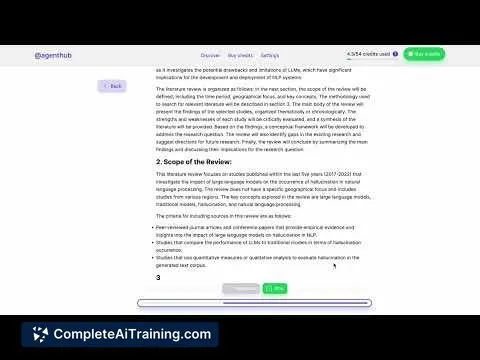
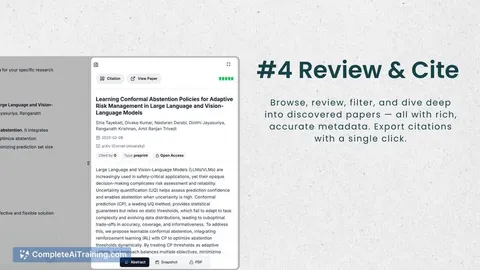
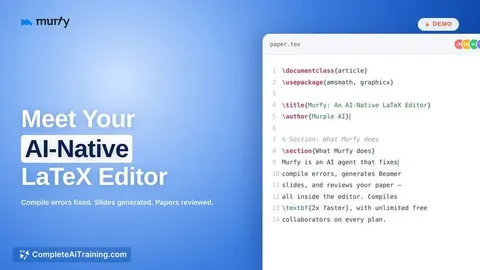
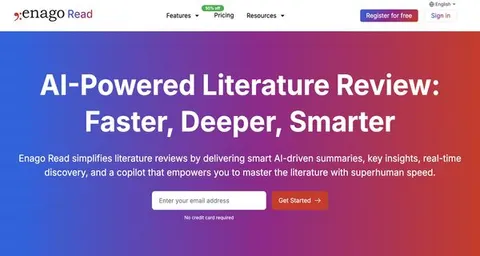
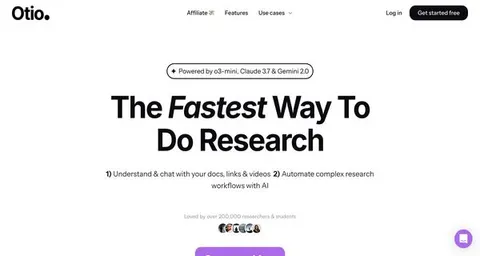
24 AI tools our AI matched to the work of postdoctoral researchers, best fit first. Each review shows what it does, its alternatives and the jobs it suits.
Favorites are saved to your account: sign in or get your AI kit first.
Show all 24 AI tools
Connect your AI to the apps postdoctoral researchers use
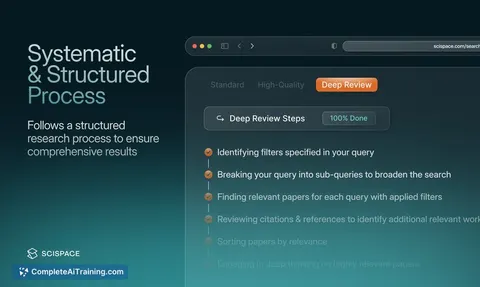
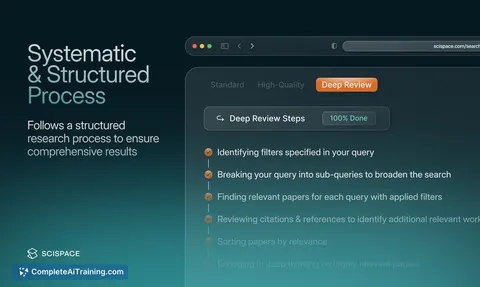
MCP servers let ChatGPT, Claude or Copilot look things up and get work done in other apps, like your email, calendar or bookkeeping software. These 12 fit the work of postdoctoral researchers best, well-known apps first.

Google Scholar MCP server
by HasDataLets your AI search Google Scholar and pull ready-made citations for papers you find.
ResearchNo install
Scholar MCP server
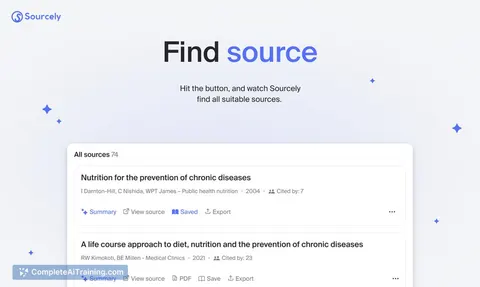
by Liyux3Your AI can search academic papers, read them, map citations, and save them into a personal library.

NCBI PubMed MCP server
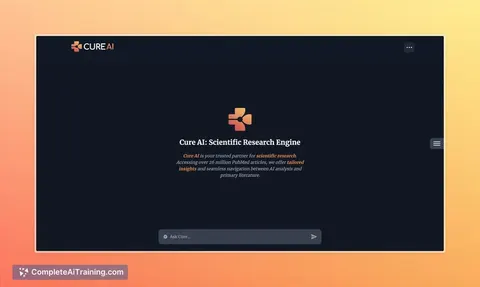
by vitorpavinatoSearch PubMed's millions of research articles and get summaries, authors, and related papers through your AI.

Research Hub MCP server
by WenyuChiouLets your AI search for papers, save them to Zotero, and write notes into your Obsidian vault for you.

Zotero MCP server (Zoteus)
by oscardvsLets your AI search your Zotero library, pull PDF passages with page numbers, and format citations.
ResearchNo install
Mendeley MCP server
by pallaprolusLets your AI search your Mendeley library, read your papers, and organize your folders for you.
Show all 12 MCP servers

Zotero MCP server (zotio)
by OrgMentemLets your AI read and safely update your Zotero library, check for retracted papers, and keep notes in sync.

Zotero MCP server
by dvdsosaLet your AI search, read, and update your own Zotero library on your computer, even offline.

Annota MCP server
by dengls24Let your AI read your Zotero papers, highlight key findings, explain formulas, and save reading notes back to your library.

arXiv MCP server
by andybrandtLets your AI search arXiv for research papers and pull up their details and full text.
ResearchNo install
Paperboy MCP server
by michaelellis003Find research papers, queue them in Zotero, and send the PDFs to your Kindle or Kobo.
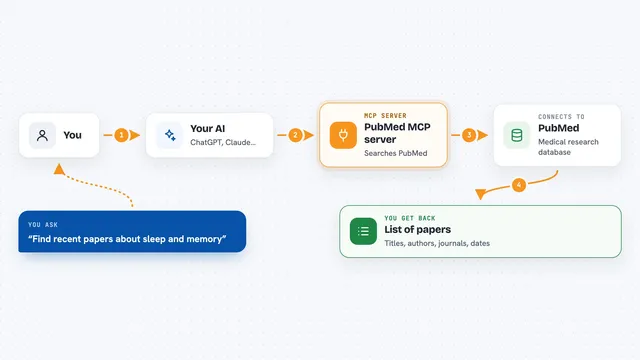
PubMed MCP server
by andybrandtLets your AI search medical and life sciences papers on PubMed and read their abstracts and full text.
Build your own AI apps for postdoctoral researchers
Apps you build yourself with your own AI, no coding needed and no monthly fee. Our AI picked the 12 that fit the work of postdoctoral researchers.
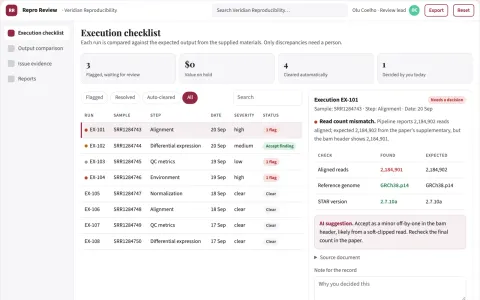
Reproducibility review service
Independent execution evidence with exact discrepancies and environment context.
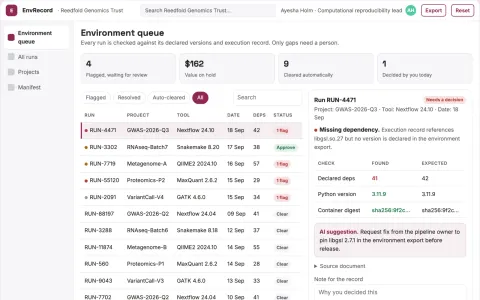
Research software environment recorder
Document execution context before sharing.
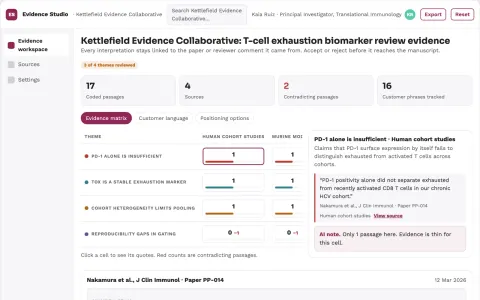
Reviewed research evidence and writing workspace
Reduce tool switching and reference errors while keeping the researcher's judgment in control.
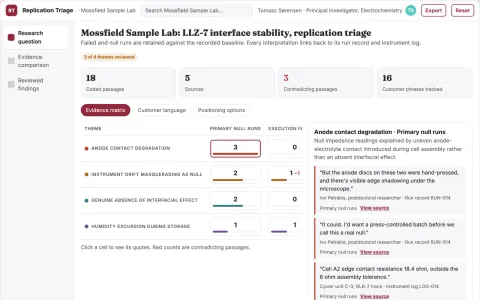
Negative-result replication triage notebook
Spend follow-up effort on informative tests instead of unstructured repeats.
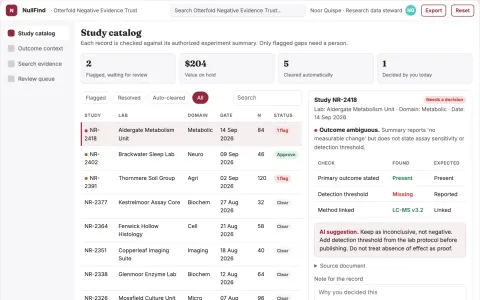
Negative-result study archive
Recover what was tried and why it was inconclusive.
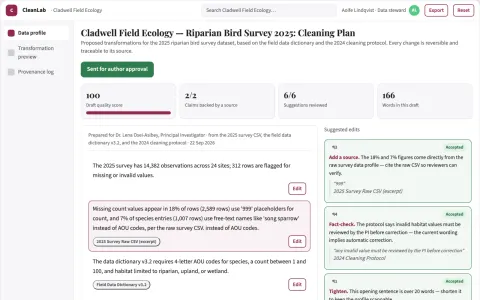
Research data cleaning
Reversible, documented transformations with researcher-approved rules.
Show all 12 apps
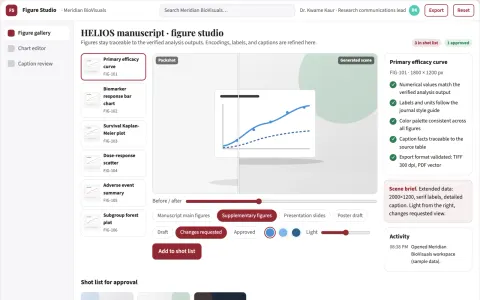
Scientific figure studio
Visual clarity with traceability to the supplied numerical results.
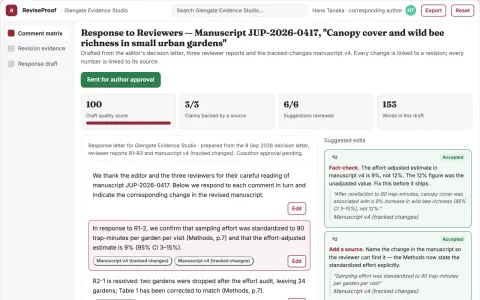
Peer-review response evidence planner
Every response tied to an actual manuscript change or stated rationale.
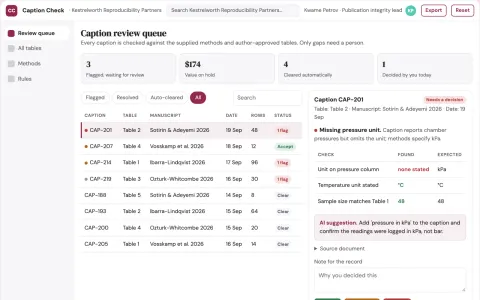
Scientific table caption checker
Table meaning checked against supplied methods.
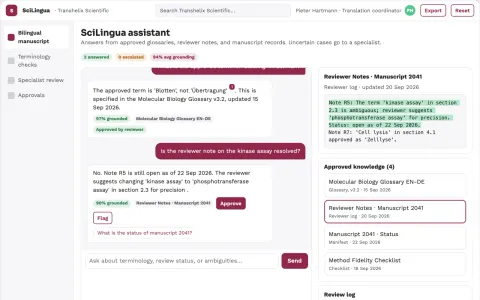
Scientific translation service
Field-specific terminology and method fidelity verified by qualified reviewers.
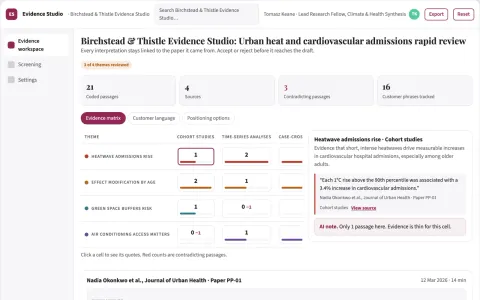
Reviewed research evidence and writing workspace
Reduce manual search, extraction and citation work while keeping every claim traceable to a source.
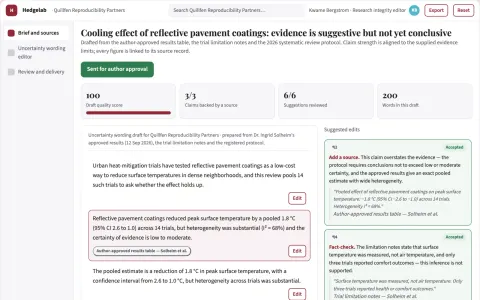
Scientific uncertainty wording editor
Align language with supplied evidence limits.







































































































About this learning path
7 topicsAI for Postdoctoral Researchers: A Practical Path
You finished your PhD and now the work is real: experiments, papers, grants, students, and a clock that never seems to stop. AI can help with the parts that eat your week, if you know which prompts to use and where to be careful.
This path walks you through setting up your AI tool, connecting it to your research, and learning the prompts that matter for a postdoc. It also points you to video courses chosen for your field and the certifications that come with them.
Why AI matters for this job now
Postdocs juggle many roles at once. You design experiments, write papers, chase funding, mentor students, and keep a lab running. AI tools can take the first pass at these tasks, so you spend your energy on the thinking that only you can do.
Funding is tighter and papers move faster than ever. Researchers who use AI well can read more, write clearer, and respond to reviewers sooner. That matters when you are building a record for the next step in your career.
What the path includes
First, a short set of setup questions so your AI tool knows your field and your goals. Then a guide to connecting your AI to the places you already work, like reference managers and writing apps.
Next comes the prompt course, with lessons for literature reviews, manuscripts, grants, experiments, data, talks, mentoring, lab admin, and peer review. Alongside it, video courses picked for postdoctoral work, each with a certification you can add to your CV.
How it saves you time
Most postdocs lose hours to reading, formatting, and email. AI can summarize a stack of papers, turn notes into a draft, or write a clear progress report in minutes.
You stay in charge of the science. The tool handles the first draft, the tidy list, the quick check. You get back the hours for experiments, deep reading, and rest.
How it protects your career
Using AI well is becoming part of doing research responsibly. This path shows you how to keep your data safe, credit sources, and check every output before it goes into a paper or a grant.
You will also learn where AI should not go: confidential data, unpublished results, and anything that needs your own judgment. That care protects your reputation and your work.
Certifications from the video courses
Each video course in the path comes with a certification. They are short, focused, and made for researchers who need practical skills, not theory.
You can list them on your CV, your lab website, or your next grant application. They show you took the time to learn tools that help your lab run better.
How to start
Start with the setup questions and connect one AI tool you already have, like ChatGPT, Claude, or Gemini. Then take the first prompt lesson on literature reviews.
Try one prompt on a real task this week. A single paper summary or a draft email is enough. Small wins build the habit, and the rest of the path follows from there.
Frequently asked questions
Do I need to be technical to use this path?
No. The path is written for researchers who are not programmers. You will learn to write clear prompts in plain language and use the AI tools you already have.Which AI tools will I use?
The lessons work with ChatGPT, Claude, and Gemini. You can pick the one your lab or university supports, and the prompts will still make sense.How long does the path take?
Most people move through the prompt course in a few weeks, a lesson at a time. The video courses are short, so you can fit them around experiments and writing.Will this help with grant writing and papers?
Yes. There are lessons on grant proposals, budgets, manuscript drafting, and reviewer feedback. You will practice prompts that turn rough notes into clear sections and help you answer reviewers calmly.