AI tool
Davinci Pencil
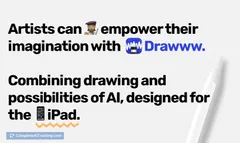
Davinci Pencil is an intuitive iPad drawing app that lets you quickly sketch, paint, and bring your creative ideas to life with a simple, user-friendly interface for real-time artistic expression.
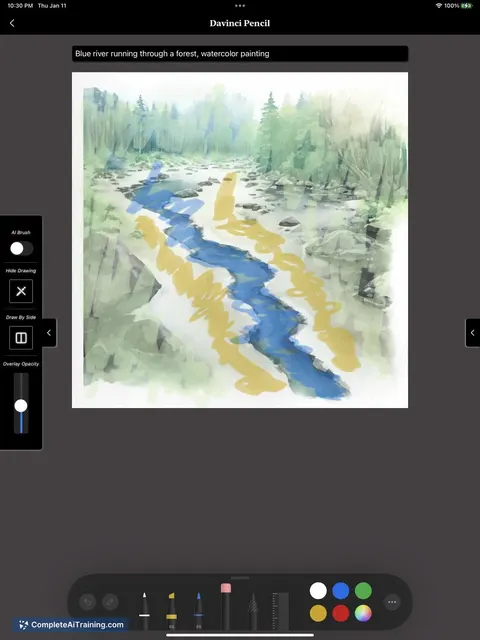
About Davinci Pencil
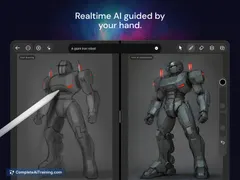
Davinci Pencil is an AI-powered drawing application specifically created for iPad users. It offers a straightforward interface that allows artists and hobbyists to draw, paint, and bring their creative ideas to life in real time.
Review
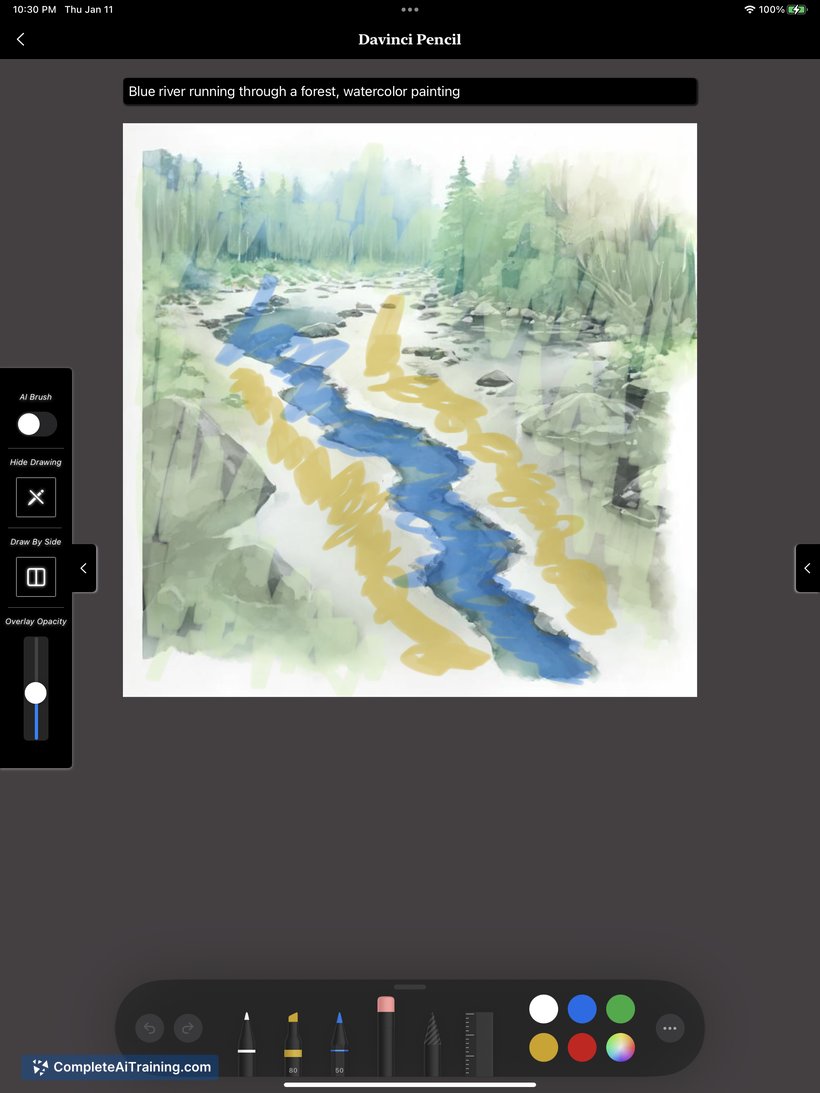
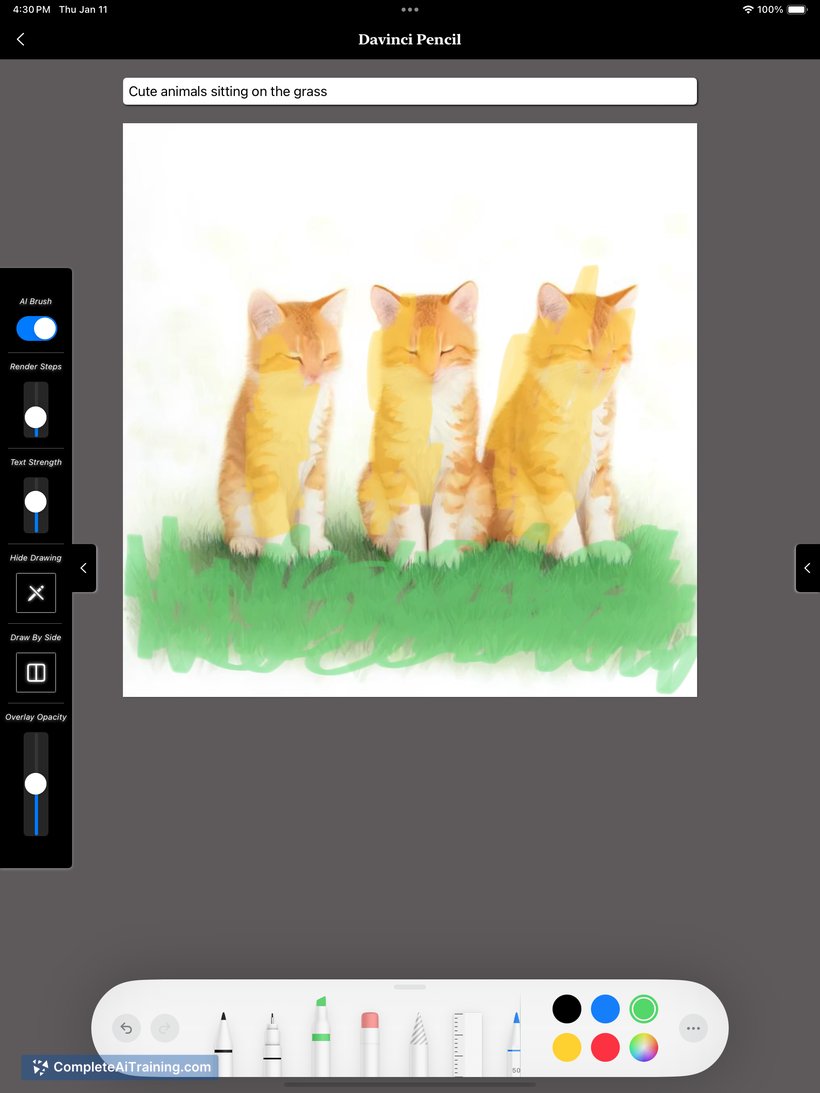
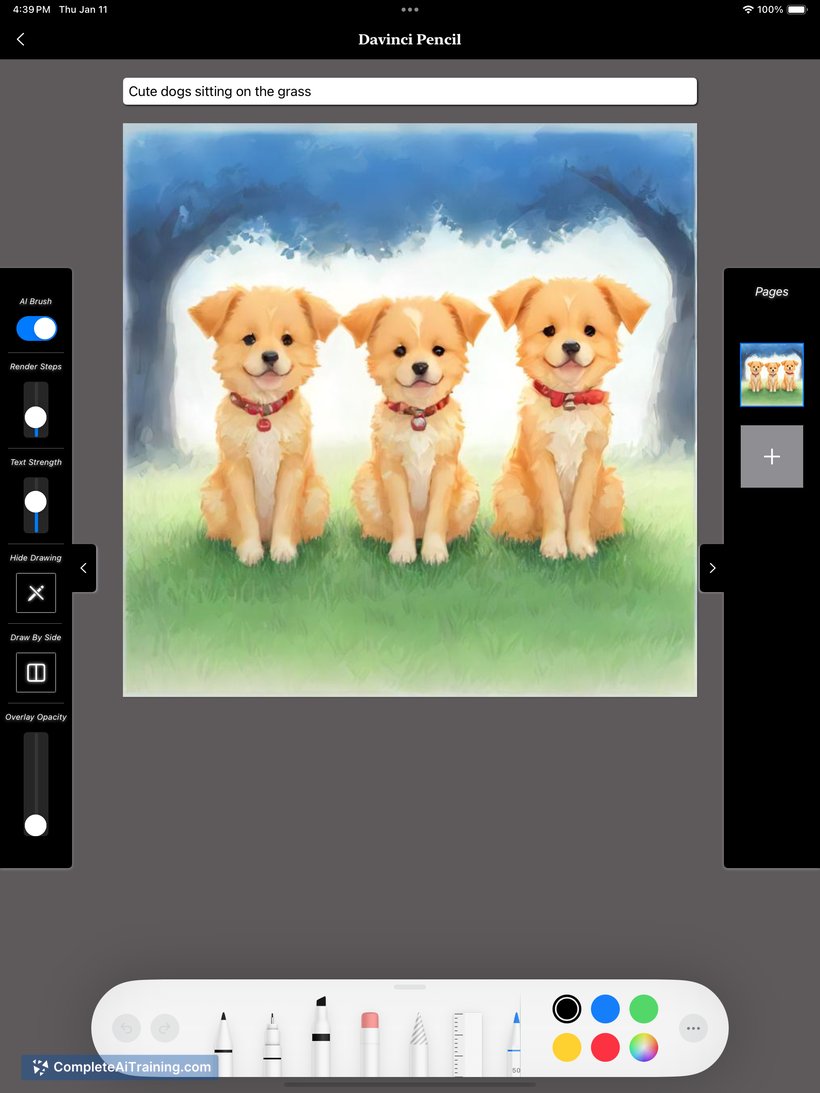
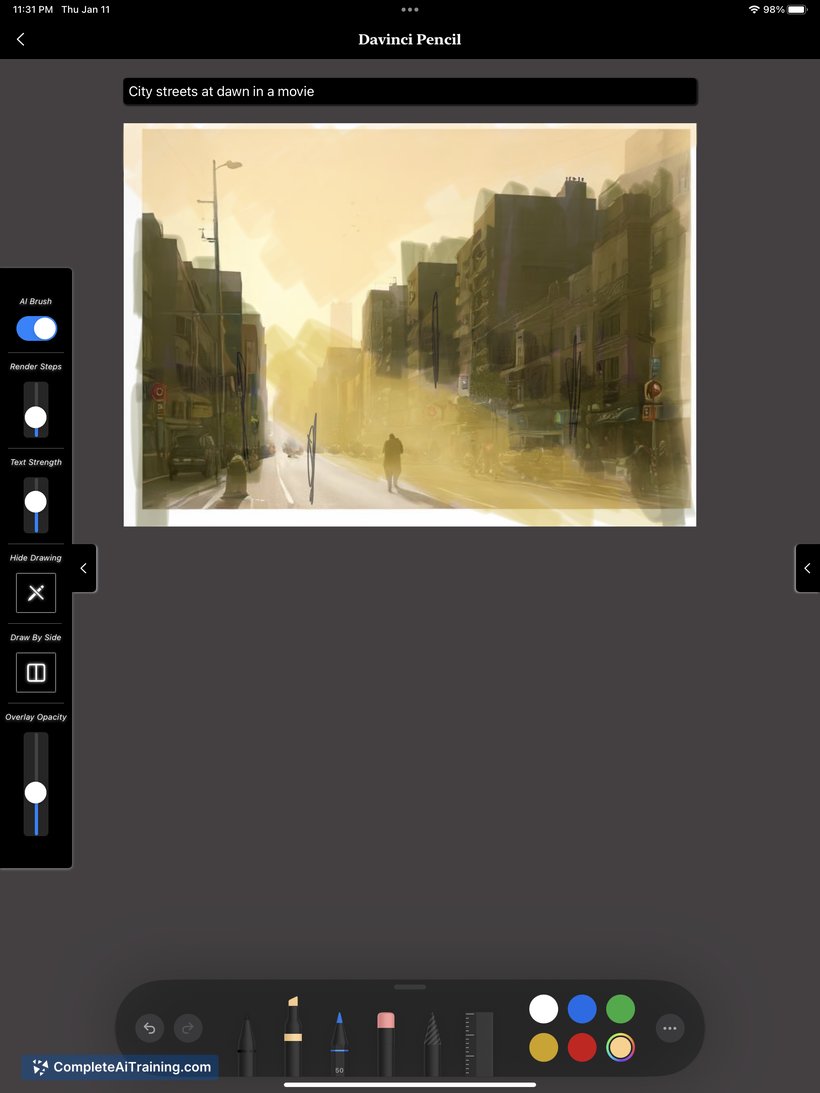
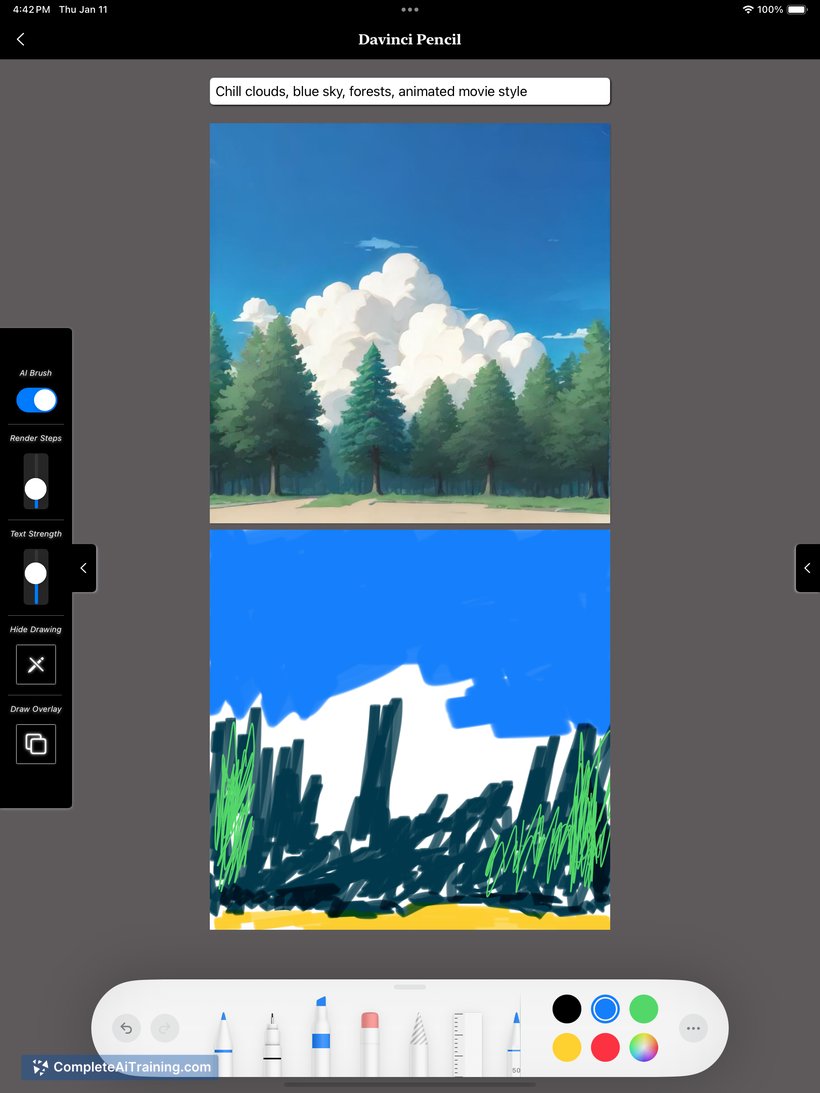
Davinci Pencil provides a simple yet effective platform for digital drawing with AI assistance. The tool aims to make the creative process more accessible by combining intuitive controls with intelligent features that support artistic expression.
Key Features
- AI-assisted drawing tools that help generate and refine sketches quickly.
- Real-time painting and drawing experience with smooth responsiveness.
- User-friendly interface designed for ease of use on iPad devices.
- Support for a variety of brush styles and customization options.
- Ability to visualize and create artwork from imagination with AI guidance.
Pricing and Value
The pricing structure for Davinci Pencil is not explicitly detailed on the main page, but it appears to be a paid app with potential free trial options or in-app purchases. Considering its specialized focus on AI-assisted drawing for iPad, it offers good value for users seeking a simplified yet creative digital drawing tool without overwhelming features.
Pros
- Simple and easy-to-navigate interface suitable for beginners and casual artists.
- AI support helps speed up the drawing process and inspires creativity.
- Optimized specifically for iPad, ensuring smooth performance.
- Offers a variety of brushes and drawing styles to explore artistic preferences.
- Real-time interaction allows immediate feedback and adjustments.
Cons
- Currently available only for iPad, limiting access for Android or other device users.
- Pricing details are not clearly outlined, which could be a consideration for potential users.
- May lack some advanced features found in more established drawing apps.
Overall, Davinci Pencil is well-suited for iPad users who want a straightforward and enjoyable drawing experience enhanced by AI. It is ideal for beginners, hobbyists, or anyone looking to quickly sketch ideas without the complexity of professional-grade software.
Jobs Davinci Pencil suits
We checked Davinci Pencil against 500+ jobs; these get the most out of it.
Alternatives to Davinci Pencil
Other tools that do the same main job. Our AI compared Davinci Pencil with similar tools and kept the ones you could use instead.