
AI tool
DevLensPro
DevLensPro streams HTML selectors, computed styles, React component data, console logs and screenshots via MCP so Claude can diagnose and fix UI issues on Option+Click-delivering 5-10x faster debugging in local or cloud modes.
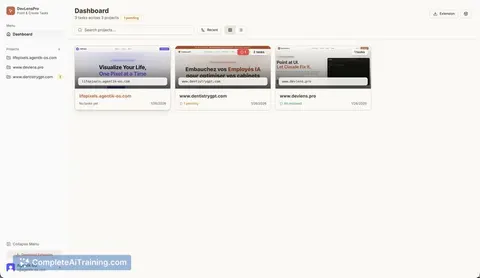
About DevLensPro
DevLensPro is a Chrome extension that connects the browser to Claude Code to streamline UI debugging. By pointing at a UI element, it supplies the model with HTML/CSS selectors, computed styles, console logs, React component details, and screenshots so fixes can be proposed or applied.
Review
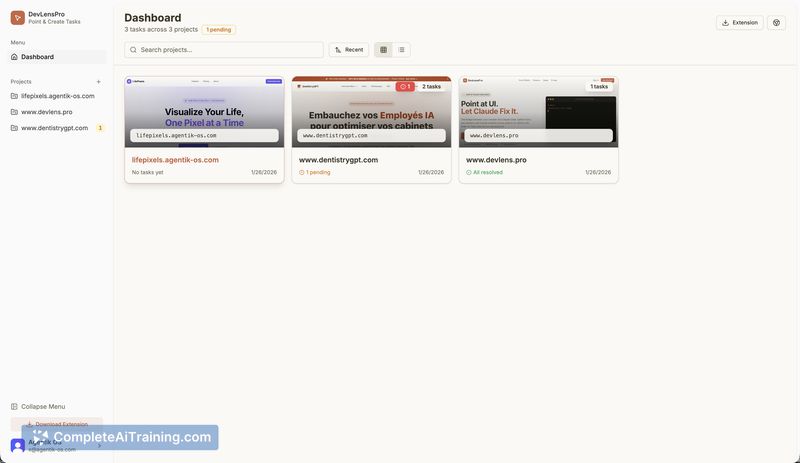
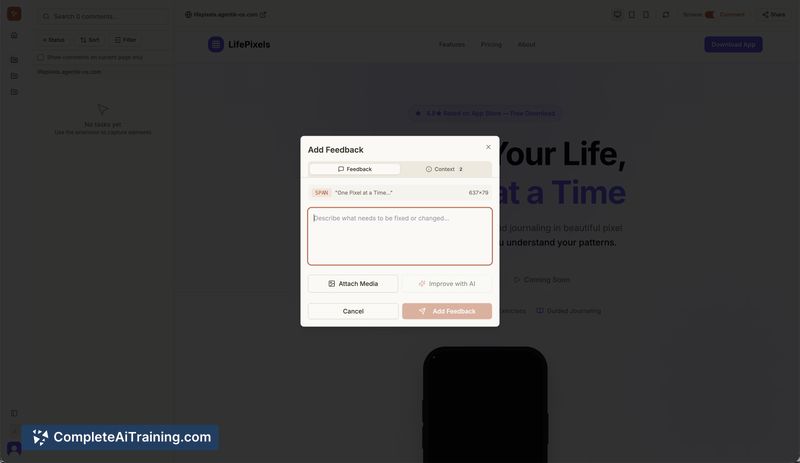
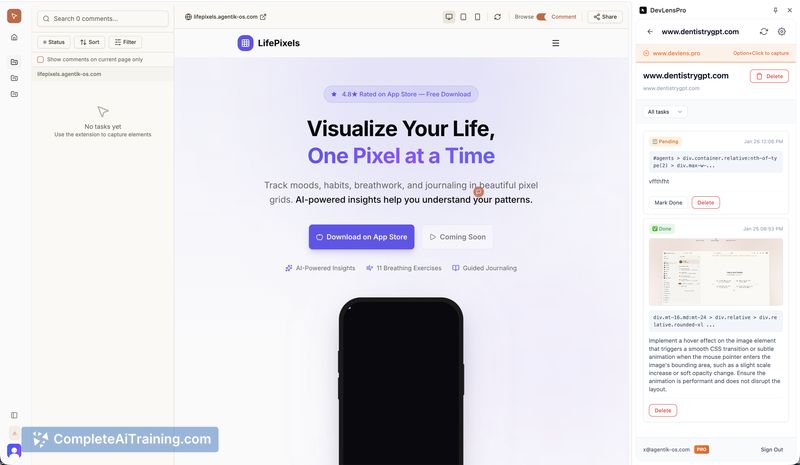
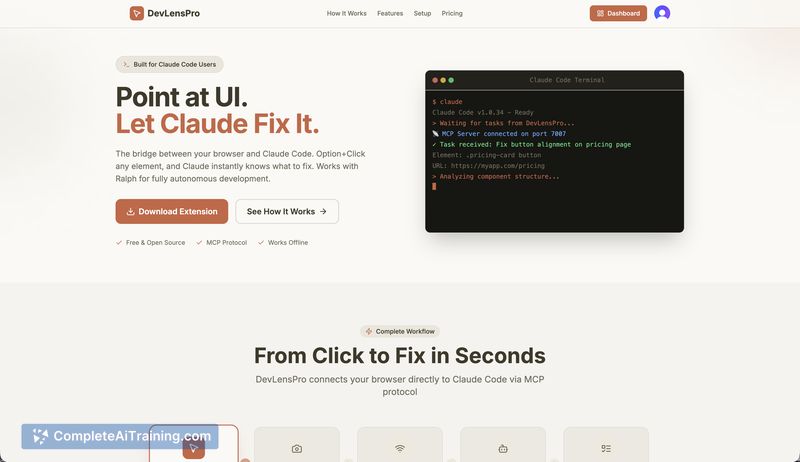

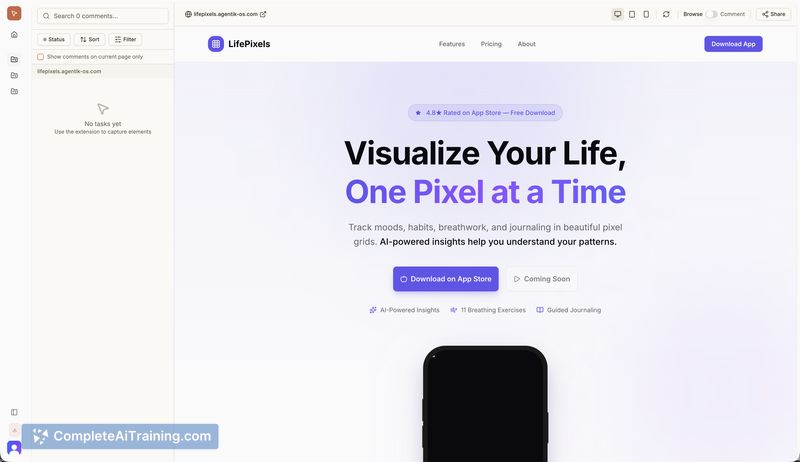
This review examines how DevLensPro fits into front-end debugging workflows and how effectively it reduces the back-and-forth of describing UI issues. I evaluated the point-and-click capture, React inspection, MCP integration, and the local versus cloud operation modes.
Key Features
- Point-and-click selection of UI elements that captures selectors, computed styles, and screenshots
- Streams rich context to Claude Code via the MCP (Model Context Protocol)
- React component detection through Fiber inspection and integrated console log collection
- Local-first, open-source extension with an optional cloud mode for hosted use
- Support for autonomous agent workflows and scripted fixes
Pricing and Value
The project lists free options and is published as open source with a privacy-first local mode, which means you can run core functionality without recurring fees. A cloud mode is available and may include paid tiers or hosting costs; check the official site for current plans. For developers who spend time describing UI state, the extension can substantially reduce that overhead and speed up debugging cycles.
Pros
- Significantly reduces manual context-sharing by collecting HTML, CSS, logs, and screenshots automatically
- Local operation and open-source code offer strong privacy and auditability
- Handles React-specific information, making it useful for modern front-end stacks
- Quick point-and-click workflow that fits inside the browser
Cons
- Currently implemented as a Chrome extension only, so non-Chrome users get limited benefit
- Functionality is tied to access to Claude Code; model availability or policy changes could affect behavior
- Using the cloud mode introduces different privacy trade-offs compared to the local option
DevLensPro is best for front-end developers, QA engineers, and teams that use Claude Code and want to shorten UI debugging cycles. It is less well suited for teams that require cross-browser extension support or for those who cannot rely on external model access and prefer only hosted services.
Jobs DevLensPro suits
We checked DevLensPro against 500+ jobs; these get the most out of it.



